Fine bro, will give you some actual advice on your setup to make it more cool
Get a bigger desk, if you don't have space, clean up your desk your current desk is enough, but make space on it.
Get a good usb c dock if your monitor does not have one. Get a mechanical keyboard, a decent mouse (a vertical one if you worry about your wrist).
Don't fall for the more monitors trap. One is enough, 2 if you do ui work. Anything more will just distract. I would also suggest a good laptop stand and a desk lamp.
You don't need much, you just need something that invites you back to it without friction.
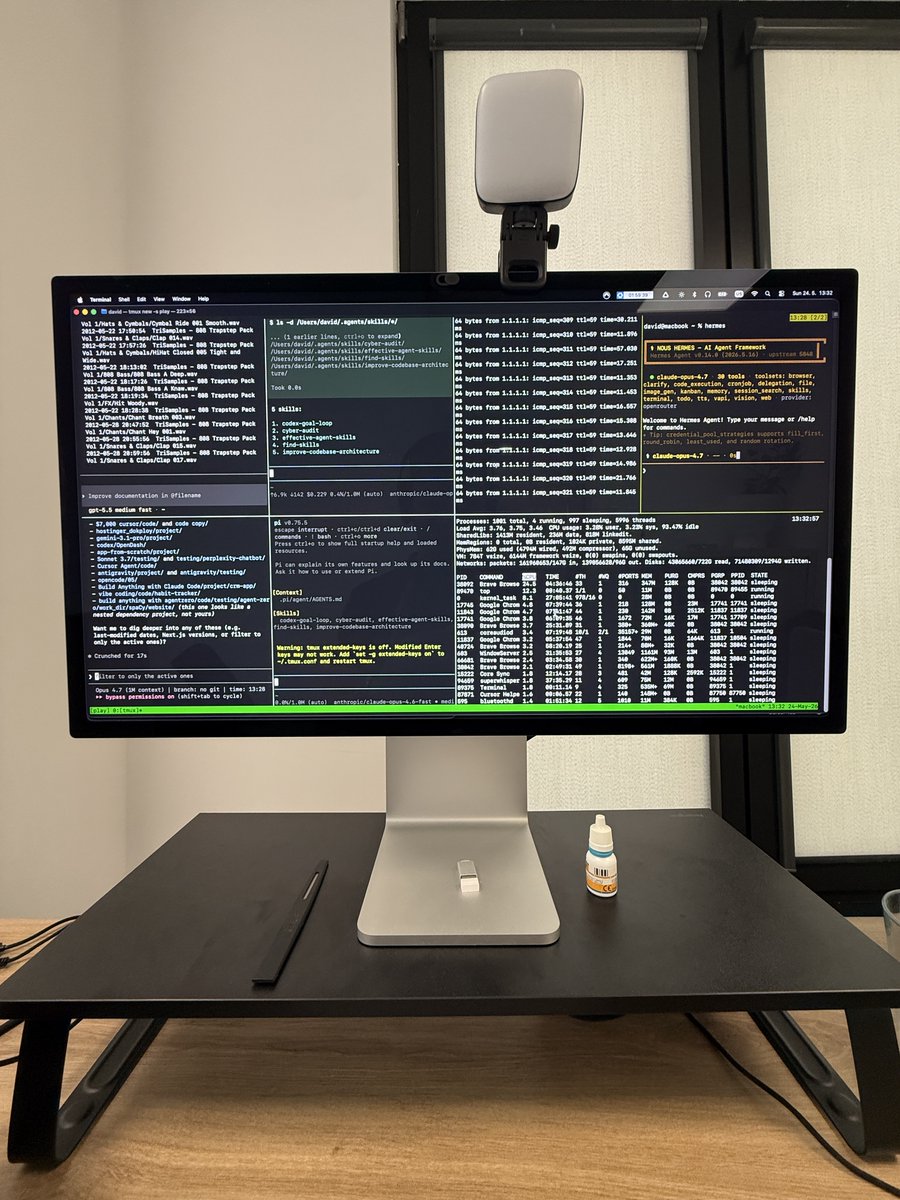
Here's my desk setup over the years for example.
Ps: had no intent to mock your setup, I use a split keyboard and the idea of having two laptops as a split keyboard is funny.
@trashh_dev, I have the same exact macbook air 2015. I think you too have a spicy battery in there.
might wanna have that replaced before you burn down your hours running Linux.
(I see the keyboard bulge)
Since Opus 4.8 is out and more and more designers are getting into Design Engineering, I thought I’d share some of the interaction patterns I use most often:
Use proximity, not just hover. When the cursor gets close, nearby elements can subtly scale and darken based on distance.
It makes interfaces feel more responsive, less binary, and way more alive
onpointermove = e =>
document.querySelectorAll(".dock>*").forEach(el => {
const r = el.getBoundingClientRect();
const t = Math.max(0, 1 - Math.abs(e.clientX - r.x - r.width/2) / 120);
el. style.scale = 1 + t * .5;
});