You can use the "UpdateManagementConsole" REST API job to update the Hardware Management Console (HMC). Learn more about it here: https://t.co/NsmD2Bxjqn
#IBMPowerDocs#HMC
Learn how to obtain and install fixes for the server firmware, I/O adapter and device firmware, and the operating system.
Visit https://t.co/TThOC7DLS0
#IBMPowerDocs#IBM
Did you know that you can use the Advanced System Management Interface (ASMI) to configure Runtime Processor Diagnostic (RPD) test policy? Learn more about it here: https://t.co/m0gcmCZf2L #IBMPowerDocs
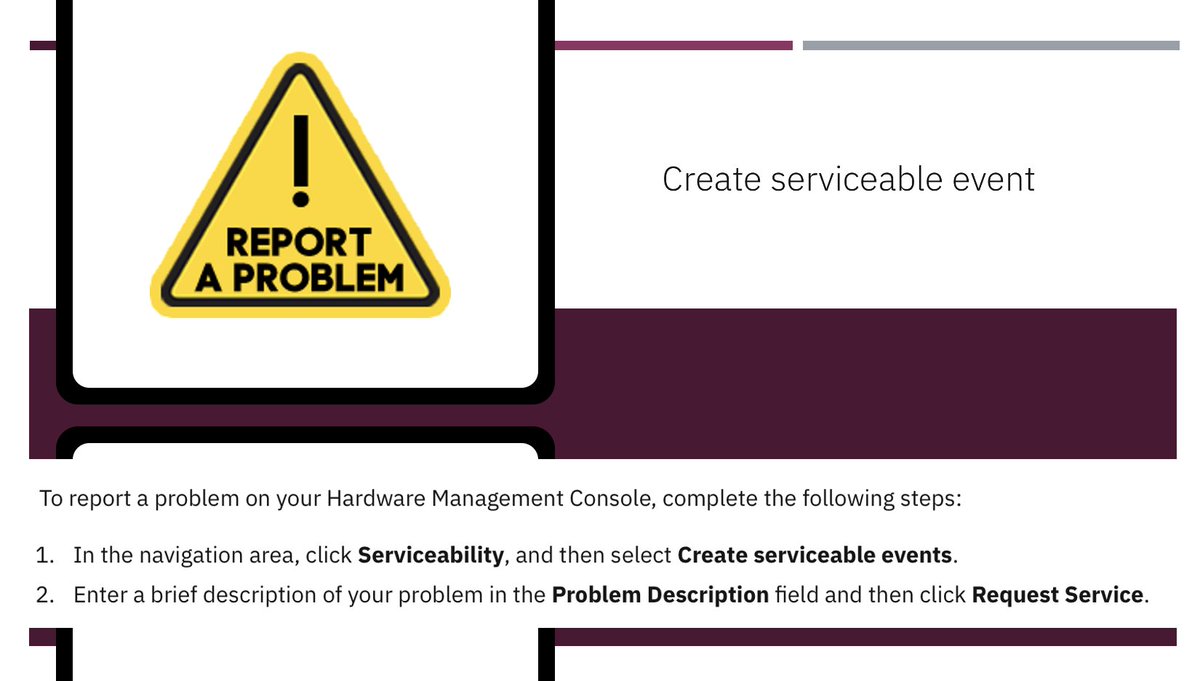
Do you want to report problems that occurred on your Hardware Management Console (HMC) to the service provider? Click here for steps: https://t.co/WK5VBcfw94 #IBMPowerDocs
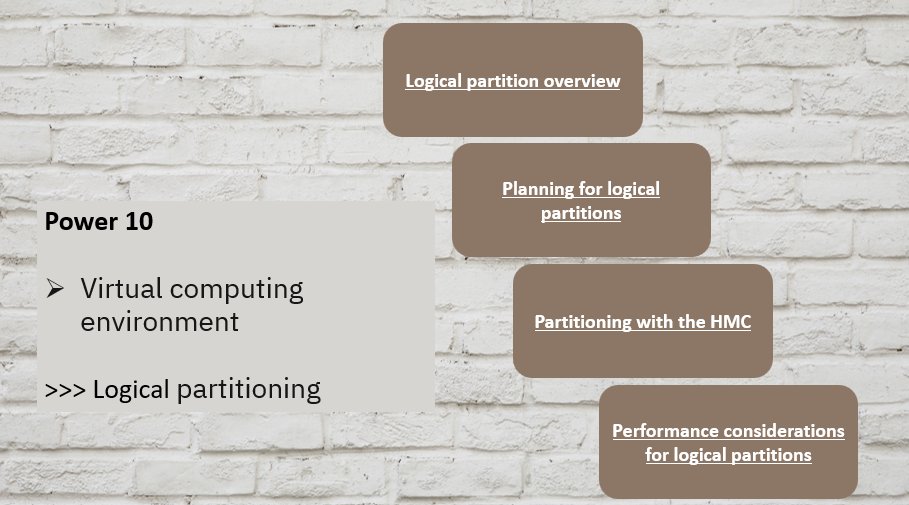
You can set up, manage, and troubleshoot AIX®, IBM® i, Linux®, and Virtual I/O Server logical partitions by using the Hardware Management Console (HMC), or Virtual Partition Manager. To know more, visit: https://t.co/PeJkF0Qfvs
#IBMPowerDocs
Learn how to upgrade the software on an HMC from one release to the next while you maintain your HMC configuration data here: https://t.co/YWrkl3RBlU #IBMPowerDocs
Learn how to install an NVMe Expansion Drawer - 24 devices (NED24) (NED24 NVMe expansion drawer) into a rack or remove the shipping bracket from a preinstalled NED24 NVMe expansion drawer. Visit: https://t.co/5QIaNQ8XTd
#IBMPowerDocs#IBMPowerSystems#Power10
You can use the control panel functions to communicate with the server. Control panel functions range in complexity from functions that display status to service functions that only service representatives must access. https://t.co/ekQ7Xaf0i2 #IBMPowerDocs
Failing items provide the information necessary to fix a problem identified by a system reference code (SRC). To learn more, visit: https://t.co/aKk9WHWeLa
#IBMPowerDocs