Bring your own customized AIX or IBM i operating system (OS) image to deploy within an IBM® Power Systems™ Virtual Server. See: https://t.co/rzC3ZJMjAn
#IBMPowerDocs
Learn more on how to monitor the virtualization capabilities of your IBM® Power systems servers by using the HMC Version 10.2.1030, or later: https://t.co/QgapfD4lWu
#IBMPowerDocs#IBMHMC
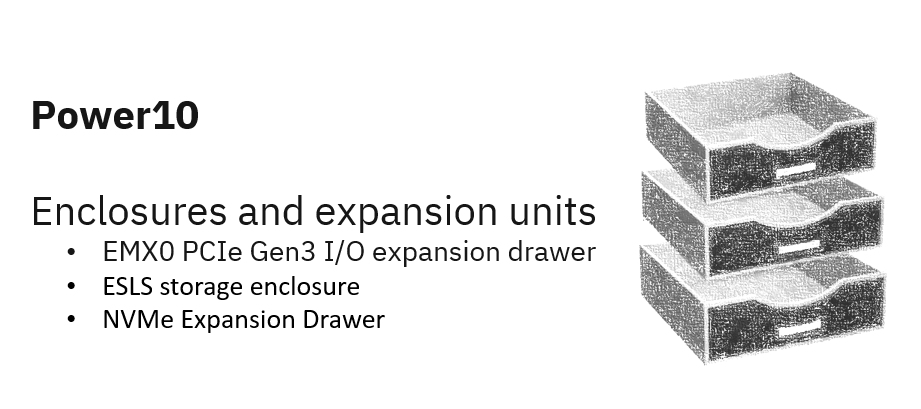
Learn about the enclosures and expansion units that can be connected to #Power10 processor-based servers: https://t.co/1OQHNTbUpg.
#IBMPowerSystems#IBMPowerDocs
You can use the control panel functions to communicate with the server. Control panel functions range in complexity from functions that display status to service functions that only service representatives must access. https://t.co/ekQ7Xaf0i2 #IBMPowerDocs
Get the #security and reliability you need to handle your most critical workloads while only paying for what you use: https://t.co/9rixtJtypr
Know all about IBM Power10 documentation here: https://t.co/O6aqkMJmzZ #IBMPowerDocs
Failing items provide the information necessary to fix a problem identified by a system reference code (SRC). To learn more, visit: https://t.co/aKk9WHWeLa
#IBMPowerDocs
With the Power Systems Virtual Server, you can quickly create and deploy one or more virtual servers (that are running either the AIX, IBM i, or Linux operating systems). Know more here: https://t.co/R8BiyLglMt
#IBMPowerDocs#PowerVS