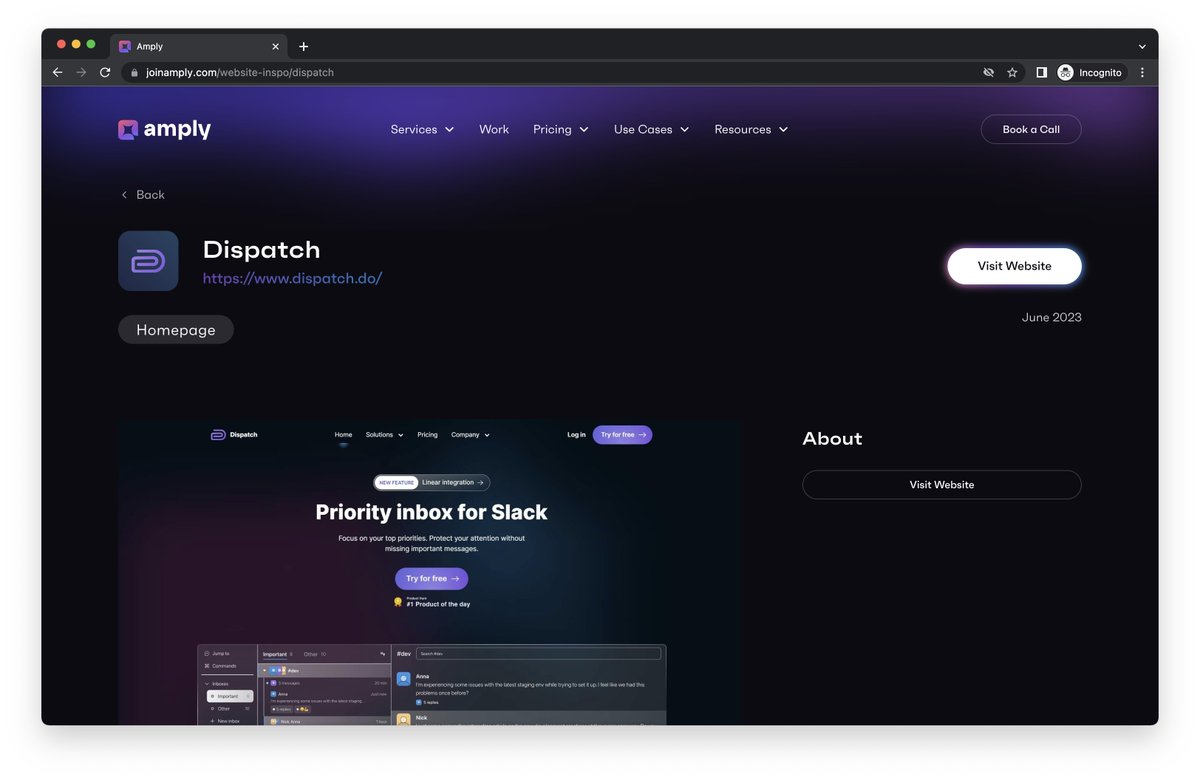
Excited to announce the launch of @DispatchInbox, a priority inbox for @Slack.
Our team has been working hard to make team communication more streamlined and efficient.
Try it out and let us know what you think!
https://t.co/Nmnt8cuxbg
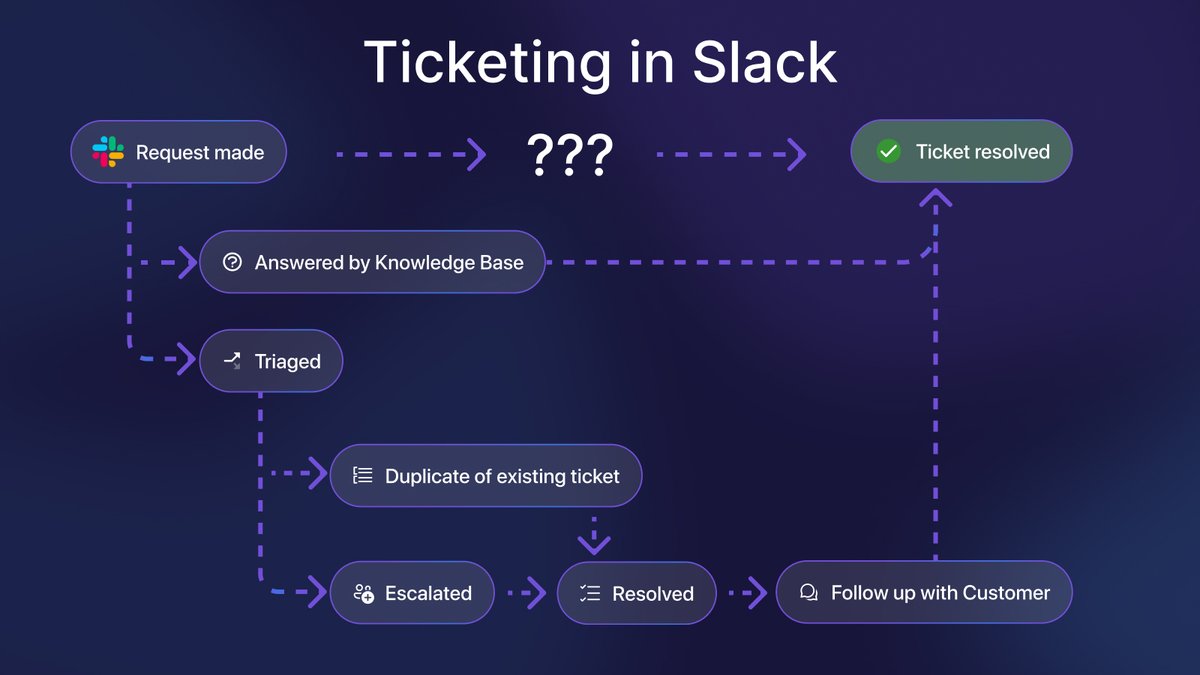
@SlackHQ This step-by-step guide will help you set up a ticketing system in Slack that:
✔️ minimizes response and ticket resolution time
✔️ eliminates duplicate work and messages slipping through the cracks
✔️ improves customer satisfaction and keep your teammates happy
You needed a place to field requests, so you created a @SlackHQ channel. You named it something like #productquestions, #bugreports, #enghelp, or #hrrequests.
Then requests started pouring in and you’re drowning in them.
Time to build a ticketing system in Slack! Here's how 👇
Slack is a black hole for your attention.
@nireyal knows this better than anyone — he wrote two bestselling books on the subject.
That's why he invited us on his blog to share three easy ways to save an hour per day in @SlackHQ
Let's dive in! 🧵
3/ Fluency is our Northstar
We strive to make Dispatch feel fluent - like an extension of your body.
Fluency eliminates the distance between thought and action.
Fluency is effortless.
You can experience it here 👇
https://t.co/mCskIGaarw
Changelog: supercharging inbox management ⚡️
• Bulk select items in your inbox
• Focus on one conversation with Single Panel View
https://t.co/52wM0IzCK6
2/ Focus on one conversation at a time
Dispatch typically shows your inbox and Slack side-by-side.
This is great for multi-tasking... until your ADHD kicks in.
With single panel view, you can focus on one thing at a time: your inbox or a specific conversation.