DisplayBuddy 3.4.0 is out 🚀
🖥️Easily Toggle HDR for displays that support HDR
☀️ Control True Tone, Night Shift, and Dark Mode
💾You can now change those settings using Presets too
Big update: DisplayBuddy now has a full CLI 🚀⌨️
You can now control DisplayBuddy from Terminal and automate your display workflow end-to-end ⚡️
Detailed guide in the next tweet:
DisplayBuddy 3.2.2 is out ✅✨
Fixed an issue where resolution wouldn’t apply from Presets when only one display is connected 🖥️
Thanks for the bug reports — they help a ton 🙌💙
@depannagemac Hi, we’re happy to help! Just DM us, and we’ll find it for you.
Did you also email support? (If you did, we already found your license and sent it to you!)
@ErdalToprak@littlesnitch Hi, thanks for reporting this. We don’t initialise this SDK when telemetry is disabled, so this should not happen.
Let me double check and get back on what’s the issue here
✨ Featured App - @DisplayBuddy ✨
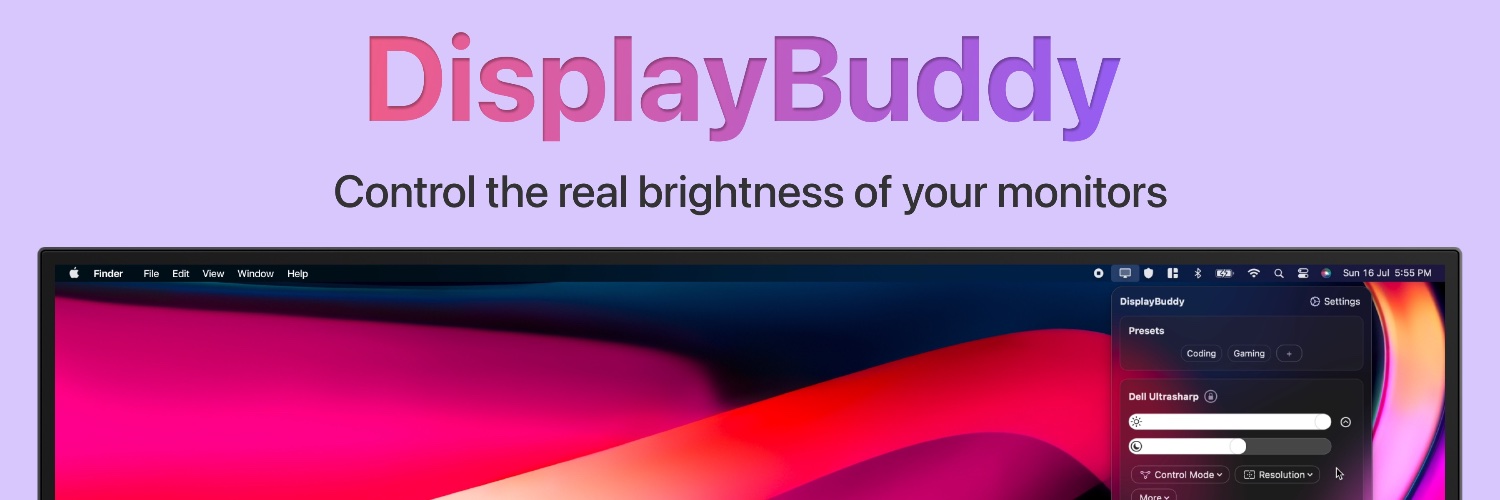
Control external displays from your Mac menu bar. No need to touch the clunky buttons on your monitor.
Get 10% Off DisplayBuddy using the link below. https://t.co/zRX61oJxi7
🎉DisplayBuddy 2.29 is comes with a highly requested feature - Sync Offsets!
🔄 Set offsets for your monitors to make sure they stay in sync with just the right brightness!
Out now! 🚀
🚀 Exciting news! DisplayBuddy 2.20 is here with two major features: UltraBright & Samsung Smart Monitor Control!
🔆UltraBright: Unlock your MacBook's full 1600 nits brightness! Perfect for working outdoors, control it effortlessly with your keyboard brightness keys.
Rushing to share the news — @DisplayBuddy has just made managing your external monitors even easier.
The app adds UltraBright functionality to unlock your monitor's max 1600 nits brightness and brings Samsung Smart Monitor controls😎
Try it👉 https://t.co/gIB6GOB135
🎉 Samsung Smart Monitor Control: Finally, the most requested feature! Control the real volume, power, input source, and more of modern Samsung Smart Monitors like the M5, M7, M8, and ViewFinity S9 directly from your Mac.