Professional FME Gamer since 2005. The creator of fun but realistic Scenarios at @SafeSoftware, Augmented Reality enthusiast. Demos are for everyone, just ask!
Would you like to create a unique Christmas image with an #FME Flow App and #OpenAI? Follow the link, play with the parameters and run. Feel free to reply with your creation:
https://t.co/gh3PyCH1bP
Turning #FME error messages into audio messages delivered to a Slack channel with #OpenAI API is yet another example of @SafeSoftware integrations. This can be quite useful with triggered FME Flow translations. I love how easy we can do it.
Instead of searching for images all over the web, I tried to use #ChatGPT for creating prompts based on my erratic thoughts, and submit them to #Dalle for texturing objects in #FME. Now we can create the whole neighborhoods with homes of unique designs but matching styles😃
As you can see I am really busy at #AugmentedEnterprise in Houston protecting our planet from alien invasion. And also taking about data integration because all those headsets need data, right?
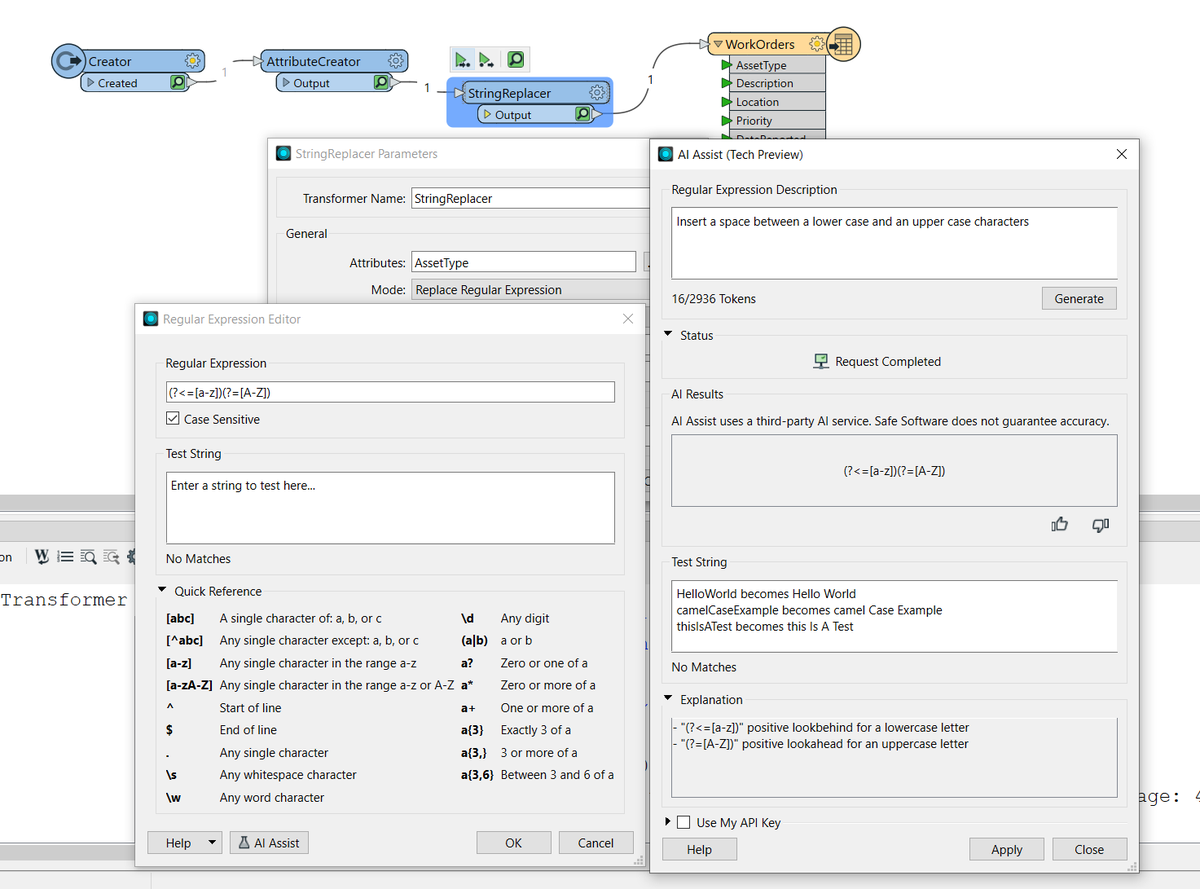
Mixed feelings - it looks like my regular exercises with regular expressions are over. I kind of liked those puzzle-solving 🧠teasers. But why bother when there is an #FME AI Assist ready to help? On the other hand, now I spend no time on this.
I am so excited about this. With #FME, I (or anybody) can take a cloud-based XML file (e.g. Autodesk Build) describing some workflow, turn it into @SphereTechXR workflow, put on a @magicleap headset and follow the steps. Better demos are coming (really wanted to share now).
Did you like my last Black Magic tweet? Here's one more. Making the output 6 times smaller and still not touching the data. Can you see how I do it? When #FME prepares #AugmentedReality models for streaming to field workers on the fly, we value every second saved. @SafeSoftware
If wonder how I use all those loops from my previous tweet, check this video - an #FME custom transformer to make creation and styling HTML tables easy. I had some exhaustive dialogs with ChatGPT to get all the color calculations right. Would you find this CT useful in your work?
I am preparing a @SphereTechXR - @SafeSoftware demo for my colleagues, and I must say, working with computer screens and @magicleap at the same time during a call with myself feels a bit whovian. #Daleks come to mind.
Viewing city utilities with @magicleap? Yes, it's possible! Using @SafeSoftware#FME and @SphereTechXR, we can create #AugmentedReality experience from any data including regular GIS or CAD. The next step for me is to see how we can add some interactivity with Sphere's workflows.
With this X-Former, we create shadows not only for #AR as shown in my last post. We can see how shadows move during the day around an object (this won't work in densely built-up areas, but I am checking whether we can do something about it). #FME+PyEphem
https://t.co/2JhowdAjnV
With PyEphem and a little help from #ChatGPT, I created an #FME workspace where SurfaceFootprintReplacer makes accurate shadows using datetime and location. Look how much of a difference this makes to an #AugmentedReality model! I should add this to all my #AR workspaces.
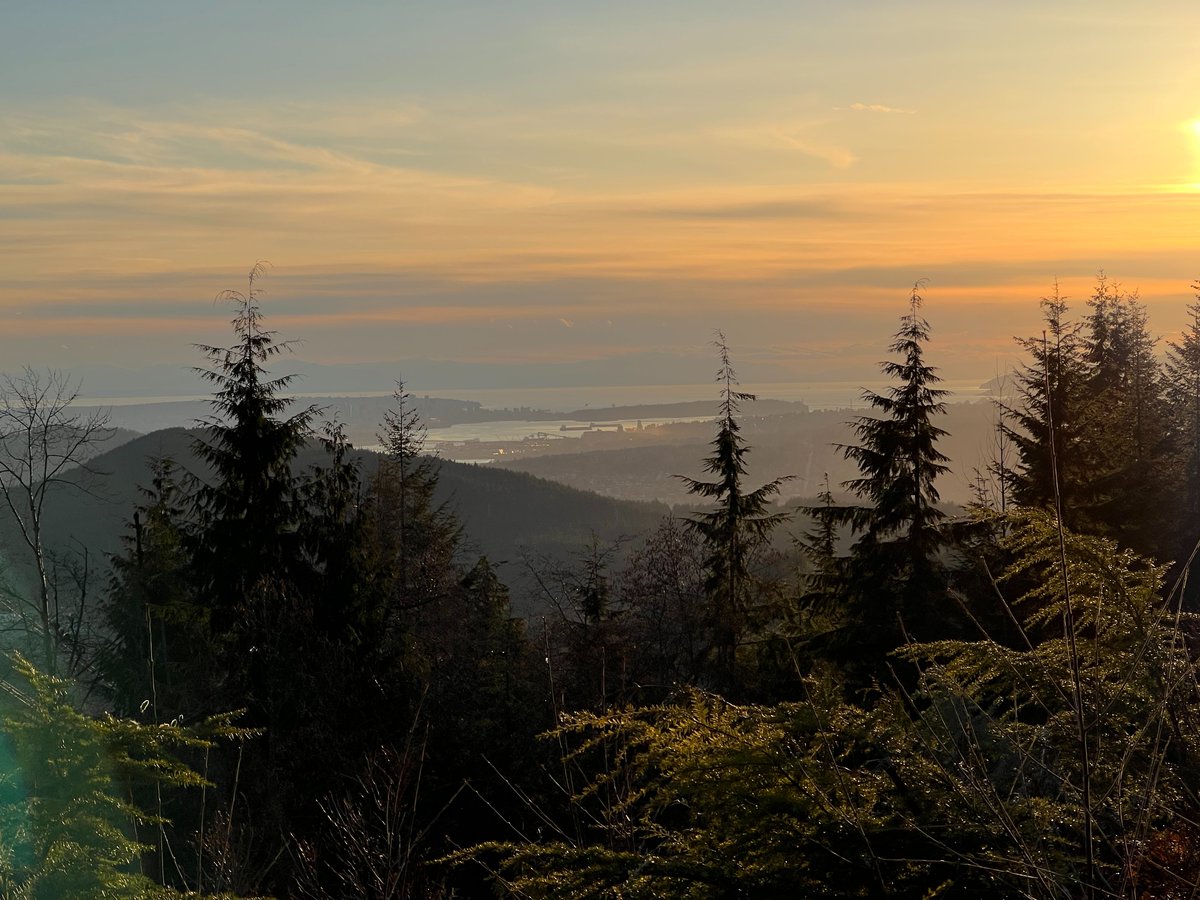
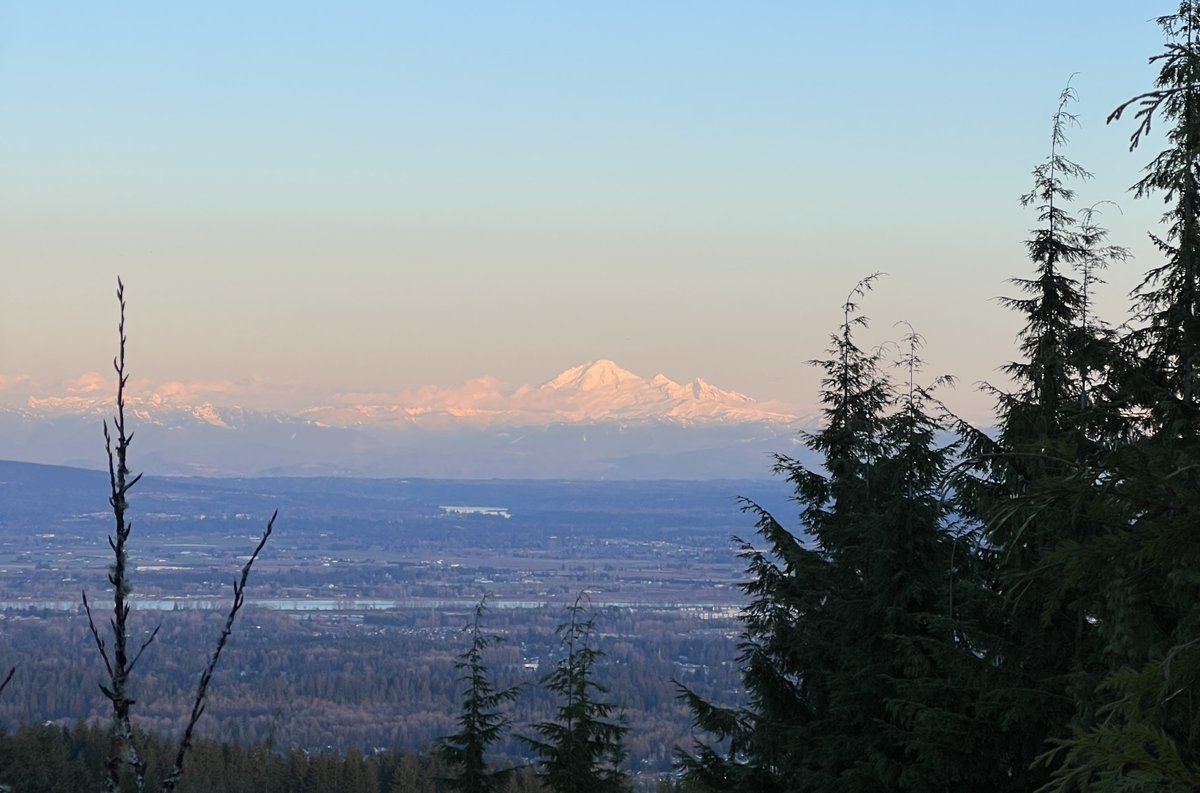
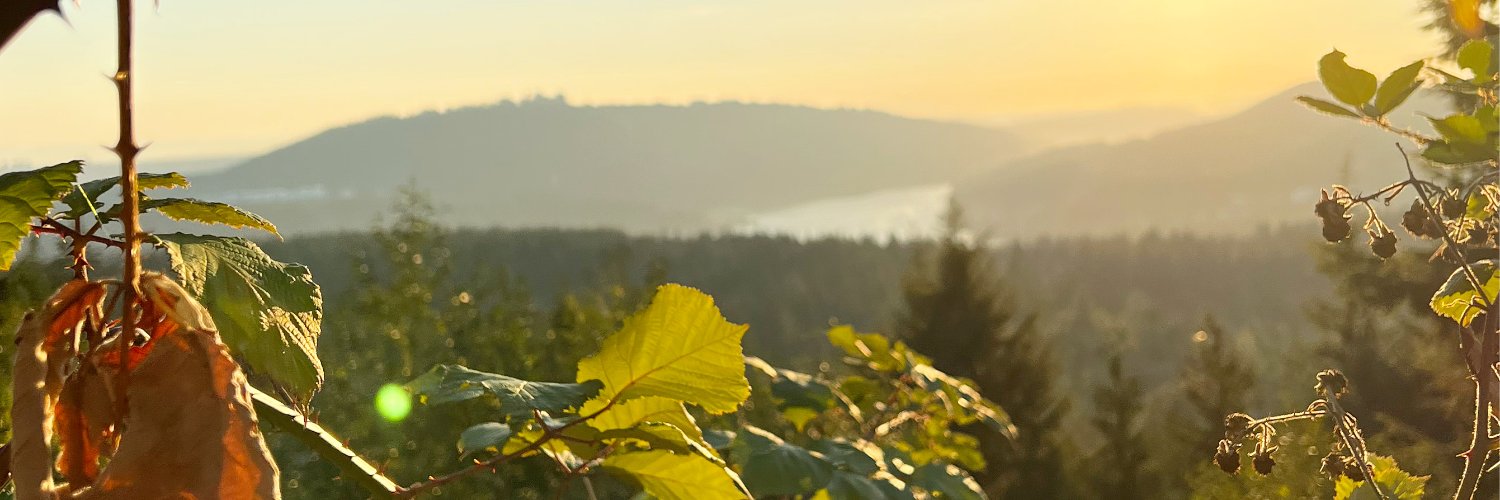
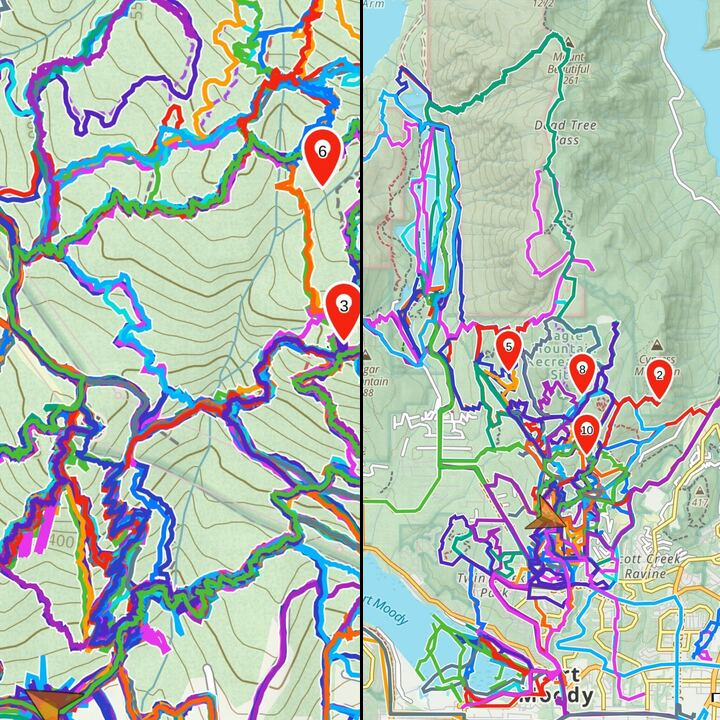
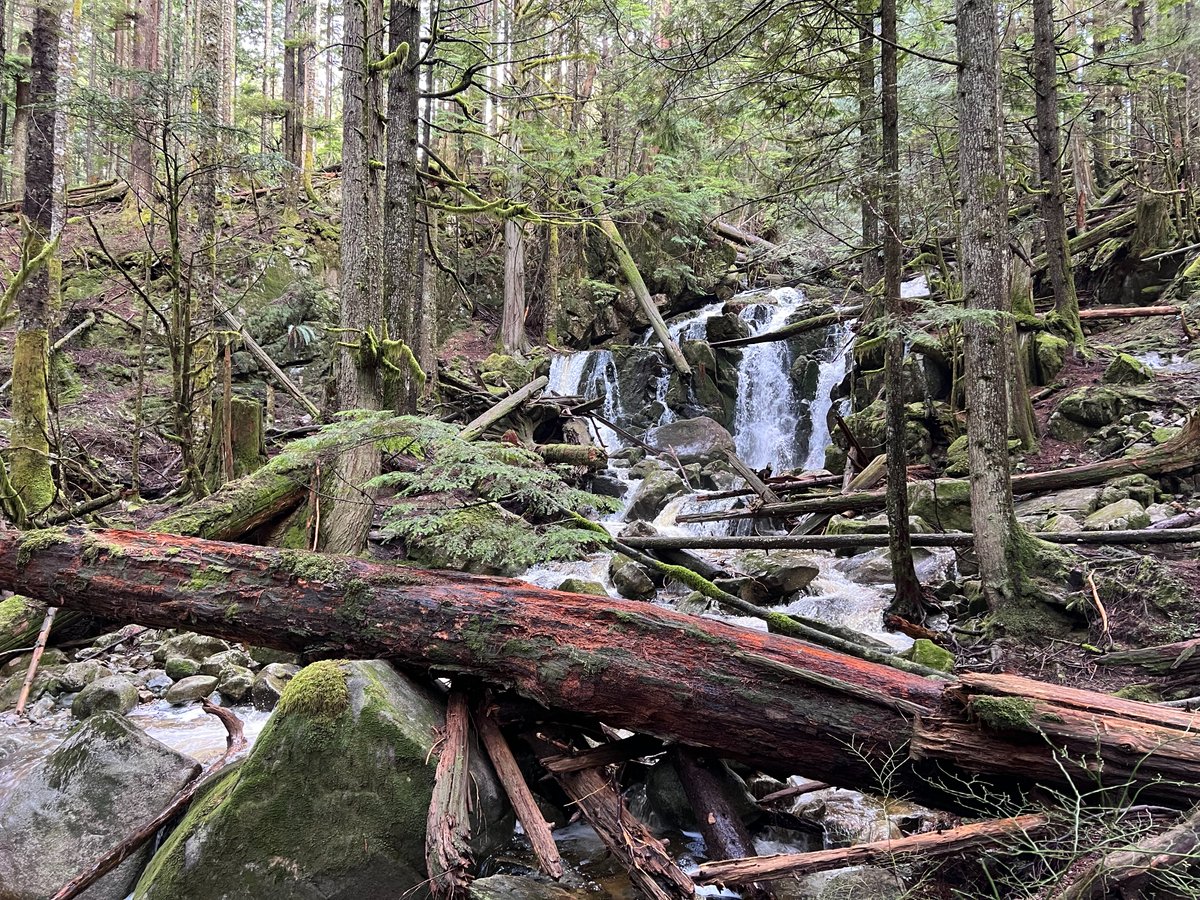
Guess who won @SafeSoftware step challenge 2023! I walked 610,695 steps in April. Here are three photos of my daily hikes, which also gave me, according to my Fitbit, 6900 floors climbed (230 per day on average).
A remake of our #AugmentedReality Bus Shelter scenario, this time with @MagicLeap and @SphereTechXR. With a headset, it's a lot more immersive experience (I really wanted to sit on the bench - watch me trying). But the recording for later use is still better with a phone #AR.
I am sure there will be a lot of interesting ideas how to use custom parameter dialogs in workspaces and custom transformers in #FME:23 and on. Conditional Visibility is probably my favourite part of the upcoming FME release.