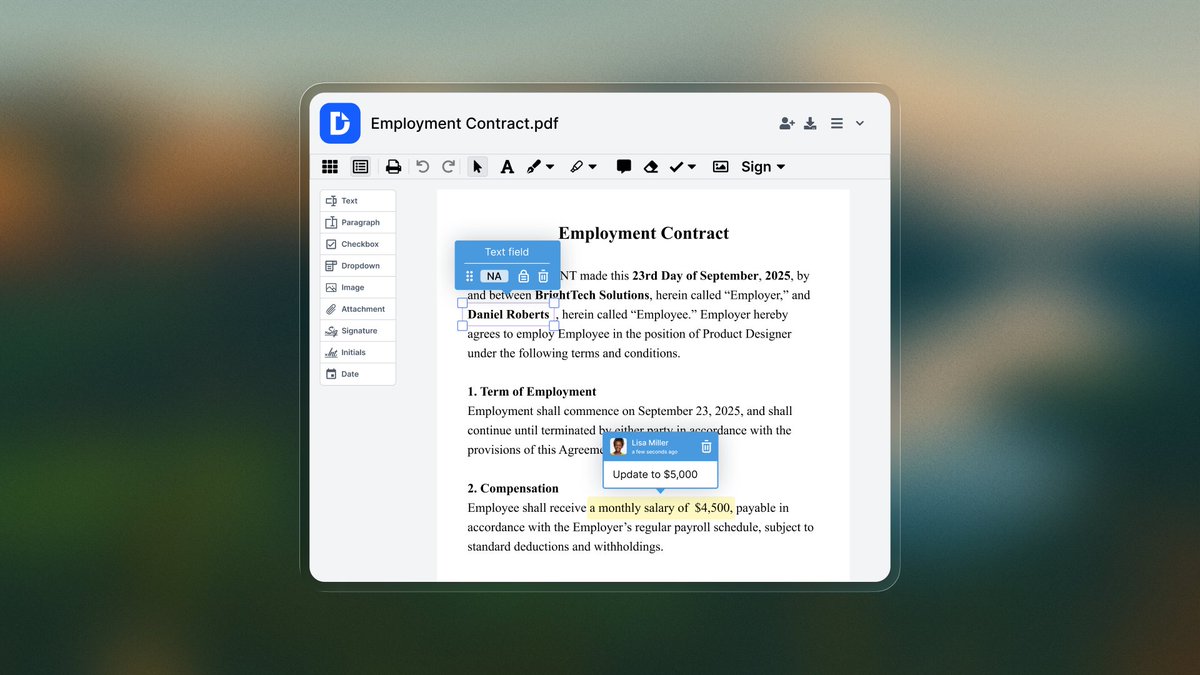
✍️📄 Editing text in a #PDF shouldn’t feel like a workaround. It should just work. That’s why #DocHub launched Edit Text — a new feature that lets you update PDF content directly, cleanly, and in place👇
From contracts and reports to forms and templates, Edit Text makes PDF revisions seamless and professional. Unlock Edit Text with #DocHub Pro 👉 https://t.co/sUvYZjXV2E
✍️📄 Editing text in a #PDF shouldn’t feel like a workaround. It should just work. That’s why #DocHub launched Edit Text — a new feature that lets you update PDF content directly, cleanly, and in place👇
Edits stay visually consistent with automatic font, size, and color matching — while natural text reflow and alignment help preserve the original layout👇
Printing, scanning, mailing… repeat. 😩
Traditional document workflows waste hours. With #DocHub, you skip the busywork and get more done—faster. See how 👉 https://t.co/NdpQ965x4x #Productivity#LaborDay
🧑💼💼🗓️Ditch the paperwork grind this Labor Day! With #DocHub, you can e-sign, edit & share docs from anywhere—desk or beach. More freedom, less admin. Sign up today: https://t.co/NdpQ965x4x #LaborDay#WorkSmarterNotHarder
Need to sign a paper document ASAP but don't have a scanner? 📄➡️📲 The #DocHub mobile app transforms your phone into a powerful, portable scanner. Get DocHub #mobile app today🤖 https://t.co/6DuCNE4nK9 📲https://t.co/1RTgkNVYH2 https://t.co/bfDvlnX1BW
Here's how #DocHub helps students & teachers: Students: Edit PDFs, use AI assistant to simplify readings, & scan notes on the go with our 📱app. 📷 Teachers: Fill & sign forms in bulk, let AI assist with planning, & edit docs via mobile. Sign up today📷👉https://t.co/McQXXXBfvN
🎒Back-to-school season is here! Tackle every document without a printer. #DocHub is the all-in-one solution for a paperless school year. Our #mobile app lets you get work done everywhere. Ready to trade paperwork for productivity? Sign up: https://t.co/McQXXXBfvN #backtoschool
#DocHub integrates with Google #Workspace, Google #Classroom & your favorite cloud storages. Access all your files in one click, even on your mobile app. Simplify your school year. Sign up today👉 https://t.co/McQXXXBfvN #BackToSchool
Just like the historic signatures on the 🇺🇸Declaration, your electronic signatures are powerful & legally binding with #DocHub. Unlock new levels of efficiency for your business👉https://t.co/R81bbFen5J #IndependenceDay#eSignatures
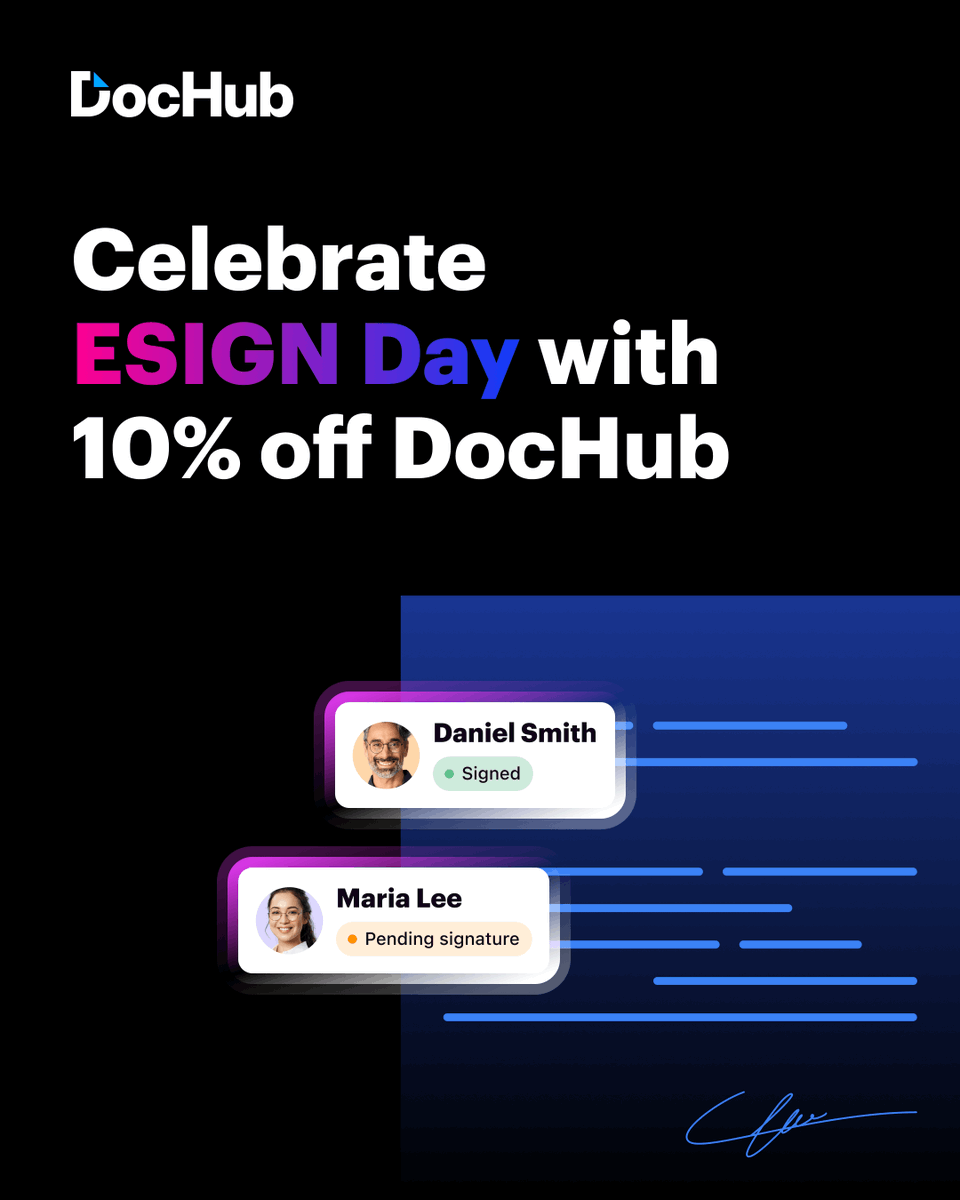
🎉 Happy National ESIGN Day! It’s been 25 years since the #ESIGN Act made #eSignatures legally binding. Get 10% off your first year with #DocHub through July 6. Academic plans are excluded 👉https://t.co/mhqY5fmAXi
Since 2000, the #𝗘𝗦𝗜𝗚𝗡 𝗔𝗰𝘁 has transformed how agreements are made. Go beyond #signatures: edit, share & manage docs securely from anywhere. 𝗦𝗶𝗴𝗻 𝘂𝗽 𝘁𝗼 𝗴𝗲𝘁 𝟭𝟬% 𝗼𝗳𝗳 𝘆𝗼𝘂𝗿 𝟭𝘀𝘁 𝘆𝗲𝗮𝗿 𝘄𝗶𝘁𝗵 #𝗗𝗼𝗰𝗛𝘂𝗯 till 𝗝𝘂𝗹𝘆 𝟲👉https://t.co/xQANa2kCKW
Experience the power of Bulk Assign! #DocHub Pro users, simplify your document #signing process by importing recipient lists instantly. Head to https://t.co/HNSrcssrq3 to see how it can #transform your workflow. #ProductivityTools
Streamline your sign requests with DocHub's new Bulk Assign feature. For Pro users, managing multiple recipients just got much easier. Import your entire list in a few clicks, saving time & reducing errors. Learn more: https://t.co/HNSrcssrq3 👇#DocHub#DigitalSignature
Tired of manually adding signers? DocHub’s Bulk Assign tool simplifies the process. Ideal for those needing multiple signatures, it enhances #workflow efficiency & minimizes errors. Boost your productivity today 👇#WorkflowAutomation#DocumentManagement#DocHub