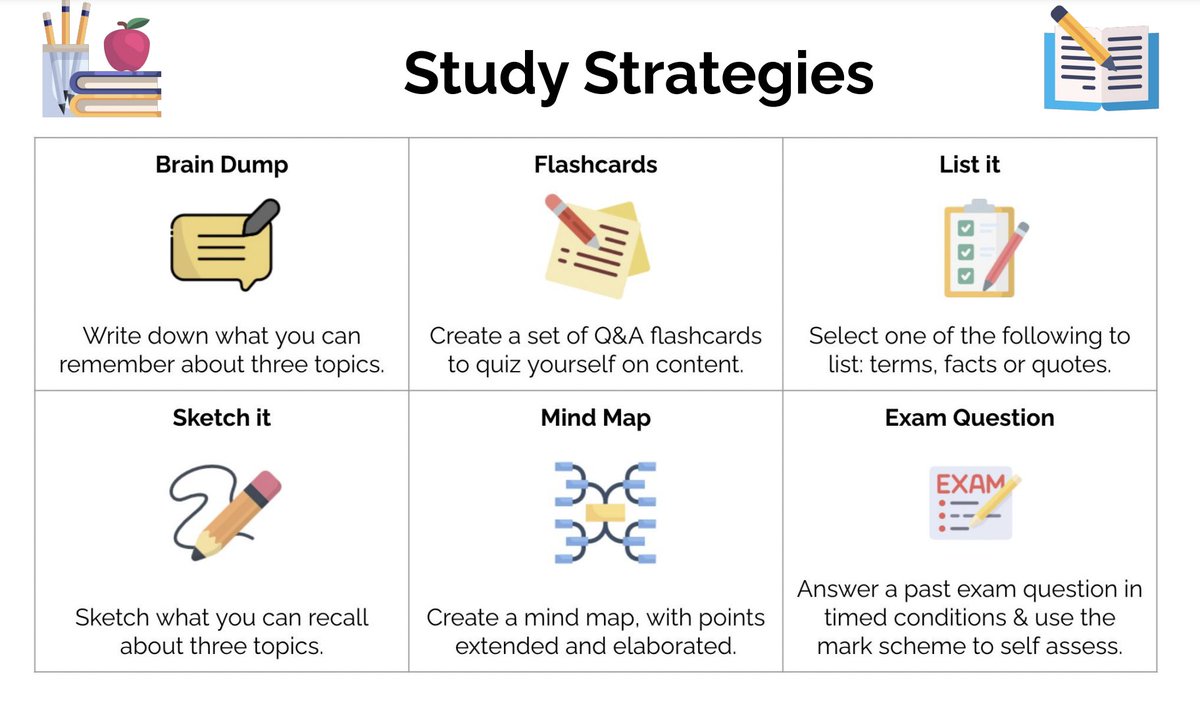
I created a study strategies menu for my students to show how retrieval practice can include variety.
Other techniques & tasks can be added depending on age, subject & topic. This helped promote a variety of evidence-informed study strategies for students to do independently.
A tutorial video on the Top 10 NEW features for #MicrosoftTeams Assignments 📖 Includes:
🧑🎓 Turn in on behalf of student
🔔 Late assignment notifications
🔬 Mini-speedgrader
📖 Reading Progress
➕ Lots more
YouTube 📺 https://t.co/DhIpwBvGP6
#edtech#MIEExpert#MicrosoftEDU
For those that like lists, here is the entire list of the 32 new #MicrosoftTeams for EDU features we announced today 🚀
👨👩👧👧 Parents
📝 Assignments
✍️ Whiteboard
📖 Reading Progress
💜 OneNote
🤝 Partners
➕ More
👉 https://t.co/gzCOT53CVC
#edtech#MIEExpert#MicrosoftEDU
Creating assignments in Microsoft Teams is easy. You have LOTS of flexibility in:
🟪Students assigned
🟪Files attached
🟪Rubric used
🟪Resubmission
LOTS of ideas for using #MicrosoftTeams in education here: https://t.co/1xiEK03ztu #DitchBook
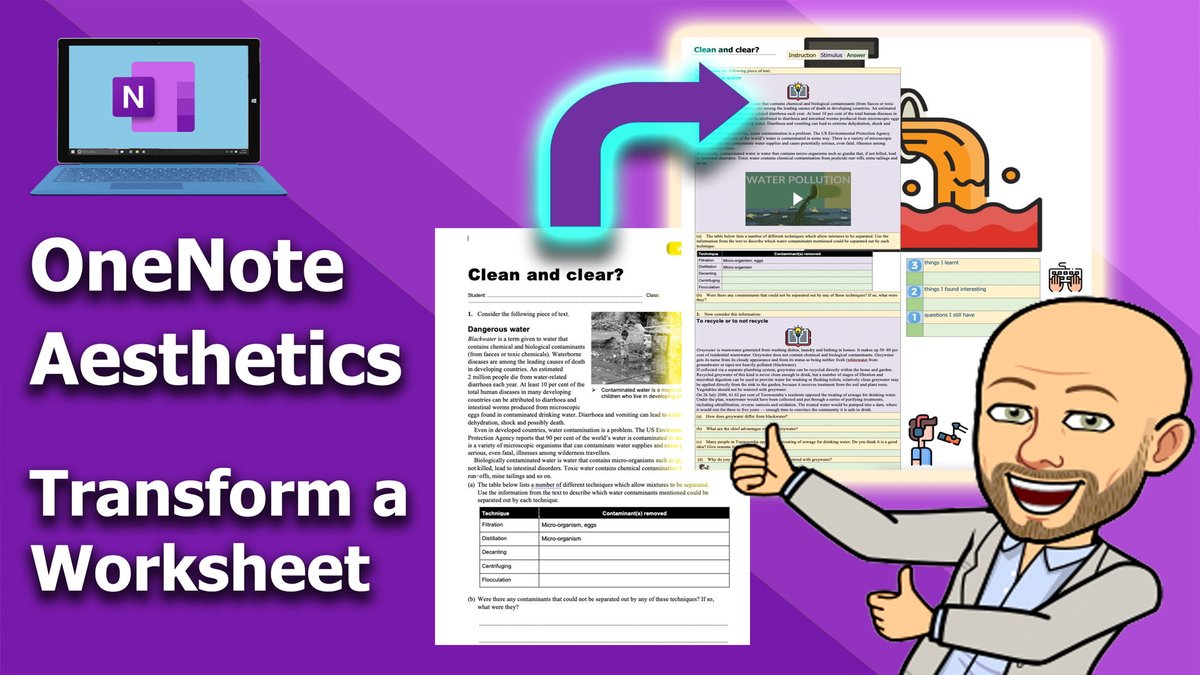
Our next @OneNoteEDU video on aesthetics will take you through how to transform your exisiting worksheets into amazing #OneNote pages.
Check it out 👉 https://t.co/wQ4yZkt1AD
🔔 Subscribe 👉 https://t.co/DMn7SoSWng
@andybattese @MSAUedu @MicrosoftEDU#edtech
A tutorial video on the Top 7 new features in #MicrosoftTeams 🚀 Updates include:
🧑🏼🤝🧑🏾Co-organizers in meetings
🔕 Mute meeting notifications
📌 Pin your own video
🖼️ Web background filters
➕ Lots more
YouTube 📺 https://t.co/eCeXfzCNIH
#edtech#MIEExpert#MicrosoftEDU
🚨Need some custom announcement banners for @MicrosoftTeams ? 🚨
Featuring favourite apps such as @ClickViewUK & @wakelet use these to highlight activities and superb tools that work inside of Teams.
Have a request let me know 😉
#MIEExpert#EDUMLC
https://t.co/vt7931IJqk
🗺️ https://t.co/m9GeZLWP7l - https://t.co/4Ct04BdaZa
Online interactive map game where you drag and drop countries or states onto a world map to fit them into their correct locations like puzzle pieces.
#edtech#sschat#geography