🙋 Are you a tech coach or tech leader?
📚 Then this FREE eBook is for YOU!
➡️ Get the Top 10 Secrets of an Awesome Tech Coach!
https://t.co/qS7AQW5FPr
#edtech#edchat
Google Classroom app has a student picker.
Click on the people tab and use the weird icon at the top.
#googleclassroom#googleEDU
For more Google Classroom tips visit: https://t.co/oE7iMBZHu5
@xt52017black@Johnheretohelp Does John have 2 telegram accounts? If so can you put them here? I am following 2 accounts but want to make sure they are legit.
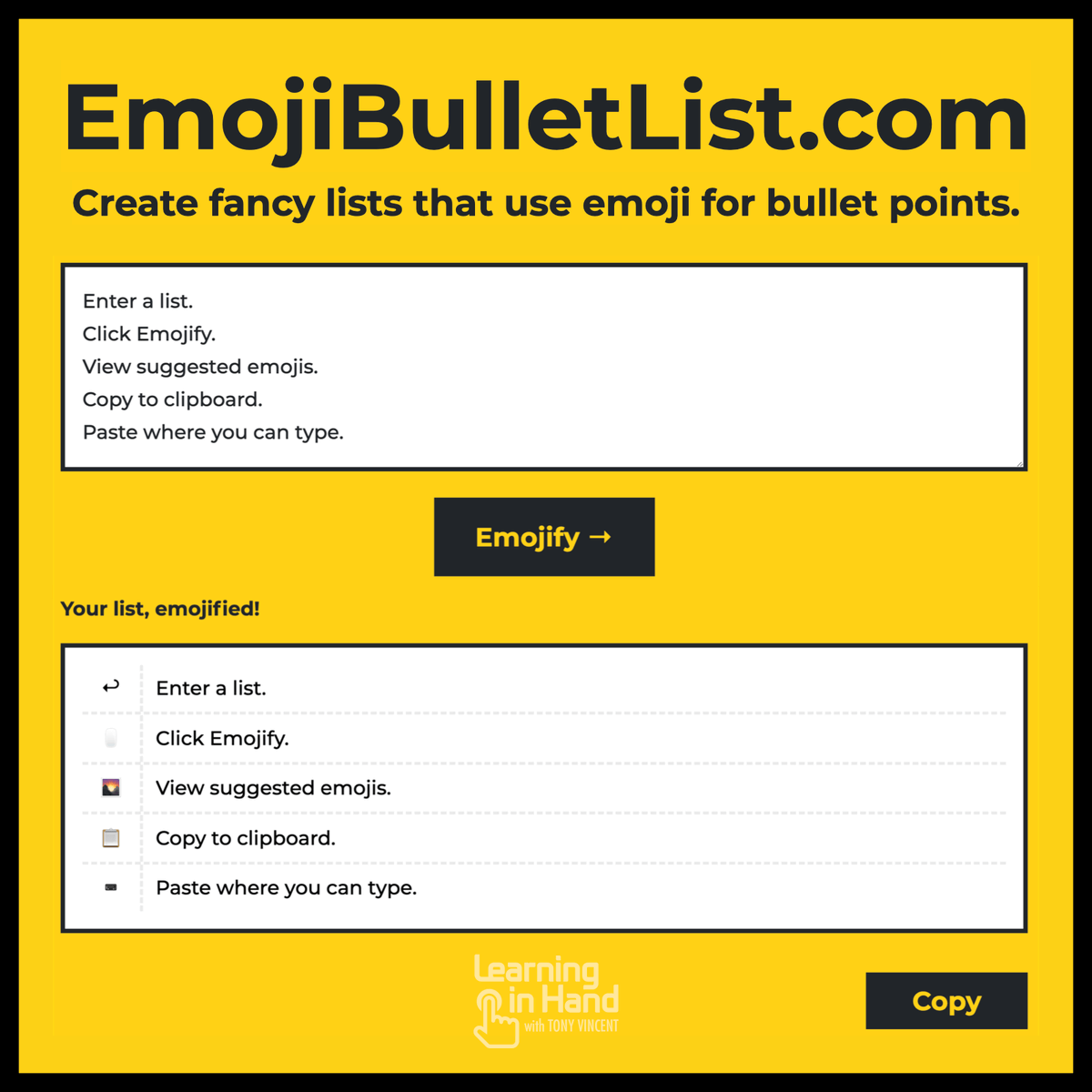
👉 Simply enter a list into https://t.co/woC1QVbjqI and it will do its best to pair a relevant emoji with each item.
🖱 Click an emoji to see more suggestions. Sometimes the results are disappointing, but you can paste the list anywhere and add your own emojis.
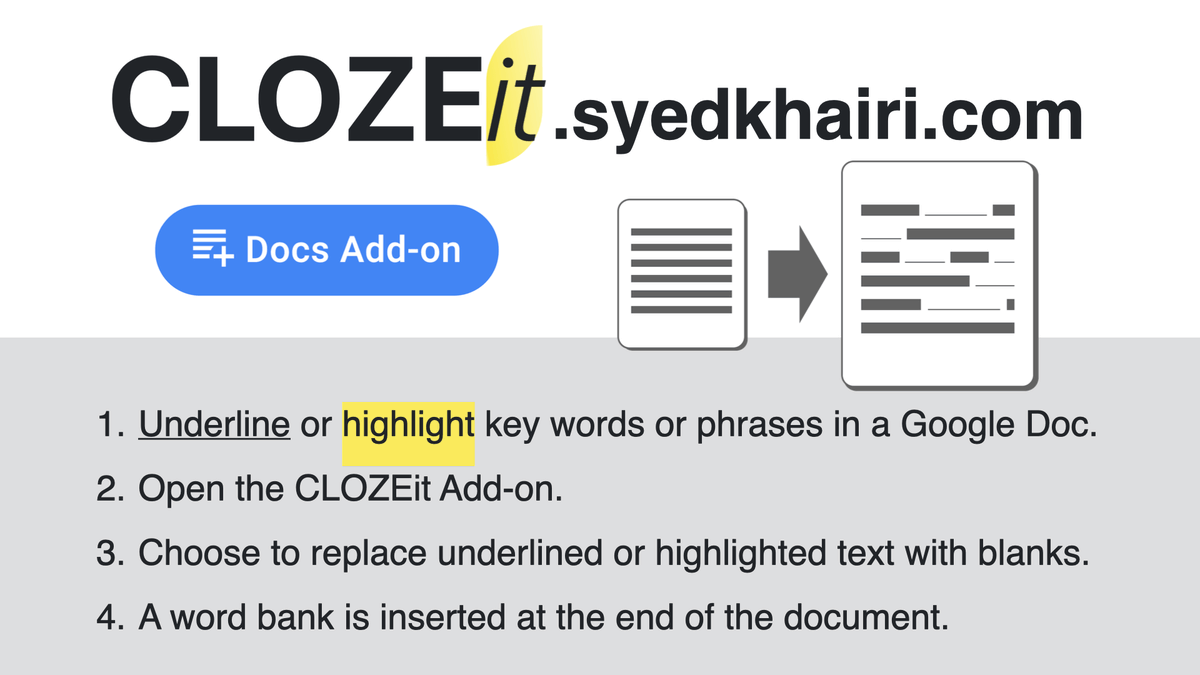
📃 CLOSEit is a free add-on for Google Docs. Underlined or highlighted words are replaced with blanks and a word bank is added to the end of the document.
https://t.co/gHbwZSJ0NH
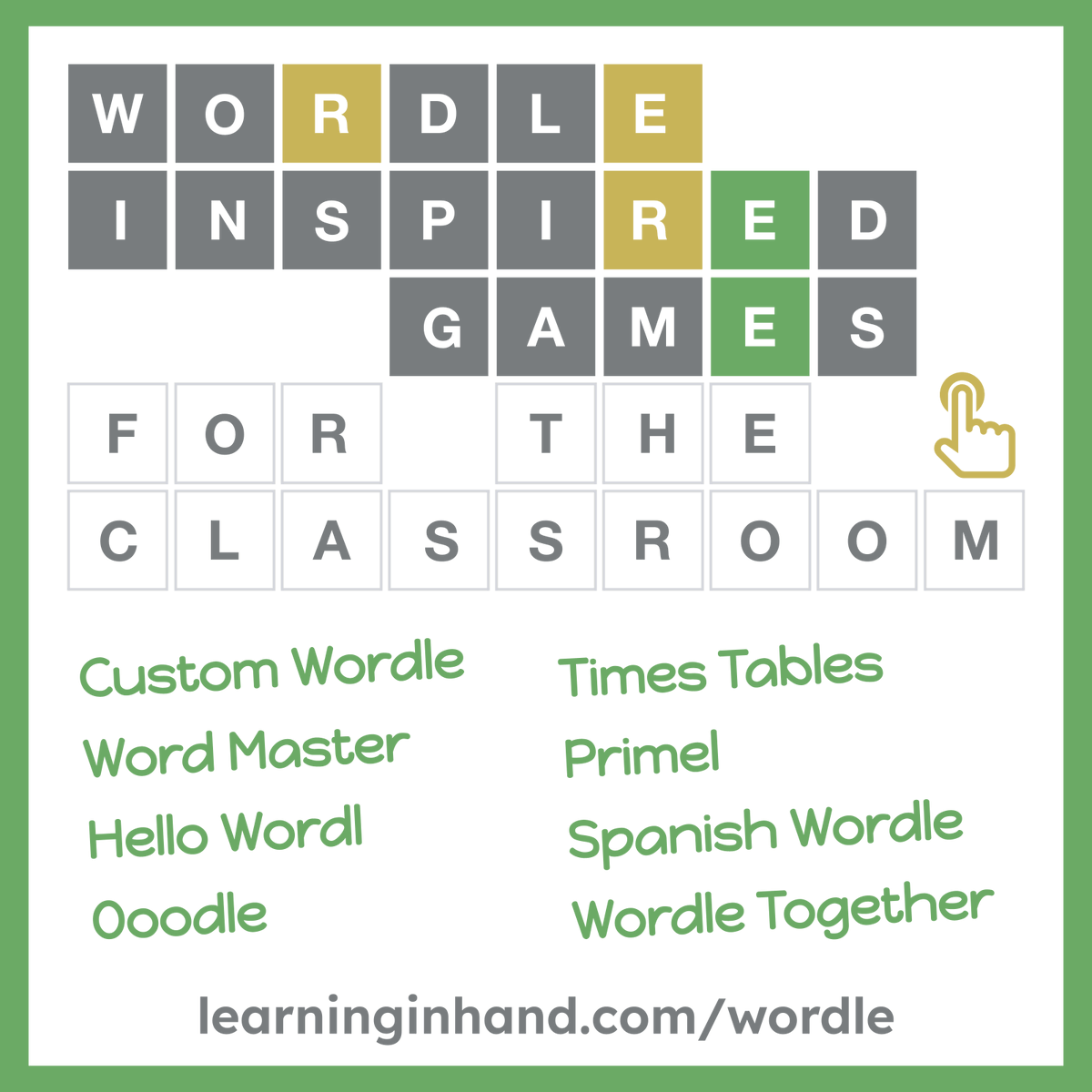
⬜️ "My Wordle" is like Wordle, except you enter a 5 or 6 letter word and get a shareable link so that others can try to guess your word. (via @hijolepues)
https://t.co/xv9W7vrO6v
Do you want to use Google Slides for a Seating Chart? Seating Chart Slides by @schoolytics makes it easy. Send names from a Google Doc using the FREE Add-on. #googleEDU#GoogleSlides https://t.co/6rAjV5RsTn
L👀king for a quick bell 🔔 ringer activity for tomorrow?
Try making a comic strip with your webcam!
Find this activity along with 19 more in our post ⬇️
20 digital bell ringer activities to kickstart class!
https://t.co/3rfU9KRMoD