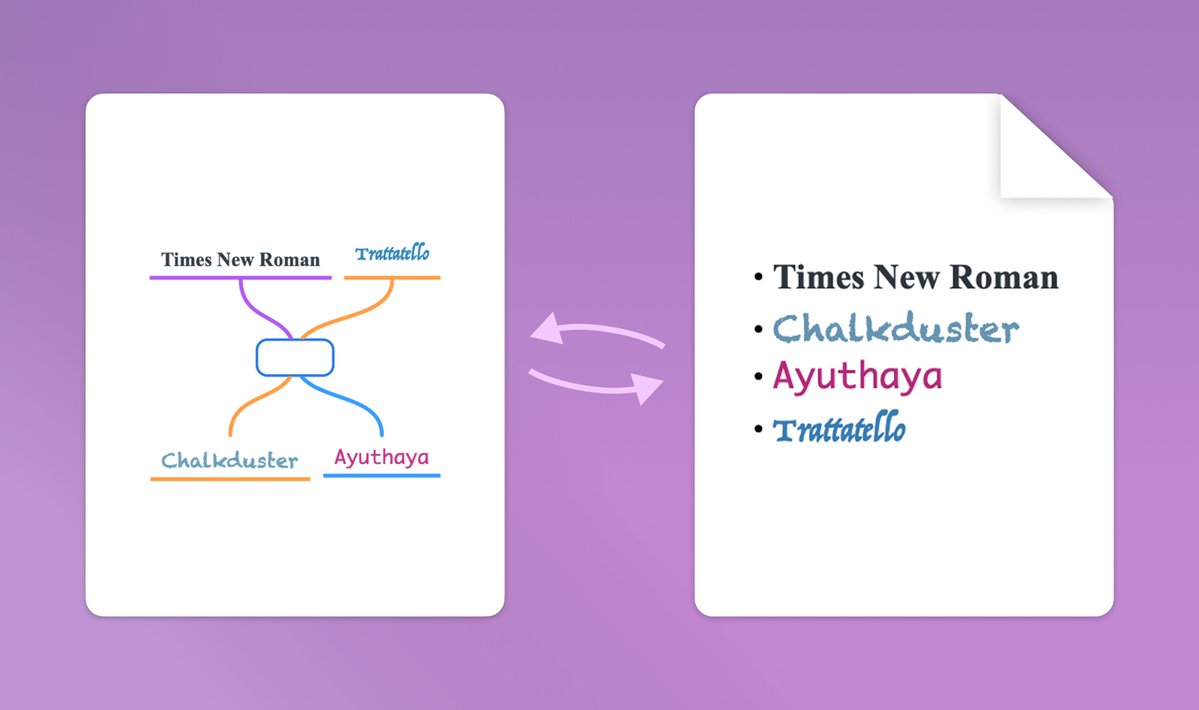
We released Escape 2.6.6 last week. This update introduces custom fonts, Rich Text import/export (or direct pasting), multi-select for batch editing/moving topics, and auto-fill for link titles.
Grab the latest version from the App Store or Mac App Store!
@rusabuilds True. However, Escape is more of a note-taking app than a precise diagram maker, so slight layout shifts when changing fonts aren’t an issue.
Version 2.6.5 is out! It brings Universal Links such that you can link not only to topics and mind map files, but also to any other file or folder.
You can also pin your favorite mind maps in Recent Files, and create personalized mind map layouts.
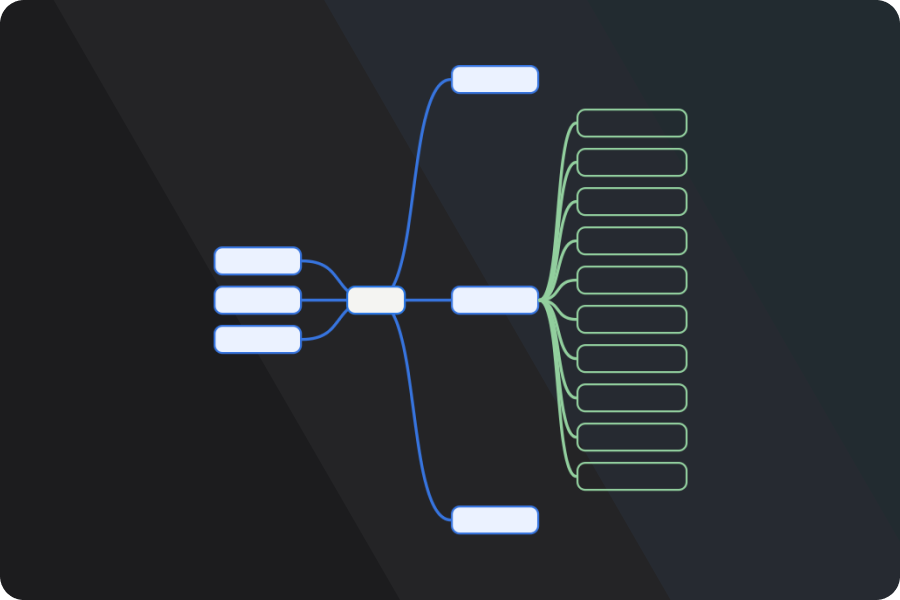
Fresh in the new update: Top-down mind maps are here!
Go beyond the classic left–right view and organize your ideas in Org Charts, perfect for outlining hierarchies, or step-by-step workflows.
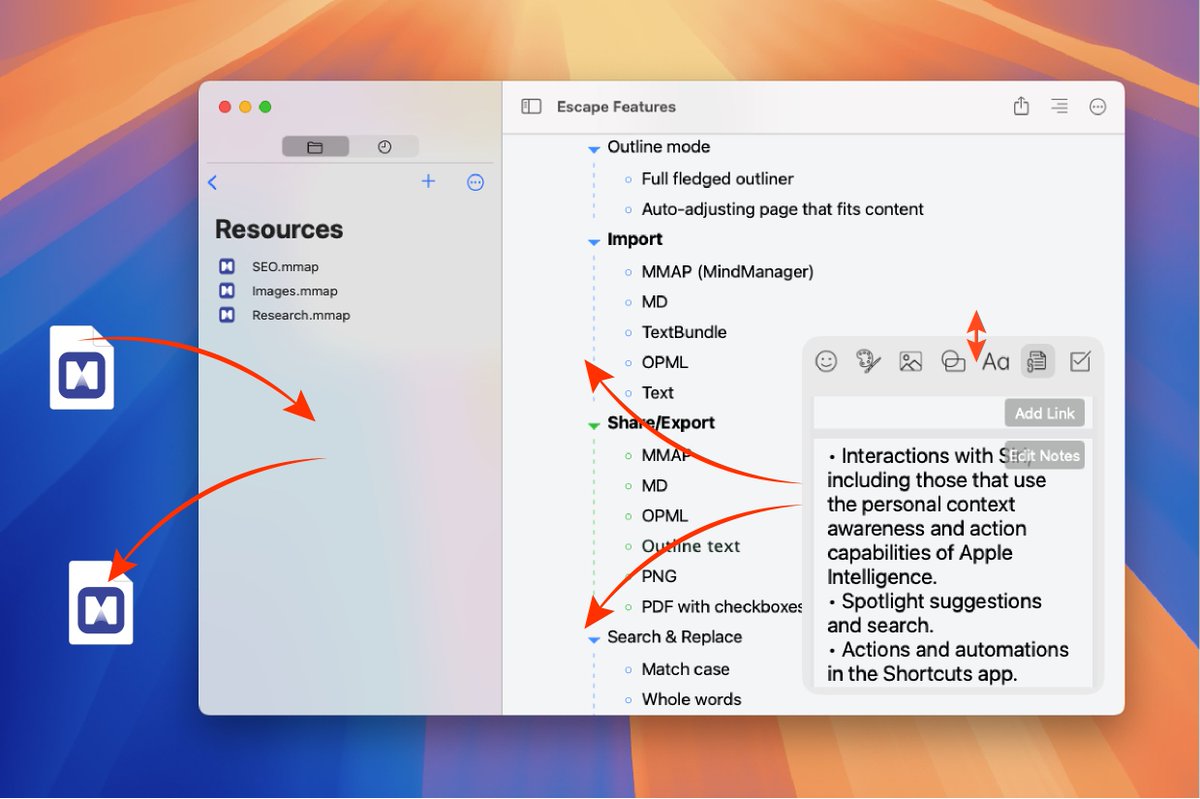
On macOS, you can now drag & drop files to and from the integrated file browser.
We’ve also improved the editor panel, it’s resizable and can be moved to any of the four corners.
Plus, you can now customize the font size in the notes editor.
A new Escape version is here!
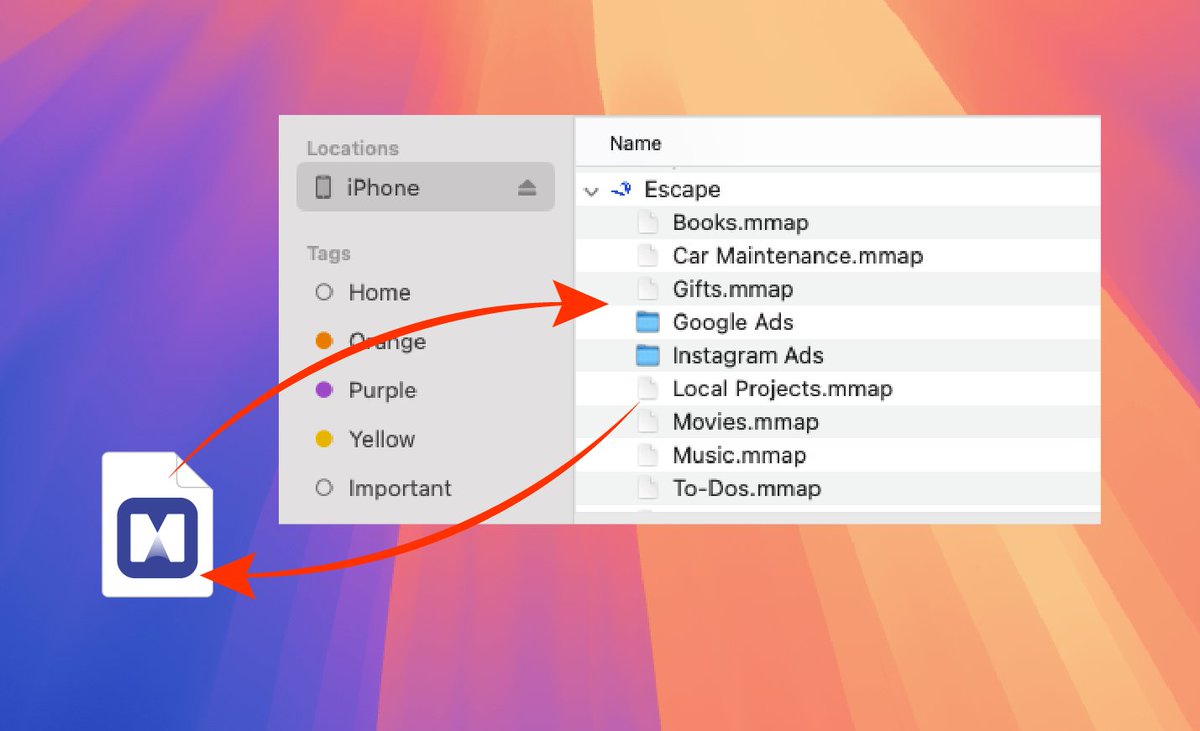
We’ve improved the local files structure and made your mind maps visible in Finder when connected to a Mac. By default, Escape saves to iCloud, but for maximum privacy, you can store the mind maps locally on your device.
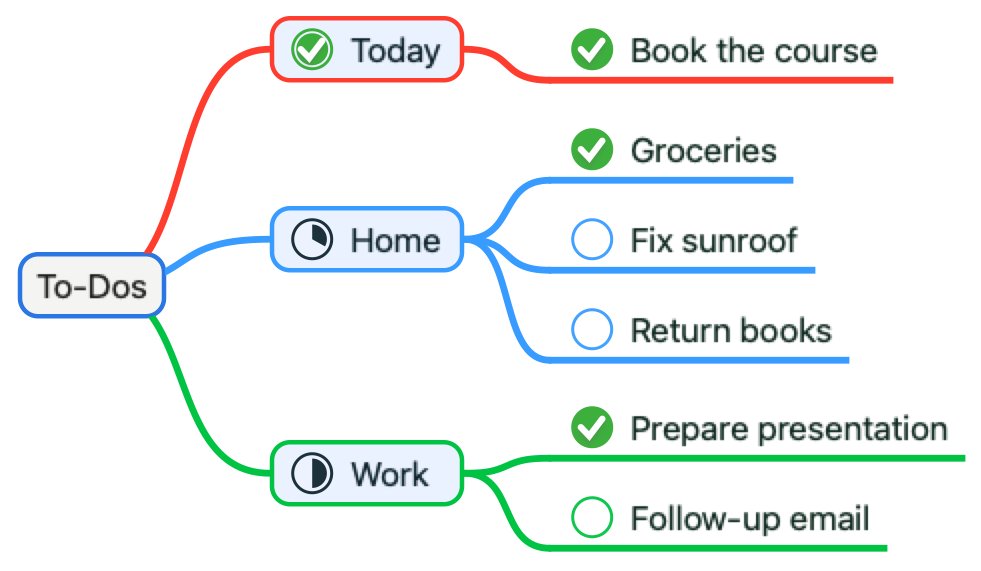
It’s mid-February - the perfect time to refine your plans and stay on track for the year ahead! Our new Task Rollup feature helps you see the big picture by automatically consolidating subtasks into a clear, high-level view. Less clutter, more focus.
Escape 2.5.2 now available.
This update brings justified topics, dark theme canvas colors, and multi select mind maps in File Browser.
Head to the App Store to download.
We released a new version shipping text search, create new mind map from clipboard, and read-only mind maps. You can get the app from here: Escape for iOS https://t.co/GYWWDAtUP5, or Escape for Mac https://t.co/hcB04B63rM.
We just shipped a new version, fully supporting Markdown and OPML - now you can import and export MD and OPML files.
This version also brings in the power of Siri Shortcuts and App Intents, which can be used to create new shortcuts via the Shortcuts app.
In our mind mapping app, we're using cool as in cool simplicity. We wanted to give the user the option to change the border, fill, or text color of a node.
Because screen real estate is limited on mobile devices, we removed the über alles segmented button and added an eject button to cycle between the three color pickers.