Get Microsoft Help: Get a Smarter Solution. The Microsoft Excel, Power Query, Access, SQL Experts. Help for Business, Government, Education & Non-Profits.
Dynamic Excel 365 Development: Step-by-Step
Excel 365 is dynamic, and here we teach you how to develop dynamic solutions in Excel 365.
https://t.co/UqtIkxPUVn
The Microsoft Excel VLookup is the most searched, and most used Excel function of all time. This function is the backbone of many Excel workbooks.
https://t.co/ykoXjz8NSa
For Range-Based Excel Programming use the #.
Our top Excel consultants leverage the power of the # in Excel functions. We will teach you what this is all about, why you should know it, and best of all, how to use it.
https://t.co/0P3f1szbyV
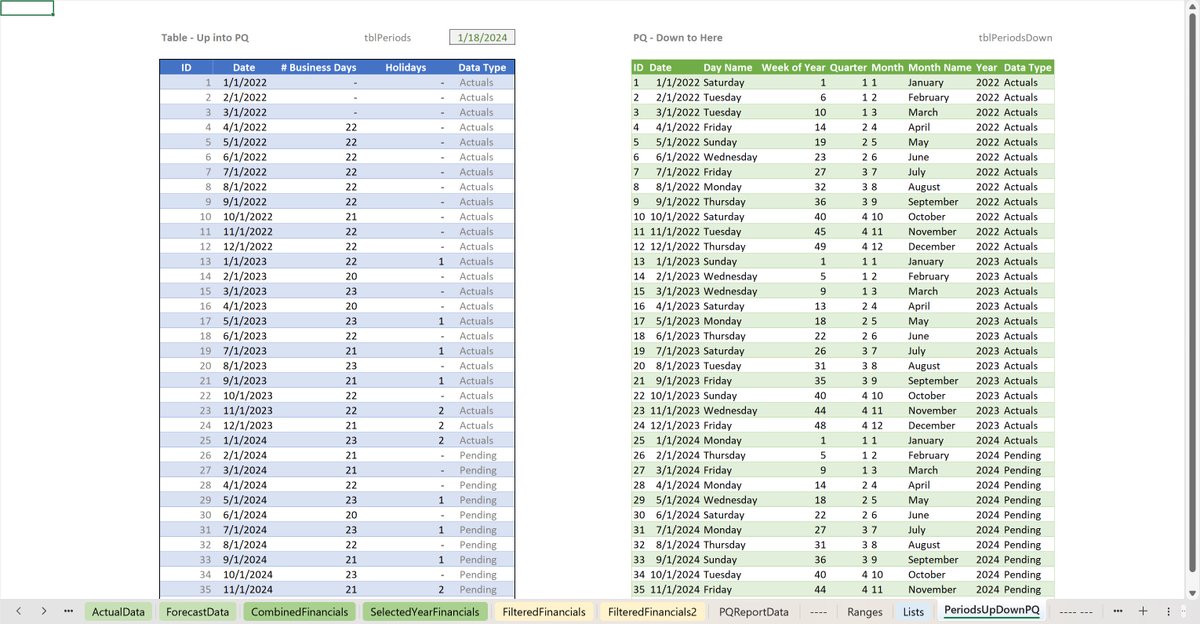
Excel TablesExcel Table Lists
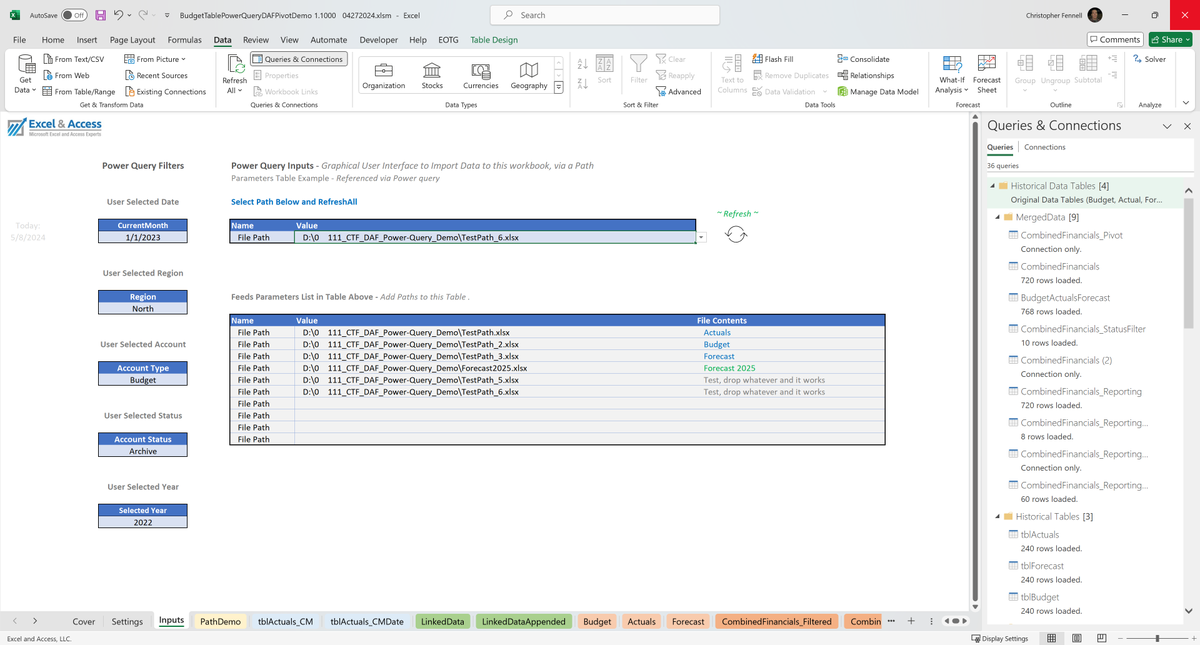
Power QueryParameters
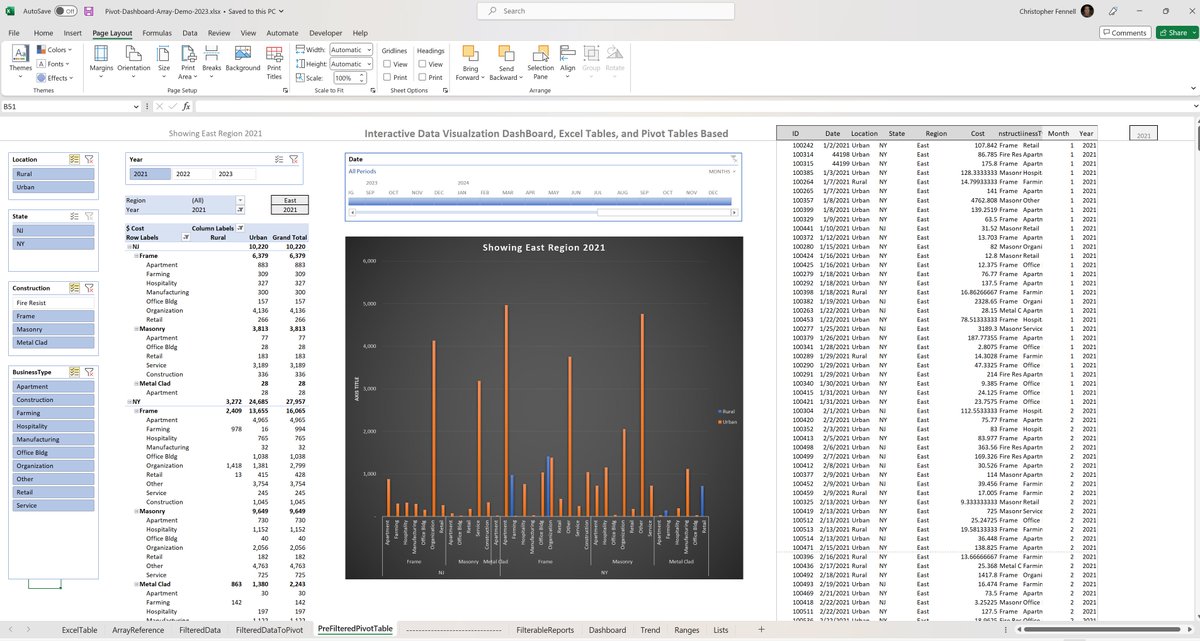
Data ModelPivot Tables
Pivot Charts
PowerPivot
Slicers
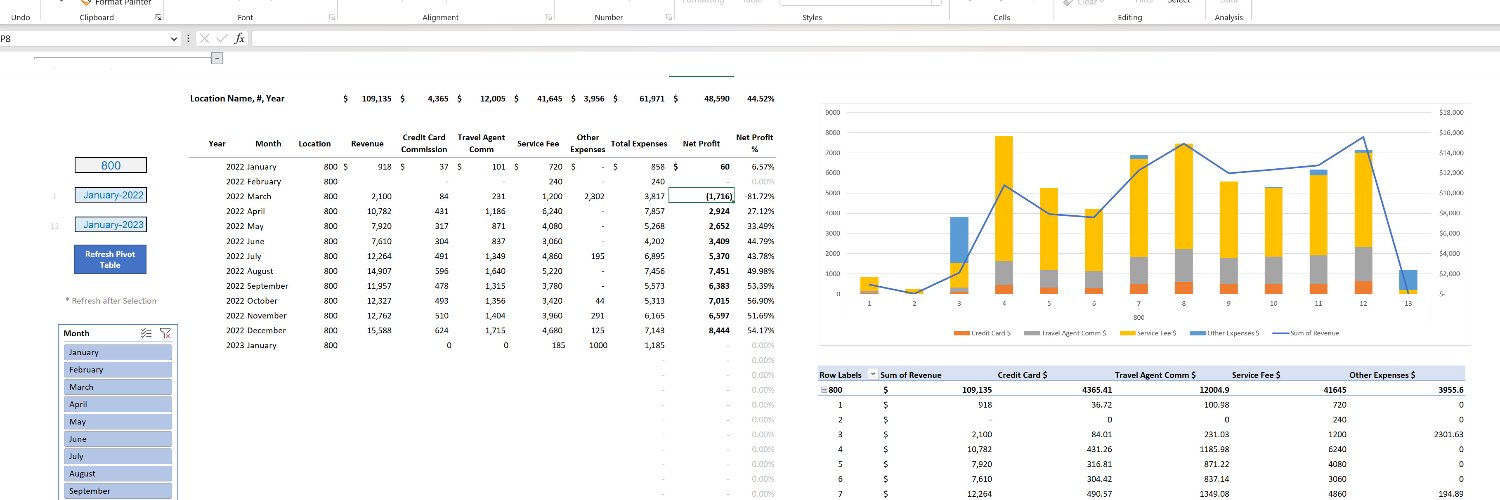
Dashboards
Dynamic Array FunctionsDAF Reports
VBA With Dynamic Excel you can use less VBA code.
https://t.co/94imJ49WQx
Excel Tables versus Access Database, Excel as an alternative to a database.
Recent Microsoft Excel Tables Project, Where we used Excel Tables instead of an Access Database
https://t.co/qasXWiK3RS
#excelautomation
Excel Tables versus Access Database.
This new Dynamic Excel is becoming more Access-like.
Excel is becoming a database replacement tool.
https://t.co/RpAdg1u0LB
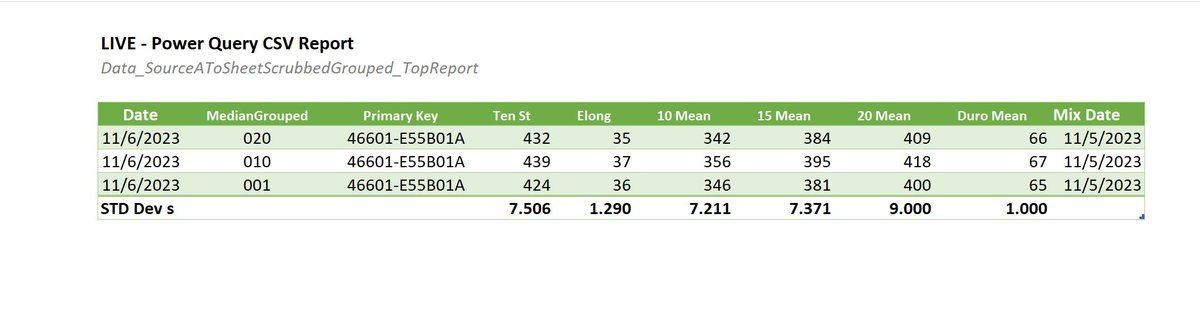
Power Query allows you to use fewer formulas in your Excel files. Furthermore, Power Query also allows you to manipulate data, without the use of Visual Basic for Applications, aka, VBA, ( macros ).
https://t.co/wzW1dUaTqM
#excelautomation
Join the Dynamic Excel Revolution #excelautomation
Everything in Excel is changing. It is changing fast, so fast, in an entirely new direction. It is a revolution, a dynamic Excel revolution.
https://t.co/7OmVU5nRdI
One of the most underutilized advanced features of Microsoft Excel is Named Ranges. Properly using Named Ranges makes programming Microsoft Excel much easier.
https://t.co/UtDNbN0Mv9
DYNAMIC XLookups & SumIfs
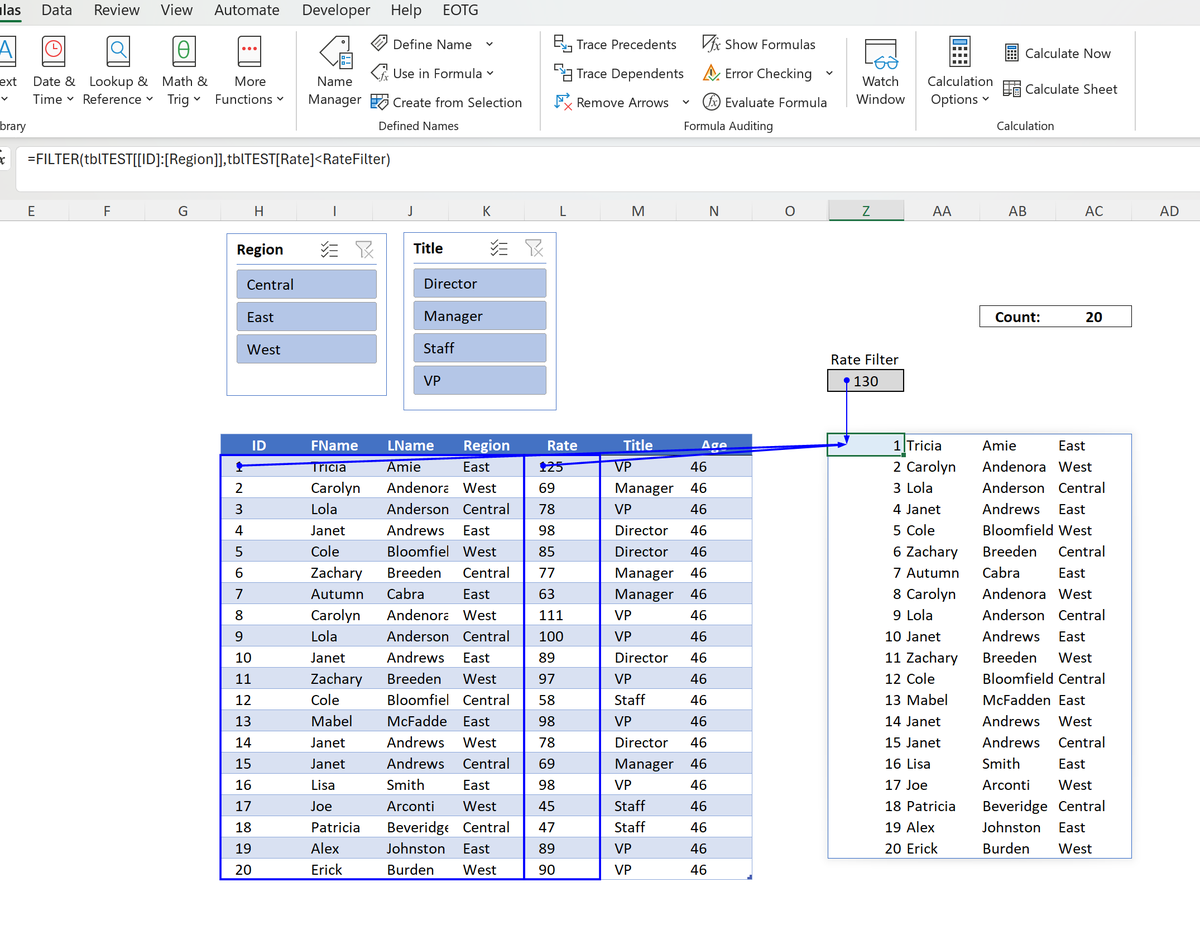
New Method The # Symbol tells the function to grow and shrink with the adjacent dataset.
You point the function to the first cell in the Dynamic Array and add the # symbol.
Your Xlookup, SumIf, etc., are now dynamic.
https://t.co/Mn0a64hTh2
Everyone reading this has most likely heard of Excel Dashboards.
If you are an Excel programmer, you should have heard of the new Dynamic Array Functions.
If you are not using the "=NamedCell#", then you need to read this.…https://t.co/rdBt0kfUvs https://t.co/w6fpkt707h
Everyone reading this has most likely heard of Excel Dashboards.
If you are an Excel programmer, you should have heard of the new Dynamic Array Functions.
Knowing how to properly leverage these functions will greatly simplify your Excel programming.
https://t.co/Mn0a64hTh2
Came across this video today. If you are into the new functions and what they can do, this is a must-see.
One of the better videos on how to use these new dynamic array functions.
I love her work. https://t.co/YejyKKtusW