Finished a task and want to leave its name readable? Select the cell and press Ctrl+5 in Windows or Shift+Cmd+X on Mac. To cross out just one word, select that word while editing the cell and use Format Cells.
https://t.co/eSNQ5sOPZZ
#excel#exceltips
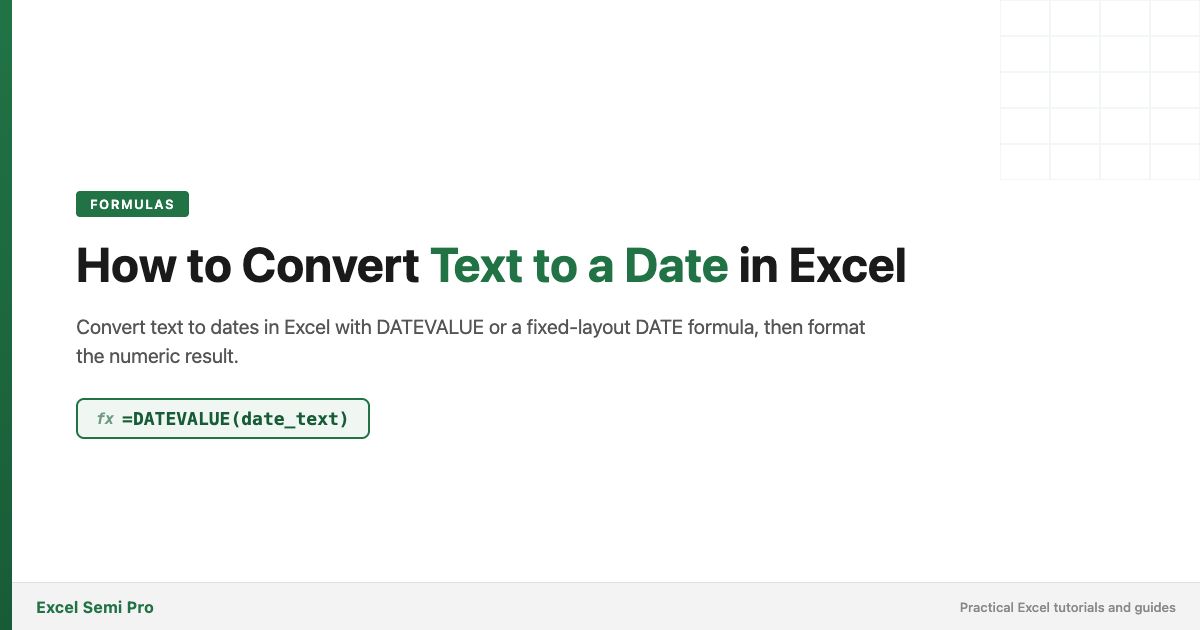
A cell shows 40193. Check whether it’s already an Excel date serial that only needs Date formatting.
If A2 holds recognizable date text, =DATEVALUE(A2) converts it. For a guaranteed yyyy-mm-dd layout, build the date with DATE. https://t.co/0jbfCqmTX9
#excel
Products are in rows, months in columns. To return “Pen” for “Mar”, one MATCH finds the product row, another finds the month column, and INDEX returns their intersection: 110 in the example.
Walk through the ranges and #N/A checks: https://t.co/N4byDBInmd
#excel
Need a long Excel description to fit? Double-click the right edge of its column heading to AutoFit.
Need inches or centimeters? Switch to Page Layout and check the ruler unit. A Normal-view width isn’t a universal inch measurement. https://t.co/Tmc7iPiK5N
#excel
Numbers in B and text in C crowd the same border? Indent the text in C one level instead of typing spaces into the cells. The values stay unchanged.
Use Decrease Indent to step back, or set Indent to 0 for a reset. Steps for Windows and Mac: https://t.co/sayWWQPqTe
#excel
Searching descriptions for “apple”? =ISNUMBER(SEARCH("apple",A5)) also matches APPLE pie and Pineapple. That’s a substring check, not a whole-word test.
The guide shows how to use IF for a visible result and FIND when case matters: https://t.co/HDgCRqHNk1
#excel
Six purchases have different prices and quantities. =AVERAGE(prices) gives each purchase equal weight; it won’t give you the average price per unit.
Use =SUMPRODUCT(B2:B7,C2:C7)/SUM(C2:C7). In the example: 1,680 total cost ÷ 150 units = 11.20. https://t.co/wIQTchk85X
#excel
If A2 is “Maya Lopez”, =TEXTSPLIT(A2," ") puts the two words in separate cells. But a three-part name needs a third output cell, and Excel can’t decide which parts are a family name.
Choose a rule that fits your list: https://t.co/wkFC1NiuXk
#excel#exceltips
From 6 AM today to 2 PM tomorrow is 32 hours. If =B2-A2 shows 8:00, check the format: h:mm wraps after 24 hours. Use [h]:mm to see 32:00, or =(B2-A2)*24 for decimal hours.
Examples and workbook: https://t.co/D6SAtxVt0W
#excel
Want people to edit quantities without overwriting formulas? Unlock input cells B2:C4, leave totals D2:D4 locked, then protect the sheet. The Locked setting alone doesn’t block edits.
Try the order-form example: https://t.co/CqV8bWNGeW
#excel#xlookup
A score of 89.5 is a B when the A cutoff is 90—unless your grading policy says to round first. Excel won’t make that policy choice for you.
Set the cutoffs, then use IF or a visible VLOOKUP table. Worked gradebook: https://t.co/cSSA2OhkXy
#excel
A row with a missing item may still hold an order. Check the whole record before deleting it.
In A:D, =COUNTA(A2:D2)=0 flags rows with no values or formulas. Filter TRUE, inspect the matches, then delete those rows.
Try the example: https://t.co/J9cU4hWwzS
#excel
Need an Excel timestamp that stays put? Use a date/time shortcut. =NOW() shows the current time but changes when the sheet recalculates.
For automatic entry stamps, the options have different trade-offs. Compare shortcuts, formulas and VBA: https://t.co/wtMRbfHXfZ
Removing an Excel table’s look? Pick the command for the result you want:
• Clear the Table Style: keep the table
• Convert to Range: remove table features, keep formatting
• Clear Formats: remove formatting, keep values
Full guide: https://t.co/T4GhBn9JaY
#excel#exceltips
🔒 Want to keep your Excel files private when sharing? Our latest article shows you how to remove "Last Saved By" info on both Mac and Windows. Perfect for maintaining professionalism and confidentiality. #PrivacyMatters#ExcelTips https://t.co/HG2geXEcAm