Introducing: The Support platform 💫
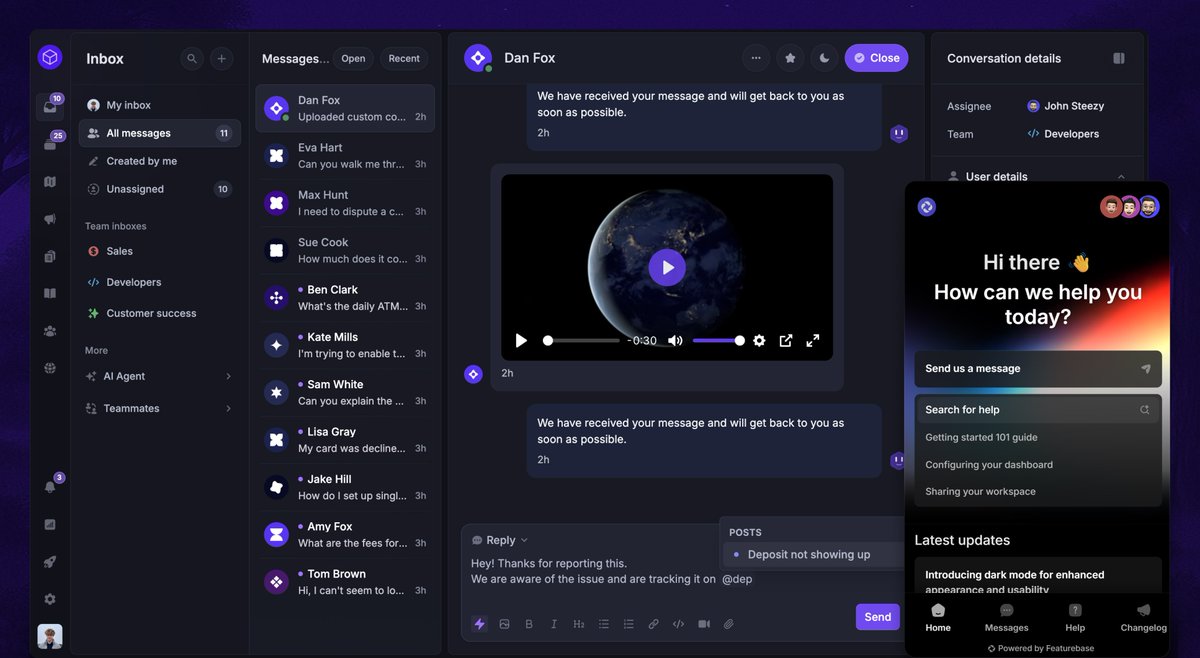
✦ Unified Inbox
✦ Customizable Messenger widget
✦ AI agent
✦ Email support
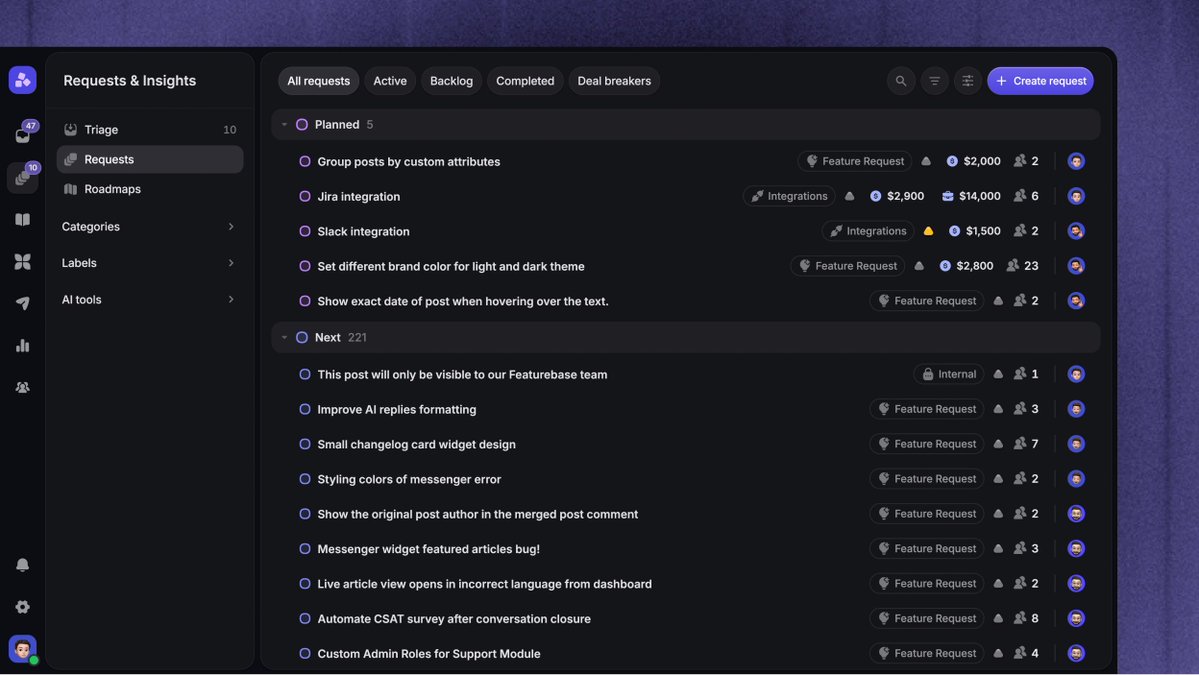
✦ Native requests & feedback
Fast, modern, and built for collaboration.
Included in all plans!
Introducing: Product Tours in Featurebase 👈
Help users get started, discover features & complete tasks inside your product.
✦ Build tours on your website without code, using messages & tooltips
✦ Show tours automatically with customer data & page rules
✦ Share tours in support replies, emails & help articles
✦ Track views, completions & where customers stop
Customize the appearance, personalize steps & add translations.
500 messages/month included for free on all paid plans. Affordable usage-based pricing beyond that!
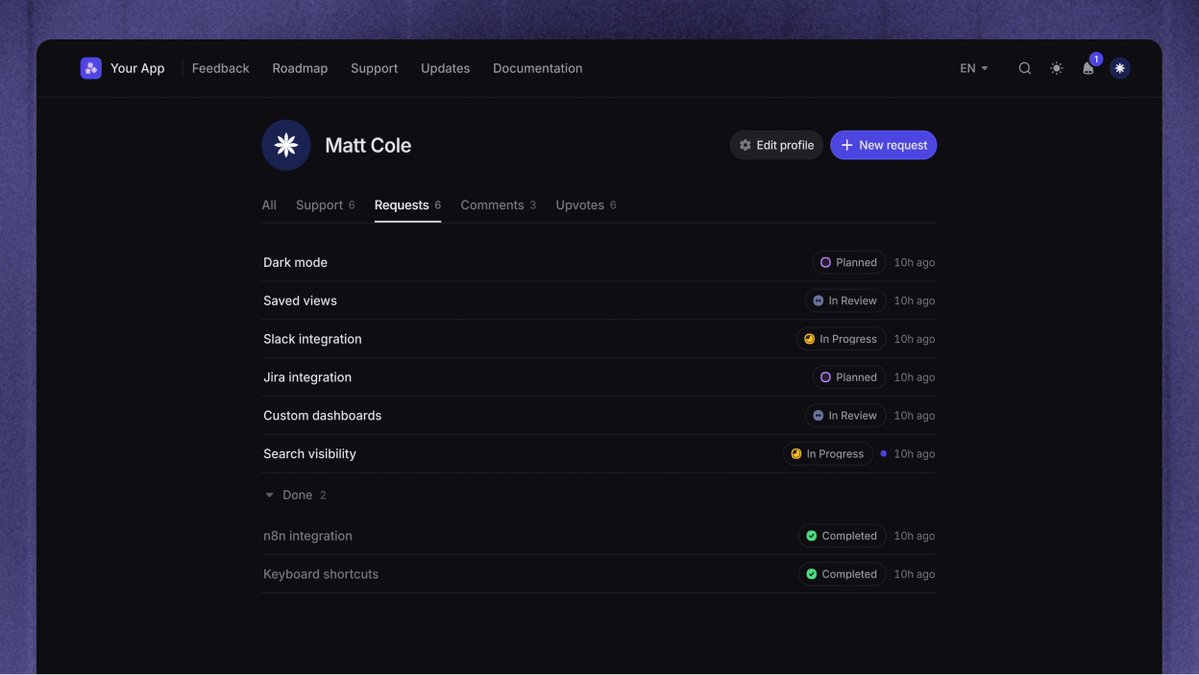
New user profiles 👤
Customers can now see their requests, tickets & chats in one place, with clear statuses & recent replies.
It’s easier to see where their issues stand.
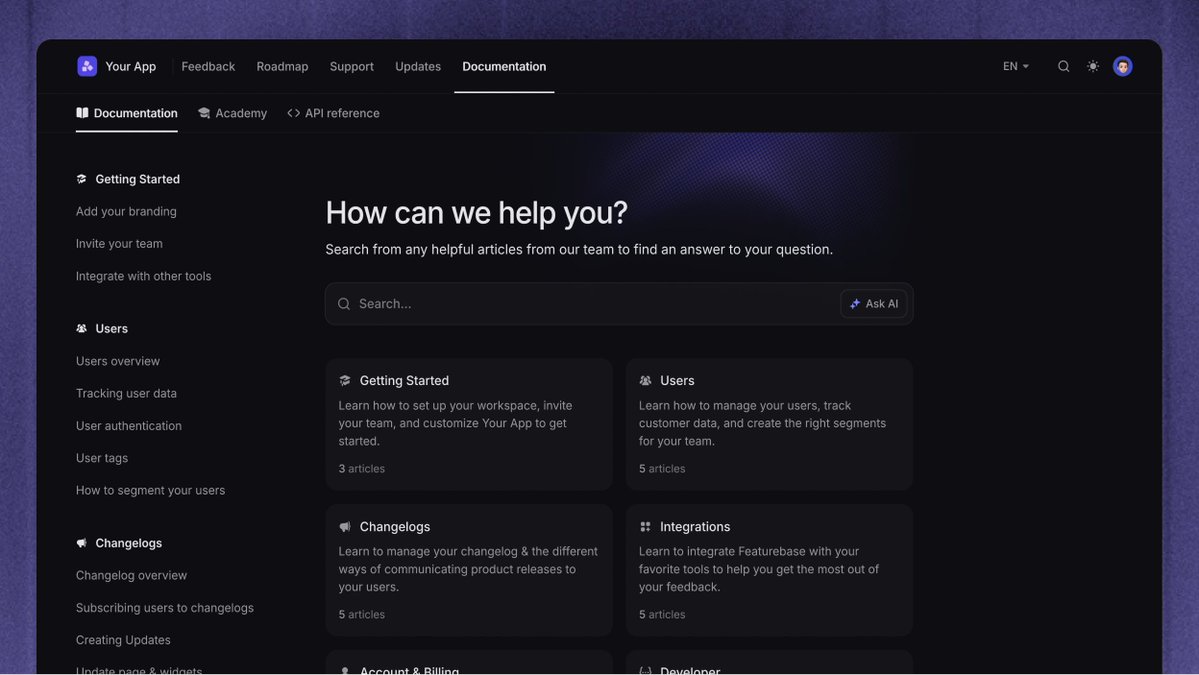
New: Customer Portal redesign ✨
✦ API docs in Featurebase
✦ Unified portal
✦ Help Center tabs
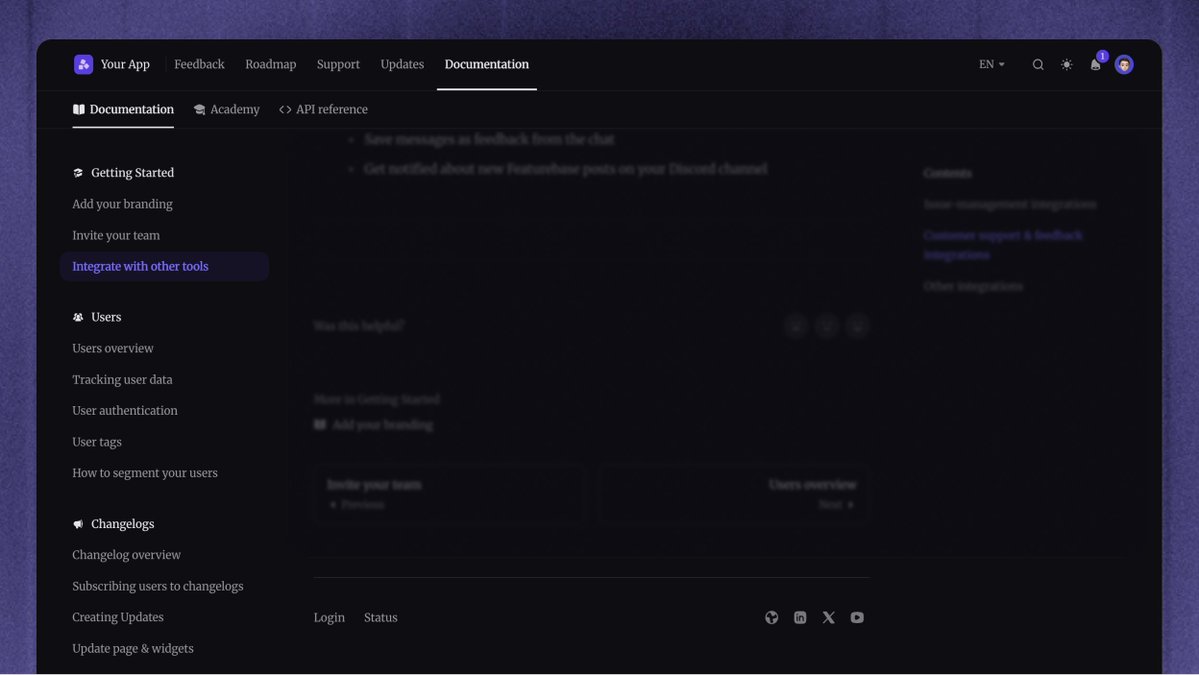
✦ Custom fonts & footer
✦ New user profiles
One home for support, docs, feedback & updates.
Here’s what’s new 👇
Make it yours 🎨
Match your portal to your brand with:
✦ Custom fonts, including your own uploads
✦ More color controls for light & dark themes
✦ A footer with social & page links
Close the loop where it started 🔄
Write one Request update and send it back to the Support conversations where customers first asked, alongside your portal & email updates.
We're really happy with how this turned out and hope you enjoy it! 👇
https://t.co/Ak9RkHLV62
Introducing: Feedback 2.0 ✨
Feedback from your support conversations, public portal, and customer calls is now automatically organized and connected.
See what customers need, who's asking & the evidence behind it, all in one place.
Here's what's new 👇
Capture feedback from Support 💬
It's now much easier to capture feedback while helping customers:
✦ Get AI suggestions for which feedback to track
✦ Link conversations to Requests or Linear & Jira issues
✦ Status changes add internal notes, so you know when to follow up
@euboid@JackEllis@plainsupport@getfernand 🙏 We have AI-based email spam detection that you can tweak yourself, so you always have a clean email inbox for support and can constantly refine the prompt for ones that slip through
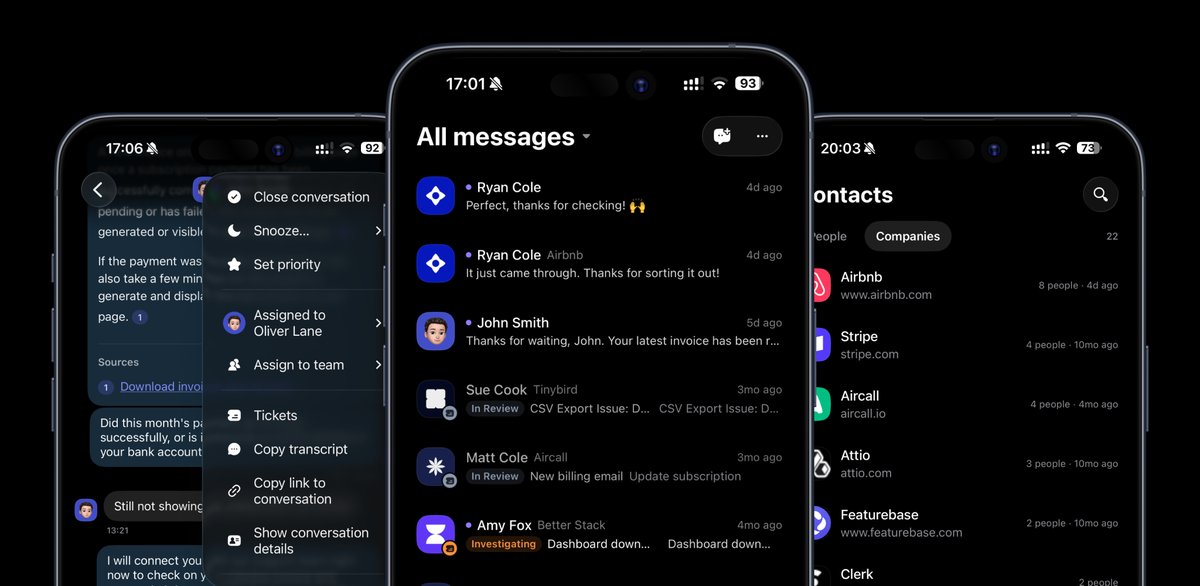
New: Mobile app native rebuild (iOS & Android) 📱
We rebuilt our app to be fully native, faster & designed specifically for mobile.
Also new:
✦ Copilot replies & research
✦ User & Company context
✦ Fibi performance
✦ Activity tab
✦ Workspace switching