Check out the Full Case Study of WellMe.
Simple onboarding. Smart search. Live availability. HMO confirmed before you even book.
Full case study on Behance 👇
https://t.co/XLg7ouJJRe
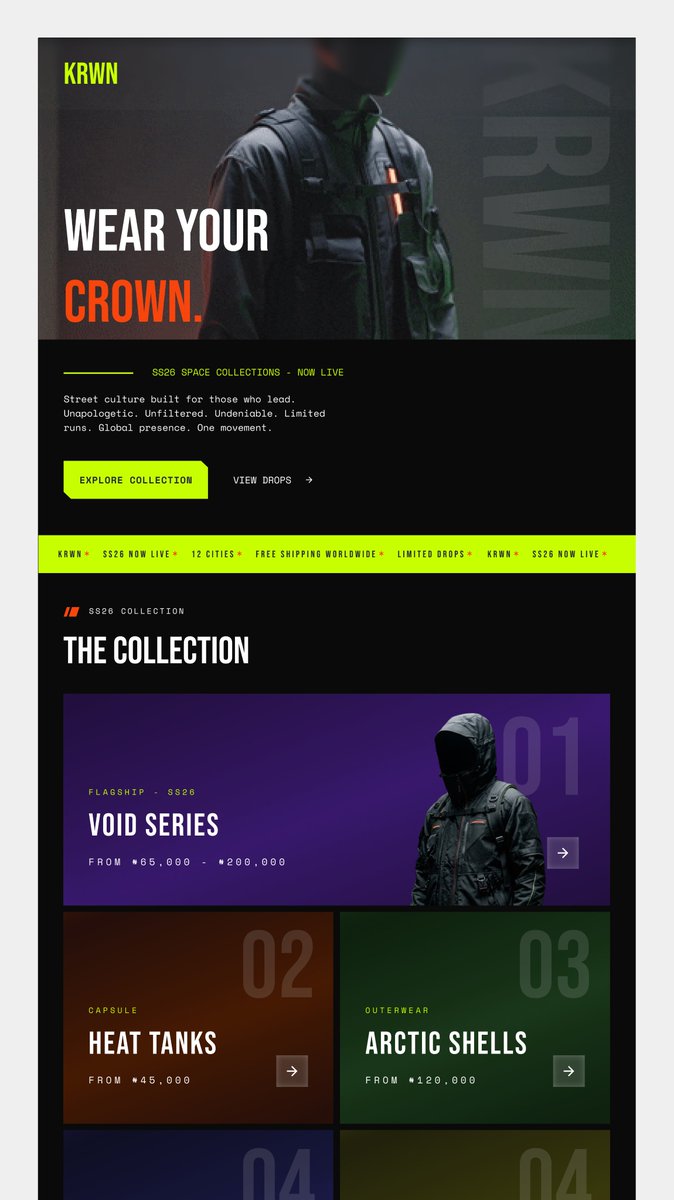
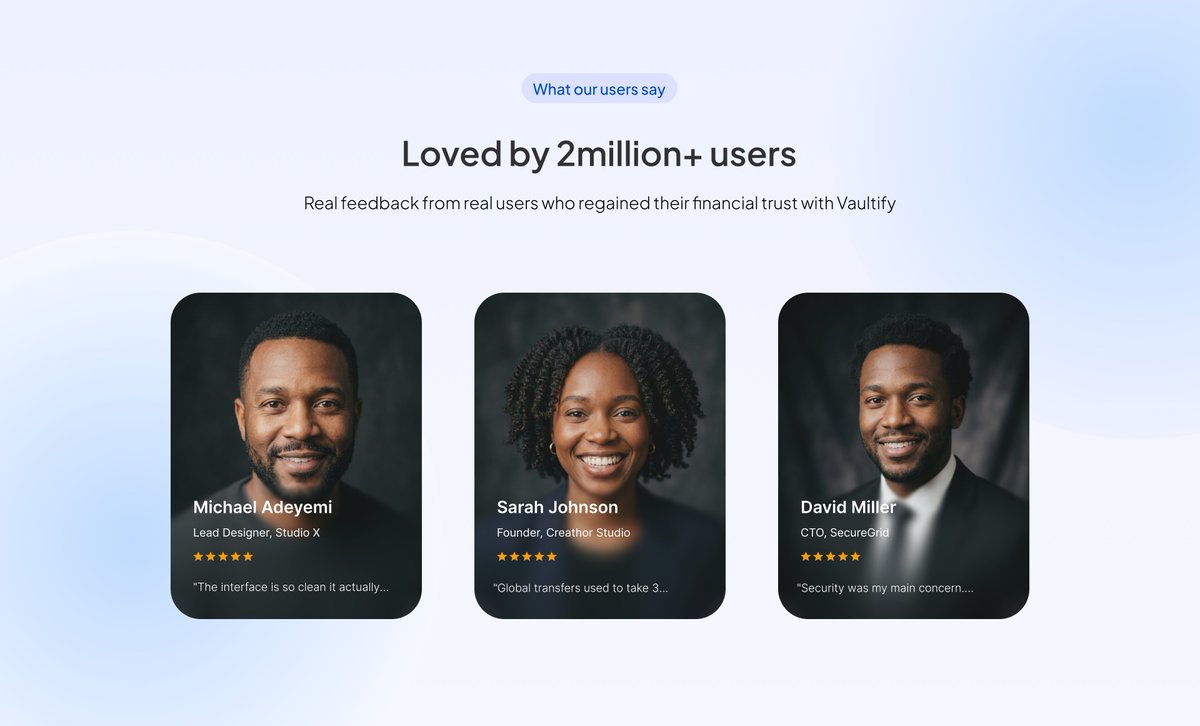
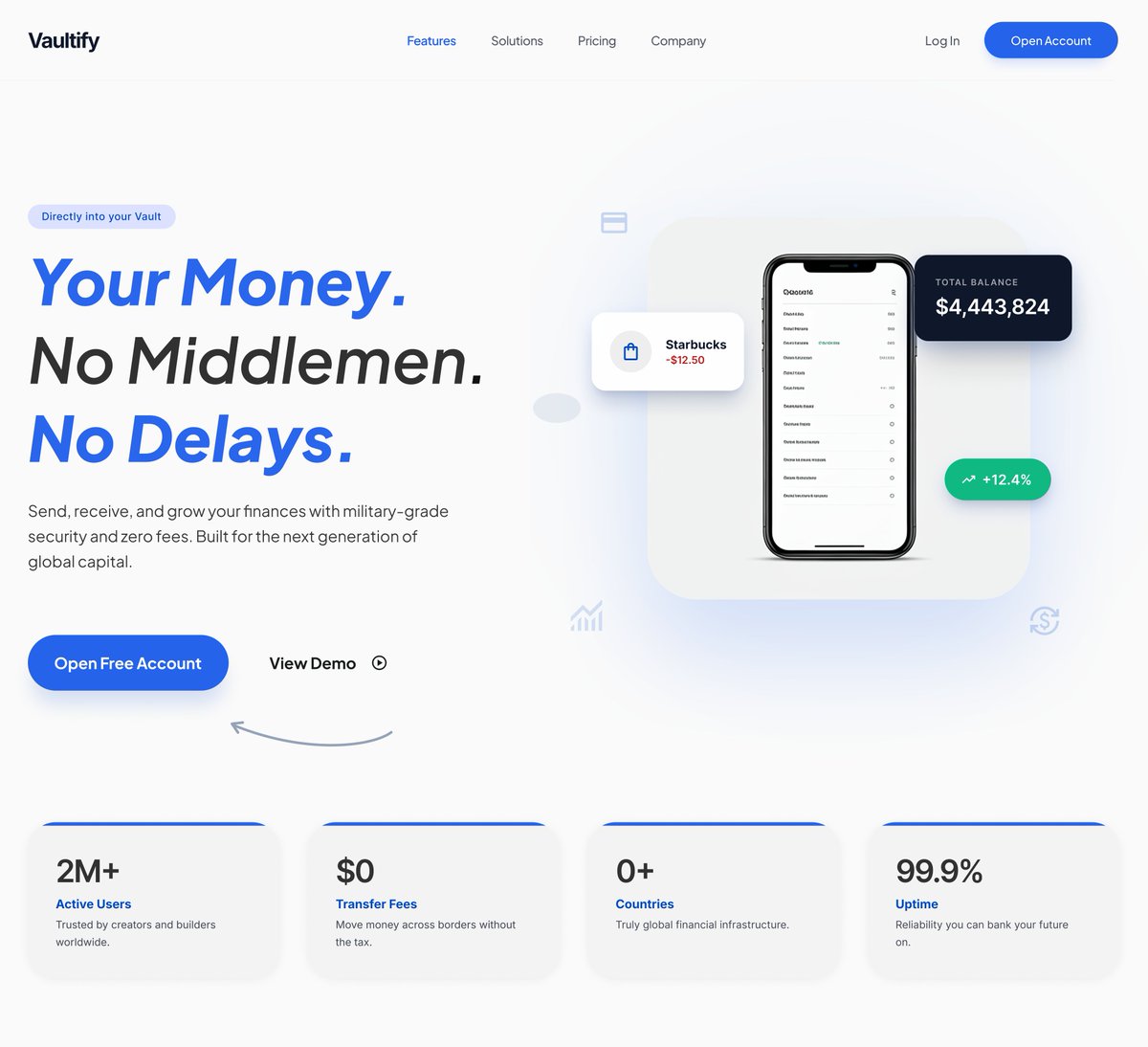
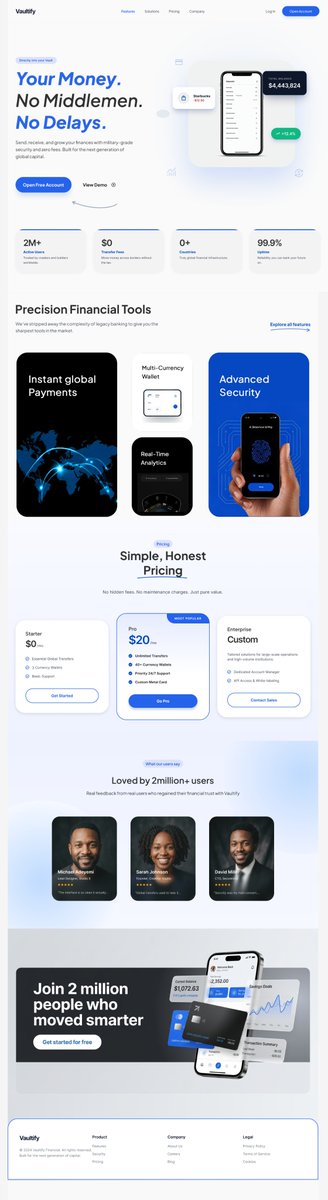
Mocked- Up...
i want to develop it. cursor or framer? which do you suggest
i'm Micheal Alao, UI/UX designer, on that part to Design engineering.
open to freelance + fulltime roles
portfolio → https://t.co/vfVbTQC2WY
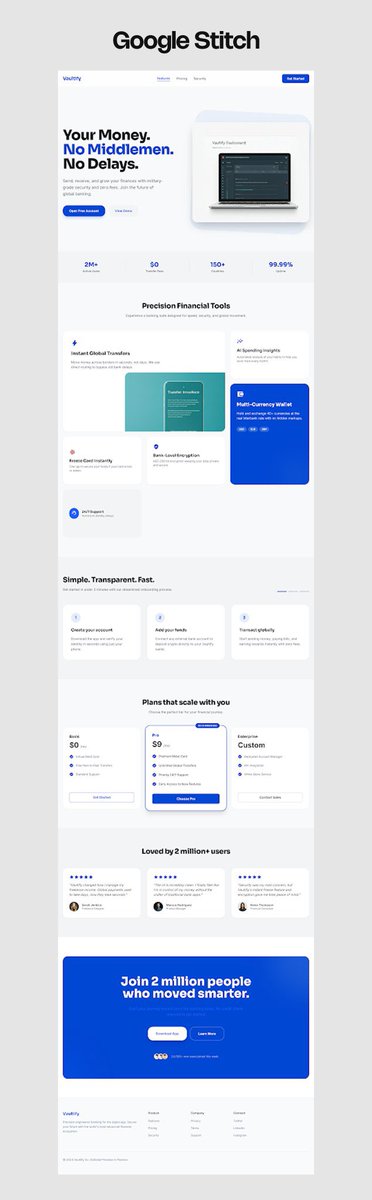
spent the whole weekend building a crypto dashboard
6 hours straight. the works.
now i want to develop it. cursor or framer? genuinely asking, drop it below
i'm Micheal Alao, UI/UX designer, open to freelance + fulltime
portfolio → https://t.co/vfVbTQC2WY
spent the whole weekend building a crypto dashboard
6 hours straight. the works.
now i want to develop it. cursor or framer? genuinely asking, drop it below
i'm Micheal Alao, UI/UX designer, open to freelance + fulltime
portfolio → https://t.co/vfVbTQC2WY
Your portfolio has one job.
Make someone who's never met you feel like they already know exactly what kind of designer you are.
These things will help:
1. Show the work. Immediately.
I cannot tell you how many beautiful portfolios I clicked off of because I couldn't find the work. Stunning animations, incredible typography, clever interactions nut no work anywhere to found quickly. I'm hiring a designer. Show me what you design! If I have to scroll more than a few seconds to find work, I'm gone. Those hiring have thousands of these to get through. They'll appreciate the time you save them by showing your work in a respectful time.
2. Don't hide work behind rollovers.
I know it looks cool. But I'm in a hurry. If your work is hidden, I'm not finding it.
3. Three projects is not a portfolio. It's a teaser.
If you only have 3-4 projects showing, I immediately wonder what have you been doing? Where are the side projects? The experiments? The fun stuff you made at 2am just because you wanted to? Show more work! Not everything has to be a polished case study (most shouldn't tbh because no one is reading it). Throw in the logo you made for fun. The brand concept nobody hired you for. The UI exploration you did on a weekend. That's the stuff that tells me who you really are as a designer.
4. Stop repeating your name.
I clicked on your link. I know your name. The first thing I need to see is your work, not your name three times.
5. Don't make me figure out how to use your site.
If your portfolio requires instructions, it's too complicated. I don't have time. Neither does the person hiring you. Do you read instructions? Probably not either.
6. The about me section matters more than you think.
The portfolios that stopped me all had one thing in common. I felt like I knew the person. Their pets. Their hobbies. Their personality. Design is a team sport. I'm not just hiring your work. I'm hiring YOU. If it came down to two equally talented designers where one surfed and the other displayed no outside hobbies, I'm going with the person I can connect more with, the surfer since we'll have things to talk about besides work. Use this to your advantage. It's the secret tip most most.
*The portfolios that make my final list all do this:
Work visible immediately. Clear about what they do. Personality came through. Something unique that made me stop and explore.
*The ones that don't make it:
Beautiful design. No work. Or work hidden so much I gave up finding it.
Important note: With all that said, the #1 thing that gets people hired: relationships.
I'm not gonna lie. The people I already know online get looked at first. Every time. That's not fair, but it's real.
Make relationships.
Be a kind person.
Get the work.
been building something in silence 🔭
Introducing LagLens: A Lagos tourism brand I designed from scratch.
logo. poster. favicon. mockups. the full thing.
case study just dropped on Behance 👇
https://t.co/9TVC15zU1T
🇳🇬 Lagos energy, designed with intention.
Not every week is a highlight reel.
No big wins,
But I still showed up anyway. Learning never stops
The "nothing is working" days are when most people quit. Don’t be like most people.
Happy Weekend🌻💫
Free Design Resources Every Designer Needs
Compiling a resource list for designers who can't afford premium tools.
Here's what you can actually use:
ILLUSTRATIONS
Undraw – customizable, beautiful, actively updated
DrawKit – hand-drawn, full of personality
OpenPeeps – quirky characters perfect for UI
Blush – mix-and-match illustration builder
ICONS
Feather Icons – minimal, my go-to
Phosphor Icons – versatile, multiple weights
Heroicons – gorgeous and consistent
RemixIcon – 2,500+ icons, MIT licensed
STOCK PHOTOS
Unsplash – curated, high-quality, updated daily
Pexels – massive library, no credit needed
Pixabay – great for niche searches
Burst – Shopify's entrepreneurial collection
DESIGN TOOLS
Figma – industry standard, generous free tier
Penpot – open-source Figma alternative
GIMP – professional image editor
Canva – perfect for quick projects
FONTS & COLOR
Google Fonts – 1,400+ free fonts
FontPair – pre-tested font combinations
Coolors – generate palettes in seconds
Adobe Color – legendary color picker
INSPIRATION
Dribbble – see what professionals are making
Behance – case studies and process work
Designer Hangout – community feedback and networking
You don't need premium subscriptions to create professional work. These tools will carry you through freelance projects and portfolio pieces.