What a surreal moment, interviewing Julia Liuson during the Into Focus segment. #MSBuild2021. Love how real our CVP is. Makes developer division @Microsoft such a special place.
CC: wind beneath the wings @shanselman@sethjuarez
3 things I learned while building AI for #VisualStudio#dotnet & #GitHubCopilot.
Devs wanted help with debugging unit tests and distrusted generating them. Getting folks unblocked very valuable.
https://t.co/E1WmxOaZPn
3/ Finding the exact name of feature in @VisualStudio confusing with web docs. Needed a lot of help figuring out menus.
New integration with GitHub Copilot by @leaht_17 helped a lot
https://t.co/o3Tq6USOIj
2/ Profiling could be a lot easier. Reading profiler results easy ... figuring out how to improve code, not.
@VisualStudio team did a lot of work on actionable profiler insights for #microsoftbuild
https://t.co/eTzgy6UyJR
I am super excited to share, we're introducing the new,
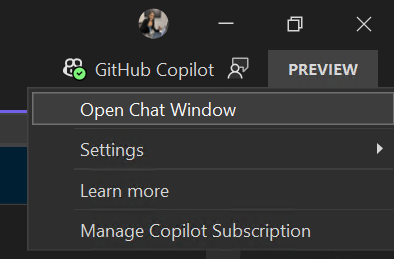
unified Copilot experience in Visual Studio 17.10, now
available today in Preview 3. Code smarter, not harder! 💻🚀
Check it out: https://t.co/Gd7ga683u0
Learn more:
https://t.co/e0xfTlzLne
GitHub Copilot can boost efficiency in coding tasks within Visual Studio. @elbruno demos installing GitHub Copilot & Copilot Chat, enhancing productivity by simplifying code writing & finding new C# features in Visual Studio. https://t.co/eK3WBhpNcs #visualstudio#githubcopilot
@MagickNET@github@VisualStudio Okay, looks like we have a solution! There seems to have been a focus bug. If you get on the latest version of VS 17.10, and have our latest VS Copilot Chat marketplace bits, it should be resolved.
@computervillain @MagickNET@github@VisualStudio Curious to know where its unable to help you? Have you tried using the #solution context? Or are you talking about Copilot completions?
🎉 #VisualStudio Developers! 🎉- check out the new #github#copilot chat release for Visual Studio 2022 17.8+.Excited for y'all to try our latest release that addresses some key user feedback.
https://t.co/VBXTo4laUQ
@Abt_Benjamin Another thing you can use is slash commands with '/'. And ask it to /doc for you if you want some documentation here or /explain and then # to specific lines. You can also use Copilot inline when you right click anywhere in the editor, and here it will implicitly know context
@Abt_Benjamin@VisualStudio Hey there! We're actually in the midst of a big improvement on how context is selected and referred to in Copilot. You are right, there's been a big change!
The best way to actually get good answers is to say- "Where is the bug? in #file. # allows you to select lines of code
Always fun to talk about my favorite subject - how to improve the quality of life for developers.
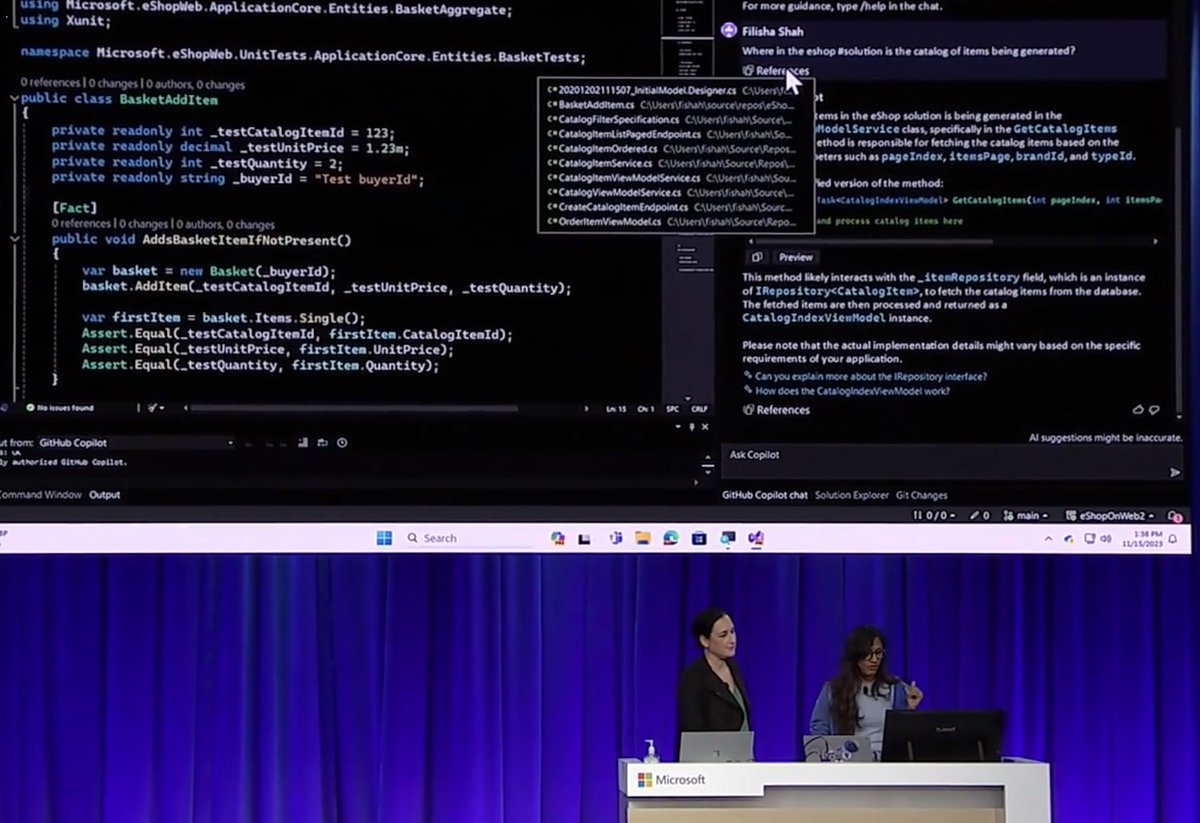
Thanks to @FilishaShah, @spboyer, and Roshanak for joining me & many folks behind the scenes that made it happen - including @isaacrlevin!
https://t.co/LmxJx7oljS
@olaolumusic@VisualStudio@resharper Seems like you were using the Copilot completions to your advantage ! Love it!🔥
Have you tried the Copilot chat too?
The Copilot on @VisualStudio 2022 feels like coding on steroid !
--
HRs should set a different KPI for people using it, because its really unfair to those who aren't 🥲
--
I feel young again ! 💃🕺😇🤗