A really useful trick for placing eye bones 👀
Saw this tip recently and tried it out myself.
Treat the eye as a sphere and find the center.
Using a sphere inside the socket makes it much easier to get the correct bone position.
This tip saved me so much time.😭😭
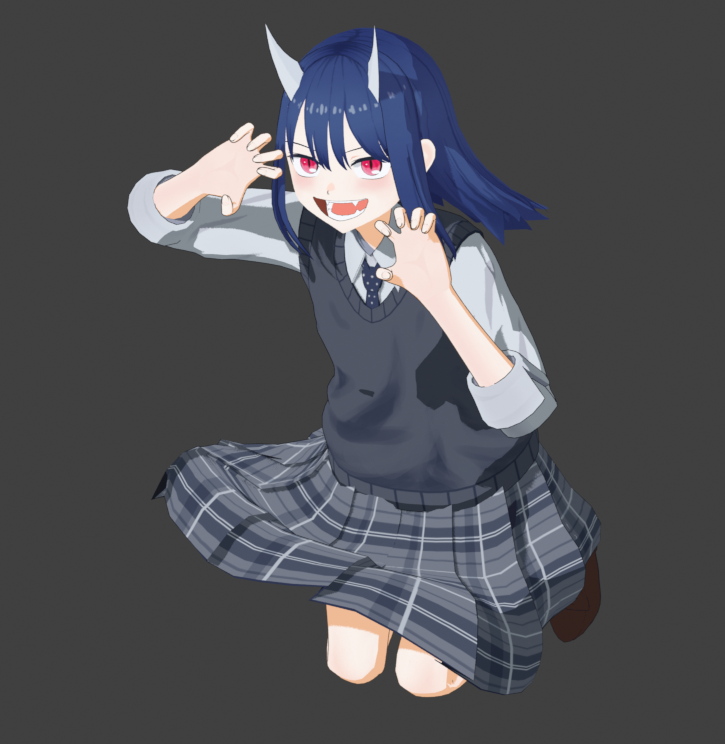
The first version of the @getfondant Face Proxy Normals is feature complete, so here's a closer look at how it is used (character by @lil_blk_rabbit ).
First, align the armature to the head. If you want to attach to an existing rig, make sure the Root bone is exactly placed on the head bone. Adjust it to fit the face with the alignment bone layers. Use the debug material to help see what you are doing. Then use the other bones to adjust the shape.
You can attach it to an existing rig by parenting the root bone to the head bone, or even merging the proxy rig into it (2nd clip.) The Normals rig can be posed on the fly for different shots.
Since the setup actually uses a mesh object to control the curves (via Geometry Nodes), you can also easily make shapekeys on the proxy to correspond to expression keys, and then drive them (3rd clip.)
The @getfondant Custom Normals v1.0.0 addon for Blender is finally out! Now you can fix most topology issues in your 3D anime and toon shading. Can be used directly in Blender, or as Custom Vertex Normals for game and vtuber models. Link in the next message.
The basic addon is completely free. We will continue releasing more character tools in the near future, including an adjustable proxy mesh for anime faces.