Collect. Organize. Transform.
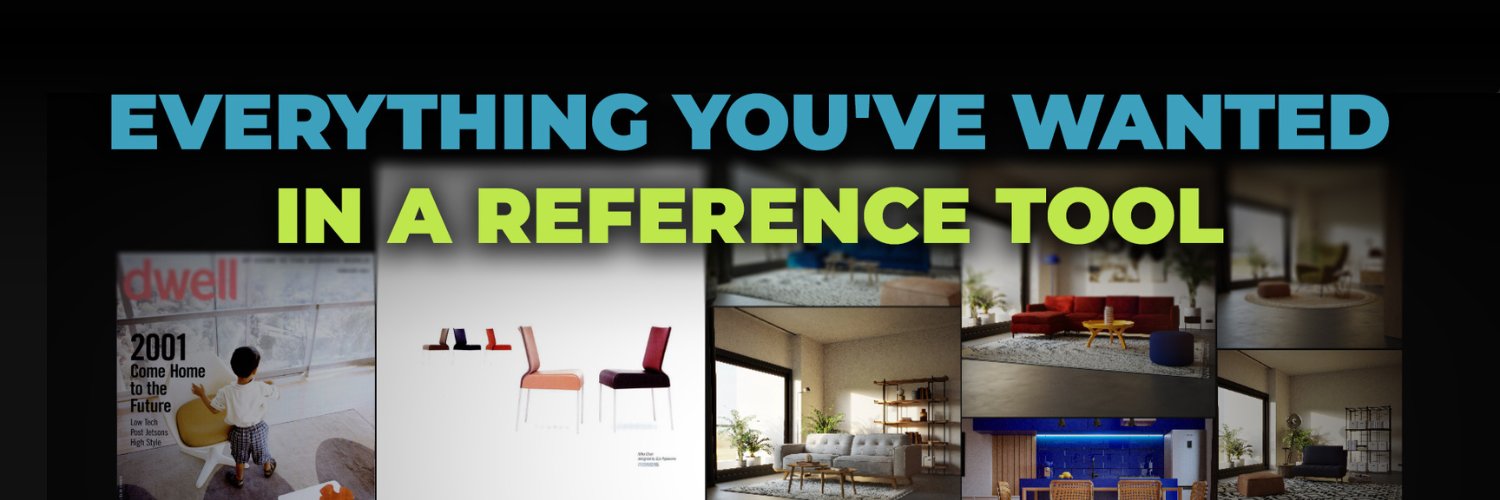
FrameRef is a modern reference board for creatives, bringing all your visual inspiration together on one infinite canvas.
If you like what you see, head to our website and try FrameRef free for 30 days.
If you are curious how the FrameRef reference board works, this new 4-part mini-series is for you.
In our first part, we cover the basics, including import, the UI, and organization. Stay tuned for part 2, which will drop soon.
It's trivial, but very important --> Always-on-Top Mode
Keep your reference board visible while working in other applications. Perfect for artists, designers, or animators who work across multiple programs.
With the FrameRef reference board, you can snap objects perfectly into place as you move them. You can also align edges instantly with quick tools for Left, Right, Center, Top, and Bottom.
As FrameRef supports Images, PDFs, Videos, and GIFs on the same reference board, we recently introduced a small but very convenient shortcut.
Hold I on your keyboard, and you get to see your object types, perfect for quickly distinguishing your different references.
The ability to normalize by height and width was also introduced in FrameRef 1.0.3.
This makes it easier to clean up messy reference boards by quickly matching selected items to the same height or width, while keeping their proportions intact.
Another feature in FrameRef 1.0.3 is our new Colour Swatches. With these, you can display a colour, its code, and its label.
And to really make use of this new FrameRef item, we created an Extract Colour Palette action that spawns the most prominent colours for your selection.
@millenial9491 Glad to hear you like our updates! It's on the request list yeah, but we don't got a timeline for it no 😁 How would you see it? Like have all the features? Or just basic features to check the boards at a glance and add objects without transforming them?
One of our favorite new updates in FrameRef 1.0.3 is the new context menus. So now, depending on your selection, when you right-click, you will see a list, only containing useful actions for your specific selection.
FrameRef 1.0.3 is now available! 🎉
This update introduces new context menus, homepage organization improvements, color swatches & palette tools, graphics/display tablet support & much more!
Full release notes and update guide:
https://t.co/Qu4mzMiJ7D
With FrameRef, you can tag any reference and instantly filter your board. Combined with search, you can find exactly what you need in seconds, even in large projects.
Stay organized without slowing down your creative flow.
Most reference boards are just images.
FrameRef lets you build richer boards, combine images, videos, GIFs, and PDFs in one place, and arrange everything the way your project needs.
Try FrameRef free for 30 days and let us know what you think 👋
With FrameRef’s Arrange, automatically align selected items into structured layouts. Choose how you want them sorted: by grid, date, name, or optimized spacing, and keep your board clear and easy to navigate.
No more clutter, no more wasted time.
It wouldn’t be reference board software without a good grouping feature.
Select any objects, images, videos, or PDFs, press Ctrl + G, and instantly group them together. Groups stay flexible, so you can resize them and drop in new objects at any time.
Another great feature in FrameRef, PDF support.
Add PDFs directly to your reference boards and keep everything in one place.
Perfect for:
• Art books and design PDFs
• Briefs and project notes
• Tutorials and guides
• Reference sheets and documentation