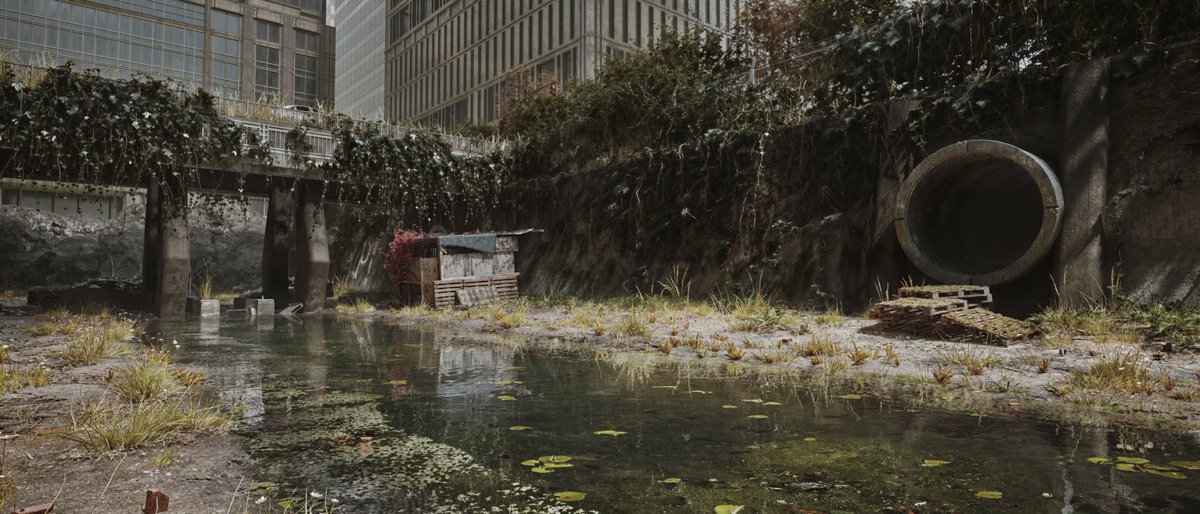
If you are creating environments in @UnrealEngine, you will love the Dash plugin. It contains all the world-building tools and features you could have ever wished for.
If you use the Dash Content Browser in @unrealengine, and materials from the integrated libraries, it is this easy to get rid of the annoying tiling repetitions that usually appear when you add a material to a larger surface.
Creating convincing moss in UE5 doesn't have to be complicated.
With Dash, you can build rich, natural-looking moss in just a few steps:
🌿Grab a few Megascans foliage assets from FAB
🌿Scatter them from the Dash Content Browser
🌿Scale them down and increase the density
🌿Break it up with Angle Mask and Noise Mask
🌿Repeat with more foliage for natural variation
Layering a handful of simple scatters often produces much more realistic results than relying on a single asset.
If you'd like to try this workflow yourself, Dash is available with a 14-day free trial.
Our procedural cable tool got an exciting upgrade recently. In our latest update, we added the possibility of adding a scatter as an input to the cable tool.
This means you can scatter some objects with any Dash scatter tool and then create procedural cables between your scattered objects.
The video below shows one example, but it can be used for a bunch of different @UnrealEngine projects!
When using Dash for large @unrealengine worlds, here is a great workflow for creating biomes that could be really helpful.
If you have any questions, let us know! We are always happy to help!
New YouTube Video is Now Up! --> How to create and use UE5 world building presets 📢
The Preset System in Dash is really powerful, but it is definitely underappreciated. Hopefully this new video can show you all what's possible and how to use it.
And of course, don't hesitate to ask questions; we would love to help out with any presets you have in mind!
The full tutorial is available on the Polygonflow Dash YouTube channel, as always!
Did you know you can use MeshBlend on scatters and physics outputs from Dash?
It’s especially cool for physics piles, helping them blend naturally into their surroundings so they look like they’ve been there for ages!🪨🪨🪨
Once you realise you can combine and connect Dash scatters, a whole new world opens up. Building fully procedural environments in Unreal Engine suddenly feels a lot less complicated.
If you don't agree, let us know down below. Your feedback helps us make Dash better! 👇
If you ever need big, realistic piles of assets, like these barrels, don't forget that Dash has one of the best physics tools for UE5. No doubt about it. 😎
With the Dash Content Browser in @UnrealEngine, adding snow to your assets and surfaces is incredibly easy.
And yes, you can even add fluffy, displaced snow!❄️
If you want to give it a try, let us know and we will send over the free trial download link! 🎉
Two shots from a recent graduation project, and in the artist’s own words:
“Dash played a huge role in bringing this project to life.”
We love seeing artists discover Dash and find new ways to get real value from it in their work.
Beautifully done, Andrii Orlov👏
See more from the project here:
https://t.co/zlY6tkcYXH
The scattering tools are what made Dash popular, and they keep being our users' favourite features, especially since we keep improving them continuously.
P.S. In the next Dash update, there will be a bunch of new scatter improvements; we hope you all are excited!
All great 3D engines benefit from external development and plugins, and Dash is our contribution to @UnrealEngine.
In the video below, we show 5 of our favorite tools in Dash. But Dash has so much more to offer. It covers almost every step of building a 3D world, from content discovery and procedural world building, all the way to final grading.
Let us know below if you want to see more of what’s possible with Dash 👇
Building a warehouse level and need dozens of stacked assets?
The Vertical Stacking tool for UE5 can save you hours.
Just assign your bottom, middle, and top meshes, tweak the parameters, and generate randomized stacks in seconds.
You can add as many source actors as you want, making it easy to create plenty of variations without building every stack by hand.