Our purpose is to make technology accessible and reliable. 💡 Follow us for relevant news, tips, and learning resources to empower the creator in you! 💡
Did you know the #Arduino Uno has 14 digital pins that can be used as input or output? 🤯 Plus, 6 of those pins are PWM pins that can output a pulse-width modulated signal. Learn more about the Arduino Uno and its components in our latest blog post. 🤓
Want to create your own Internet of Things (IoT) systems? Our free Arduino Mini-Course can show you how! Learn how to use this powerful platform to build innovative projects that respond to data from the environment. #Arduino#IoTprojects#FreeMiniCourse
Did you know the #Arduino Uno board has 6 analog pins? 🤔 These pins allow the board to read analog signals and are great for working with sensors and other analog inputs. Learn more about the versatile Arduino Uno board in our latest blog post. 🤓
Step 7 - the final step - of our guide to getting started with #Arduino: start creating your own projects! 🚀 Whether you want to build a robot, automate your home, or create interactive art, Arduino makes it possible. What projects are you excited to create?
Ready to take your #Arduino Uno board to the next level? Check out the In-Circuit Serial Programming (ICSP) header! 🚀 This advanced feature allows you to connect the board to an external programmer to increase flexibility for your projects. Learn more on our blog.
🌟 Testimonial Alert 🌟 Here's what Jeremy said about our FREE Arduino Mini-Course: "Good course. A lot of info packed in a quick course!" We're thrilled to hear that our course delivered value and knowledge in a time-efficient way. 😃 #customerfeedback#onlinetraining
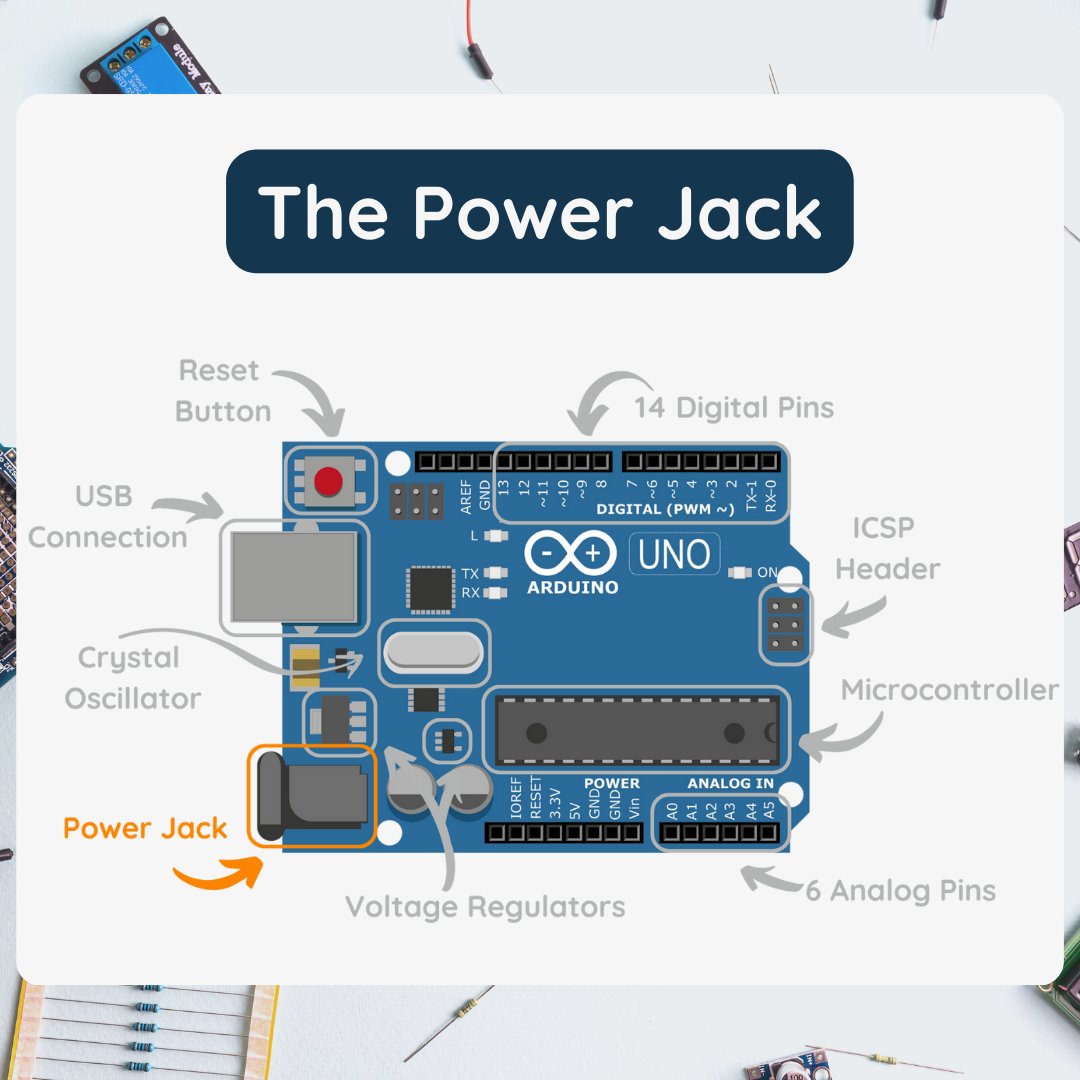
Power up your #Arduino Uno with the external power source using the power jack! 🔌 This handy feature allows you to supply power to the board from sources such as a battery or wall adapter. Learn more about the Arduino Uno and its components on our blog. #Electronics
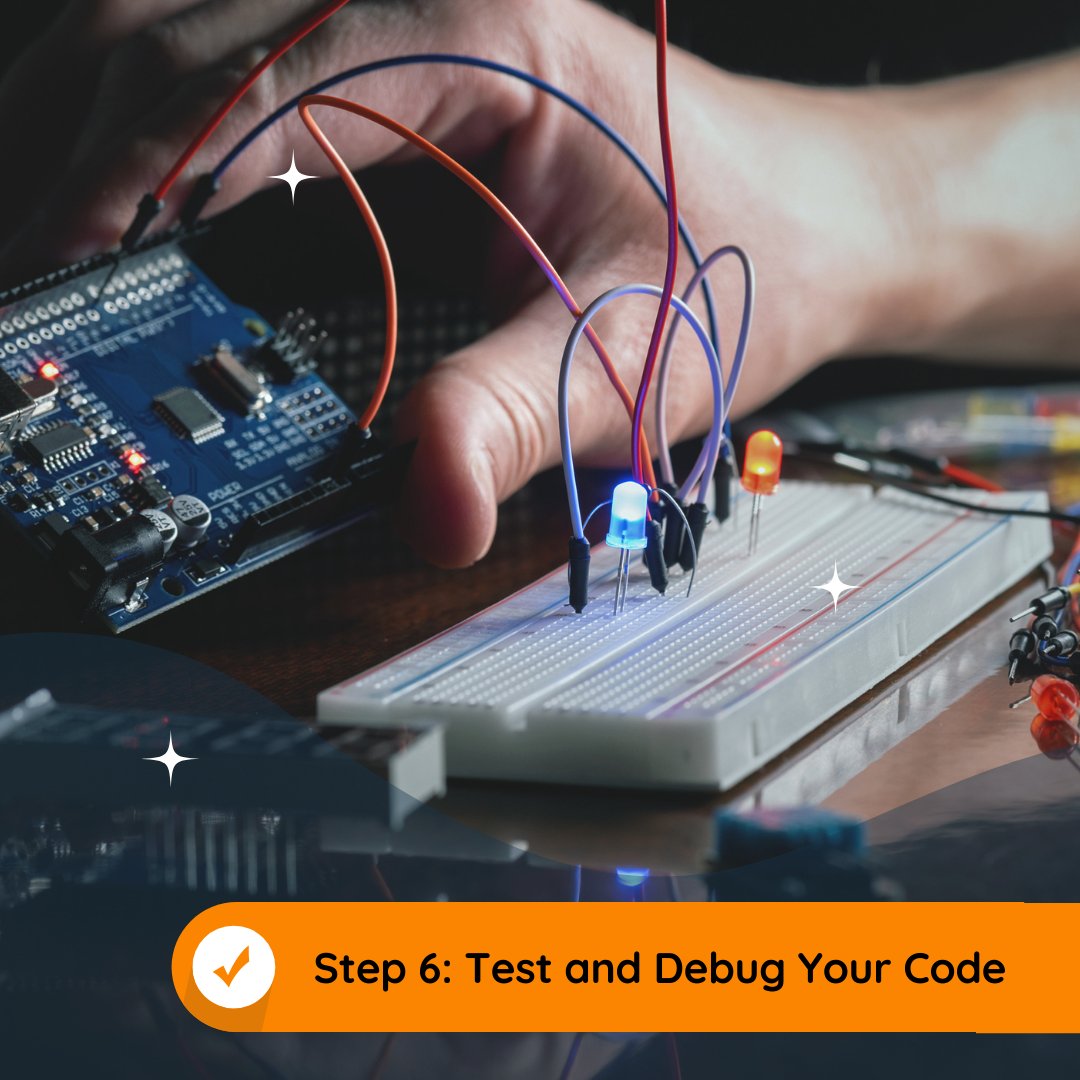
Step 6 of our guide to getting started with #Arduino: Test and debug your code! Use the serial monitor in the Arduino IDE to help you see what's happening and find and fix bugs. Share your debugging tips and tricks in the comments below! #electronics
The USB connector is an essential feature of the Arduino Uno board, making programming and communication a breeze. 🖥️ Discover more about the board's components in our latest blog post. #Arduino#USBConnector#DIY#Electronics
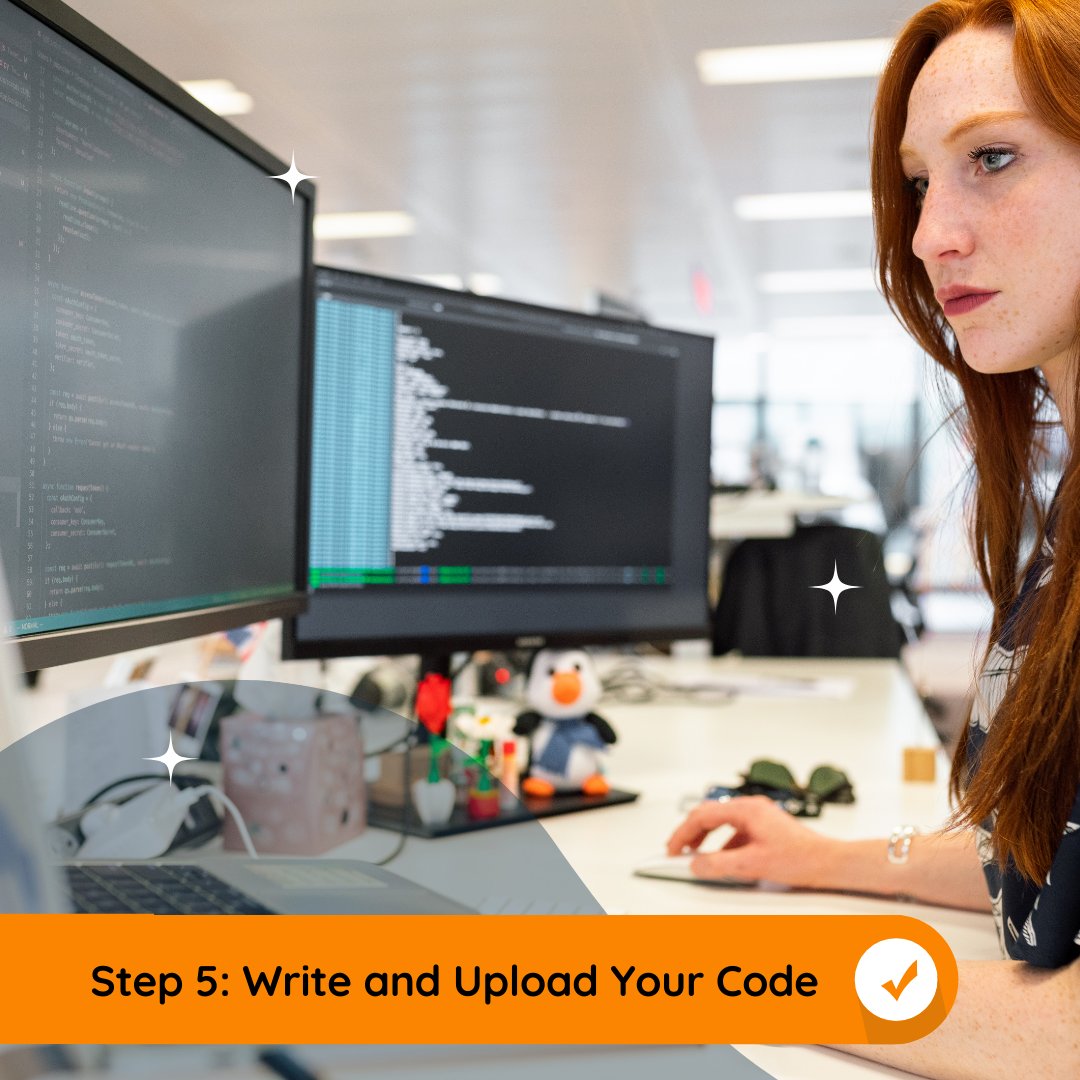
👨💻 Step 5 of our guide to getting started with electronics and #Arduino: Write and upload your code to the Arduino board. There are plenty of tutorials and examples available online to help you get started. Share your favorite resources and projects in the comments below!
Ready to dive into the world of interactive electronics? Check out Arduino! Our free Mini-Course will teach you the basics of this open-source platform, and help you build innovative projects of your own. #Arduino#DIYelectronics#FreeMiniCourse
Did you know that the crystal oscillator is like the heart of the #Arduino Uno board? 💓 It generates clock signals that keep the board running smoothly. Learn more about this essential component and other parts of the board in our latest blog post. 🤓 #Electronics
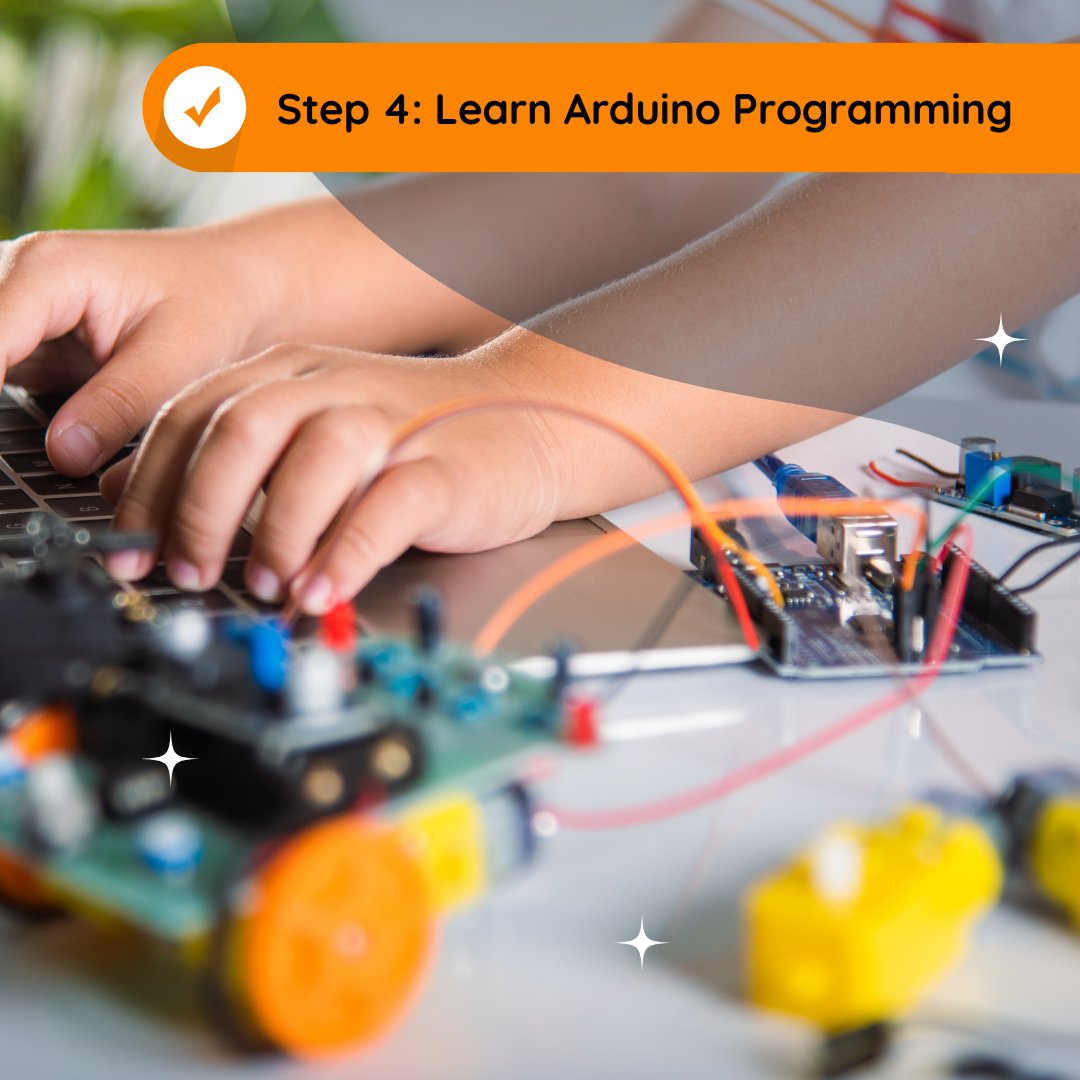
🤖 Step 4 of our guide to getting started with #Arduino: Get familiar with the Arduino programming language, based on C++. There are plenty of online resources to help you learn the basics and start creating your own projects. Share your favorite resources in the comments below!
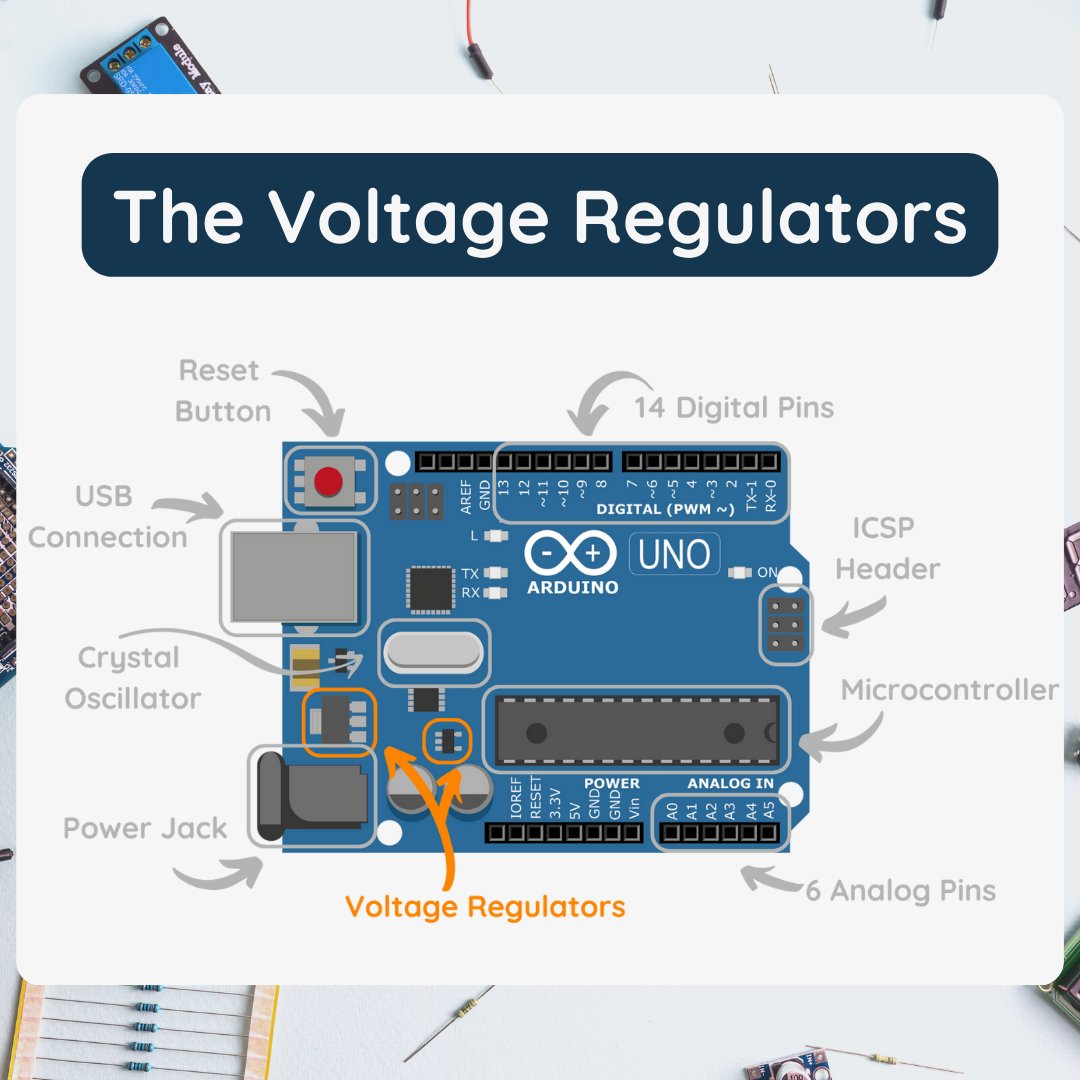
Did you know that the voltage regulator is a key component of the Arduino Uno board? 🔌 It helps provide a stable power supply, protecting the board and ensuring it functions properly. Learn more about the board's components in our latest blog post. 🤓 #Arduino#Electronics
Ready to dive into the world of electronics and programming? Our free Arduino Mini-Course is the perfect place to start! With the help of this open-source platform, you can build robots, drones, and other automated systems. 🤖🛸 #Arduino#programming#FreeMiniCourse
Step 3 of our guide to getting started with #electronics and #Arduino: Install the Arduino IDE! This software is used to write and upload code to the Arduino board. It's easy to install and use, and tutorials are available online. Share your experience in the comments!
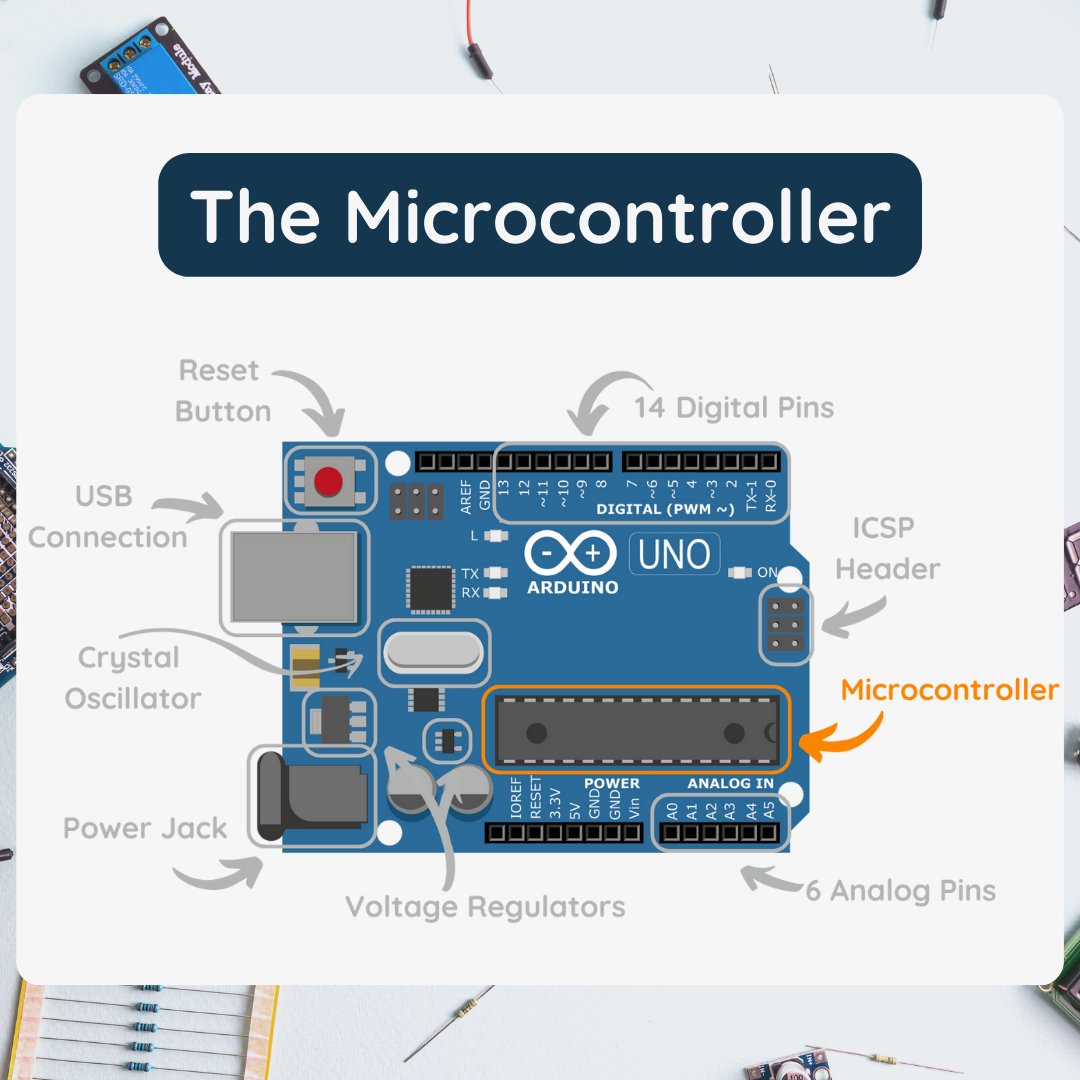
Curious why the Arduino Uno is so popular? 🤔 Let's examine its main components! 🧠 The microcontroller is the brains of the board, interpreting and executing instructions. Check out our blog post to learn more. 🤓 #Arduino#Microcontroller#DIY#Electronics
Advance your skills & career with #Arduino! 💼 Our free mini-course offers certification & the chance to learn from industry pros. Learn the basics & create amazing projects. Enroll now! 💻 Enroll now at https://t.co/aCIZEUrnEV
Get ready to discover the inner workings of the #Arduino Uno board! 🤖🔍 We're breaking down each component to help you better understand this versatile microcontroller. From digital pins to power jack and more, we've got you covered. Stay tuned or check out the full blog. 🤓
Finally, an organized approach to learning #Arduino! Say goodbye to scattered YouTube tutorials & hello to a structured curriculum w/ quizzes, worksheets & forums. Start your journey now! https://t.co/PipwR1FVVq🚀 #OnlineLearning#Electronics