Задовбав світ «мамкиних експертів». Вже просто не вивожу, коли читаю «експертну думку» людей, які, в кращому випадку, проглянули, щось типу «How to start”, або прочитала по діагоналі оглядову статтю. А далі починають висловлює свою думку хоча не мають достатньо інформації.
Okay, it looks a bit shabby but functionality almost 🤞 complete: Onboarding for CosaNostr.
It tells new users what Nostr is and why keys are important. Just a quick guide and then a deep dive in global feed 😅
🚀💻 Calling all Flutter developers! 📢 If you're passionate about coding in your beloved local IDE but wish to work on your projects from any laptop, even without Flutter installed, we have a game-changer for you - FlutLab! 🎉🤩
💡 Whether you're a hobbyist or a pro, FlutLab opens up exciting possibilities for your Flutter development. Collaborate with ease, experiment, and iterate efficiently with this powerful online IDE. Your coding playground awaits! 🎯
Get started with FlutLab today and code anywhere! 🌟🚀
#FlutterDeveloper #FlutLab #OnlineIDE #CodeOnTheGo #CodingJourney
🫶A big thank you to all our users for the fantastic feedback shared across various social media platforms. You're not just users; you're creators who build apps and educational content with FlutLab! You are our amazing community! Your impressions and constructive feedback inspire us daily to evolve and improve our platform. Together, we continue to shape the world of programming. 🚀💻 #FlutLab #flutterdev
🎉 Exciting news! We celebrate our 200th follower! 🎉 Congrats @ShahmirzaliH! You've got 24 hours to reach out to us. If we don't hear from you, we'll select a lucky user from our recent followers!
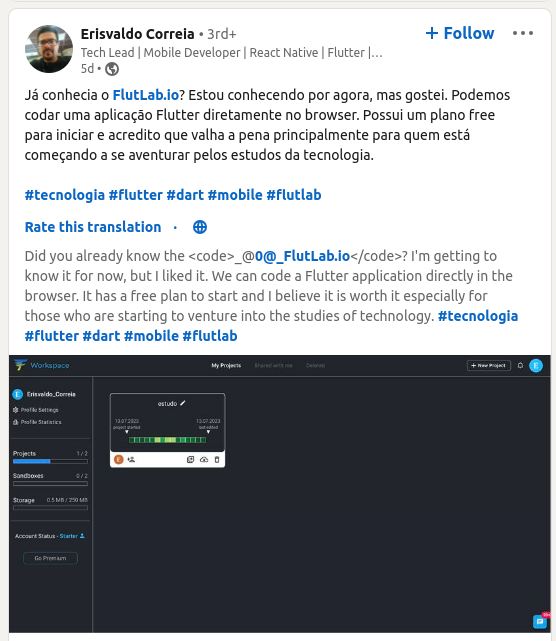
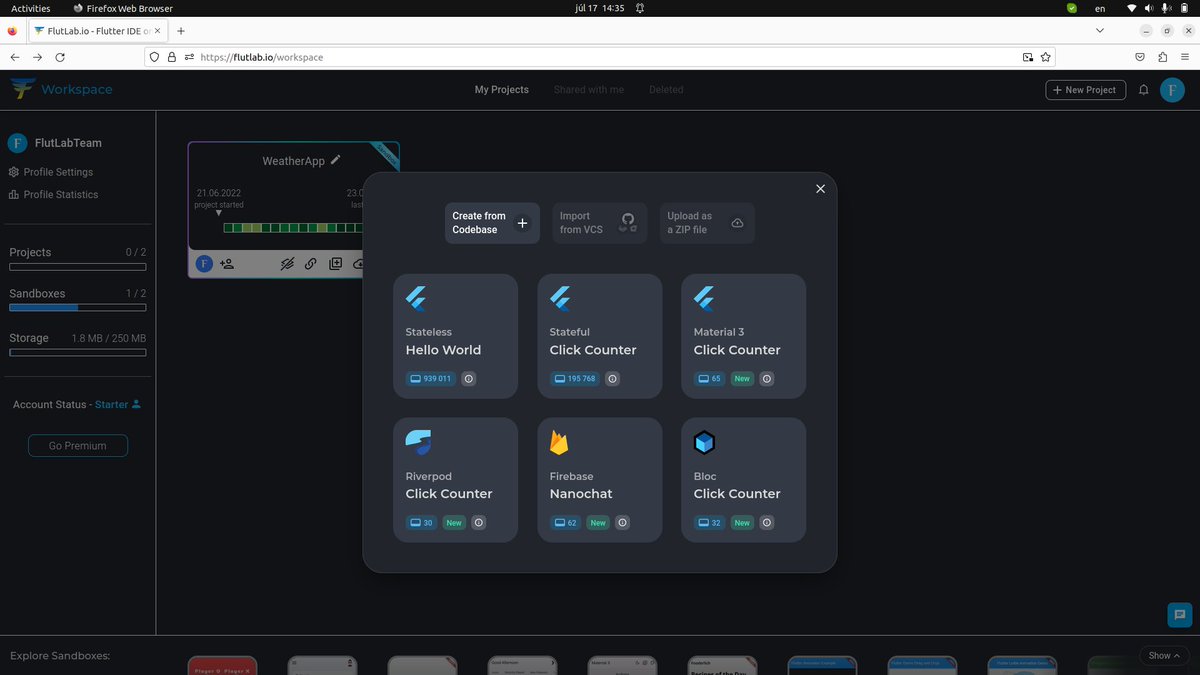
Good news! Creating a project in FlutLab just got easier. Just click the "+New Project" button and get started with a codebase. 🚀 #FlutLab#flutter#flutterdev
Hey everyone!
A few weeks ago, I started following @FlutLab (Always striving to learn more), and it has such fantastic features for free!!!
I'll keep you posted as I continue reviewing it!
@EsFlutter@FlutterDev@FlutterConfLAT
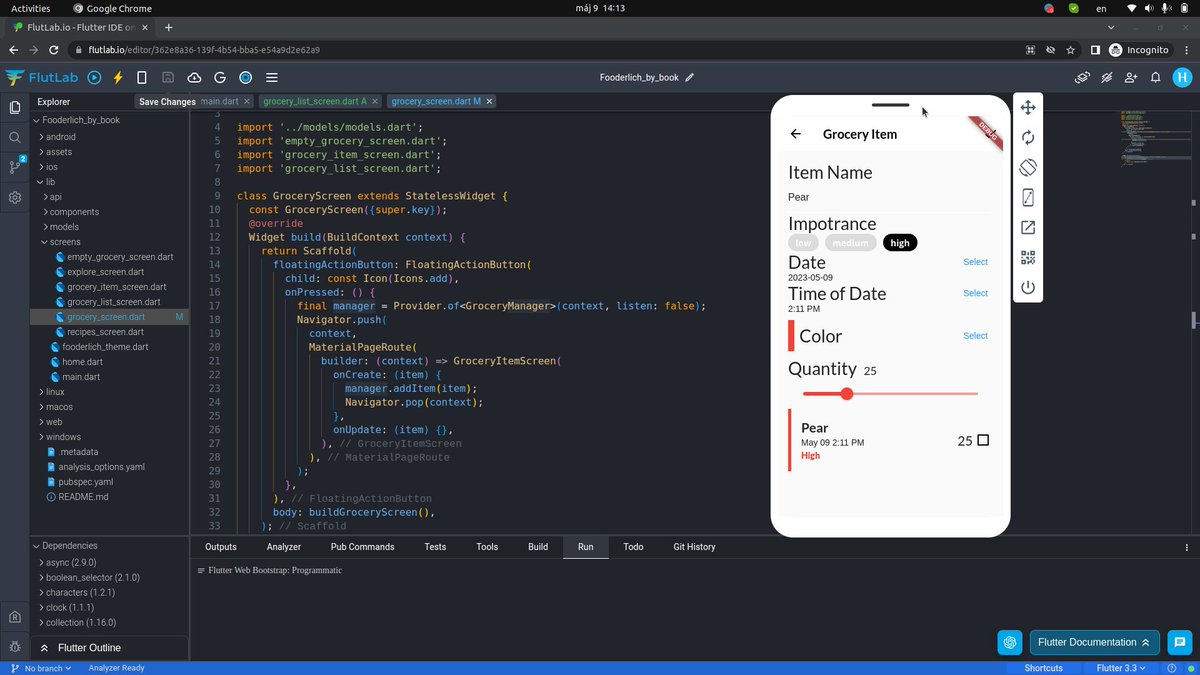
Day29: InkWell provides animated ripple feedback.When the user taps a UI element you use it to display a splash animation, as shown below:
@FlutLab Sandbox - https://t.co/dTXQhP5C9I (play with code).
#100DaysofCode with "Flutter Apprentice"
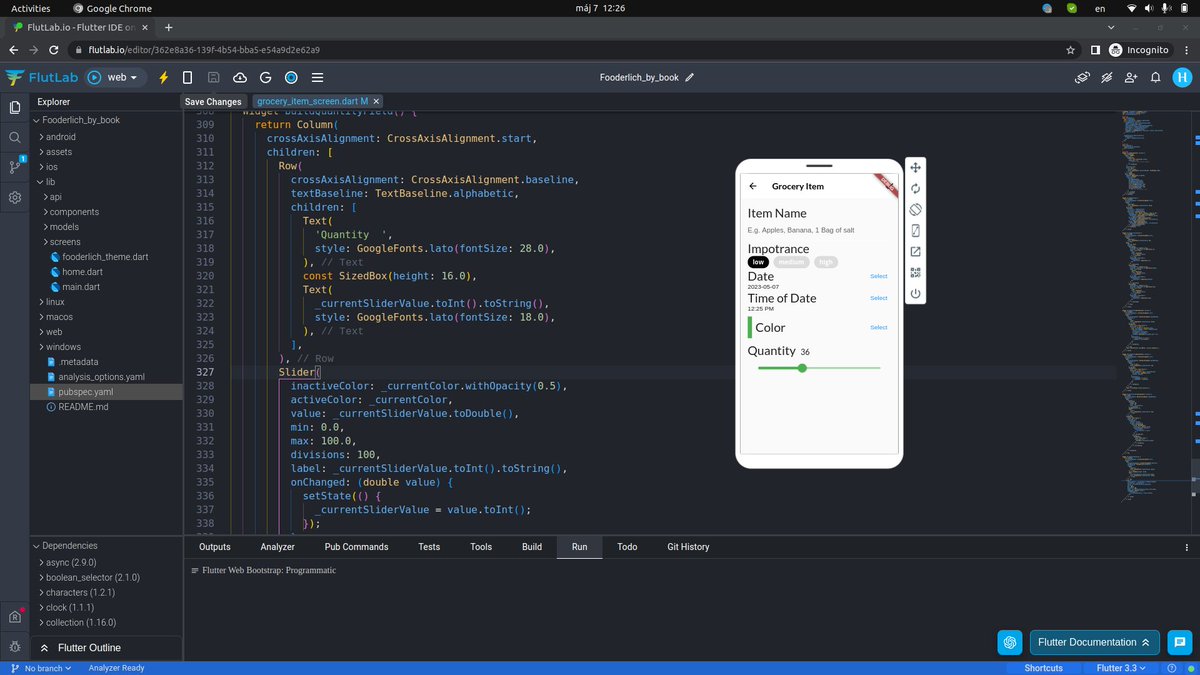
Day25: TimePicker — a widget that’s useful when
you need the user to enter the time.
@FlutLab Sandbox - https://t.co/dTXQhP5C9I (play with code).
#100DaysofCode with "Flutter Apprentice"
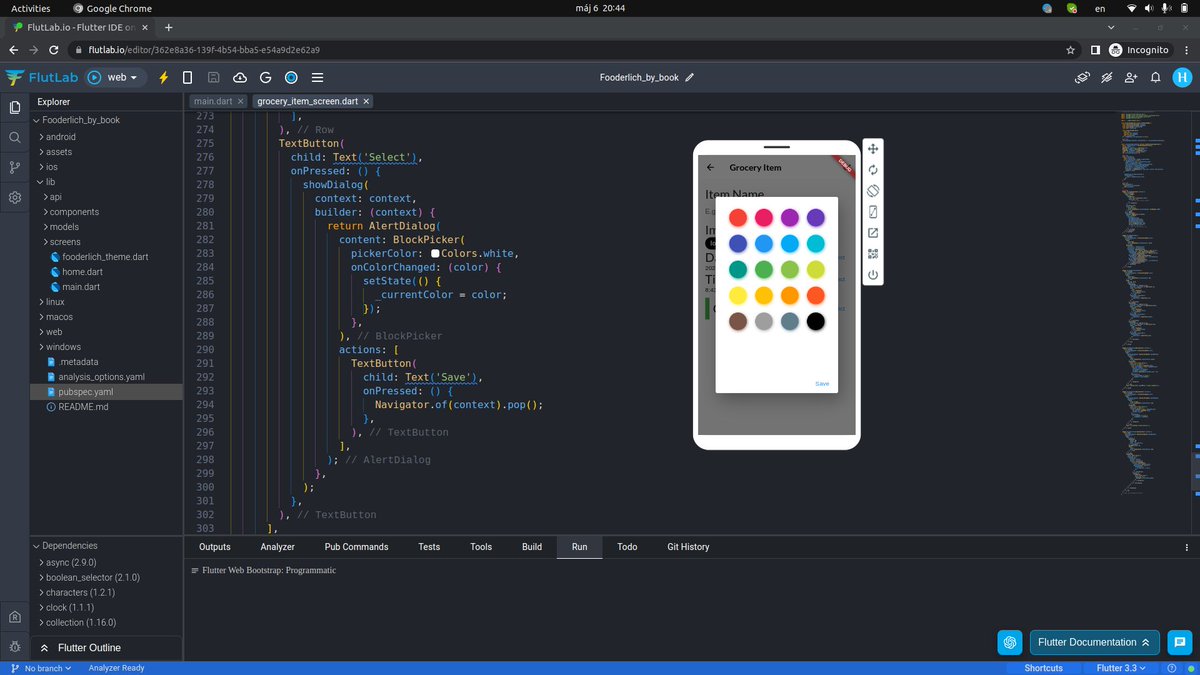
Day24: DatePicker is a useful widget when you need the user to enter a date.
@FlutLab Sandbox - https://t.co/dTXQhP5C9I (play with code).
#100DaysofCode with "Flutter Apprentice"
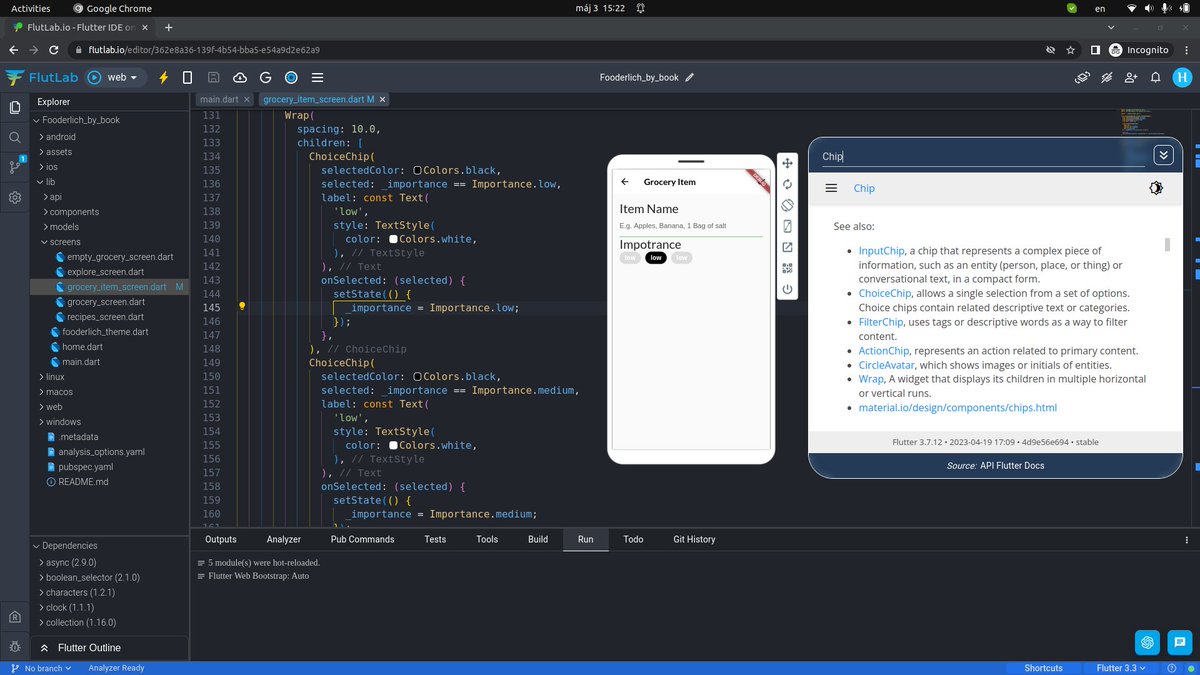
ChoiceChip: Allows the user to make a single selection given a set of options.
@FlutLab Sandbox - https://t.co/dTXQhP5C9I (play with code).
#100DaysofCode with "Flutter Apprentice"
Adding the text field to enter a grocery name. TextField is helpful widget when you need the user to enter some text.
@FlutLab Sandbox - https://t.co/dTXQhP5C9I (play with code).
#100DaysofCode with "Flutter Apprentice"