This account is for all things Steam Hardware like, stock, accessories, software updates, etc. 0 leaks. Not associated with Valve. email: [email protected]
Vivecraft (Minecraft VR) running natively on Steam Frame!
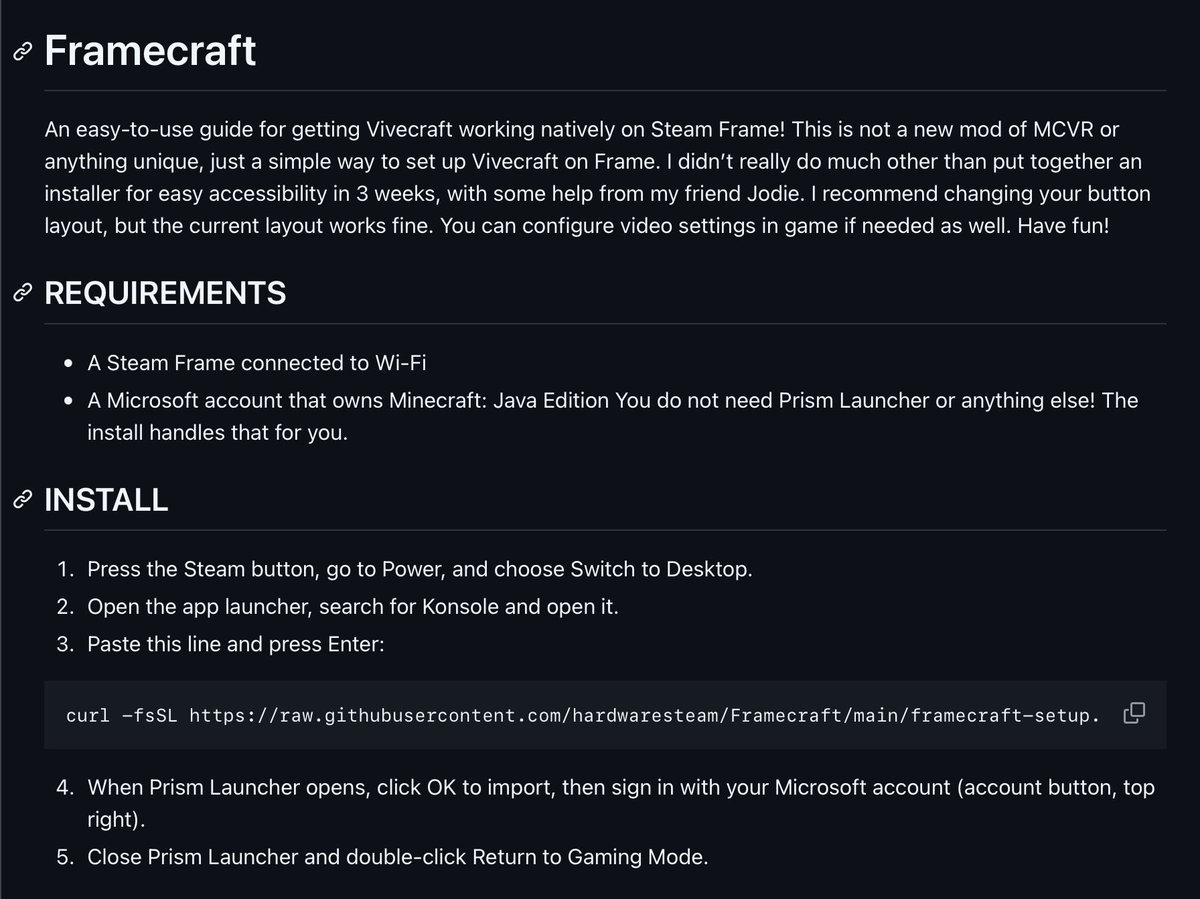
I keep seeing people gatekeep how to do this when it’s fairly easy, so I’ll put up a guide tomorrow.
BetterFrame planned features:
-A redesigned UI that feels made for VR
-VR and Steam settings in one place
-Quick UI buttons for StreamXR and Framecorder
-More distinction between starting/configuring a game via streaming or native play
-Quitting games doesn’t feel slow
-Redesigned keyboard with copy, paste and text to speech
-More clear option to change how curved your screen is
-Move and resize screens more freely
-Option to pin windows to your head, with LERP option
-Better multitasking
-Option to control the UI with your eyes
-Option to change what the Aux button does (passthrough, mouse, etc)
-Simpler action sets
-Automatically adjusted better settings for built-in mic
-Options for a plain color background environment
-Sharper PC desktop virtual screen when streaming (if can be done)
-MAYBE. MAYBE navigating the UI with hand tracking. MAYBE. I’d need help for it
QUESTION FOR YOU ALL
If you could have anything changed/added to Steam Frame's UI, or any new features added software wise to make usability better, what would you add/change?
My team and I are working on a project for Steam Frame called BetterFrame!
It'll redesign elements of Steam Frame's UI to be more polished and easy to use, have a better keyboard with Paste and TTS automatically built in, configure Steam Frame's microphone to better settings, and have multiple features built in to make multitasking easier without over complicating things. I want to know what people want in something like that though, rather than just doing whatever I personally think works. Any ideas help!
Could I theoretically get it out sooner with the tools people are using to make software recently? Yes. Will I? No, I want human quality in my first major project.
BetterFrame planned features:
-A redesigned UI that feels made for VR
-VR and Steam settings in one place
-Quick UI buttons for StreamXR and Framecorder
-More distinction between starting/configuring a game via streaming or native play
-Quitting games doesn’t feel slow
-Redesigned keyboard with copy, paste and text to speech
-More clear option to change how curved your screen is
-Move and resize screens more freely
-Option to pin windows to your head, with LERP option
-Better multitasking
-Option to control the UI with your eyes
-Option to change what the Aux button does (passthrough, mouse, etc)
-Simpler action sets
-Automatically adjusted better settings for built-in mic
-Options for a plain color background environment
-Sharper PC desktop virtual screen when streaming (if can be done)
-MAYBE. MAYBE navigating the UI with hand tracking. MAYBE. I’d need help for it
If anyone has any other requested features let me know. I want this to be a thing that’s built off of a ton of wanted fixes and features and I’ve already been working on parts in the background for a month or so.
Release… sometime Q4 2026 lol
Does anyone want to test this before I release a guide? The guide is a "paste into Konsole" thing with a Google Drive link but I haven't found anyone who can try it first.
Vivecraft (Minecraft VR) running natively on Steam Frame!
I keep seeing people gatekeep how to do this when it’s fairly easy, so I’ll put up a guide tomorrow.
@netleaf2 It's been in the works for a few weeks!!! I am really trying my best for these little projects with human quality. I have 2 others coming this year aswell
Vivecraft (Minecraft VR) running natively on Steam Frame!
I keep seeing people gatekeep how to do this when it’s fairly easy, so I’ll put up a guide tomorrow.