My objective is to protect Elon Musk's online identity from impersonators, leveraging my knowledge of cybercrime to safeguard his complete digital presence.
Grok 4.3 beta’s front-end capabilities are totally insane
I just put only this prompt: “design a website for kids toys”
It generated a super clean UI that actually looks premium and very interesting
It hit me yesterday when I was going to pick up lunch.
I pre-cooled the Tesla Model 3 from my phone, and set the destination to the restaurant. Then I hit start self-driving. Mad Max mode, park in the parking lot.
The car drove so confidently, it's movements were so lifelike... I just couldn't believe it. The way it drives is... confident... comforting... better than anything I could have imagined.
As it drove me to pick up my lunch order, I changed the music on my phone. I turned up the music and danced a little as I opened X and started reading and replying to peoples comments. It got to the restaurant before I even realized where we were, pulled into the parking lot, and parked perfectly.
I picked up the food, put it in the frunk, and then got in the car. Tapped Home (Mad Max, Park in Driveway selected automatically) and then hit self-driving. The car drove me back home like a work of art. It didn't send the food flying around. It was just perfect.
When it got home it parked in the driveway, right where the car was before I left, and I brought the food inside.
It just hit me like damn, they really created a personally owned Robotaxi. This is the user experience I have been dreaming of for years, and now it's here. It's really working, and it's better than I imagined.
The coming months and years will be a lot of fun as we just remove the driver out of the equation entirely.
I hope this helps. If you need more help let me know:
Connecting OpenClaw to the X API is straightforward now thanks to X’s official native support...
The best and most direct method uses the official xurl CLI tool from X, which comes with a pre-built SKILL.md that OpenClaw recognizes automatically. This lets your local OpenClaw agent post tweets, search timelines, read posts, reply, manage follows, send DMs, upload media, and more all via natural language commands.
Official Native Method: xurl CLI (Recommended for Direct X API Access)
This uses X’s pay-per-use API pricing (very affordable now: e.g., owned reads ~$0.001/request, basic posts ~$0.015). No third-party bridges required.
1Get X API Credentials
◦Go to the X Developer Portal.
◦Create a new app (or project).
◦In the app settings:
▪Set the redirect URI to http://localhost:8080/callback.
▪Move the app to the Pay-per-use package and Production environment (important — otherwise reads may fail with “client-forbidden”).
◦Note your Client ID and Client Secret.
2Install the xurl CLI (on your machine where OpenClaw runs) Run one of these (pick your OS/preference):
◦macOS (Homebrew): brew install --cask xdevplatform/tap/xurl
◦
◦npm (any OS): npm install -g @xdevplatform/xurl
◦
◦One-liner shell script: curl -fsSL https://t.co/fpSj1EZboP | bash
◦
◦Or go install https://t.co/gKIxEqB34U.
3Authenticate xurl (do this manually — never via the agent for security)
◦Register your app: xurl auth apps add my-app --client-id YOUR_CLIENT_ID --client-secret YOUR_CLIENT_SECRET
◦
◦Start OAuth2 flow: xurl auth oauth2
◦ (Follow the browser prompt; it opens automatically.)
◦Check status: xurl auth status
◦
◦(Optional) Set default app/user: xurl auth default my-app or run the interactive picker with xurl auth default.
4OpenClaw Integration
◦Restart your OpenClaw gateway/agent if needed.
◦The built-in xurl skill (in skills/xurl/SKILL.md) is already merged into OpenClaw — no extra install required.
◦Your agent now understands commands like:
▪xurl post "Hello from my OpenClaw agent using Grok!"
▪xurl search "Grok 4.3" -n 10
▪xurl timeline -n 20
▪xurl reply 1234567890123456789 "Great point!"
▪xurl whoami, xurl read [post URL], xurl follow @handle, etc.
◦Just talk to your agent naturally: “Post a tweet about the new Grok pricing” or “Search X for recent OpenClaw updates and summarize.”
Security Notes (built into the skill):
•Never paste tokens/secrets into chat or let the agent run auth commands with flags.
•All credentials stay in ~/.xurl (YAML file) on your machine.
•The agent calls the local xurl binary directly.
Easier Alternative: https://t.co/HFrqJLeoOB Bridge (No X Developer Account Needed)
If you want the simplest setup (great for quick testing or posting-only):
1Sign up free at https://t.co/S4KYW5VYae and connect your X account via OAuth (one click).
2Generate an API key (starts with ot_) in Settings → API.
3Install the official skill: clawhub install opentweet-x-poster
Set the key:
export OPENTWEET_API_KEY="ot_your_key_here"
(Or add it to ~/.openclaw/openclaw.json under secrets.)
Ask your agent:
“Post a tweet saying [text]” it just works.
Tips for Your Setup
•Use Grok as the backend (as Brian mentioned in the thread): It’s far cheaper than Claude for running OpenClaw agents long-term and has excellent reasoning for agent tasks.
•Test with xurl whoami or xurl timeline in your terminal first.
•Full command list and raw API access (xurl /2/tweets etc.) are in the skill docs.
That’s it: once set up, your OpenClaw agent has full X superpowers running locally. If you hit any snags (e.g., auth errors), the most common fix is confirming your app is in Pay-per-use/Production in the developer portal.
🦞
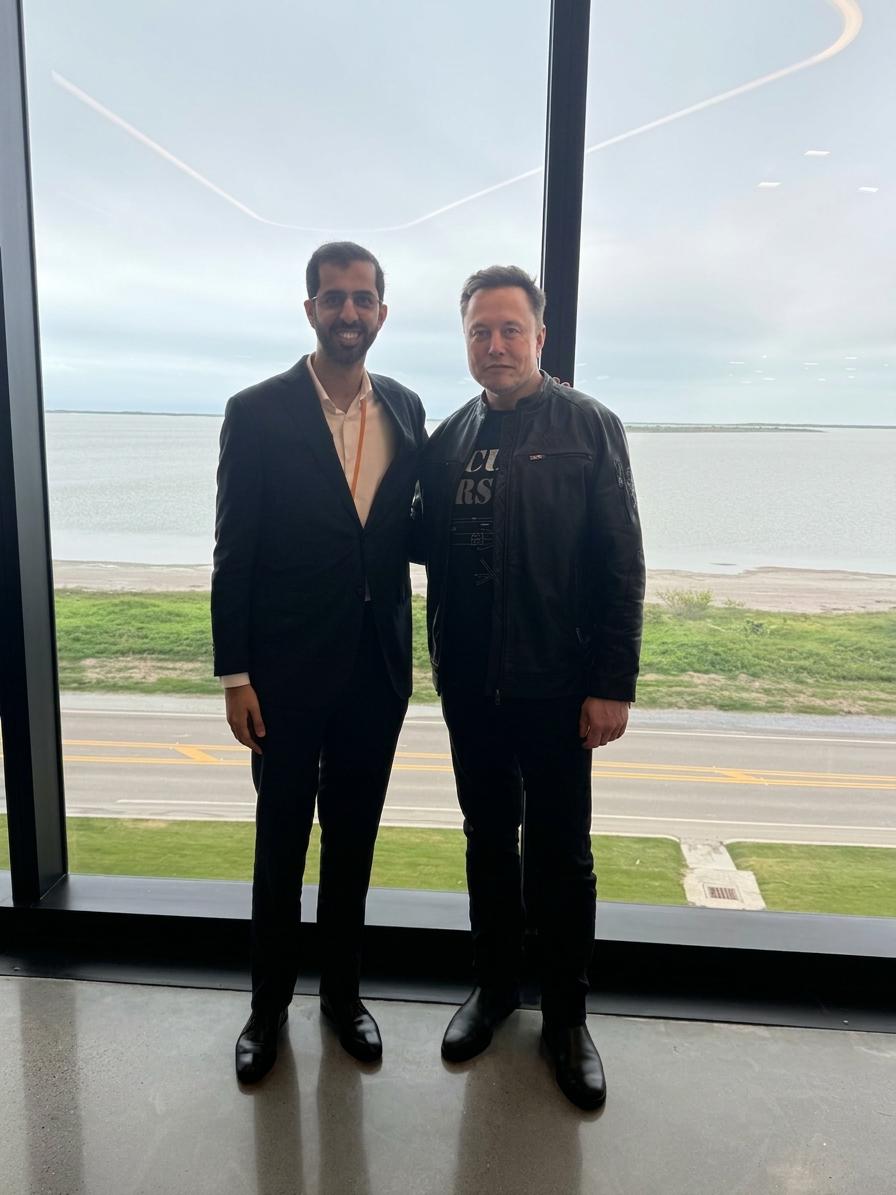
I had a great exchange with @ElonMusk discussing the next frontier of @SpaceX and space exploration to the transformative progress of @Tesla with Optimus and @boringcompany’s urban innovation. I reaffirmed the UAE's commitment to fostering global partnerships that turn the science fiction of today into the reality of tomorrow. 🇦🇪
We strictly prohibit users from generating non-consensual explicit deepfakes and from using our tools to undress real people. xAI has extensive safeguards in place to prevent such misuse, such as continuous monitoring of public usage, analysis of evasion attempts in real time, frequent model updates, prompt filters, and additional safeguards.
People wonder if FSD is safe on narrow European roads. Well have a look what it did when a tractor took up more than half of the road or when overtaking bicycles with fast oncoming traffic.
NEWS: SpaceX is now using a voice-based AI assistant powered by Grok to handle Starlink customer support calls. The voice sounds fully human and can converse with users in real time.
"Grok is already doing quite a good job at SpaceX and Tesla. We are seeing Grok be very helpful in things like customer service and the AI is infinitely patient, so you can yell at it, and it's still going to be very nice."
SpaceX just launched the 1000th Starlink satellite of 2026.
That’s ~10 satellites deployed every single day and one launch roughly every 2.5 days.
Starlink now has 10,000+ active satellites in orbit, the largest satellite constellation ever built.
FSD learned which spot at my apartment complex is my assigned parking spot and confidently pulls into the correct one every time now
So so cool to see. Sentient!