New update 12.9 is now available on the App Store.
It introduces the all-new Split Variation Chart — a fast, glanceable way to visualize your automatic splits.
No more boring multi-column tables. Your pacing tells a story instantly.
#LessNoiseMoreInsight
HealthFit is based on Apple Health which is not available on MacOS, so it is not possible to have a Mac version of HealthFit.
Regarding automatic transfer only Apple has background time for reading Apple Health.
@HealthToFit Thanks for the many smaller and bigger updates so far.
I was wondering whether a Mac version is planned (or even possible)? I'd like to see the maps on the bigger screen. And also the AI export features would be nice directly on the Mac, without having to transfer files.
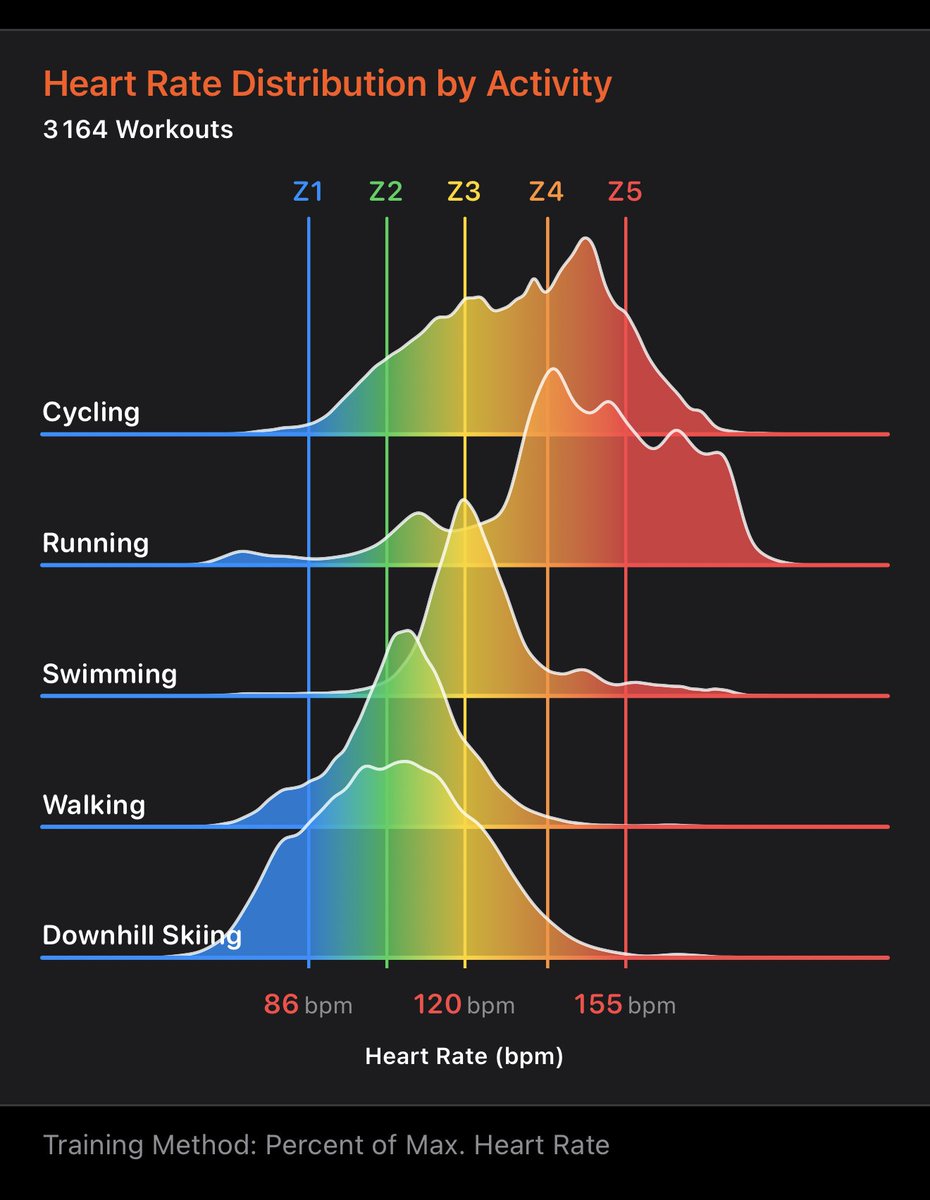
HealthFit overlays a Gaussian curve on top of the heart rate profile so you can instantly understand the shape of the effort: steady aerobic, progressive threshold, chaotic intervals, cardiac drift…
Less noise. Less visual fatigue. More insight
A new update of HealthFit is now available on the App Store.
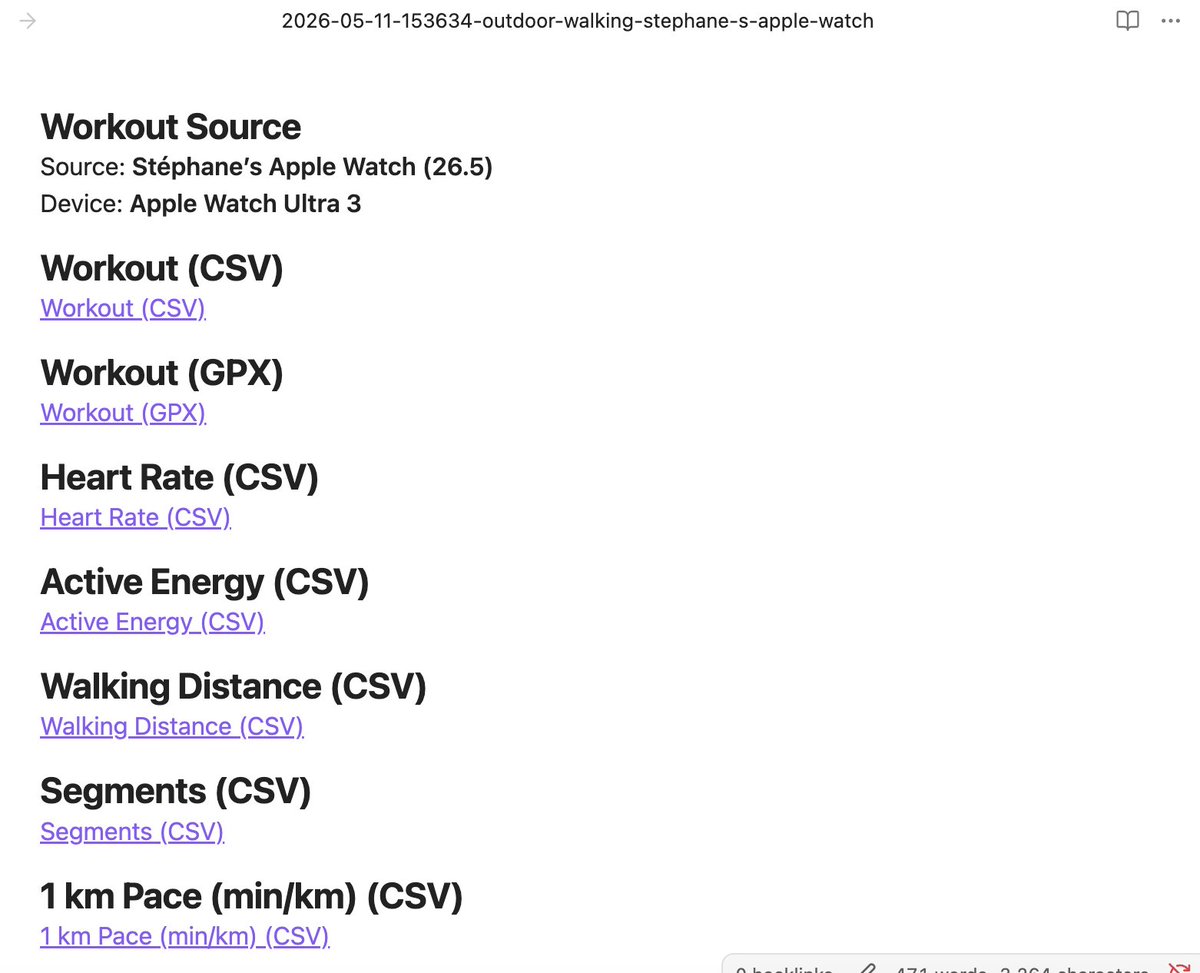
This release adds bulk Markdown export, along with ski runs, lap swimming, automatic splits, and user segments export to CSV.
You can already export the Fitness metrics as a CSV file. Open the Fitness screen by drilling down into the Fitness chart, then tap the More menu in the upper-right corner...
@asifnavaz I’m not sure I fully understand your question.
Apple does not allow background tasks to read data from HealthKit. This capability is restricted to Apple’s own apps and to certain ResearchKit-based research apps.
@asifnavaz Yes — tap the Fitness chart to drill down into the Fitness screen. Then tap the ellipsis button in the top-right corner to export the Fitness metrics as a CSV file.
If you’d like to beta test the next HealthFit update, feel free to reach out from within the app.
I’ve added bulk export support to Markdown, improved the export to Markdown itself.