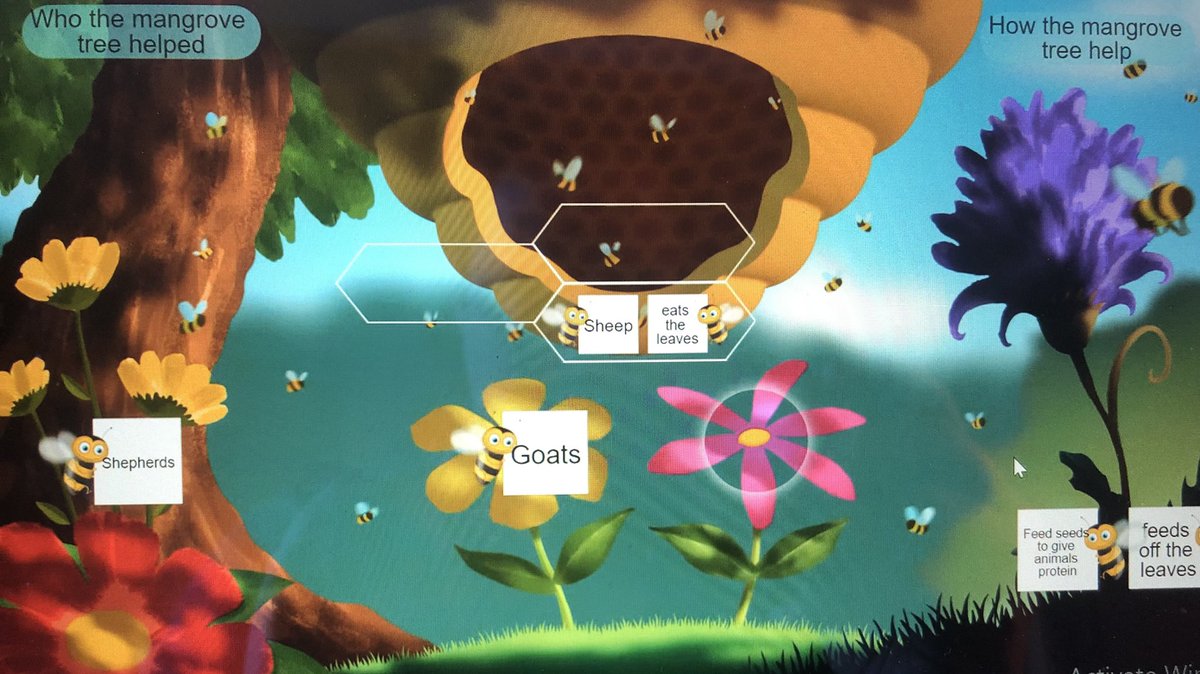
NEW! A quick tip video 📽 on #OneNote Embed - the Ultimate Guide 🏆
How to embed interactive apps & content into @OneNoteEDU, including PPT, Forms, Sway, Word, @Flipgrid, @Buncee, @Wakelet, @Adobe, & more!
YouTube 📺 https://t.co/I82x8pA3DC
#edtech#MIEExpert#FlipgridforAll
Cluster 1 & 9 EdTech Office Hours for DCPS Teachers will run on Wednesdays 9-11am and 1-3pm. Come with questions or even to share some great practices you are implementing in your virtual spaces. https://t.co/hCaTSqTd6n
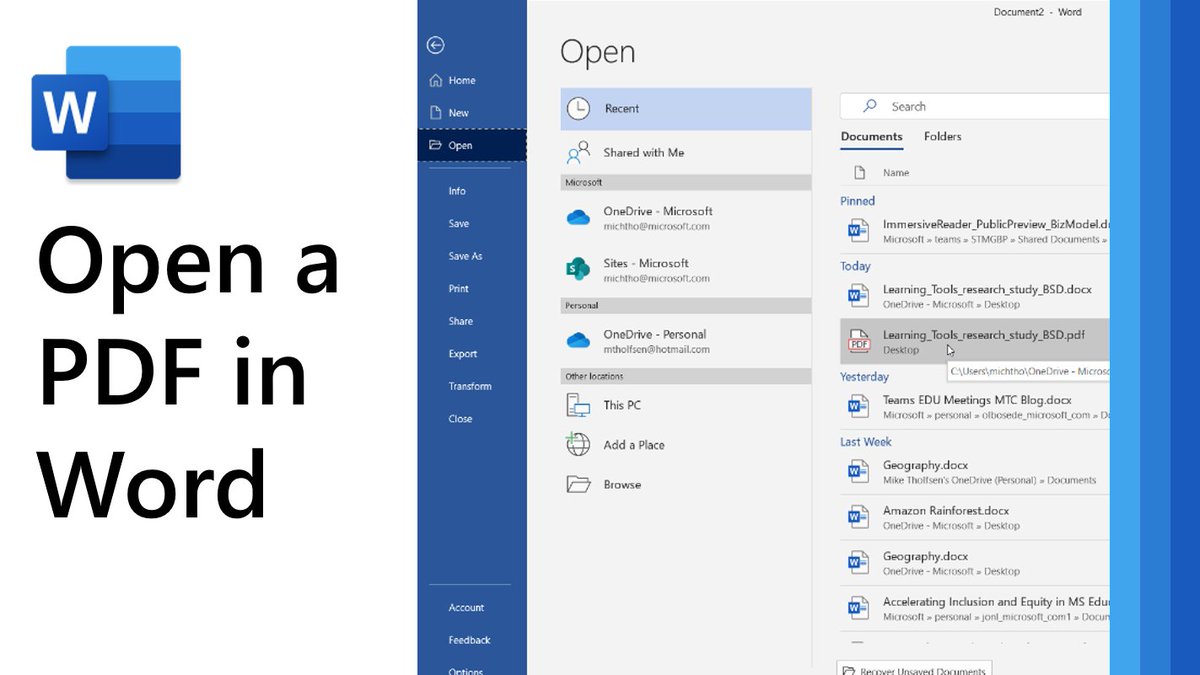
A quick tip video 📽 on how to open a PDF in Microsoft Word.
Easy to do, not many know about it!. Bonus - use Immersive Reader on it afterwards 💯
YouTube 📺 https://t.co/c8uYvobg2j
#edtech#MIEExpert#dyslexia
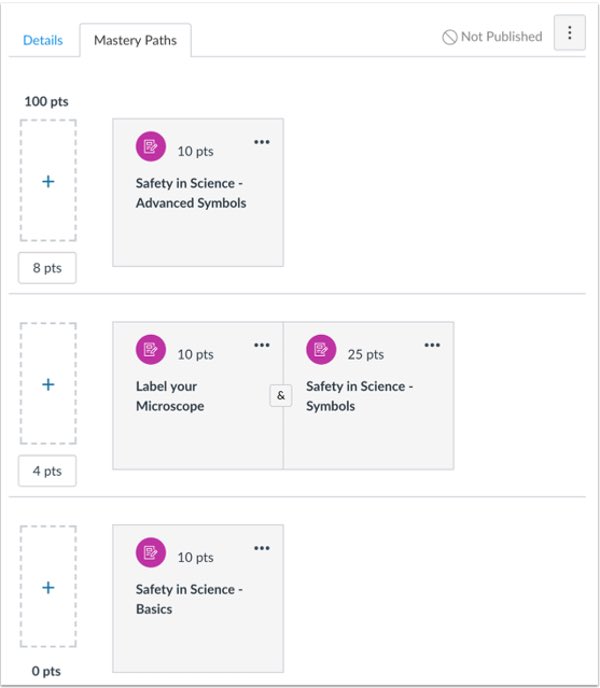
DCPS Teachers: Respect your learners’ and your time through automation and differentiation using @CanvasLMS Mastery Paths. Set a diagnostic then branch and route your learners to leveled learning materials based on their initial score. https://t.co/54jvmTV6yW
Teachers: help organize yourself, students, and your teams with integrating To Do (individual) and Planner (collaborative) apps directly in your Microsoft Teams.
NEW! A quick tip video 📽 on how to use the just-released Tasks app in #MicrosoftTeams. This new app pulls To Do personal tasks and Planner tasks all into one place in Teams ✅
Get more organized and track your work better!
YouTube 📺 https://t.co/dpDBZIXG1z
#edtech#MIEExpert
We're investigating an issue affecting access to Microsoft 365 services. Users may see impact to Microsoft Teams, Outlook, SharePoint Online, OneDrive for Business, and https://t.co/ZUfyjth6sU. More details available at https://t.co/AEUj8uj65N.
COMING SOON: Dynamic view in #MicrosoftTeams, with new custom layouts 🖼
When a presenter is showing a PPT slide, participants can see the presenter’s video feed transposed onto the PPT slide being shown 😱
👉 https://t.co/qzrRp9ydKR
#edtech#MIEExpert#hybridlearning
NEW! 20 Updates for #MicrosoftTeams for Education 😱
A slew of updates too big for one tweet. List includes:
📽 7x7 video
🔐 Breakout rooms
📊 Class Insights updates
🛑 Students wait in meeting lobby
➕ Lots more
👉 https://t.co/AiOj6VI7GE
#edtech#MIEExpert#MicrosoftEDU
UPDATED! The class Insights tool for #MicrosoftTeams has new features, including "Meeting Attendance" activity. The data appears (also in Excel report) within a few hours after the meeting ends
YouTube 📽 on setup: https://t.co/Kkf20s717H
#edtech#MIEExpert#distancelearning
BIG NEWS! A quick tip video 📽 on the just-launched Screen Recording feature in Microsoft Stream!
A top requested feature that is rolling out right now 🌎
✅ Blog: https://t.co/6voF3EMs09
✅ YouTube: https://t.co/uFyLm1yILQ
#MicrosoftTeams#edtech#MIEExpert#MicrosoftEDU
Keep a positive and fun classroom or work culture with “Praise” in Teams. Show your classmates, students, or staff members just how amazing they are with “Badges.” #MicrosoftTeams https://t.co/ZmeS9kimqd
We know this year’s graduation will be different than years past, but we can still find ways to celebrate students’ achievements 🎉
Congratulate the Class of 2020 with help from this #distancelearning toolkit 🛠
👉 https://t.co/Ish9VYXmAk
#edtech#MIEExpert#MicrosoftEDU
NEW! Educators asked, we listened 👂 Later in April we will be rolling out Attendance Reports for meetings in #MicrosoftTeams.
Meeting owners can download a report showing who joined, who left, and when ✅
Blog link 👉 https://t.co/5Qfw6WSDbw
#edtech#MicrosoftEDU
Teachers: Are students or parents having trouble viewing your posted videos lessons stored on O365 Stream? You can edit the permissions settings by clicking the Edit/pencil icon and expanding the view permissions. https://t.co/dYkzgiQS5o
We have supported over 1,200 individual staff members in DCPS at our Teams for Teachers & Admin webinars over the past 10 days! Proud to be a member of our DCPS EdTech team! @OneTechChic, @ErnestoStepter, @Pandya_Express, @StratEdTech