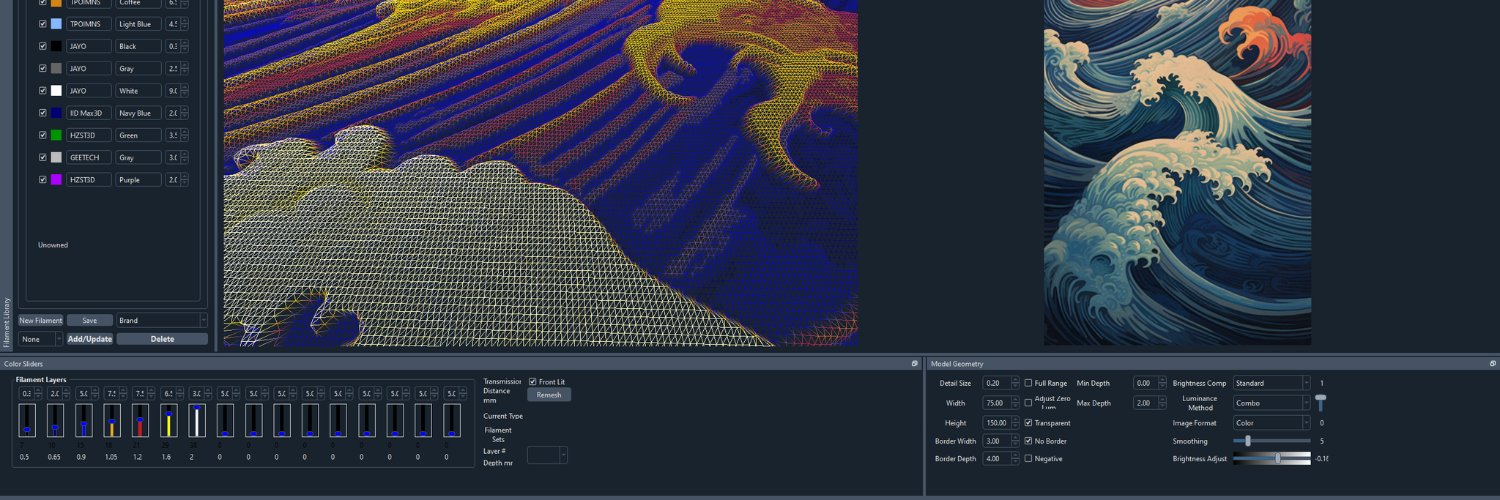
@prusabear HueForge will predict the glow effect if you add it as a secondary Filament color and choose Glow Lit. But you have to manually set the glow strength.
Real Jobs I've had:
Microfische filing intern
Sandwich Artist
Receptionist
Small office IT
Mid-sized office IT
Software Engineer (various levels for various companies)
The HueForge guy
Real Jobs Ive Had:
-Mcdonalds
-Restaurant Host
-Hotel Maintenance
-HVAC
-Plumbing
-Fire and Water Remediation
-Bio Hazard Cleanup
-Copier Technician
-BioMedical Equipment Technician
-Content? Kinda? But not really?
Need help with the new Color Drop plugin in @hueforge ? Heres a short and sweet introduction 🔥
Longer tutorial is here: https://t.co/ZQGEj7iJk2
#3dprinting#hueforge
@redherring32 No it's not a HueForge operation.
It's generally not too bad in the slicer. One user did make a tool that might work for you: https://t.co/LjiF24xUoP
There were a lot of people reaching out for this video because they didnt understand how this improved @hueforge workflow. Its a lot easier than you think. Check it out🔥
https://t.co/JbplnLQmIV
@repkord@3D_Orville@Polymaker_3D@3DGloop@printablescom With ColorDrop and HugeForge, it's actually not as much time or filament as you think. Well, assuming you use something like OSB for the backer instead of printing it thick enough to gloop together and stand up...