🌍 #EarthDay has arrived! 🌍
🔵 I'm excited to share 10 of my favorite Virtual Field Trips to celebrate with your students!
🟢 Bring the world to your classroom with a click of a button!
https://t.co/H0HszV6OTL #VirtualReality
"Our brains don’t store information like an analog library with lines of books in a row. Our brains are more like digital databases that cross-tag pieces of information." -@KripaSundar
@iste #LearningSciences#ConceptMaps https://t.co/8jr0w4d4BS
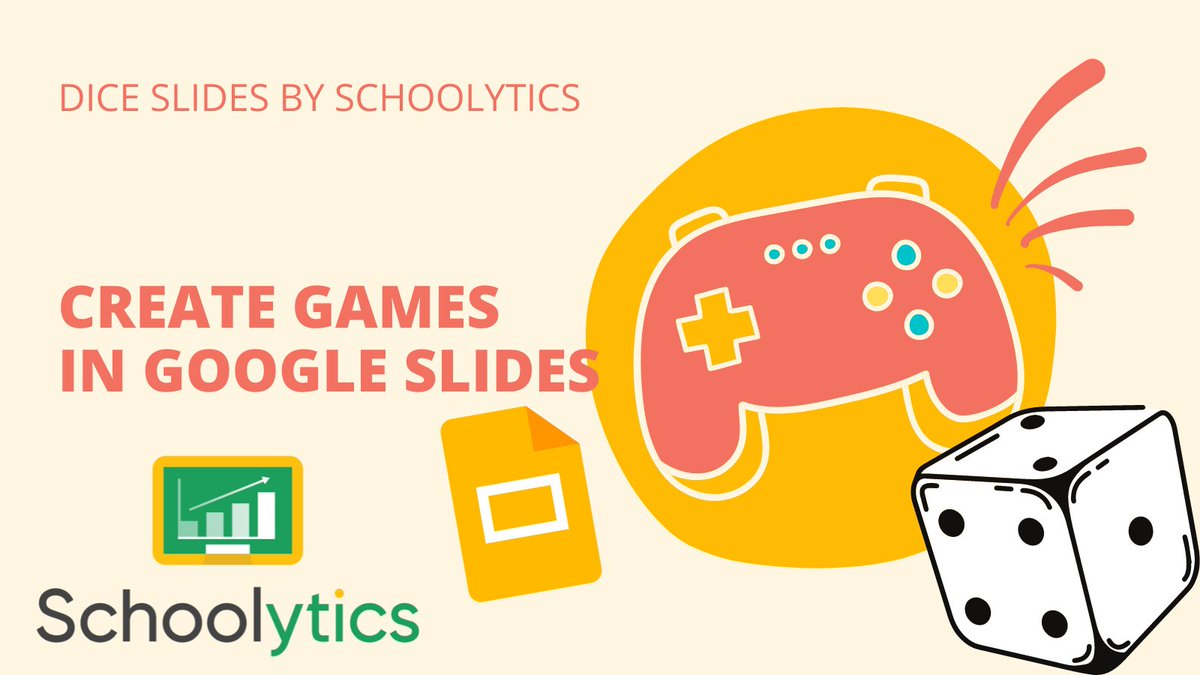
Create Games in Google Slides!
Use Dice Slides by @schoolytics to gamify any Google Slides.
Free Add-on. Collects NO user data. No PII.
https://t.co/GczIEB9P0J
#googleEDU#googleSlides
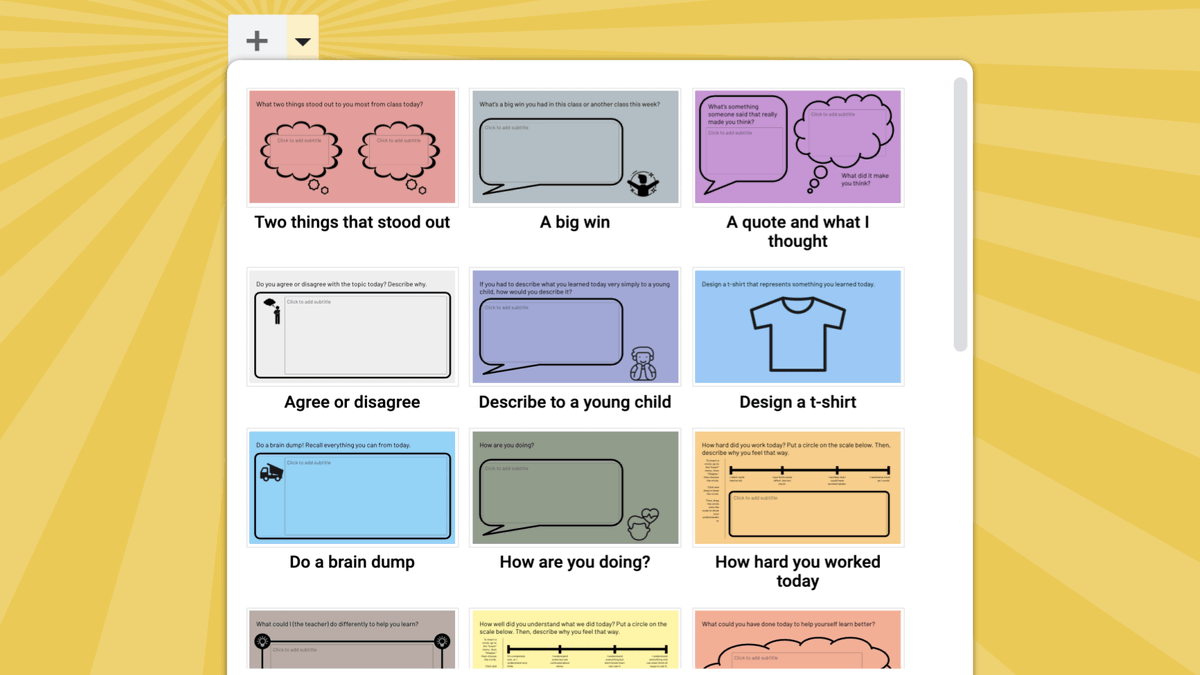
🎟 @DitchThatTxtbk cleverly uses the theme builder in Google Slides to make an exit ticket generator!
https://t.co/mXW9afLRsc
✏️ Edit the tickets before assigning by going to Slide → Edit Theme.
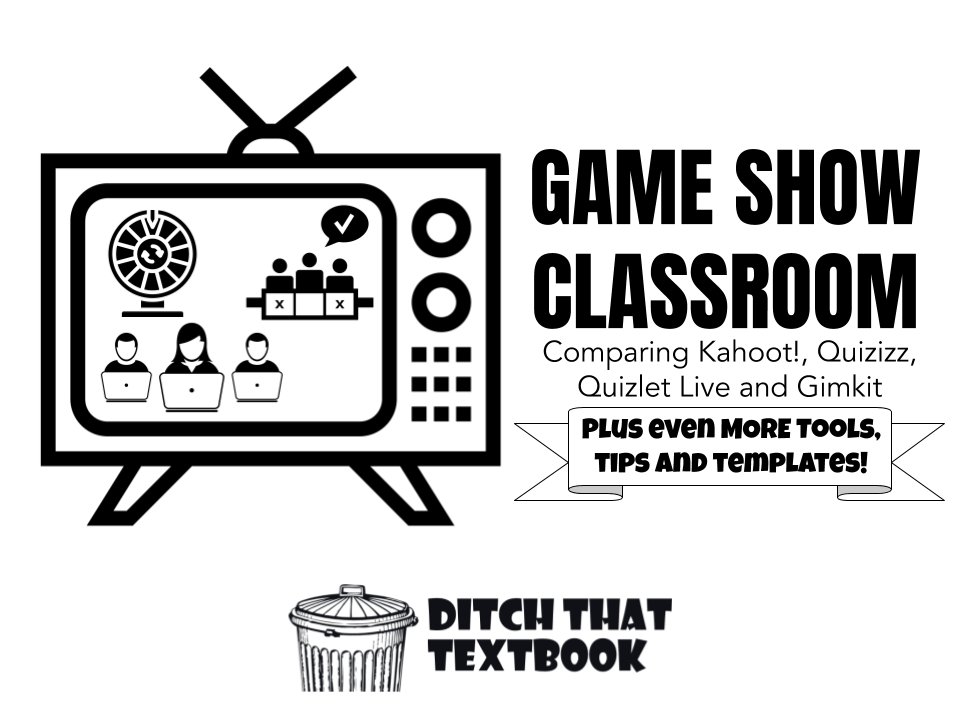
📺Game show classroom! Comparing Kahoot!, Quizizz, Quizlet Live and Gimkit
➕PLUS
🎮10 MORE games like Kahoot!
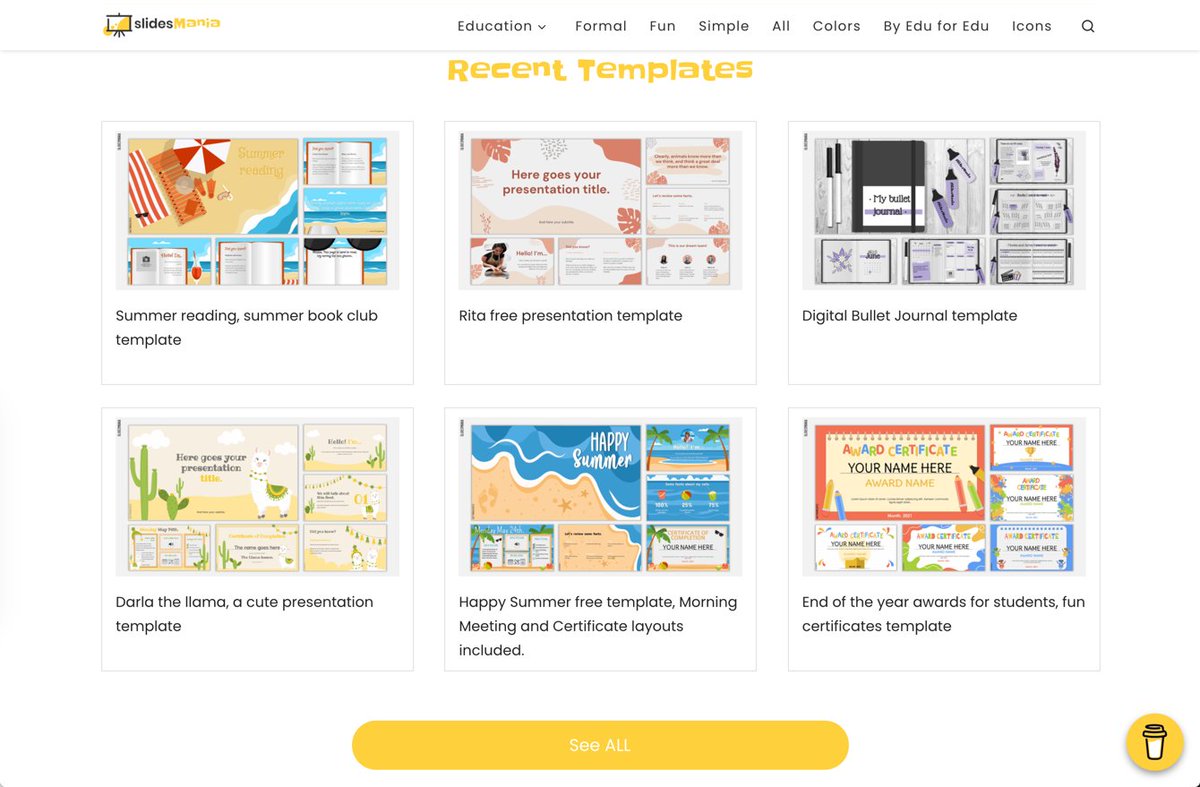
🗂8 FREE Google Slides game show templates
💡14 ways to turn your classroom into a game show!
https://t.co/AcHcXHKe1J #ditchbook
Go Back to Classroom and get tips on Google Classroom at https://t.co/EDXGbykXBs
Tip: you can add audio to your Google Forms in Google Classroom by using @justmoteHQ#backtoClassroom#googleEDU
This is a great tip and smart! It could make it more likely that a in depth answer will be given by respondents. Of course, you always have students that may type a series of periods or exclamation points, so a disclaimer about that should be included. Will definitely do this!
Tip Tuesday! Set a minimum or maximum character count for a response in Google Forms. The form won't submit unless the response fits the rule.
Make the Short Answer or Paragraph question required, click the 3 dots, turn on Response Validation, and choose Length.