Our team was preparing for it for a long time and it finally happened. We just launched Gleek on @ProductHunt! We appreciate your feedback and support 💙
👉 https://t.co/YciiKqSNfc
#gleek#producthunt#diagrammaker
📽️ Exciting news! Our second Gleek AI chat video tutorial is live now.
This time, we're diving into Microservices Sequence diagrams:
https://t.co/tIwXlF51ff
#AIchat#Microservices#texttodiagram
Exciting News!🎉
🤖 Our brand-new How-to video is live on YouTube! Discover how to design a University management system Class diagram using Gleek AI chat. Check it out now and share your feedback:
https://t.co/XPAaj4354M
#AI#Tutorial
@konradkokosa@inkscape Have you ever heard of https://t.co/bWTylkWXq9? It differs from drag-and-drop tools by allowing you to create various types of diagrams using only the keyboard. Give it a try and let us know what do you think :)
@MakadiaHarsh Have you ever tried https://t.co/bWTylkWXq9? It is different from the tools you listed because it is a text-to-diagram app, so no drag and drop is allowed there. You can easily create a simple diagram using only your keyboard.⌨️ Let me know what you think!
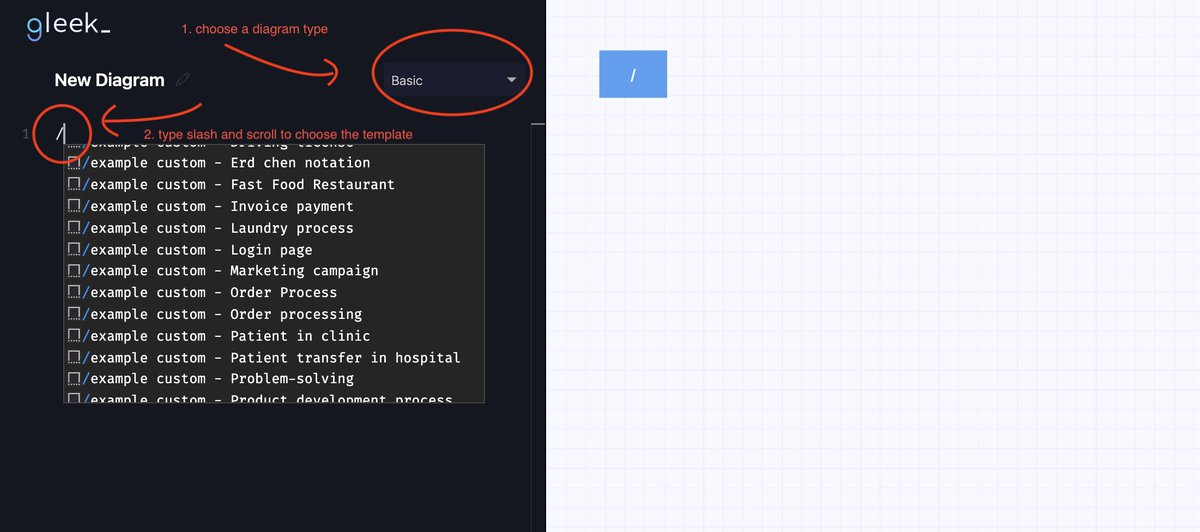
Access them from the links at the top of the Gleek website or just type a forward slash in the code field while using the app.
https://t.co/hhMxRBkSPg
#templates#diagramming
Ideal documentation:
❗️ Can be read in less than 15 minutes and generally saves your and team's time.
❗️ Explains the code on a high level and doesn't contain code description.
❗️ Has a level of detail based on the team's matureness.
#documentation#developermemes
Fixed the same bug twice and didn't know it. Happened to you? @sonicrocketman shares his story of how he recognized the bug, fixed it, and still doesn't know what caused it:
https://t.co/h5J8zgQVkp
4/4 Other facts about Publisher mode:
🔍Publish mode works with all diagram types except sequence diagrams.
🔍Publish mode is a Premium feature.
🔍You can download diagrams in PNG and SVG and then exit Publish mode.
Check out more Gleek V.3 Updates:
🔗https://t.co/oIMziBHjmA
3/4 Let's say you don't like some of the connections and want to change the placement of the objects. That's where Publisher mode is handy. A little bit of drag-and-drop and voilà! Now you can download your edited diagram.
🎞️ See for yourself:
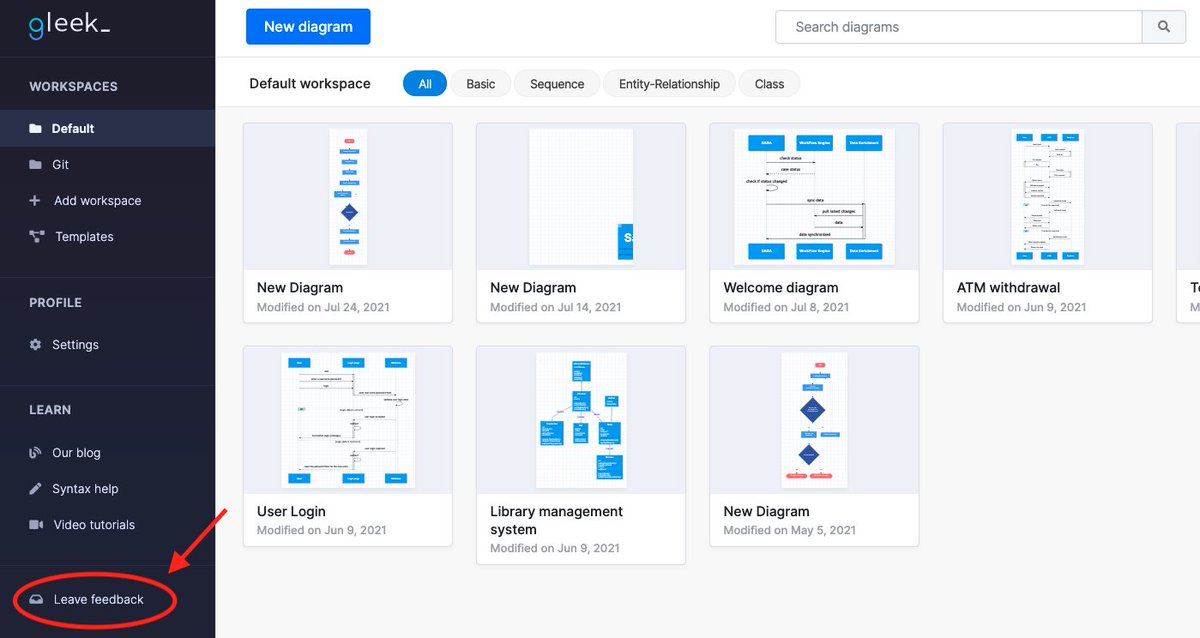
Found a bug or have a suggestion? We are always happy to receive any feedback! Contact us via the Feedback form, available from within the Gleek app.
https://t.co/sfdSbqtZmY