Look what I did! 👀 I was so surprised at how easy Brisk created resources (including Google Slide Decks!), gave feedback, and most of all saved me TONS of time! ⏰ Download the Brisk extension for FREE and see what it can do for you! https://t.co/jnusgGRun0
#Briskforteachers
Are you ready to transform your approach to student assessment? Grab yourself a copy of my friend's @Mr_Rablin new book Hacking Student Motivation. For the next few days you can download it for free using this link https://t.co/WUBX4T6lI4
A truly transformational read!
Happy Valentine's Day! One of my favorite @canva tips & tricks is using these hollow letters to create some Canva magic. Check out a quick, fun way to make a virtual valentine using this trick! 👇
#CanvaEdu#ValentinesDay#CanvaTips#CanvaLove
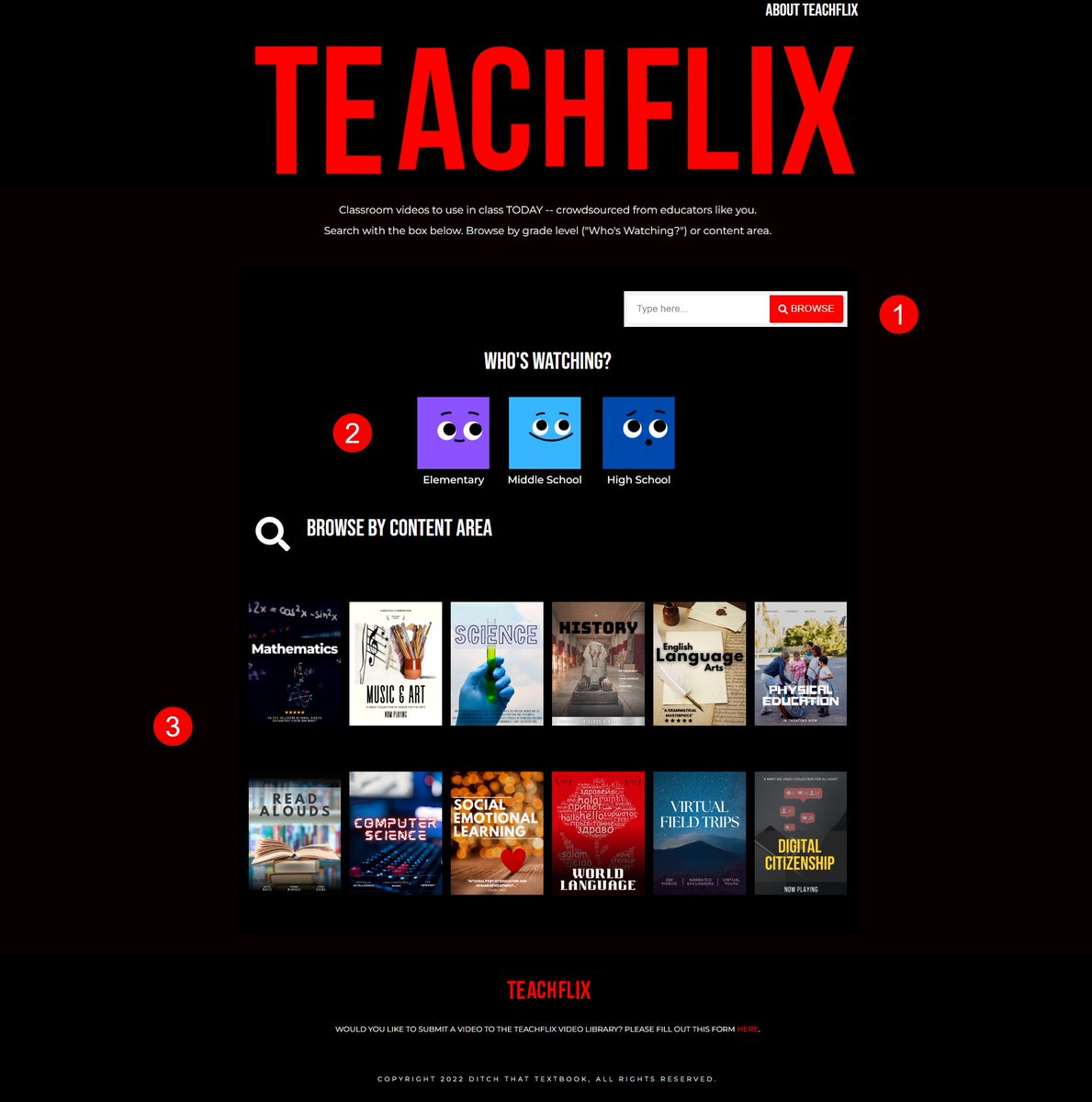
Have you seen Teachflix? 👀
A free resource with more than 500 classroom videos vetted by educators!
Find what you need with:
1️⃣ a search bar
2️⃣ age-level categories
3️⃣ content area categories
With activities/worksheets for any video 😲
Check it out: https://t.co/Jk6ENidZhj
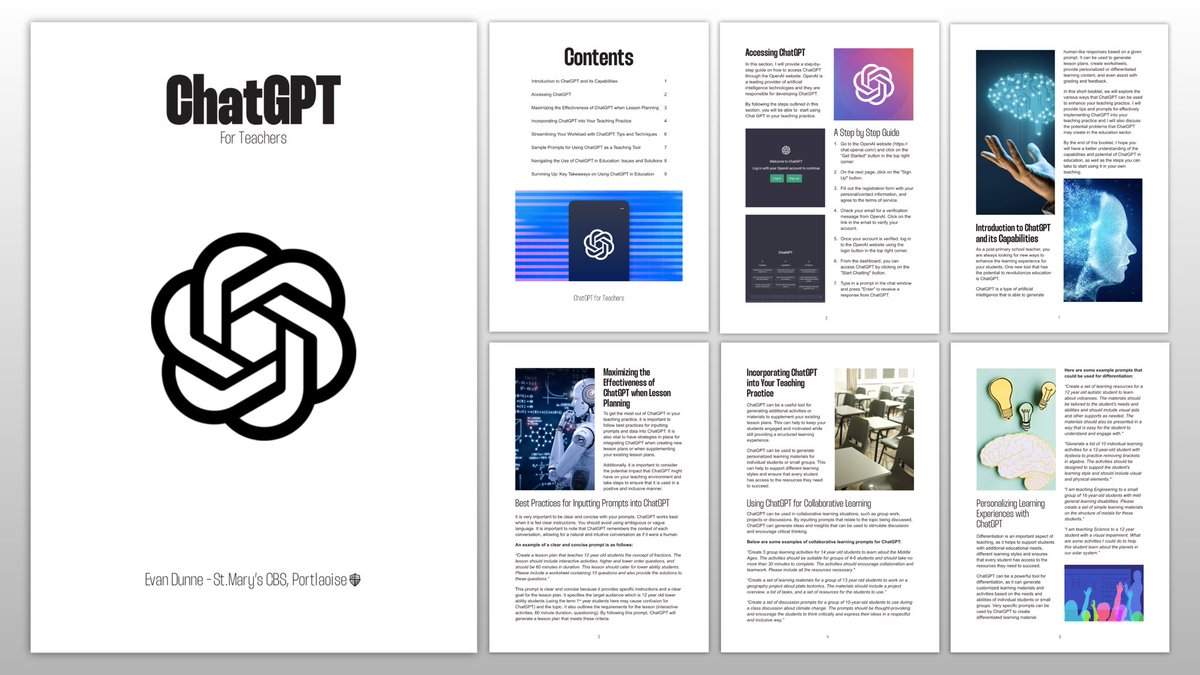
Here is a booklet I created on how ChatGPT can assist teachers when planning & delivering lessons. ChatGPT can generate resources, produce lesson plans, differentiate material and saves time on all sorts of tasks. Use it!
Link: https://t.co/ufxQ5nzVso
@Gowriggle#edtech
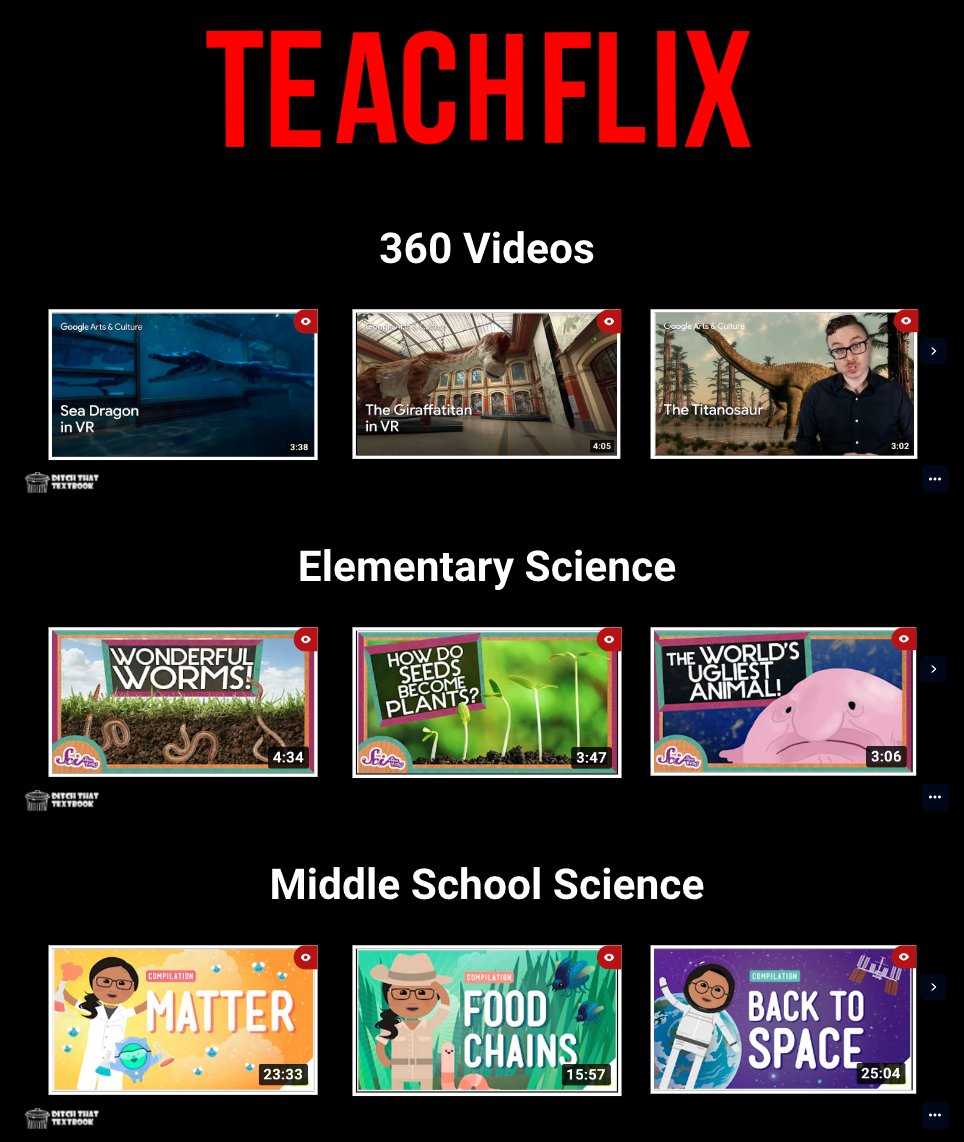
Have some time for a quick virtual 🌎 field trip?
L👀king for a video 🎥 to add to a lesson?
Want to have your class listen to a fun read 📖 aloud?
Our new TEACHFLIX page has all that and more!
Browse through tons of videos all in one spot!
https://t.co/bHje3rqygg #Ditchbook
One of my newest favorite @Canva tips is Tip#4, convert a #CanvaEdu prez into a Google Slides. Just export to your Google Drive, open and Save as a Google Slides prez. Voila! No more downloading images. 🤯👏 #UTECH22 Have a tip? Please share. #mcallenisdtech
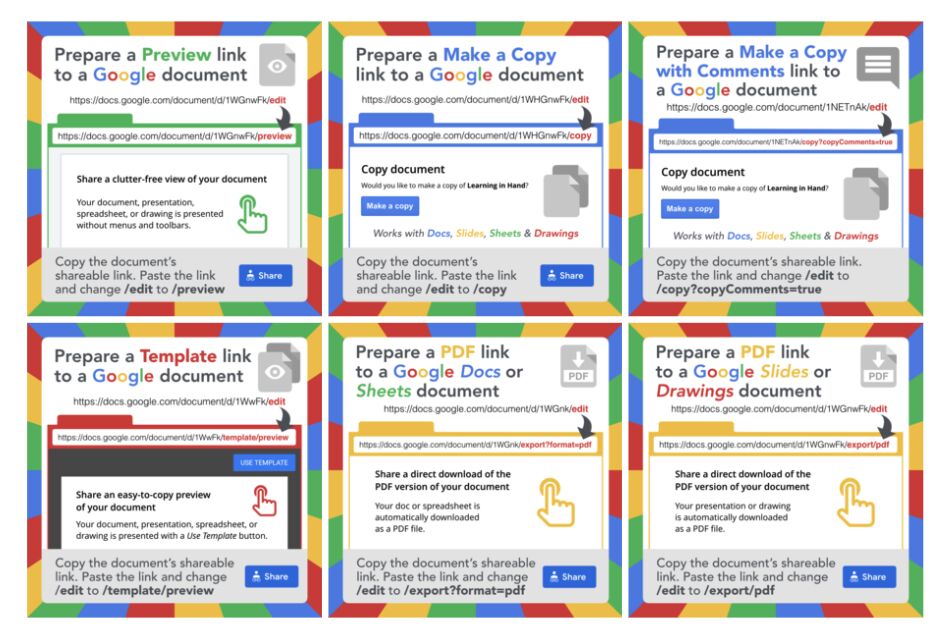
By replacing just a few characters in a Google doc, you can do some pretty nifty stuff! Check it out!
https://t.co/R3zasIrxjP via @tonyvincent#gsuite#techtips#edutwitter
Educator Heather Gauck shares a few key practices that can help any educator leverage technology to ensure every student has what they need to learn and grow.
20 ways to use Wakelet in your class
🌊Try a 5 GIF challenge
🌊Record a podcast
🌊Create a choice board
🌊Curate a collection to explore
🌊And more!
https://t.co/ougeYIKrFx #Ditchbook
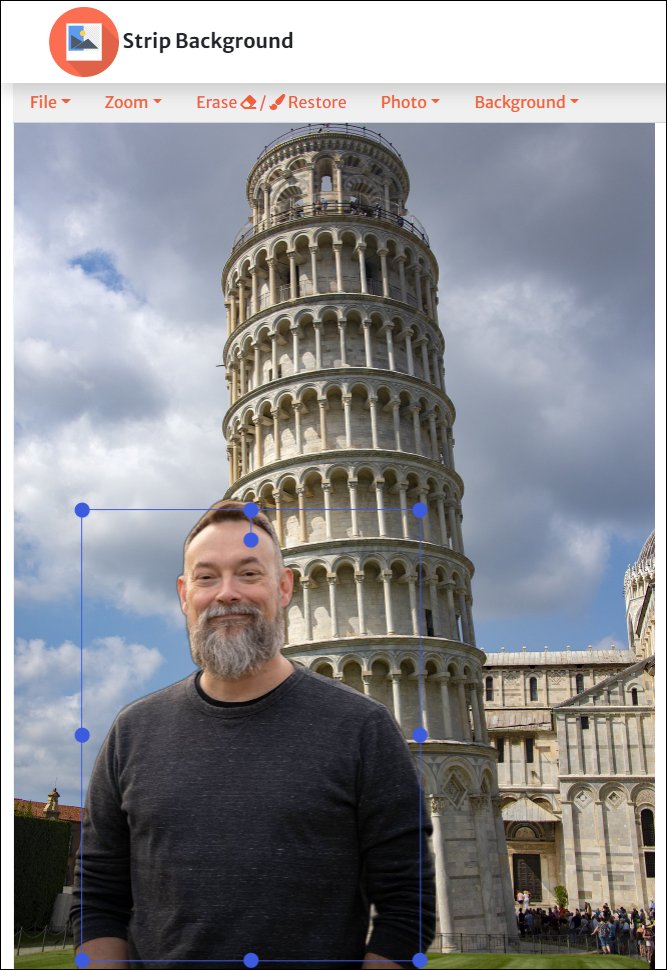
✂️ Strip Background - https://t.co/jalPDPPSye
Free website that lets you remove the background from any image, and then optionally replace the background with a solid color or another background image, with no size limitations.
#edtech#EduTwitter#TLAP
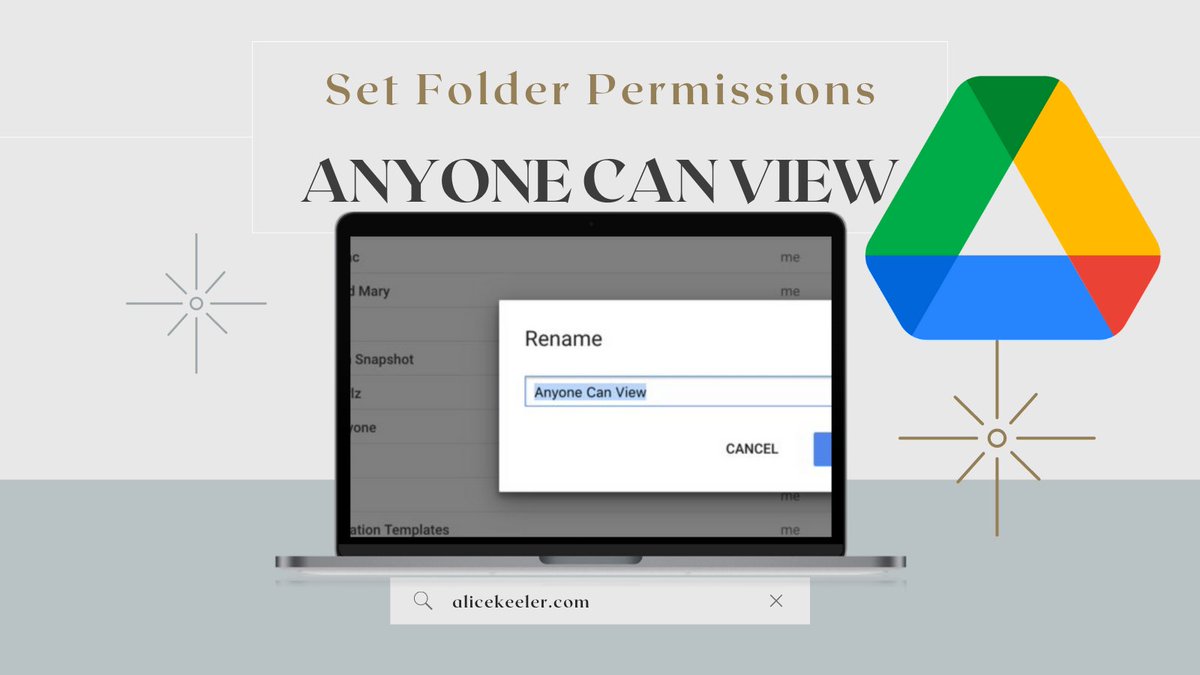
In Google Drive single click on a folder and press PERIOD to change the sharing permissions.
Change the permissions to "Anyone with the link can view." This will change all the files in the folder to allow for easier sharing.
#googleDrive#googleEDU
As the end of the year approaches, will our assessments remove barriers & invite students to demonstrate learning in a way that works for them?
Replacing Exams with Performance Tasks
https://t.co/Tmtxv8EJ3e
#EdchatEU#UKedchat#AussieED#education#teaching#assessment#finals