Max' Big Campout
I'm fundraising for The British Red Cross Society. Check out my @JustGiving page and please donate if you can. Thank you! #JustGiving https://t.co/NRheRLtcr6
An accessible classroom is a thriving classroom. 🌟
These four built-in features from Microsoft Education help educators create inclusive environments that enable learners of all abilities to succeed: https://t.co/pBbpEtVQtn
#Accessibility#Education#Learning
🥳 Introducing our new interactive ink tutorial for OneNote on Windows!
➡️ Add a new page in OneNote to start the tutorial.
➡️ Select 'Try it' to follow along with different activities.
Read More:
https://t.co/saSzMqNXza
Get the words flowing: Paolo finds navigating a blank page can be difficult, so he uses #Copilot to get documents off to a great start. #ThisisPaulosCopilot https://t.co/B7czKHn51v
💡 #TipTuesday! We're bringing you two this week:
1. Shift + drag to merge one container into another. 🙌🏻
2. Use the tab key to create a column and quickly create a table right in your flow.
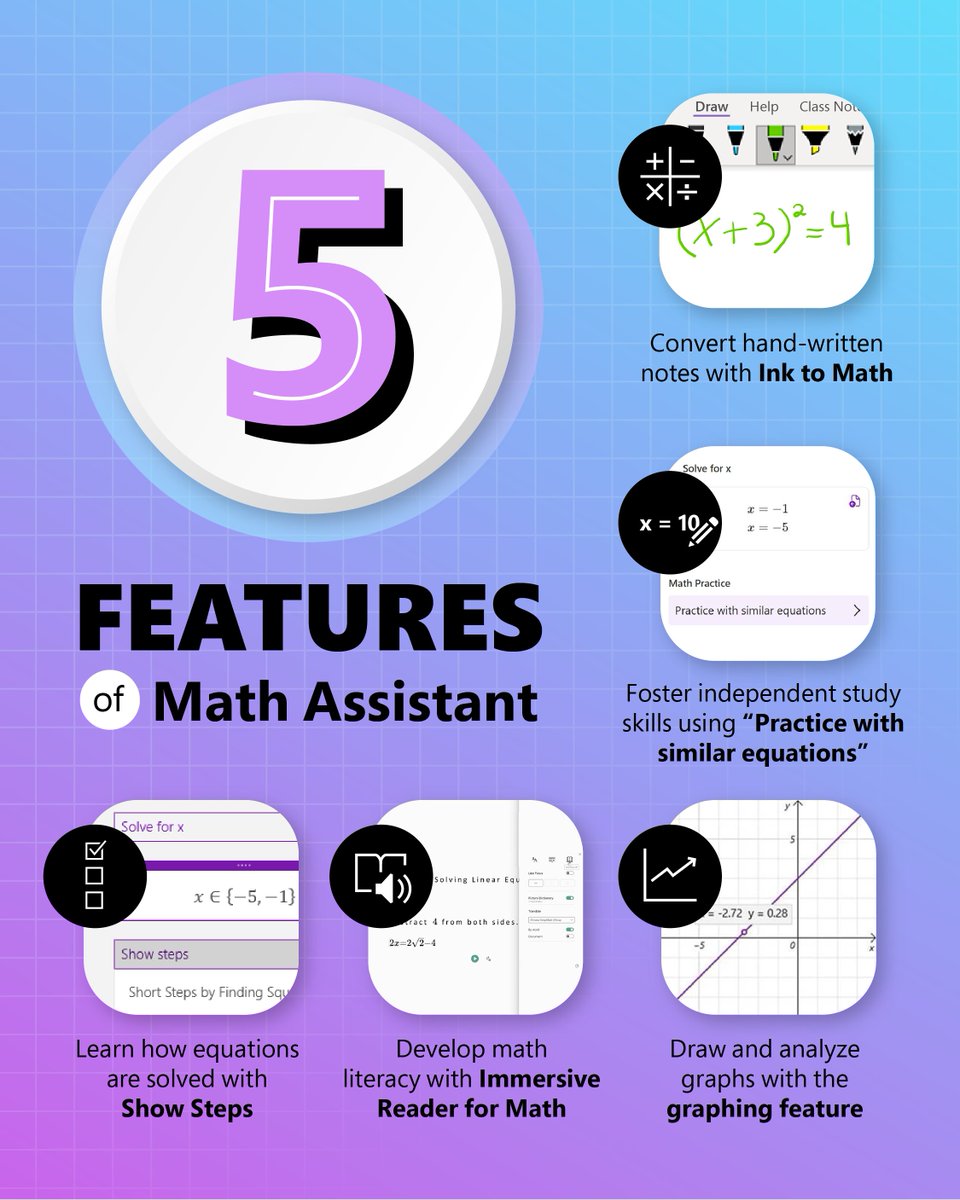
Why use a calculator when you can use Math Assistant in OneNote?
1. Type the equation you want to calculate: 2+2
2. Without typing a space, type an equal sign: 2+2=
3. Press spacebar, and there you go!
Check it out: https://t.co/9zwoYtTzh1
Research is telling us that #DyslexicThinking skills are vital
BUT 87% of dyslexics think their organisation should improve their understanding of dyslexia
That's why we created FREE 1 hour training, available online, on LinkedIn Learning.
Take it today: https://t.co/BPXtbKta5R
Get the scoop on recent updates and launches from #MicrosoftEDU. 📰
From big-name partnerships to #AI innovation, read the blog to stay in the know: https://t.co/sIg8Z46OUm
#edtech#mieexpert
Updated the Grading Experience for Quiz in Teams Assignments. Support for
📊 Custom Grading Schemes
✍️ Manual Grade Entry: Enter or override grades directly in Assignments.
✅ Mark as Excused: Excuse students from individual quizzes.
@mtholfsen , @MicrosoftEDU , #MIEExpert