Animate once.
Update everywhere.
Animated Components are now in Jitter.
One of the most powerful ways to use them?
Building reusable motion systems instead of duplicating animations over and over again.
From brand assets to storyboarding entire videos,
this changes motion workflows in a really big way.
Have you tried Jitter AI yet?
Watch our founder @i_Robi go from a static Figma design to a fully animated asset you can publish, in < 1 min ⚡️
And the best part: everything stays fully editable, so you can express your craft and make content that is truly unique and on-brand.
How to bring your @Figma designs to life in <1 min (real speed). 3 simple steps:
1. Import from Figma
Pixel-perfect import with the Jitter plugin.
2. Animate with AI
Takes <20s and gets you ~90% there.
3. Refine and make 100% on-brand
Everything stays fully editable, so you can tweak, polish, and make it yours.
That’s what feels really powerful here.
Instead of generating a black-box AI video you can’t modify (unless you reprompt, wait 2 min, and hope for the best), you get the best of both worlds:
AI for speed. Craft for control.
And that’s also what makes it possible to keep brand consistency when scaling content to thousands of variants.
Your brain hates cuts.
Unless movement distracts it first.
That’s why this technique feels almost invisible when it’s done right.
And once you notice it… you’ll start seeing it everywhere.
#jitter#motiondesign#motiongraphics#animation
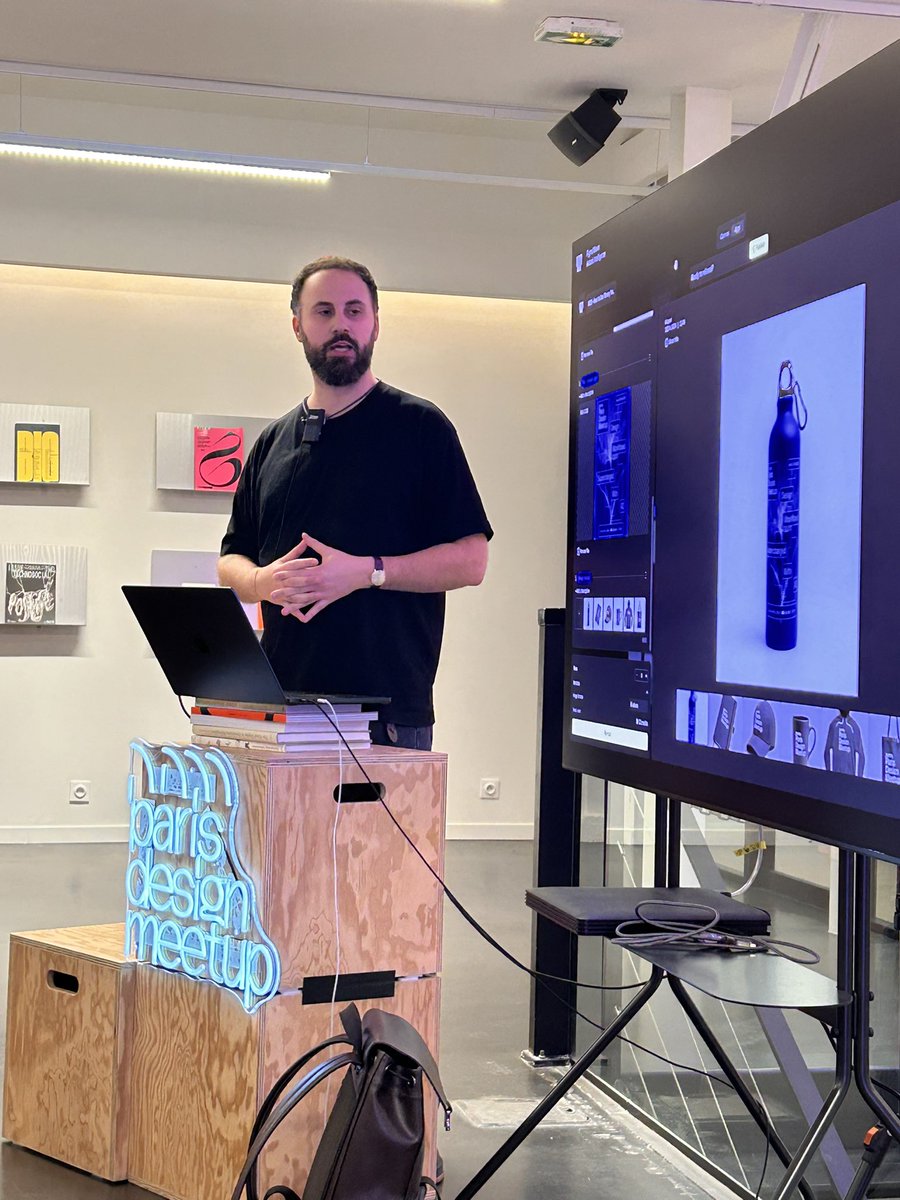
Packed room for the #ParisDesignMeetup at @jittervideo HQ!
Thanks to everyone for coming and for your amazing energy!
We’re working on the next edition!
Stay tuned, and if you’re in Paris, France 🇫🇷, join our community ➡️ https://t.co/PvA26vLcW2
So glad we could host the #ParisDesignMeetup at the Jitter office last night!
100+ designers in the room, 3 inspiring talks about how AI is transforming creative workflows, and so many energizing conversations.
Big thanks to the 3 outstanding speakers:
- @mthblt from @jittervideo on how Jitter AI lets designers create their own tools on-the-fly, and virtually removes all boundaries to creativity
- @CliaLpz, 3D artist and interactive Designer, on exploring the edge of what’s possible at the intersection of 3D and AI
- @kimcarldaniel from @figmaweave on the role of AI in modern design and production workflows, especially in node-based tools
And huge shoutout to @LukyVJ and @SebastienNvzt for putting this together, to @mobbin and @figma for co-sponsoring, and to everyone who made this night a little more special.
On to the next one!
Showcase your projects with Black Hole (01) – a collection of four looping templates for Jitter, the online motion design tool that’s fast and simple to use.