@VBkramnik Easy way to solve this: challenge Nakamura to an online (in person) blitz match 3-1 (same as titled Tuesday). What do reckon the score would be?
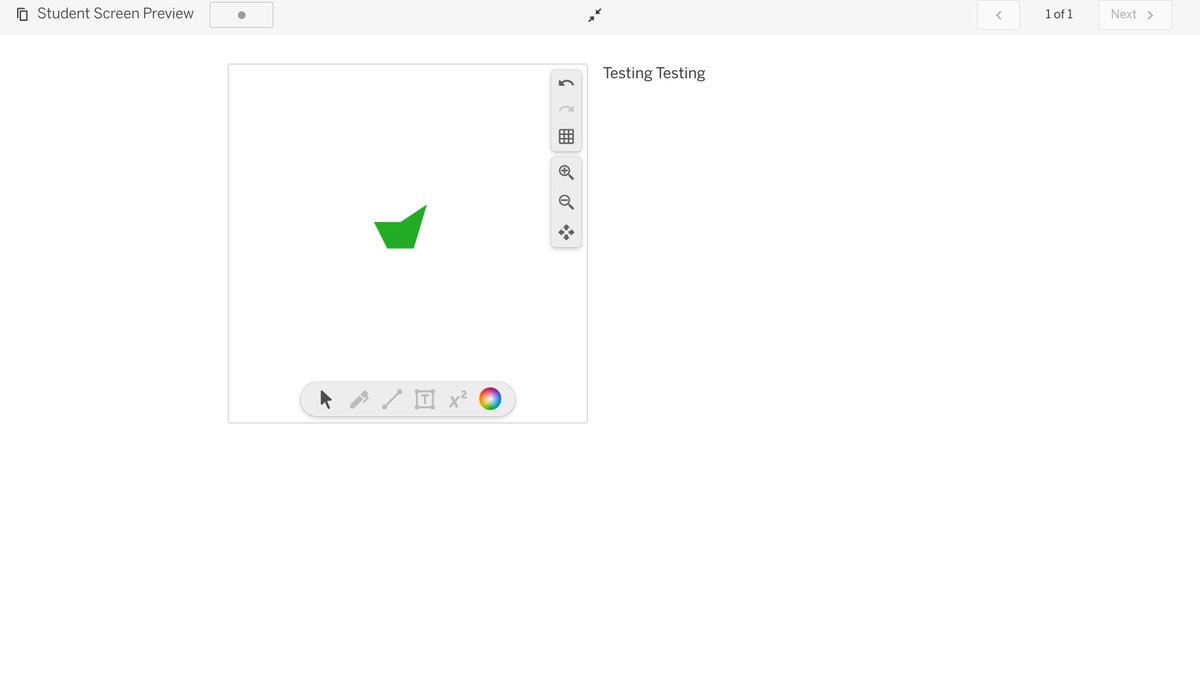
@davidporas @desmosclassroom @MathigonOrg@Amplify This is great but how do you increase the width of the partial polypad? No matter what dimensions I enter the width seems to stay the same when you preview it. I put the same dimensions as you (16 : 12) but it doesn't work. My version on left, yours right
@davidporas@MathigonOrg I cannot seem to copy and paste a screenshot into a polypad anymore and the 'upload image' doesn't work either. Strangely it works fine if I open a polypad within a desmos activity
@davidporas When using the 'toggle' or 'show' action button in polypad is there a way of keeping the target object(s) 'locked'? Even if you initially set the object interactivity to locked it seems to revert to 'normal' after pressing the button.
@davidporas@MathigonOrg @desmosclassroom :
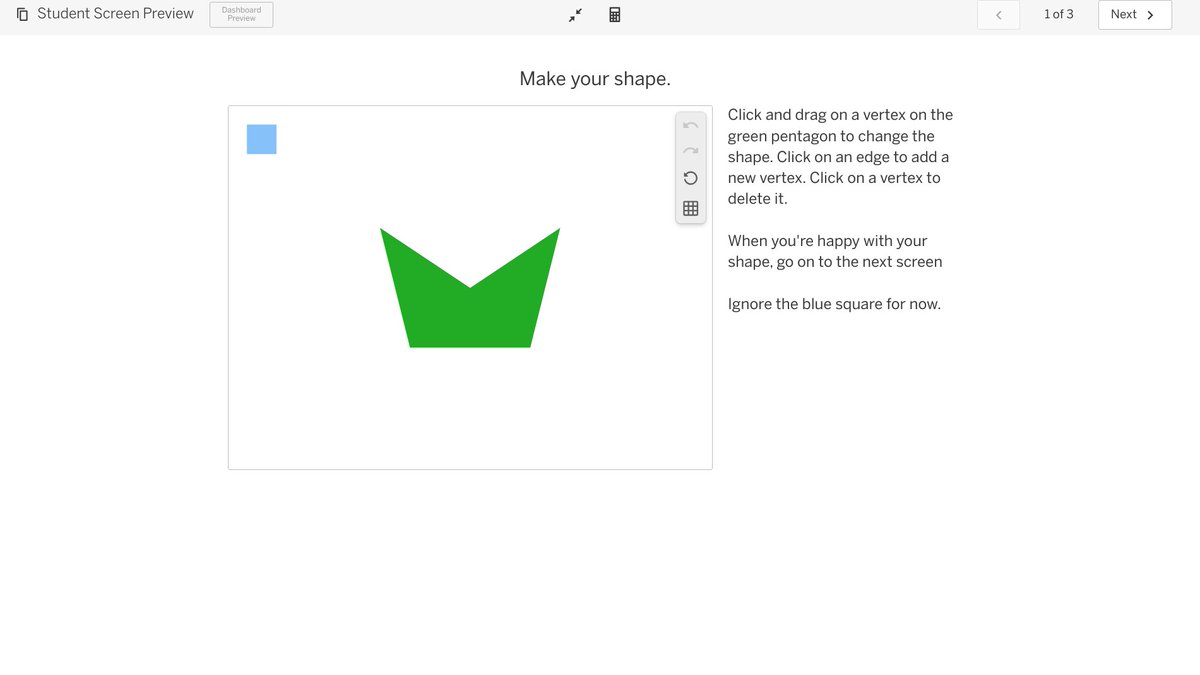
I didn't think you could make a 'mini' polypad within a Desmos Activity but this clever person (Gabe Turrow) seems to have done so (e.g. slide 8):
https://t.co/12Eb89eUpl
How is this done please?
@davidporas@Desmos@MathiGon That's great but please don't think that I was getting impatient. I'm incredibly grateful for everything you and the rest of the mathigon/desmos team do already- anything extra is a bonus.
@Desmos@mathigon when students are using polypad within desmos there's no option for them to upload an image and they can't copy and paste screenshots. Will this be available in the future?