Video editing happens faster inside of Claude and ChatGPT than it happens manually
Try out the Kapwing MCP to edit video automatically >> https://t.co/GmOfgrrZx1
Kick off an edit from Work Mode or within a Scheduled task
... then get back your magically edited video ✨
🎬 @KapwingApp MCP connects @ChatGPT or @claudeai directly to your Kapwing workspace.
You can upload clips, add subtitles, dub videos, make edits, and export your finished content through your AI assistant.
Edit videos straight from ChatGPT and Claude 🎬
The new Kapwing MCP can:
Cut & repurpose clips
Generate AI video
Add & translate subtitles
Dub into other languages
Add AI B-roll
Tell your AI what to make. Kapwing does the editing.
https://t.co/nqzrmnje2p
In summer 2026, we crossed the realism chasm with AI-generated video models
Seedance 2.5 launched in August
Try it and other leading models on Kai > https://t.co/mCQDjK4BSH
Turn a simple idea into a full cartoon micro drama with AI.
Using Seedance 2.5 in Kapwing, you can build short animated scenes with consistent characters, expressive motion, and cinematic storytelling.
Create the characters, generate each scene, then stitch everything together into one mini story. 🍿
This viral Hotel Lobby AI trend is basically a full character swap without reshooting the scene.
Here’s how to recreate it in Kapwing:
1. Upload the original video + two character reference sheets.
2. Tell AI which performer each character should replace.
3. Preserve the original gestures, expressions, timing, framing, and camera movement.
Finish with photoreal faces, natural skin texture, and matching studio lighting for a seamless swap.
This FPV architectural build effect looks unreal.
With Seedance 2.5, start from a finished building image and turn it into a fast drone fly-through where the structure assembles around the camera.
Keep the motion smooth, the geometry consistent, the materials realistic, and the final reveal clean.
The final shot feels like a seamless high-end architectural reveal.
One clip can look like an entire multi-camera shoot. 🎥
With Seedance 2.5, turn the same video into overhead, low-angle, tracking, wide, close-up, or orbit shots.
Use the original clip as your reference, then generate each angle separately.
Keep the subject, movement, setting, and timing consistent so every cut feels like it came from the same shoot.
Not sure how to prompt Seedance 2.0 and 2.5?
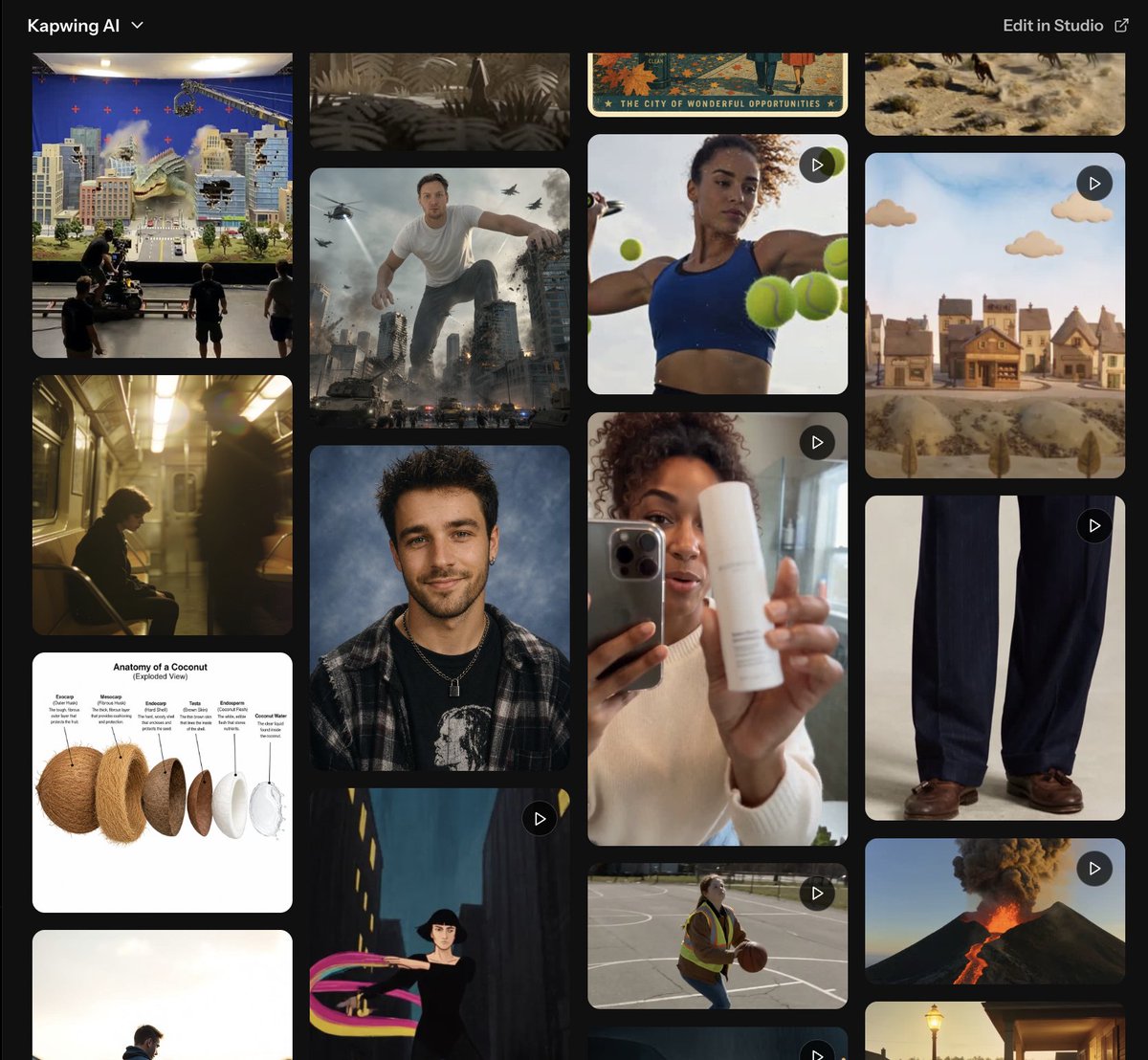
Check out the inspiring examples on the Kai homepage
Every one has the prompt and reference files included