#aftereffects#motionGraphics#アフターエフェクト#RPPathRepeater
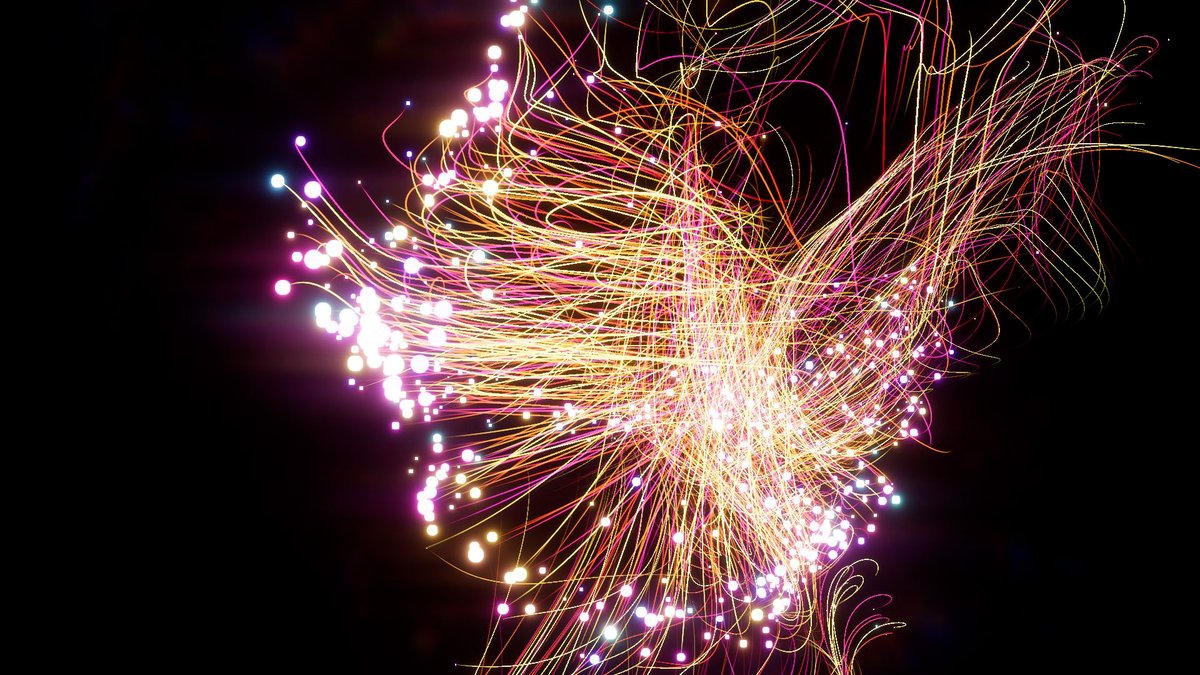
Sometimes like 3D Stroke, sometimes like Particular, this plugin adds various effects to the basic path in After Effects. With just a copy-paste, the PathRepeater I created is applied consistently across various layer types, such as images, AI files, shapes, text, and compositions. You can keep your layers clean and use a single one, or leverage the "Use Texture" option on a solid layer to implement more powerful time sampling features. Unleash your creativity and explore various uses for creative results! (The combination of "Use Texture" and "Random Still Frame" allows you to apply multiple shapes simultaneously, and the "Over Layer" feature supports layered applications.)
때로는 3D Stroke처럼, 때로는 Particular처럼 After Effects의 기본 패스에 다양한 효과를 추가해주는 플러그인입니다.
복사 붙여넣기만으로 내가 만든 PathRepeater가 이미지, AI 파일, 모양, 텍스트, 컴포지션 등 다양한 레이어 타입에 일관성 있게 적용됩니다.
레이어를 깔끔하게 하나로 사용하거나, 단색 레이어에 "Use Texture" 옵션을 활용하여 더 강력한 타임샘플링 기능을 구현할 수 있습니다.
상상력을 발휘해 다양한 사용법으로 창의적인 결과를 만들어보세요!
("Use Texture" 옵션과 "Random Still Frame"의 조합을 통해 여러 모양을 동시에 적용하고, 중첩 적용을 위한 "Over Layer" 기능도 지원합니다.)
時には3D Strokeのように、時にはParticularのように、After Effectsの基本パスにさまざまな効果を追加するプラグインです。コピー&ペーストだけで、作成したPathRepeaterが画像、AIファイル、シェイプ、テキスト、コンポジションなどのさまざまなレイヤータイプに一貫して適用されます。レイヤーをクリーンに保ちながら、1つのレイヤーとして使用したり、単色レイヤーに「Use Texture」オプションを活用して、強力なタイムサンプリング機能を実現できます。想像力を発揮して、さまざまな使い方で創造的な結果を作り出してください!(「Use Texture」と「Random Still Frame」の組み合わせで複数の形状を同時に適用し、「Over Layer」機能でレイヤーを重ねて適用することもできます。)
https://t.co/qfIvqEXTmY
Check out our new roadmap for 2025: EmberGen 2.0, LiquiGen 1.0 and IlluGen 1.0: https://t.co/ODNkmpGxRi
Hot features: MacOS support, Sparse simulations, LiquiGen stability & viscosity, New white water rendering, and a whole lot more!
Vote for features and suggest new ones all in one place!