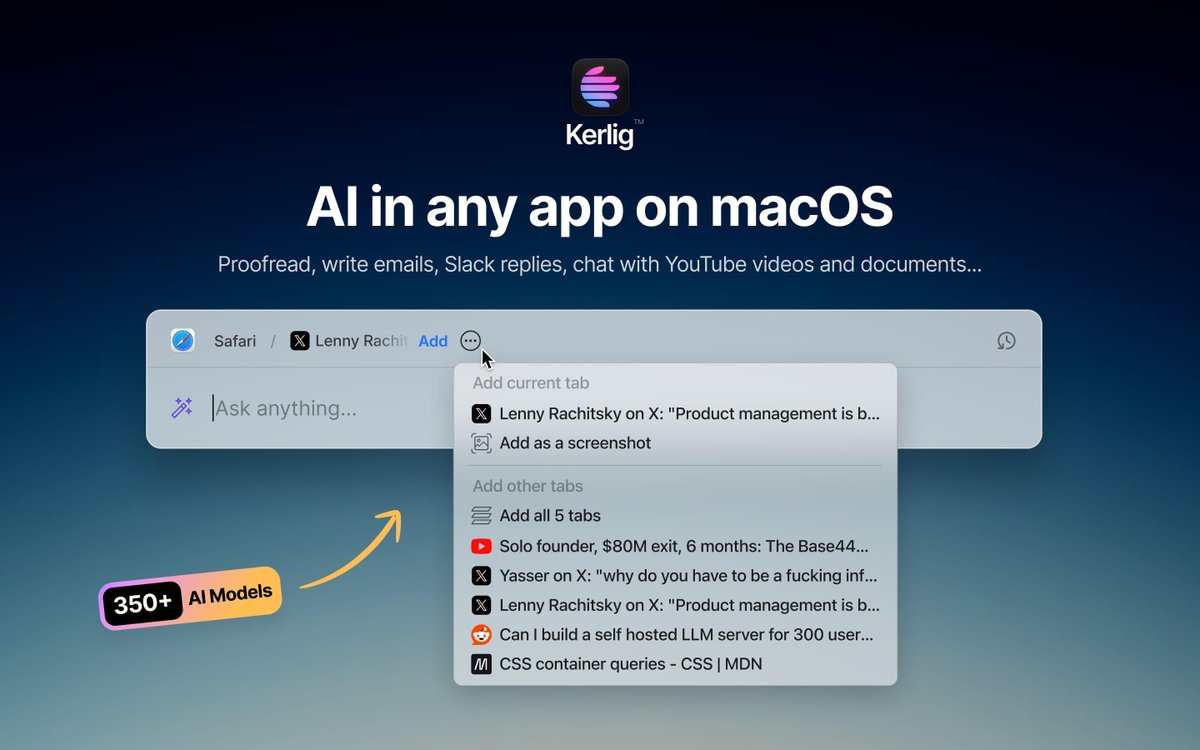
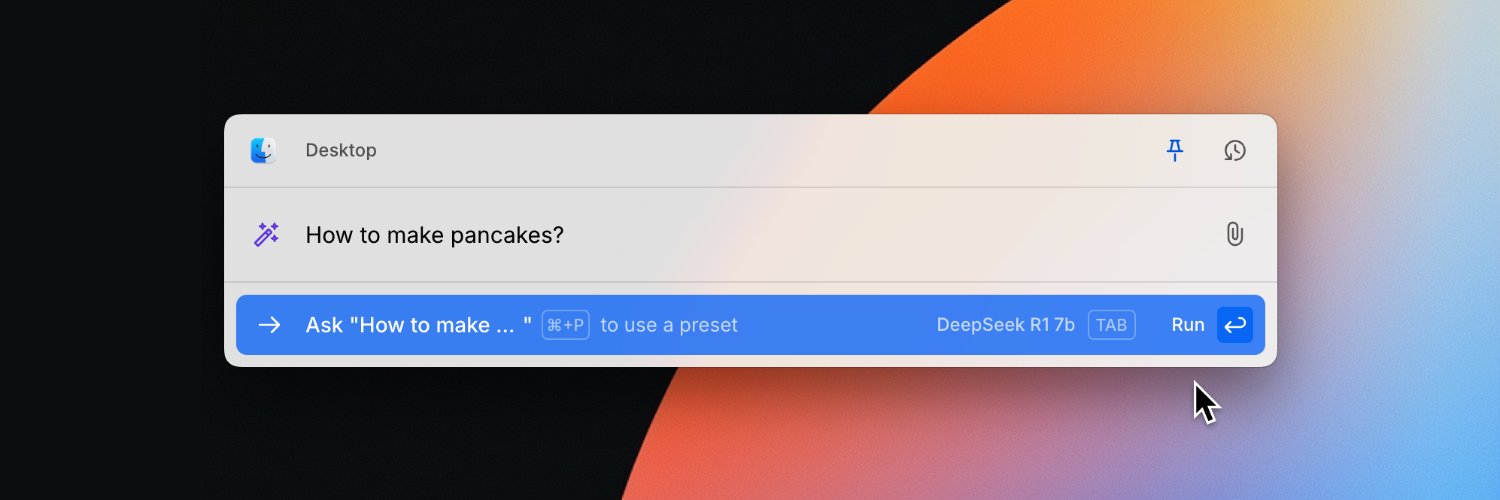
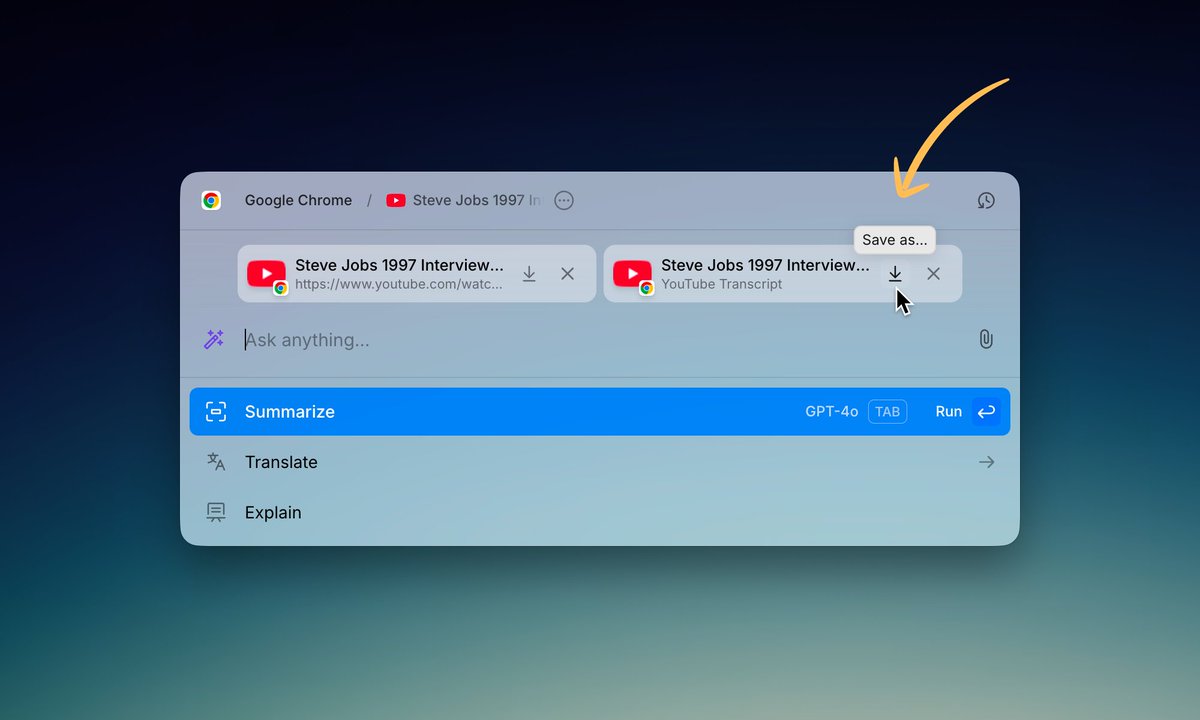
🚀 Kerlig 2.3.0 is here! Now you can capture content directly from browser tabs (even behind login walls!), plus read structured data from Apple Mail, Notes, Notion & Slack.
✨ Also new:
• Latest AI models
• Auto-close option
• Custom actions out of beta
• Longer model names
@noma4i This error was caused by a corrupted file. You still have it in the bin, so you can try restoring one of these files and launch Kerlig to see if it caused the error.
Database (chat history):
kerlig.db
Preferences (integrations, API keys):
preferences.json
Presets:
presets.json
@noma4i Sorry to hear that, please remove the folder '/Users/<user-name>/Library/Application Support/Kerlig' and reopen Kerlig.
You might want to press Command + Shift + . (period) while in Finder to show hidden files.
New update 2.5.3! Kerlig now properly extracts ▶️YouTube video transcripts after their recent update.
Refreshed the model lineup: GPT-5.4, Claude Sonnet 4.6, Claude Opus 4.6, Gemini 3.1 Pro (Preview), and Gemini 3.1 Flash-Lite (Preview)
@bdbdndvnd OK, to contact support, please use the "Report a Bug" option from the Kerlig menu bar icon. Ideally, attach a video showing the issue. Thanks.
@skous It will be added to the default models soon, but you can use it already! Just add „gemini-3-pro-preview” as a custom model in Settings, Google integration ツ
@ShravanSunder Hi Shravan! Thanks for asking. No, Kerlig doesn't currently support macOS Shortcuts or API integrations for triggering actions. The app works through keyboard shortcuts. Feel free to submit feature request (menu bar icon → request a feature)