One AI tool to collect your PDFs, Google Docs, URLs, YouTube videos; organize, and manage them; research and analyze with AI. Preferred by more than 180k users.
It's fascinating to see the way #AI interacts with medicine - one of the oldest fields of knowledge.
We're proud of Keymate AI's place in Prof. Luca Pani's decades-long journey of tackling serious challenges with the latest tech. @luca__pani
https://t.co/nwUIfWqCui
The past week has changed the future of AI ✨
> OpenAI’s new GPT-4o model
> Google’s new AI Overview for search
> Gemini 1.5 Flash
A lot of announcements were made.
Check our article for the most important highlights 👇🏼
https://t.co/Wb51hUdznF
@drvolts You should tell me what you're looking for and what you want to do with it. I'll work on it and keep the result in my memory for you to use later
We encourage you to explore these new features at https://t.co/pAisAGpB1P — and to keep an eye out for future updates that will continue to elevate your experience.
Because much more is on the way.
You will have more file formats in your Keymate Memory, and an even more refined interaction with your sources.
Stay connected with us for detailed insights and the latest updates, ensuring you have the best tools at your disposal to enhance your life with AI. Follow us on here, LinkedIn, and YouTube.
We always welcome your feedbacks to make AI work better for everyone.
Let's build the future of AI together!
Great AI needs great UI!
Keymate was the first ChatGPT plugin to provide web search and personalized memory.
Now, we continue to set the standards with the new Memory Manager features:
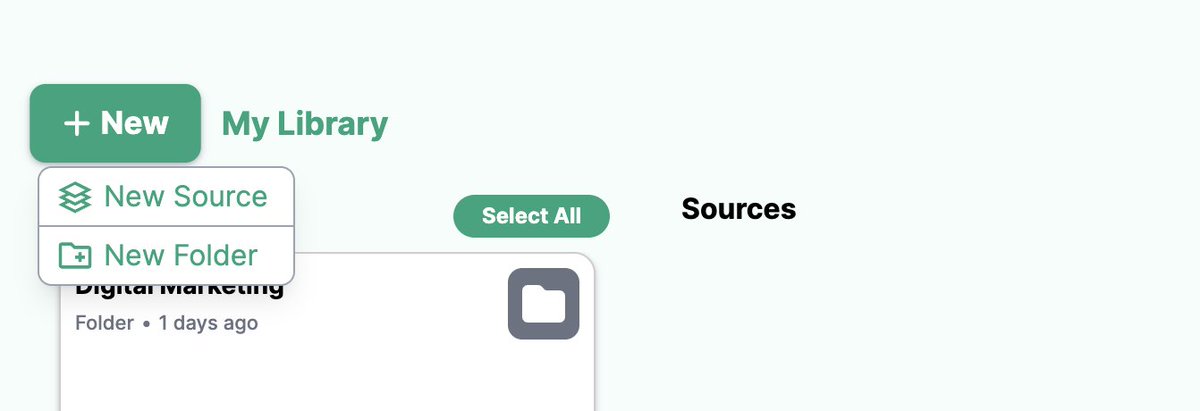
1. Folders!
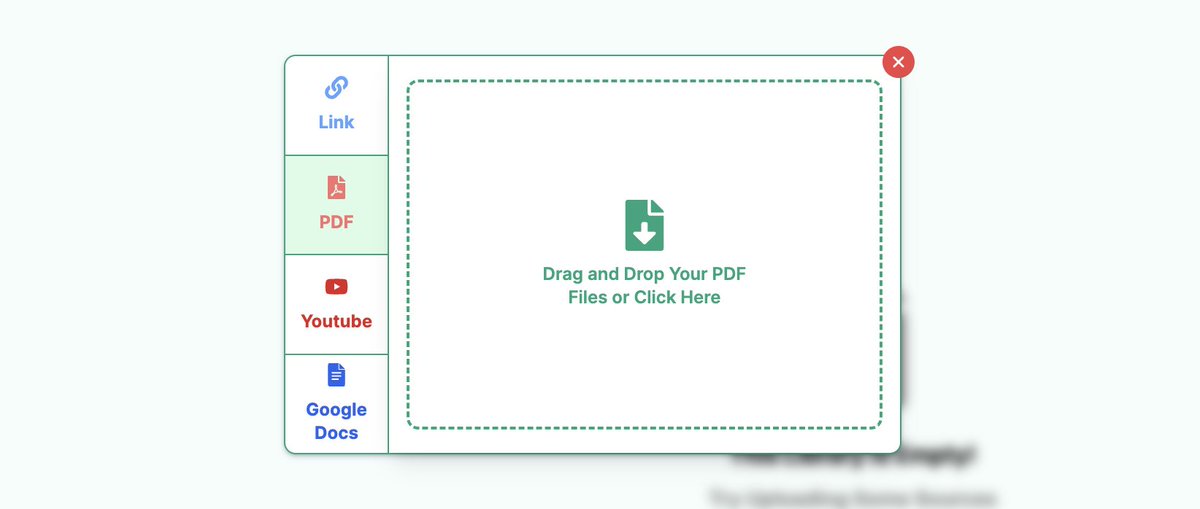
2. New source formats: URLs, YouTube videos and Google Docs
3. Chatting with multiple files
4. Updated UI and functionality!
4) A Search Engine for Your Own Sources!
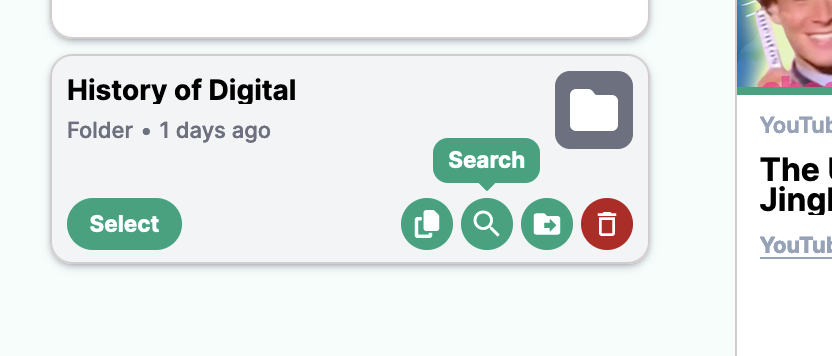
Our enhanced search functionality will transform how you navigate through your personal memory. Leveraging semantic search, this new experience allows you to query across your entire Keymate memory — including files, chats, and links — to pinpoint relevant information.
The folder filtering feature further refines this process, enabling you to create specific folders and limit search results to those folders only.
Once you’ve isolated a set of information that you want to do deeper analysis on, with one click you can switch to our GPT in seconds and it will pull the isolated information from your memory.
Newsletters are one of the best ways to keep your audience engaged.
Now, all you need is a good idea, and knowledge in your field. Keymate takes care of the rest.
Here is the step by step guide to create a weekly newsletter with AI:
When Dan revealed how AI transformed a conversation with his daughter, we were on the brink of discovering his fascinating 30-year journey.
We reached out to him for an interview, and found out more than we have expected:
“I’m Becoming More Self-Aware with AI” — Dan Lieberman (Keymate User Stories #1)
https://t.co/QGC0dG1W0y
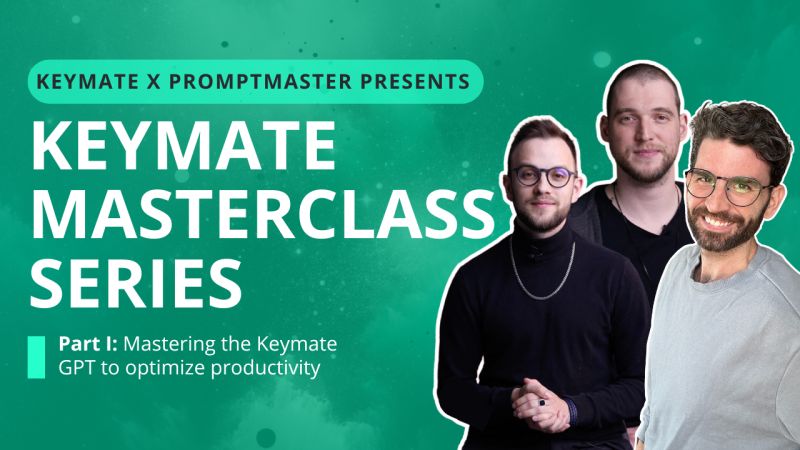
Join our co-founders and the @promptmaster_ team for the first part in our
Free Live Masterclass Series
⏰May 9th Thursday, 12PM EST / 9AM PST
On this session, we will share tips and tricks to...
👉🏼 Navigate through your own use case
👉🏼 Build a valuable and actionable memory
👉🏼 Build your own automations with Keymate
We are going to cover these topics and more in our multi-part series on mastering Keymate.
Get your free seat now!
https://t.co/sfwnfBWGAS
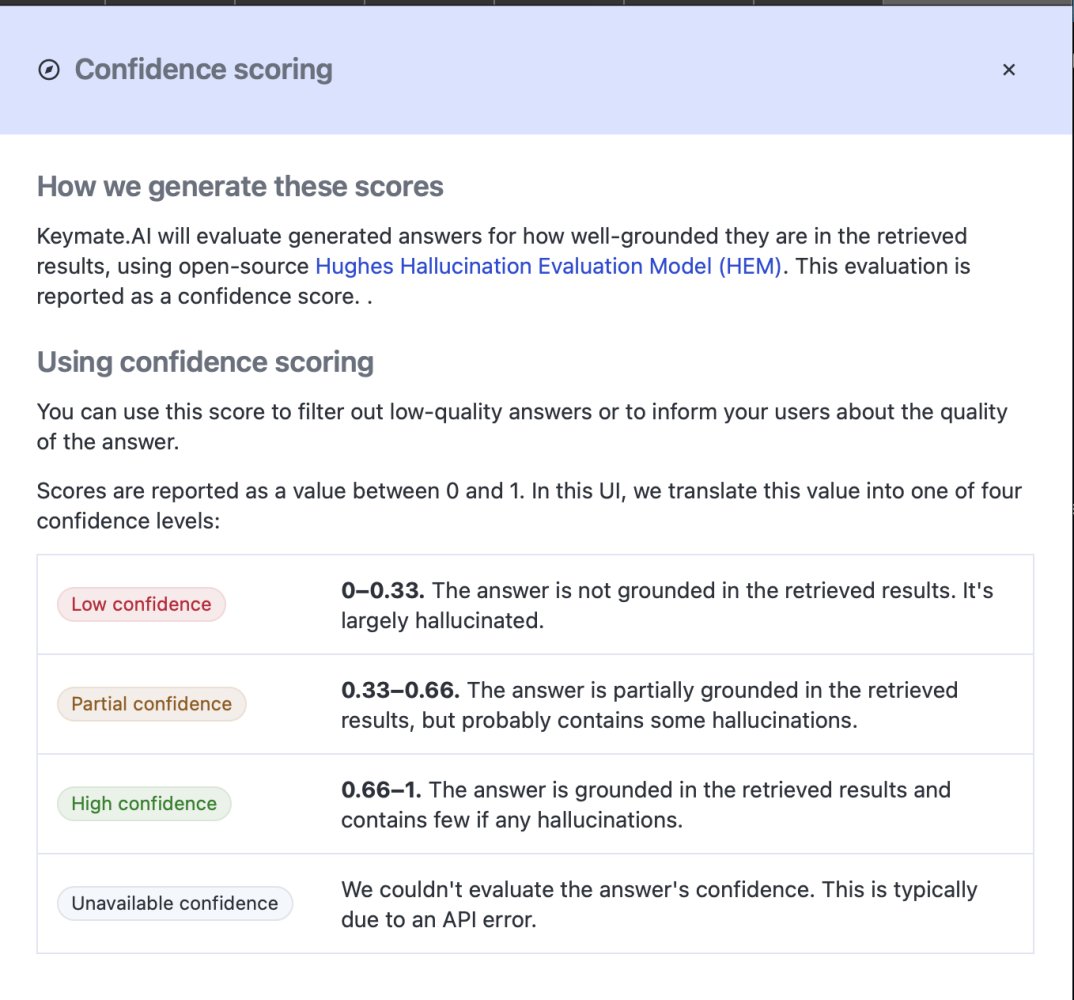
We’re excited to share how Keymate AI is tackling one of Generative AI’s biggest challenges:
Keymate Confidence Score will help you keep AI hallucinations in check!
It's only available for our Academic interface for now. We are working hard to bring it to all possible uses.
Bing is... Nice... But have you ever searched on Google? Of course you have.
All Keymate users have a unique API Key to add Google search on the custom GPTs they build.
Here are all the steps from scratch:
- Click on "Discover GPTs" on the left hand side menu.
- Click "+ Create" on the top right corner.
- Navigate to the "Configure" tab.
- Tick off the Web Browsing capability, so that ChatGPT doesn’t try to Bing instead of Google.
- From Actions section, click on “Create New Action”, and click on “Import from URL” on the next page.
- Type the URL in the video and click "Import"
- Type our URL into the Privacy Policy section: https ://keymate.ai
- Choose "API Key" for “Authentication”
- Get your API Key from the bottom of your Keymate Plans page and paste it here (It might take several seconds to appear). Sign up for Keymate if you still don't have one.
- Fill in the Description, Instructions, and Conversation Starters as you find convenient.
Boom! You have Google search and browse on your custom GPT.
You will find an example built in 4 mins on the video.
Now it's your turn: build and grow.