Today, we are pleased to announce that @Microsoft's Immersive Reader is now generally available, for free, to all @CanvasLMS customers.
Thanks @MicrosoftEDU for the incredible partnership, and big thanks to the #CanvasFam for inspiring us!
https://t.co/iXyG4LBtSv
BIG NEWS! Breakout Rooms in #MicrosoftTeams is coming this week 🎉
Break your meeting into multiple rooms and then later bring everyone back. Here is a detailed video 📽 to show you how!
YouTube 📺 https://t.co/ds07hVf7Ka
#edtech#edchat#MIEExpert#MicrosoftEDU
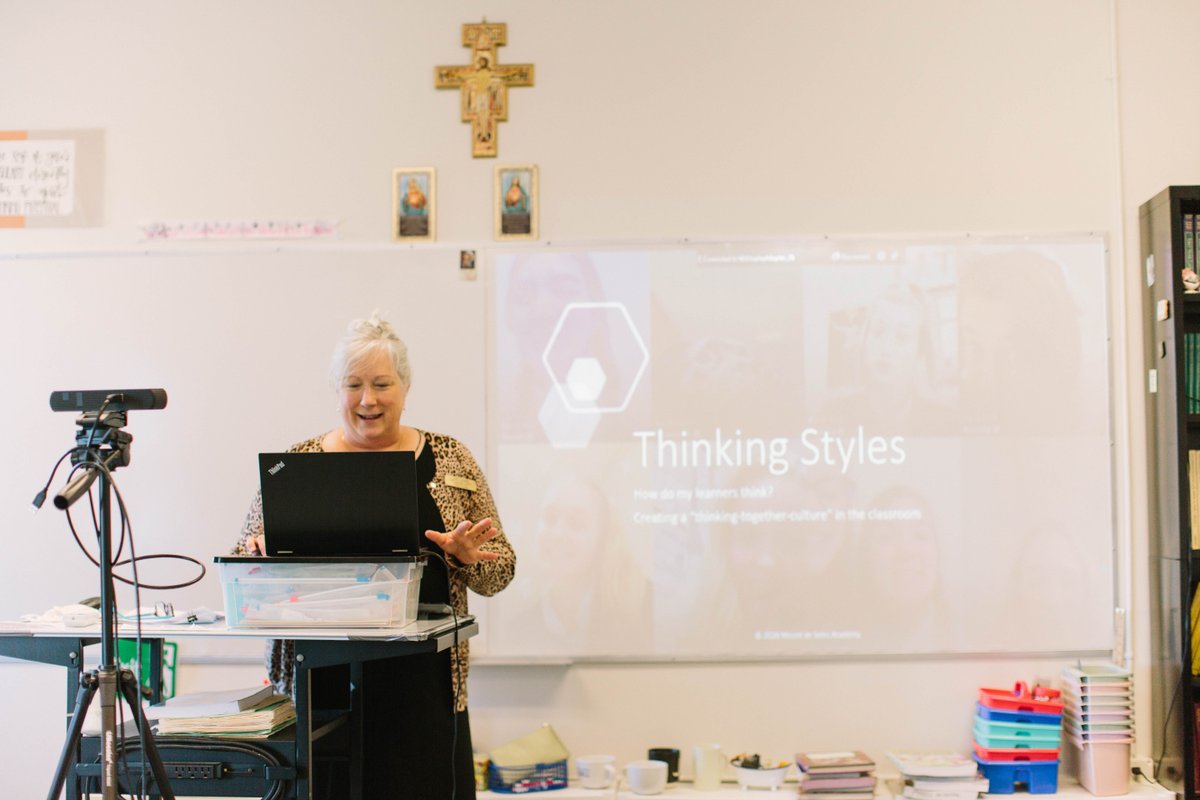
Today we virtually hosted the MDSA's Middle States Sustaining Excellence Colloquium
titled, “Where Did the Conversation go? Encouraging Face-to-Face Interaction While Utilizing Classroom Technology." Thanks to our Colloquium team, and the Middle States Accreditation team.
I FINALLY got to experience together mode in @MicrosoftTeams! So fun! Thank you @MDSAhighschool for an outstanding virtual Colloquium event! I'm so proud of the faculty, staff & students for what has been accomplished with technology! Congratulations!!
#MIEExpert#ShowcaseSchool
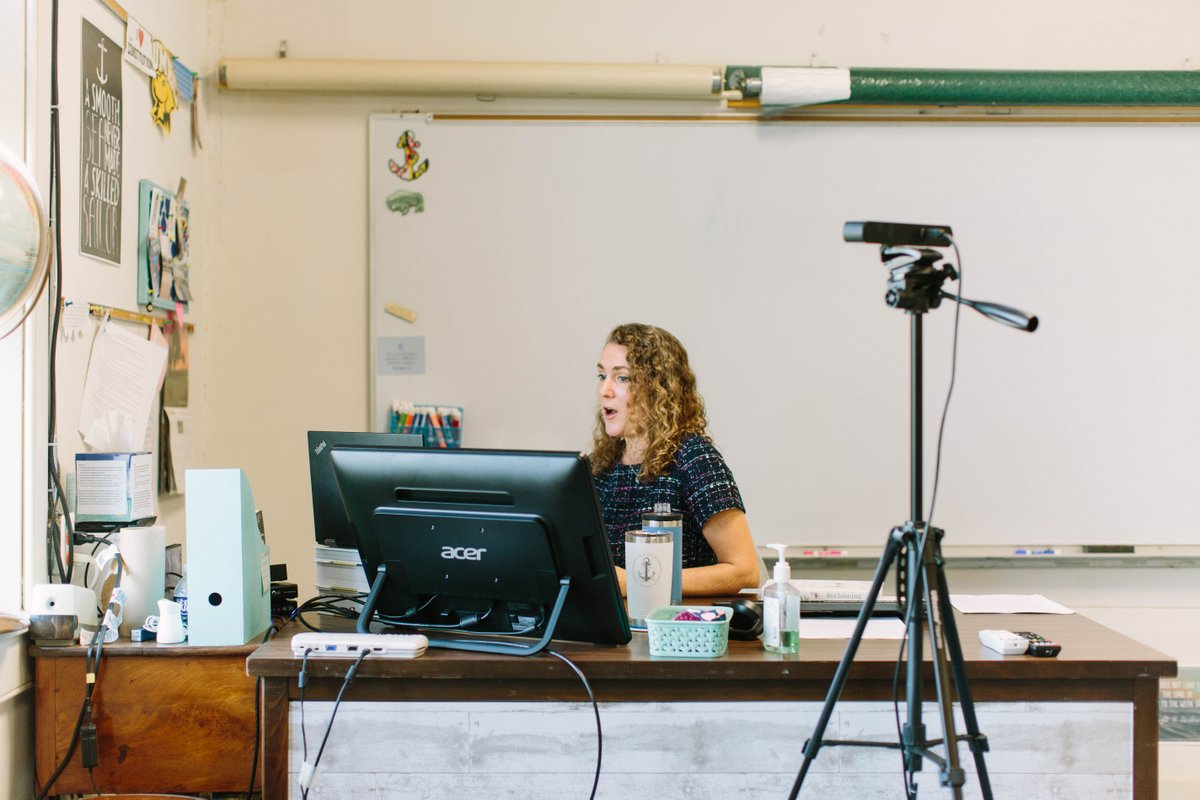
Don't call it #hybridlearning if it's not hybrid learning... too many teachers are being asked to do two jobs at once. Burnout is inevitable. Something has to change.
#edchat#MIEExpert
https://t.co/pbB5E8sDOJ
COMING SOON: Dynamic view in #MicrosoftTeams, with new custom layouts 🖼
When a presenter is showing a PPT slide, participants can see the presenter’s video feed transposed onto the PPT slide being shown 😱
👉 https://t.co/qzrRp9ydKR
#edtech#MIEExpert#hybridlearning
😍 I cannot fully express my love for this in words!
Such a simple change that will make a world of difference in conversation threads!!
#MIEExpert#MicrosoftEDU#MicrosoftTeams
NEW! We've made the "New conversation" button much more easy to find in #MicrosoftTeams (see image below)
This helps distinguish "Reply" and New" messages a bit better when creating posts inside of Channels.
Starting to rollout now ⏩
#edtech#MIEExpert
Check out the latest blog: Back to school 2020 - Microsoft Forms for effective remote learning
We've added a # of features you'll love including: printing a blank quiz, half points, file upload in teams assignments, progress bar, and more!
https://t.co/hbzjDfemHt
OMG... YES!!!! Thank you #MIcrosoftTeams for making it clear when you are REPLYing to a conversation and when you're starting a NEW one! This is going to save lives! #MIEExpert
@CraigMcBain @mtholfsen@OneNoteEDU Through OneNote 2016😕
I'm not sure if it is still part of the download/installation through O365 or not. I haven't had a student try for a while. Sorry.
@CraigMcBain @mtholfsen@OneNoteEDU They might have to save it to local hard drive then move it to their onedrive (through the notebook properties). That's been my successful experience at least.
More awesome new @MicrosoftTeams updates!
I love the spotlight feature where teachers can lock their video feed for all students on the main screen! A great way to help students stay focused during #remotelearning#MIEExpert#MicorosftEDU
NEW! A slew of updates for #MicrosoftTeams in Education 🎉
📊 Insights for leaders
🔦 Spotlight to lock a person's video
📒 #OneNote & Assignments
🚩 Flag inappropriate content
💡 EDU apps
🌳 More training
Full blog 🔗
https://t.co/SIIDZH0ZeR
#edtech#MIEExpert#MicrosoftEDU
Educators, Parents, Students, Anyone Who Needs to Hear This:
Take a deep breath. Go easy on yourself. You’re not failing. This is just really hard.
You don’t have to be perfect today. All you have to be is a little better than you were yesterday.
#MondayMotivation#BoldSchool