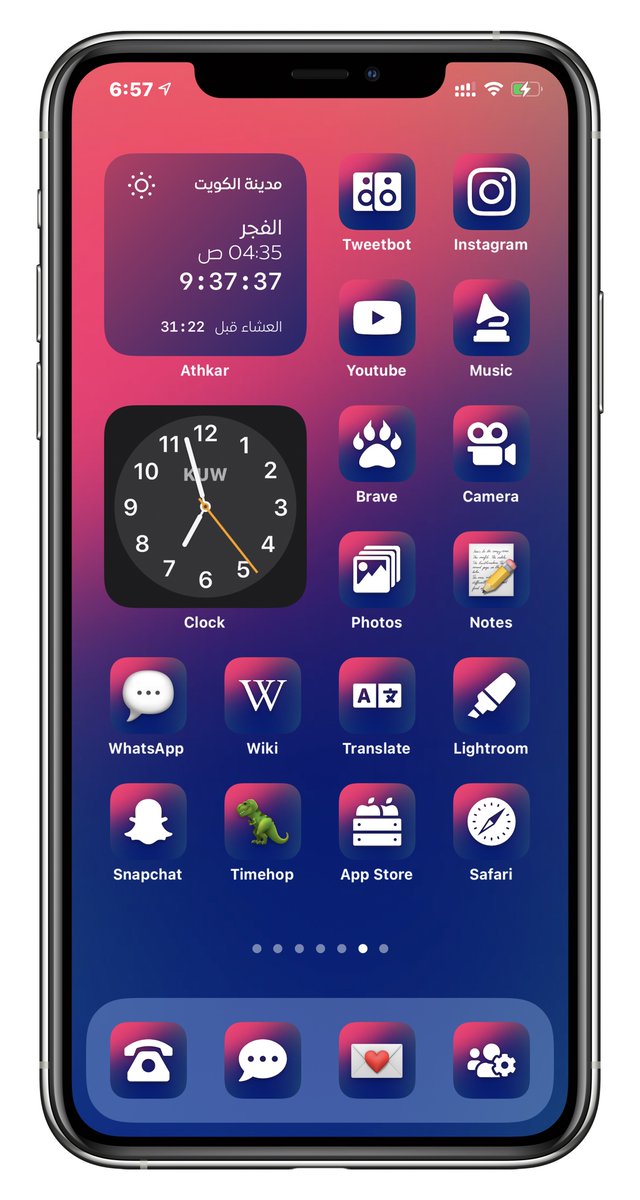
@albertkinng Precisely. Nothing changed in how we create profiles and we haven’t found a way to work around it. Apple clearly, intentionally broke the ability to directly launch apps via mobile device management profiles. ¯\_(ツ)_/¯
@St0one 14.5 is still in beta. We’re hoping Apple doesn’t break this feature in the final version, but if they do we’ll have no choice but to completely remove the home screen profile feature from the app.
@Sage0324 Unfortunately, Apple fixed it in one of the betas of iOS 14.3, but then broke it again. We’re still begging them to un-break it in iOS 14.5, but you just never know with Apple and in the first beta of iOS 14.5 it’s still broken.
All one-time purchases in @LaunchCenterPro are 33% off for Cyber Monday! You could also consider it an extended Small Business Saturday sale 😉. We’re closing in on @DaveWoodX being able to quit his job to work on the app full time, help us get there. https://t.co/CIdLSHnzkk
@noforker That’s strange. If the app weren’t unlocked you’d see the icon tools, but they’d be locked, not hidden. Here’s a video showing how to create custom icons. What part of this isn’t working for you? https://t.co/bTZoLOMrrg
@noforker We automatically check the receipt when you get a new device, so as long as you’re signed in with the same App Store account on the new device it just automatically unlocks everything
@PhilipFlemingMD So sorry, we were rushing to fix a different bug and inadvertently created this one. We’ve already got a fix waiting for review with Apple. Should be released today.
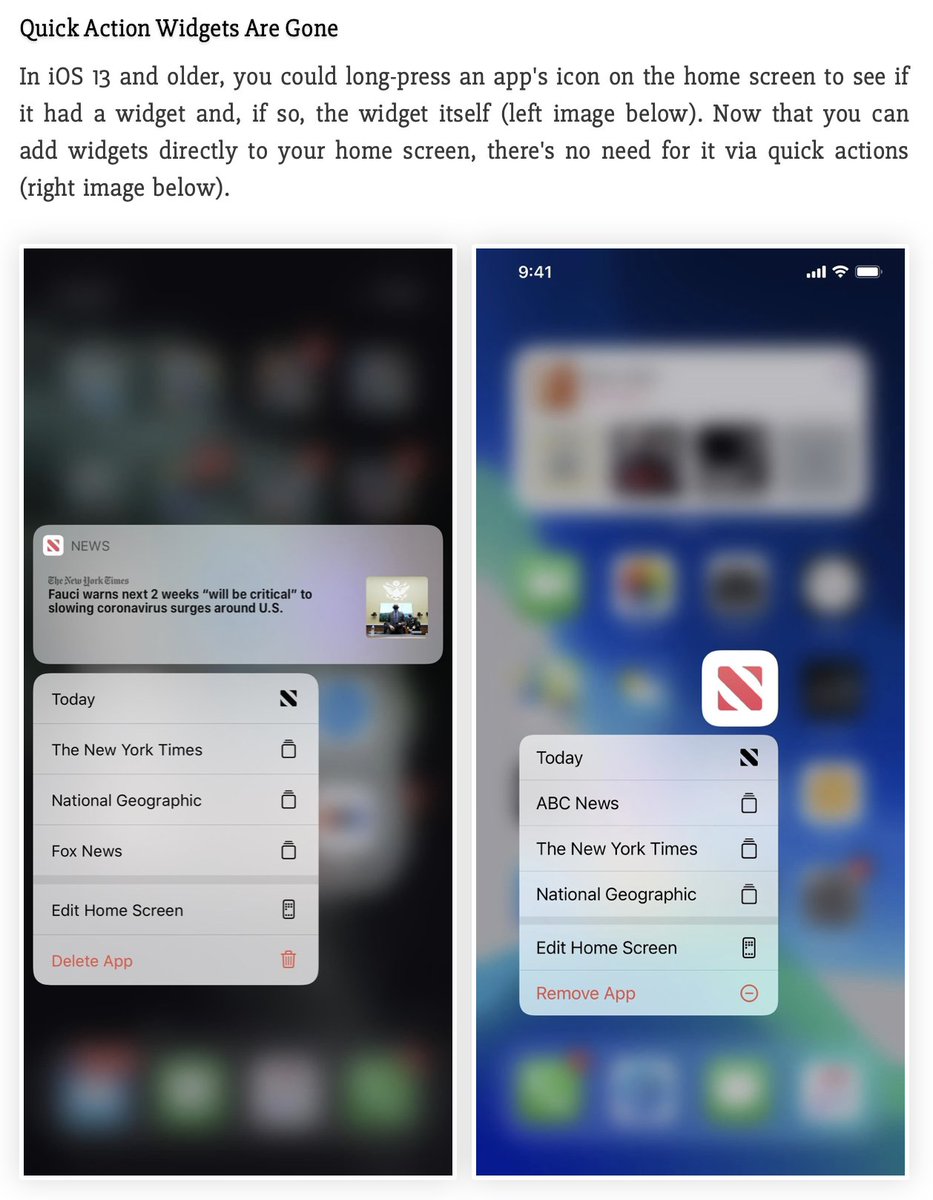
Bad news: Apple removed Quick Action Widgets in iOS 14 (see photo).
Good news: We’re working hard on Launch Center Pro 4.0 with some very big changes, new features, and home screen widgets!
Meh news: We bit off more than we could chew over the summer with 4.0. Will ship “soon”
@RemingtonWhitt So sorry, we were rushing to fix a different bug and inadvertently created this one. We’ve already got a fix waiting for review with Apple. Should be released today.