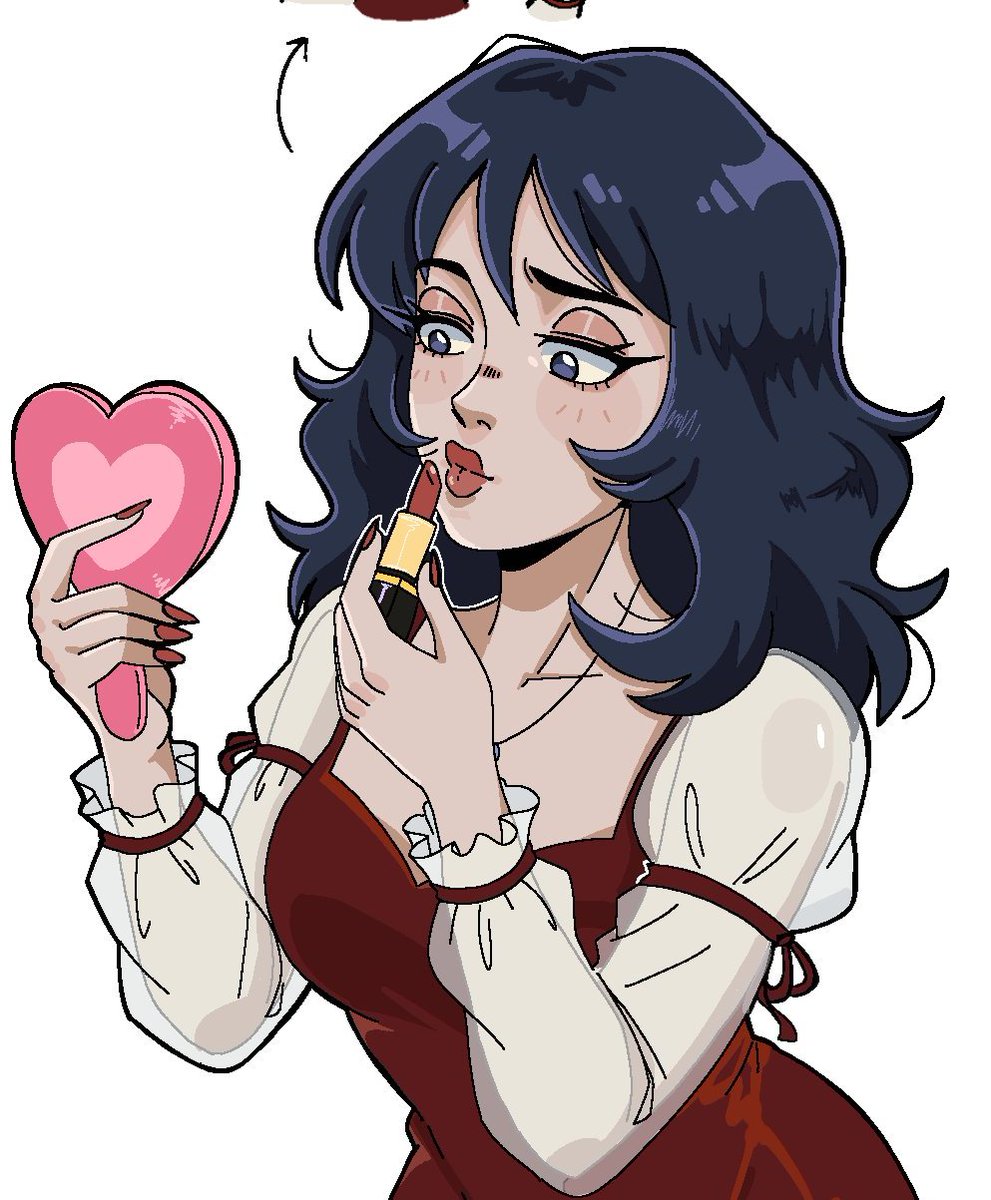
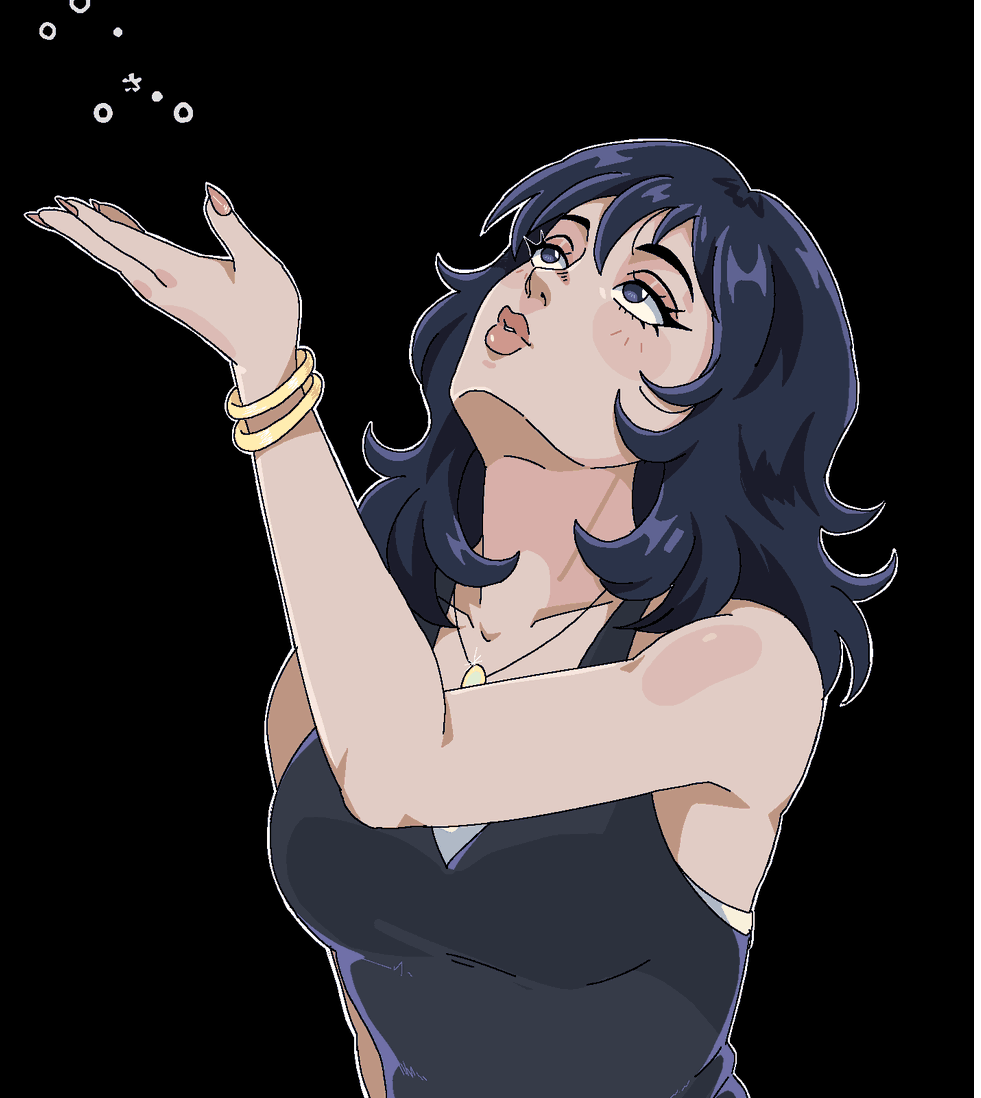
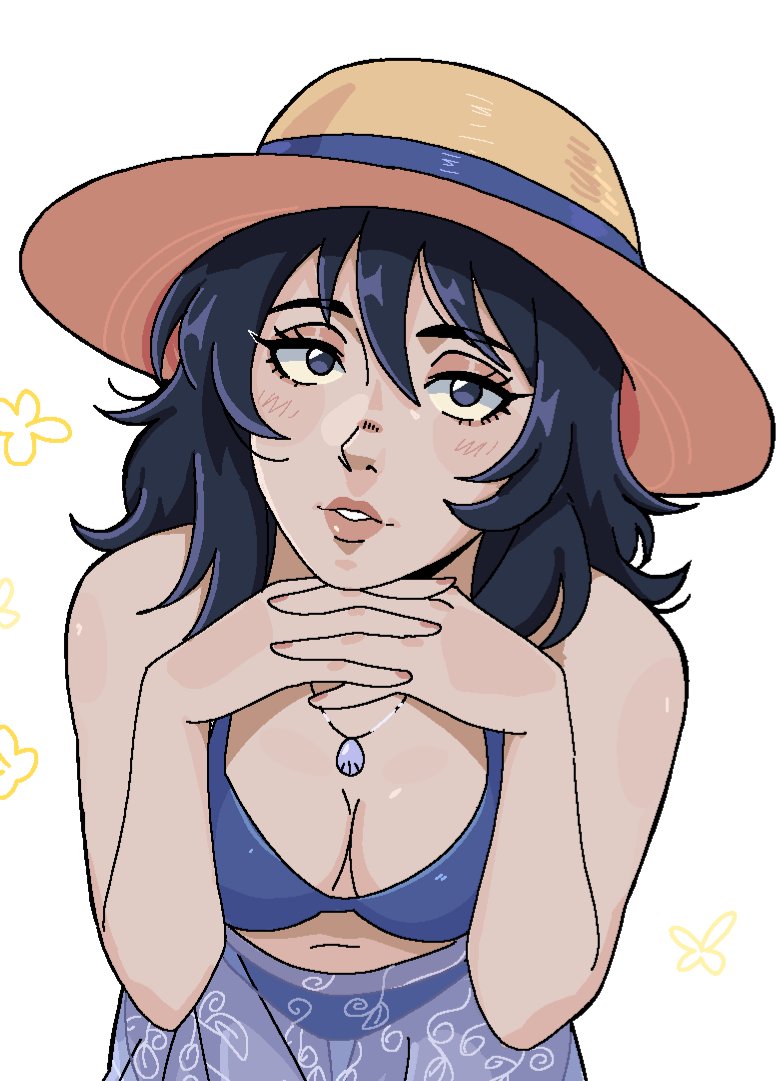
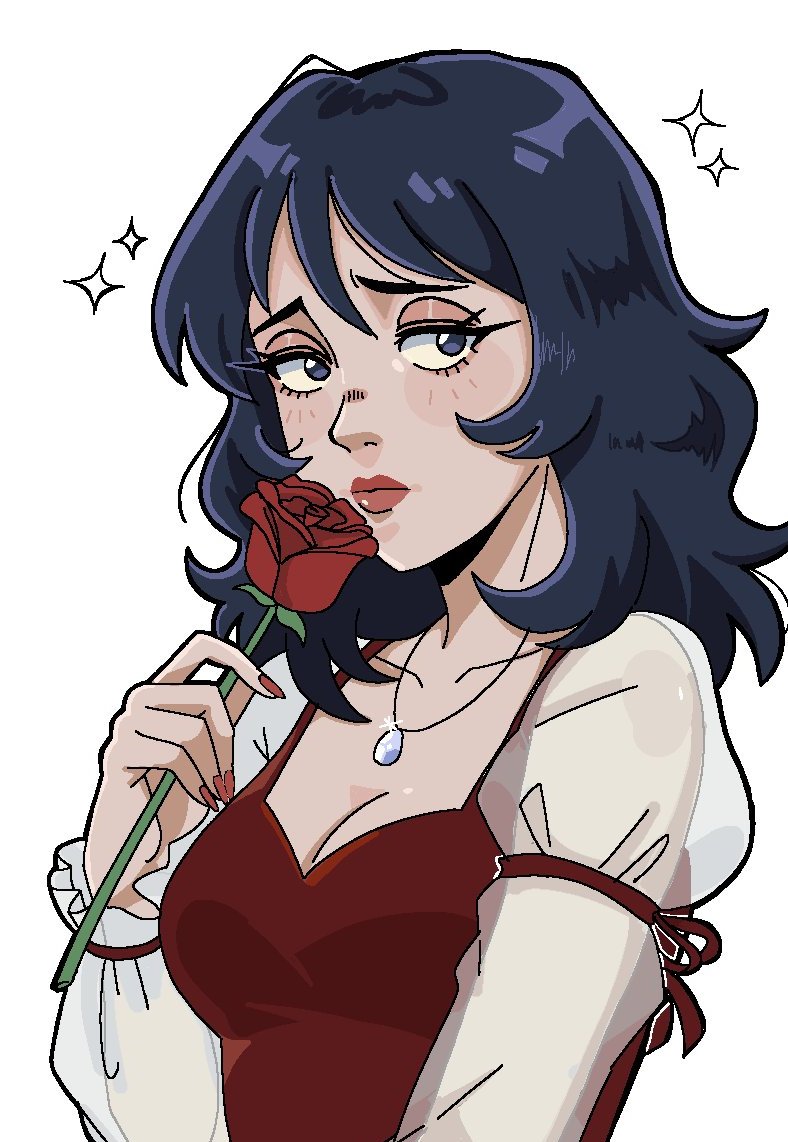
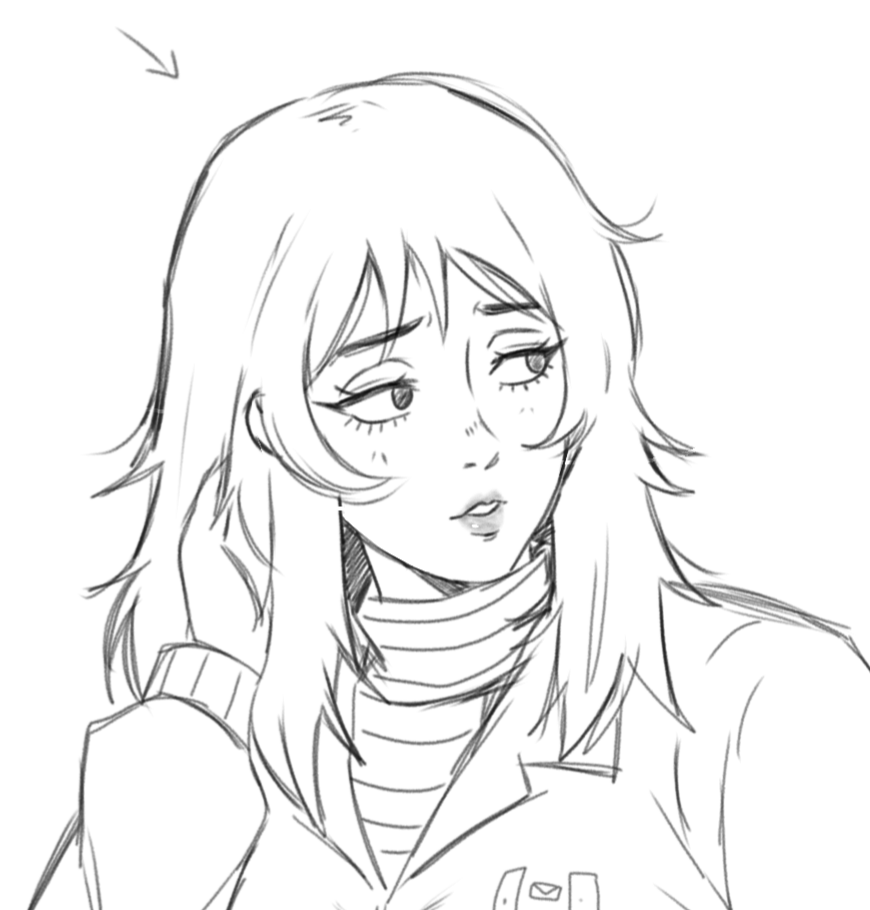
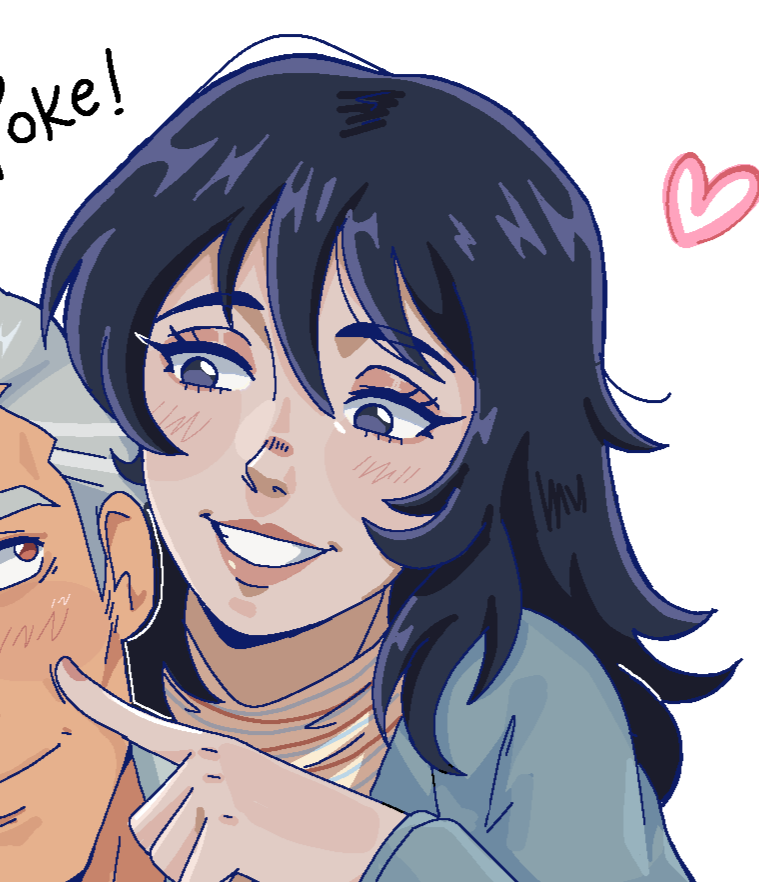
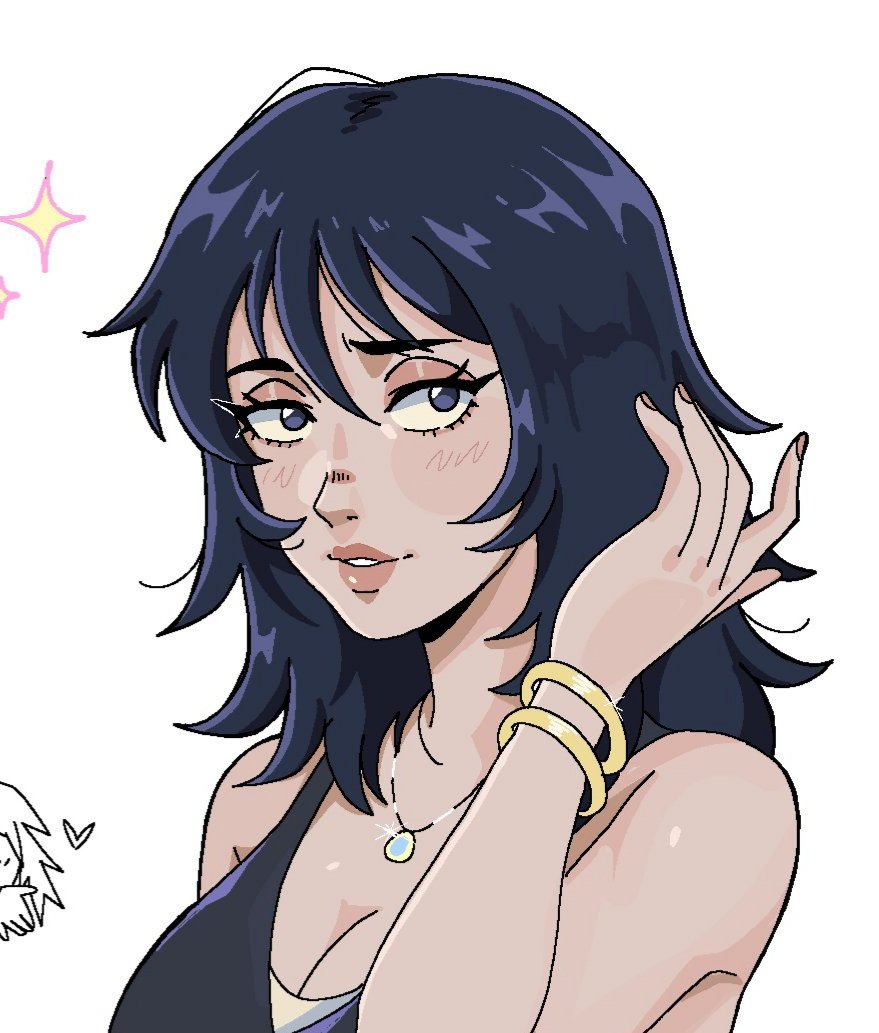
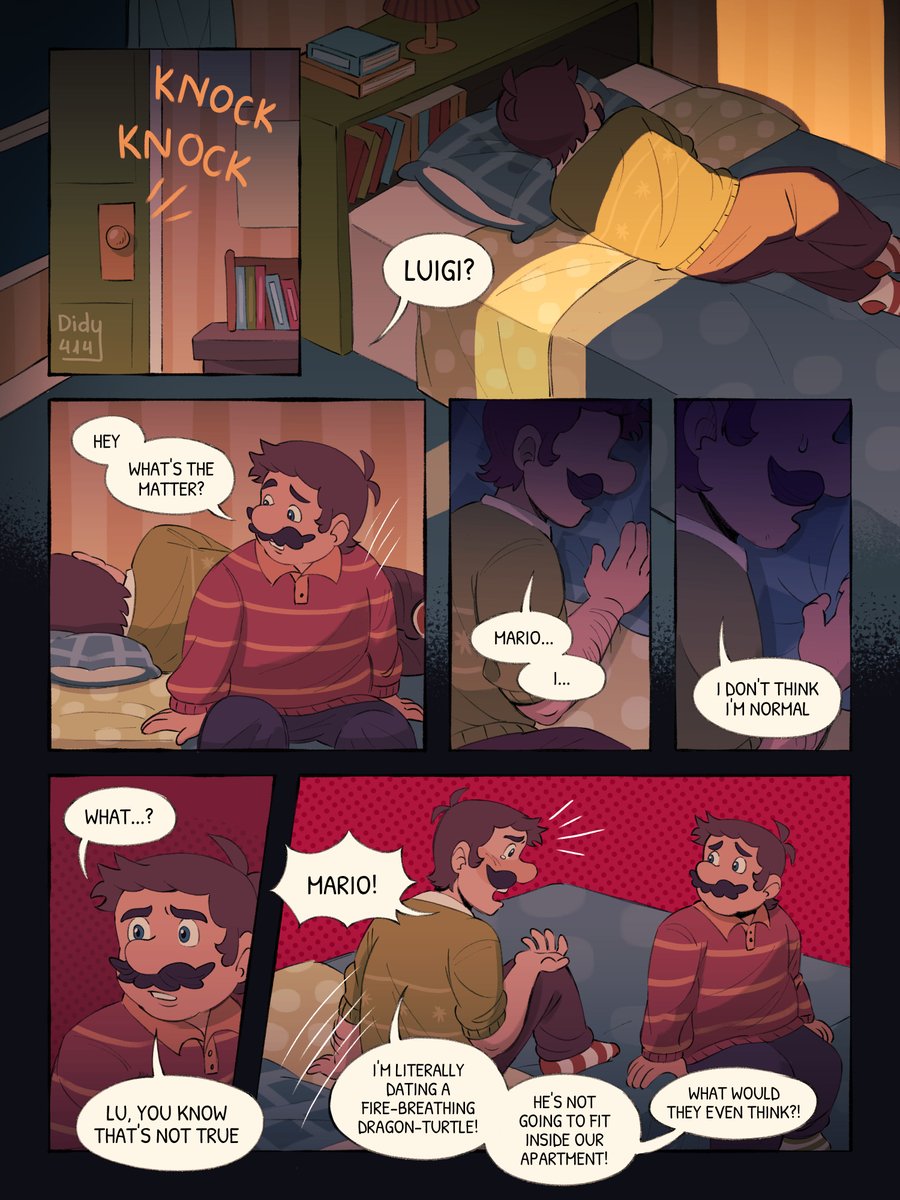
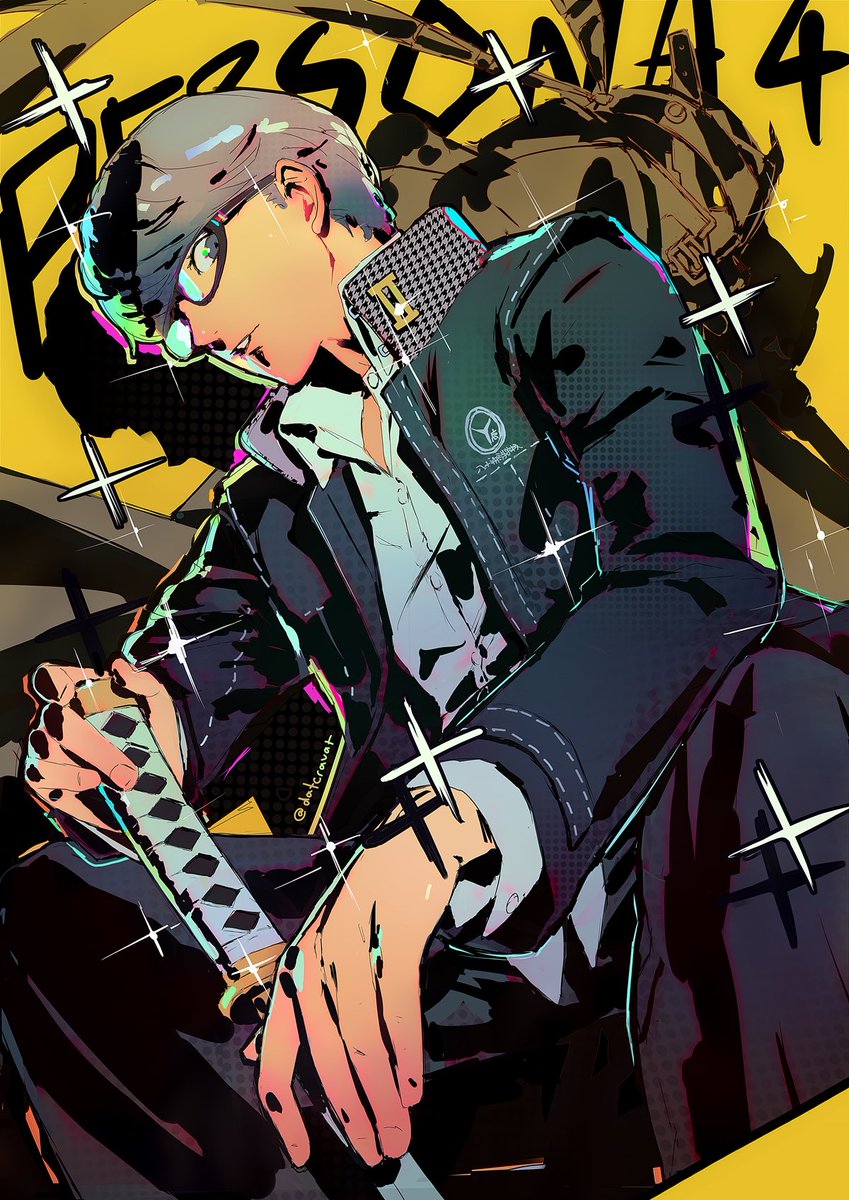
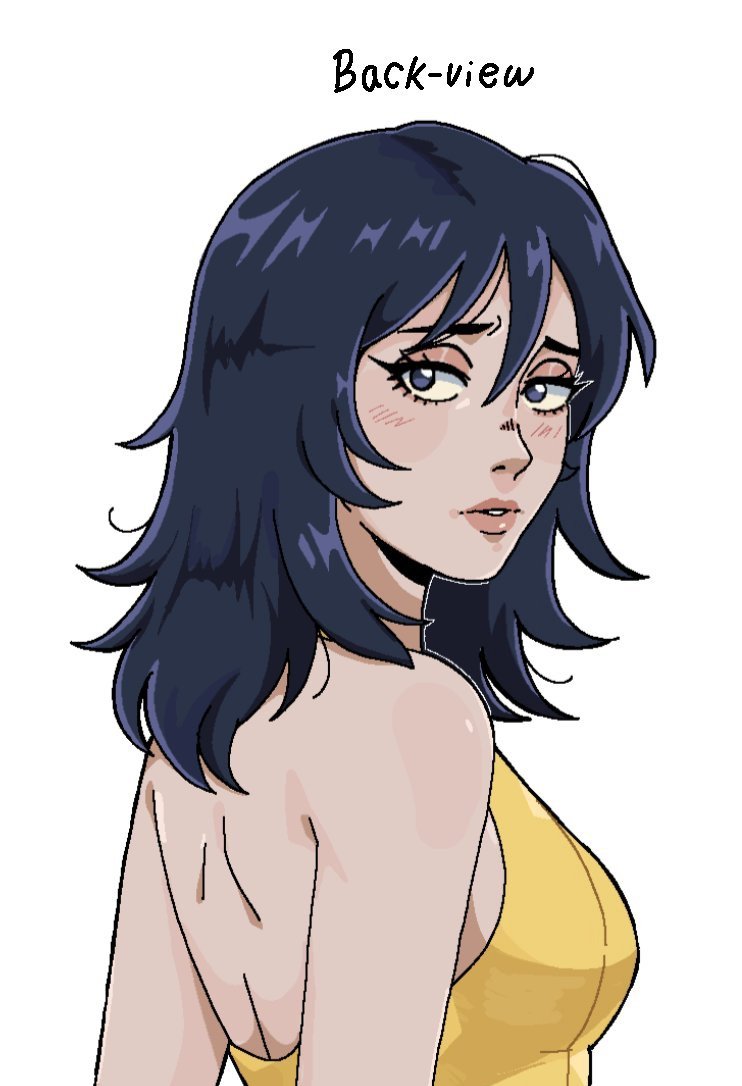
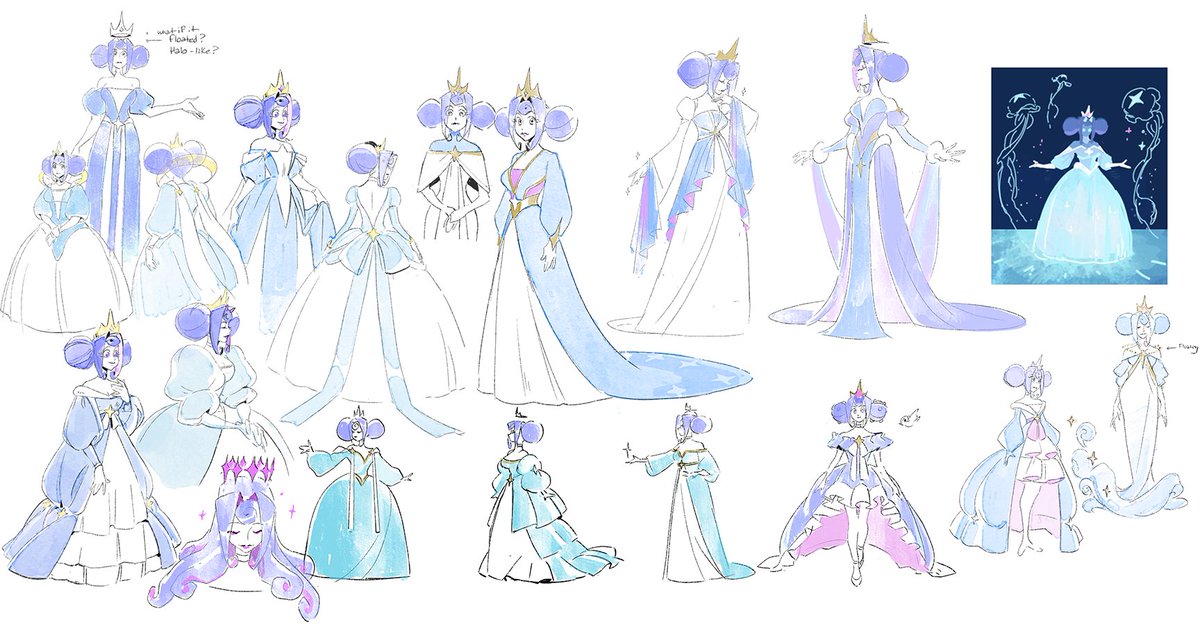
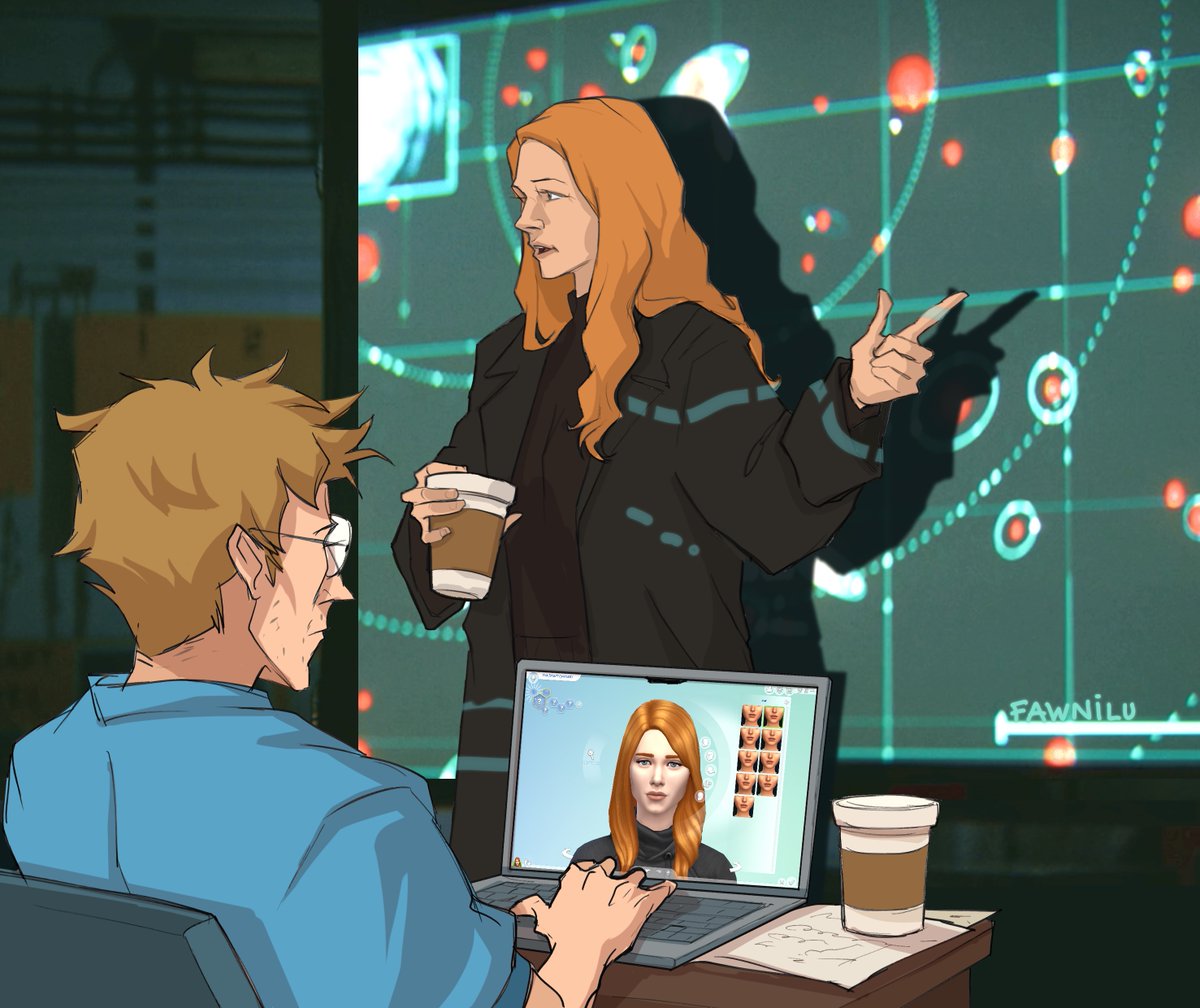
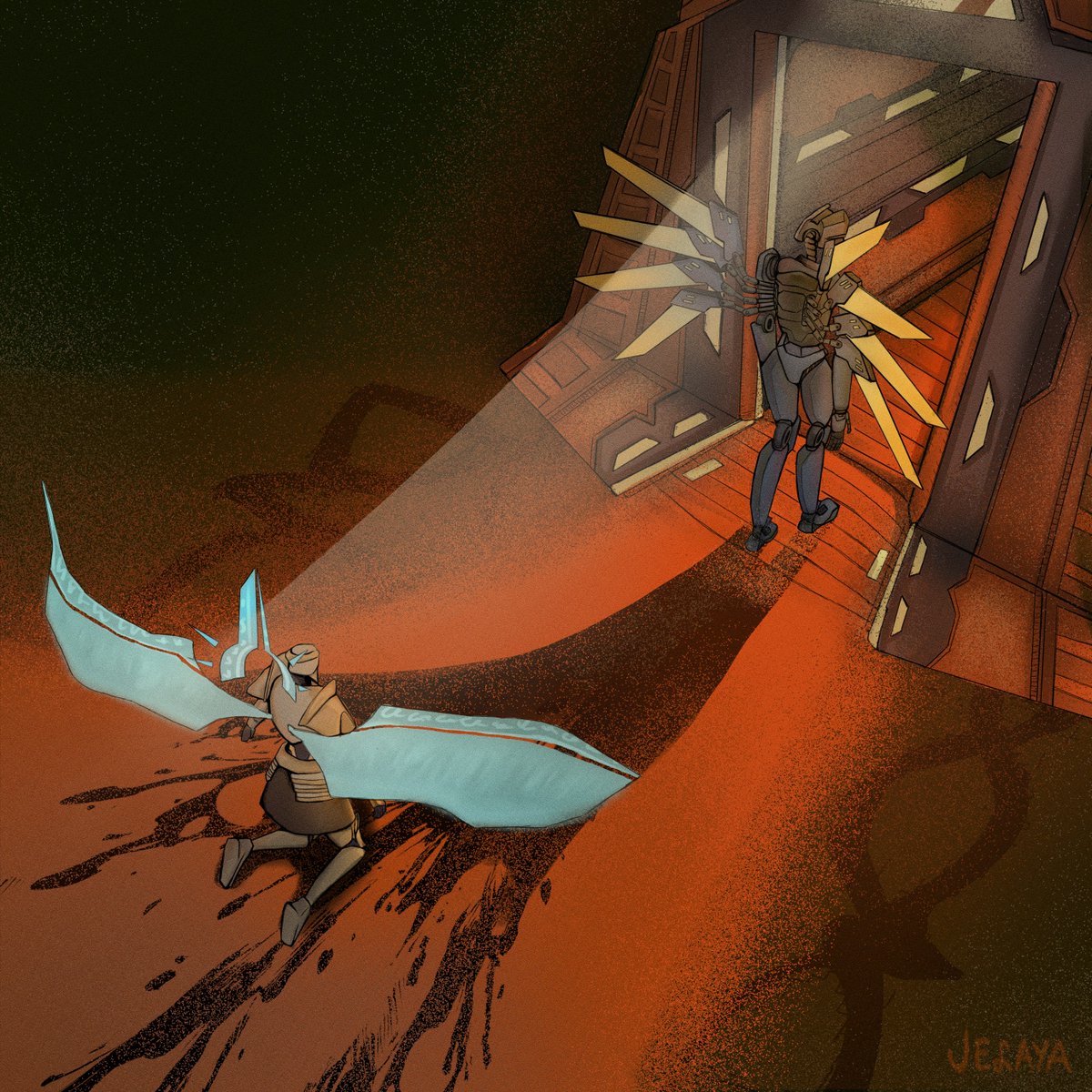
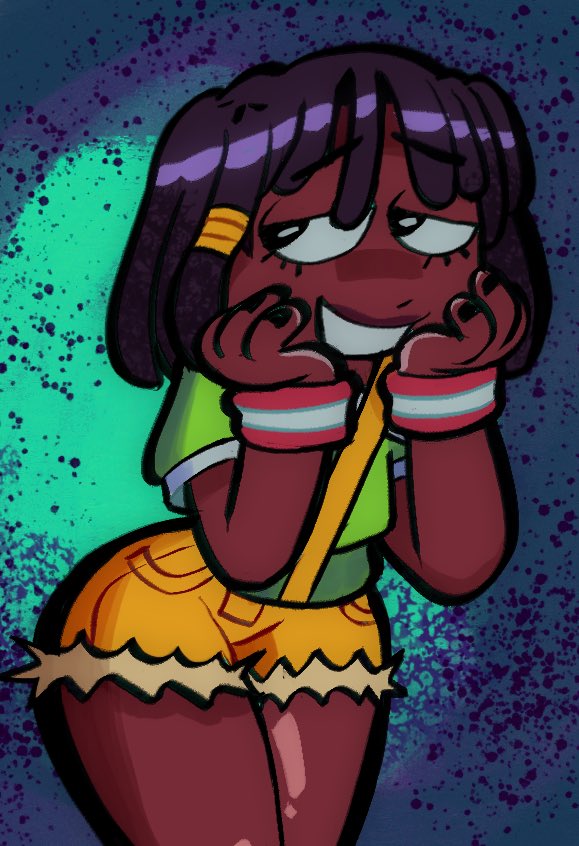
Wondering where I’ve been?
Well I’ve decide to open commissions!
I will only be doing three slots (first come first serve!!)
⭐️⭐️⭐️
Visit my Carrd website below for more info~
#commisionsopen
I think I've found my favorite Blender wrinkle method out of these tests so far. This is using Curves to define displacement, and attributes on the curves to define the amount, shape, etc. I like the click and drag + proportional editing style more than sculpting or modeling, but those could work too of course. Radius and Tilt are not enough hotkeys, but with some python you can edit other attributes in the same way.
Also experimented with a tool to knife the curve into the mesh. That'll need more topo cleanup around it to look nice, but its still saving some labor for making manual wrinkles.
Will need to try actually setting up the shirt wrinkles now with this method before I can say how nice it really easy vs just sculpting or regular modeling.
색감 공부하고싶으면 이 사이트 추천!
영화 스틸을 컬러별로 나눠서 볼 수 있고,
각 색이 어떤 감정과 분위기로 쓰이는지도 같이 정리돼 있음.
디자이너라면 무드보드, 키비주얼, 컬러 팔레트 잡을 때
“예쁜 색”만 고르는 게 아니라
실제 장면에서 색이 어떻게 작동하는지 참고하기 좋음.
👉특히 브랜드 무드나 캠페인 톤 정할 때 유용한 편!