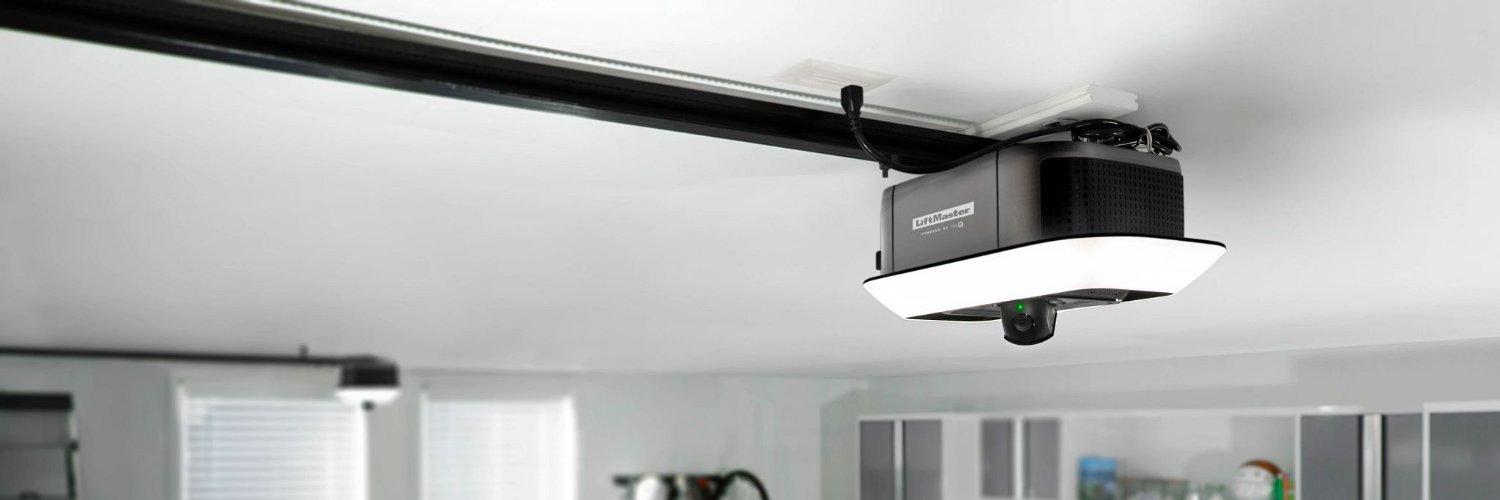
Stay connected with garage control in your Tesla.
1: Do you have the latest software version?
2: From the Control Screen menu, navigate to garage door icon, tap myQ
3: Scan the QR code that appears
4: Log in to your myQ
5: Select your plan
6: Enter your billing and check out
@PhoenixFSD@KBTesla1 Thank you for sharing your feedback. We appreciate the suggestion and can see how a dedicated myQ widget would make access even more convenient.
We'll share your feedback with our team for consideration in future app updates. Thank you for helping us improve our products.
@toomanybarts We're sorry to hear that. What number did you call? You shouldn't have to wait that long to reach support. If you'd prefer, please send us a private message with the email address associated with your myQ account and a brief description of what you're experiencing.
@NathanDylong Thank you for the kind words! We're thrilled to hear programming your remotes were so easy and that the process lived up to expectations. It's feedback like this that keeps us motivated. We truly appreciate your support and are honored to have you as a longtime customer!🙌
@trumplefucker Thank you for your feedback. We really appreciate you sharing your experience. If you ever have questions or need assistance, we’re here to help.
Stay connected with garage control in your Tesla.
1: Do you have the latest software version?
2: From the Control Screen menu, navigate to garage door icon, tap myQ
3: Scan the QR code that appears
4: Log in to your myQ
5: Select your plan
6: Enter your billing and check out
@smi37069757 Hi Bobo, thank you for your honest feedback. For information on how to lock your garage, myQ devices, or power off, please send us a DM or email [email protected]. We are happy to help.
@eschwiz Hello eschwiz! When setting up your myQ notifications you can select if you want to be reminded if your door was left open only, and reminded if the door was left open for the desired time set in the app. Here are the steps: https://t.co/7FudnEh3G7