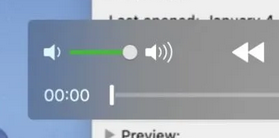
@AndrewDMarston @RuloTomas@eyedesyn Hey @AndrewDMarston! I built a playback speed dial at one point (similar to how these knobs on old beta players worked) but ended up removing it because it took up UI space and I was unsure if folks needed it. Wouldn't be too hard to add something simpler for speed control.
@MrGrunshaw Stoked that the app is working well for you! Built it because of the same frustration after switching to windows in 2017 haha. Please let me know if there's any issues you run into or features that would make it more useful. Going to dig in and do a big update later this fall.
For now, Look-See works great on Windows 11 but a design refresh and update will be coming sometime this fall. In the meantime, please let me know if you encounter any new issues with the app after updating to Windows 11.
#Windows11
@puppydust@eyedesyn Yeah I believe that's an issue with the store but I need to look into that bug further. It should be resolved if you updated to the latest version of Windows.
@RuloTomas @AndrewDMarston @eyedesyn So far I haven't found a video codec/format that it won't open. Underneath the hood is FFmpeg thanks to the folks working on FFmpegInteropX https://t.co/Y1Hz1tTF7Q
@eyedesyn I've worked at multiple shops still using Quicktime 7 for windows despite warnings from the Department of Homeland Security haha https://t.co/5yjb1BTaLL
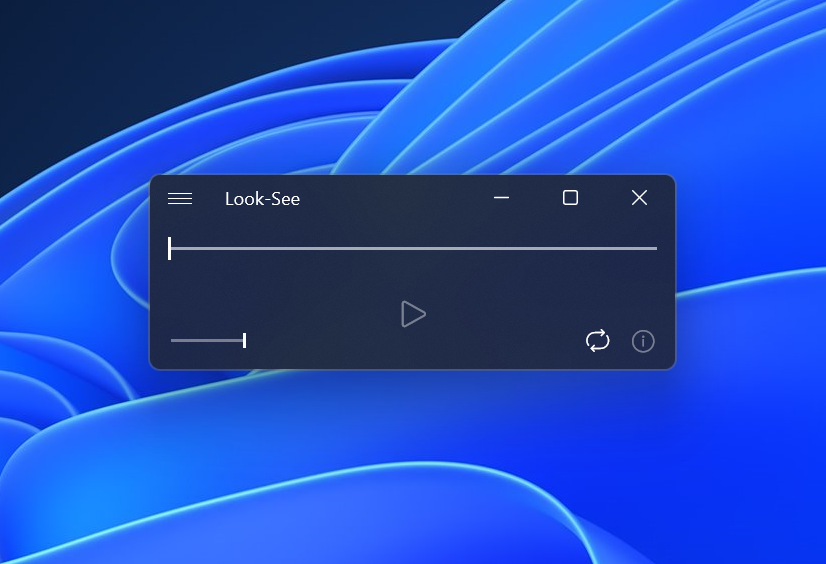
@eyedesyn Yeah I built Look-See specifically to fill the Quicktime Player void for Windows. Has similar UI/features plus a bunch of other bells and whistles. https://t.co/YboErbe2Re
@Morphington@shanselman Yeah I’ll definitely ask users about it. I recently made it so that volume adjustment and mute selection is saved between sessions hoping that it allows folks to set it and forget it.
@Morphington@shanselman Personally, I'd rather hide volume adjustment away in a menu given that a professional workstation with an external audio device could have up to 6 different places in which to adjust audio level from player to output.
@JimChezchez@shanselman Look-See is primarily designed for users to check their work. I tried to make it so that it quickly opens anything in a clutter free interface. There's lots of simple yet needed features for professionals such as SMPTE timecode, frame stepping, and detailed media info.
@JimChezchez@shanselman Hey Jim! I built Look-See for folks like myself. I'm a freelance Motion Designer who switched to windows a few years back. A player like QuickTime has been sorely missed by media professionals. There are a lot of studios still using old QuickTime Pro 7 despite its vulnerabilities
@Morphington@shanselman Based on my usage stats, Look-See users have roughly 10-20 sessions a day. Since it's designed be something you open frequently to view media, it seemed limiting possible visual clutter was of greater importance then reminding new users of what the slider did.