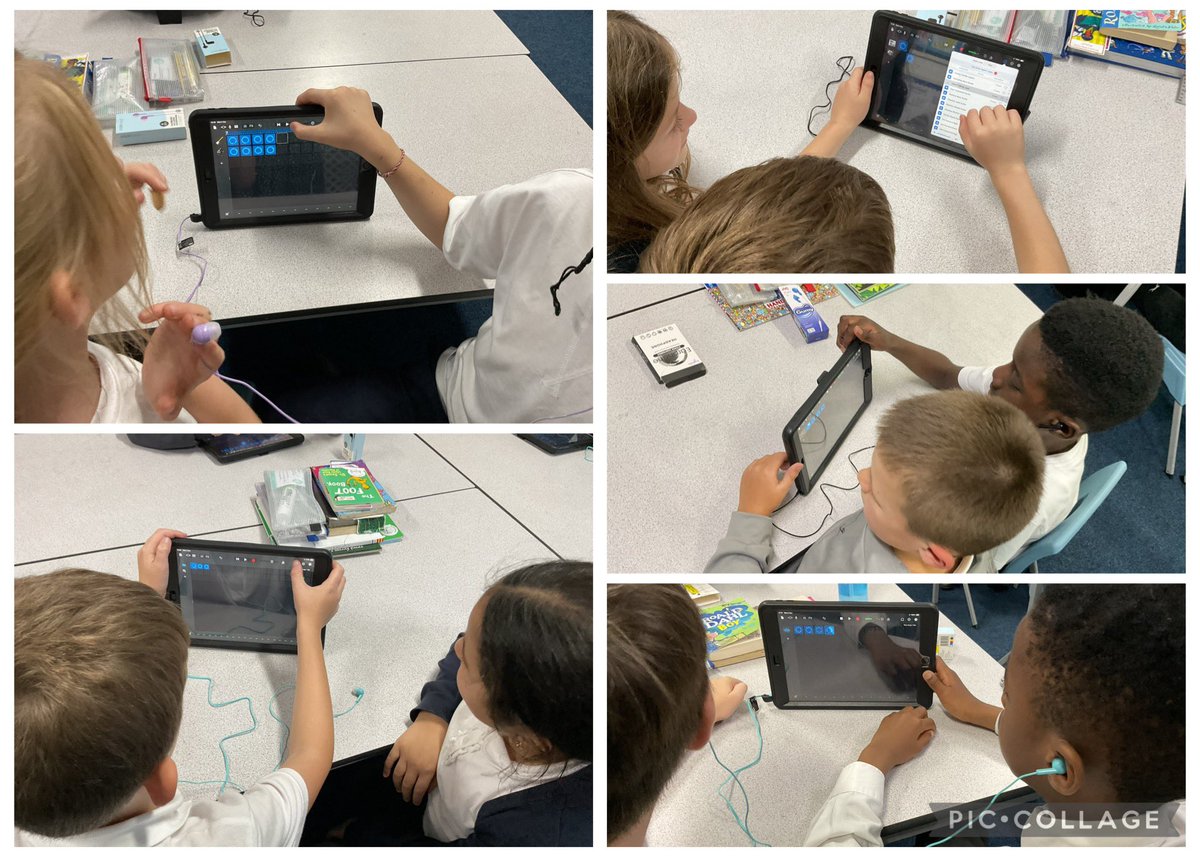
Last week in computing we started our unit on Micro:bits! We started to explore the MakeCode app and discussed how our algorithms needed to be specific and have an order. This week we will code the Micro:bits to create step counters! #MRPALearning#MRPAComputing@MRPA_Computing
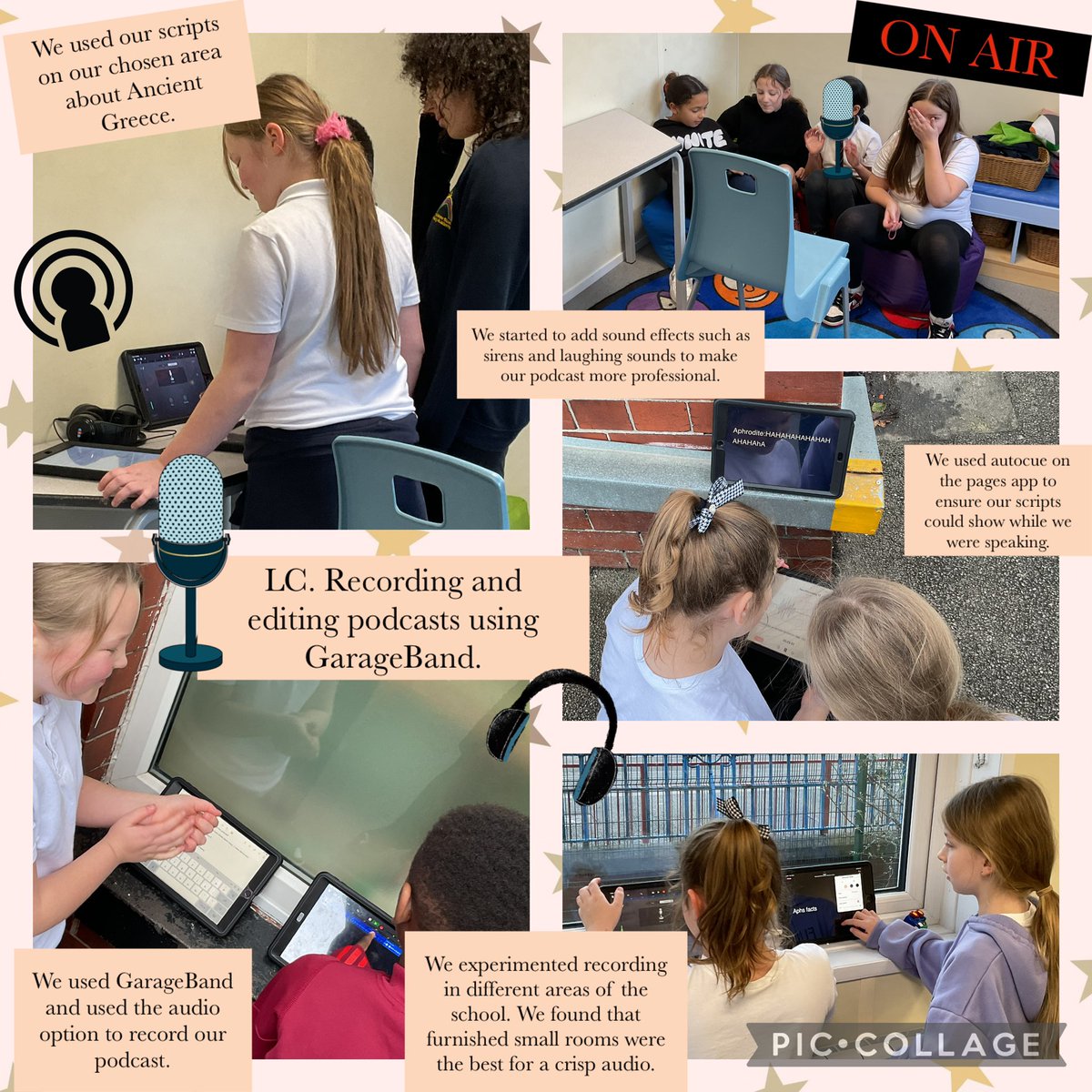
In computing we started to record and edit our Ancient Greek podcasts. We used GarageBand to record and edit our podcasts. We experimented with sound and found that furnished and quiet spaces were the best for audio🎙️#MRPALearning#MRPAComputing@MRPA_Computing@mrpacomputing
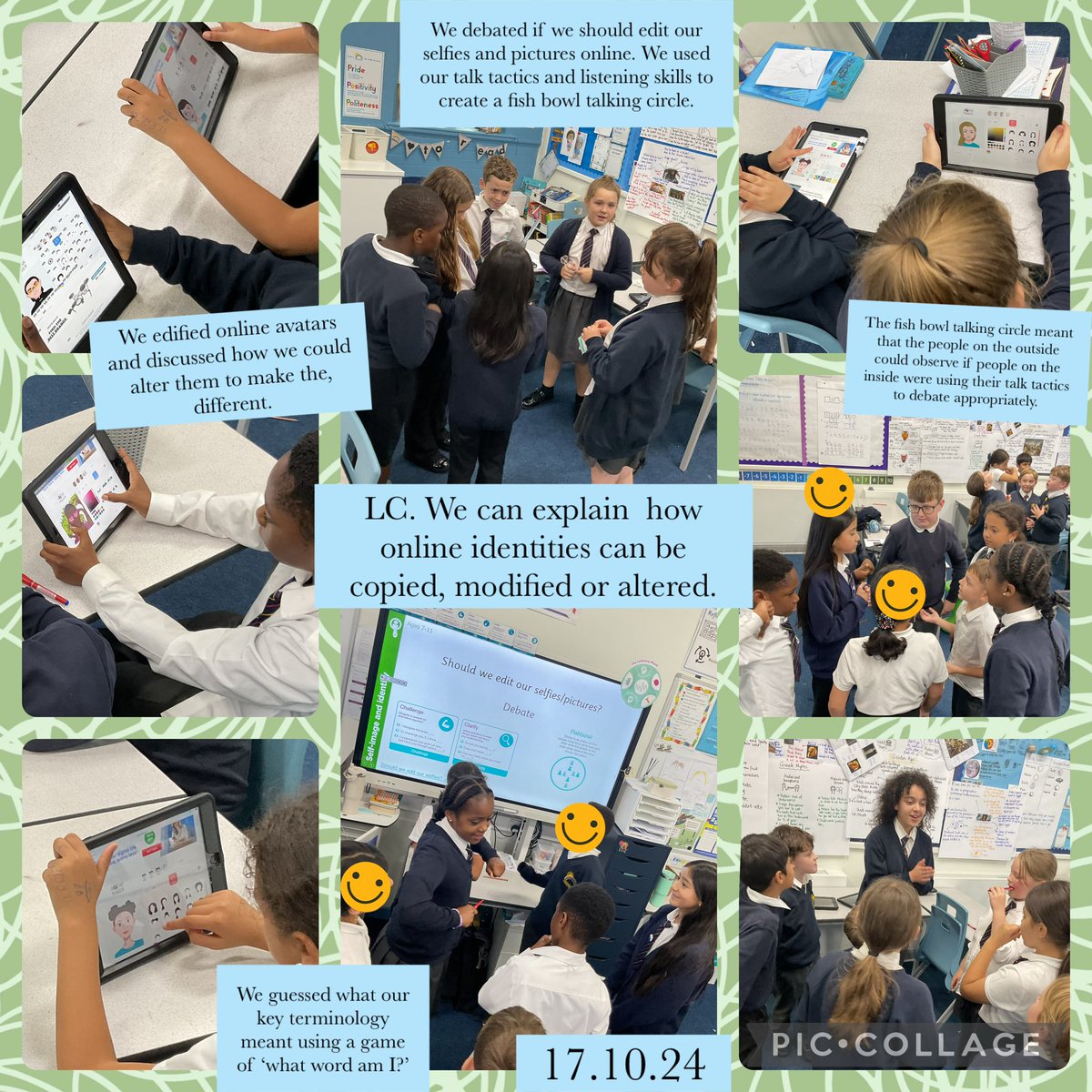
In computing, we discussed how online identities can be copied, modified or altered. We used our talk tactics to debate if we agree that people should be allowed to edit their images online. #MRPAlearning#MRPAcomputing@mrpacomputing@MRPA_Computing
In computing today discussed online communities and then pitched ideas for our own apps that help foster positive online communities. Our oracy skills really helped us when presenting and listening.#MRPALearning#MRPAComputing@mrpacomputing@MRPA_Computing
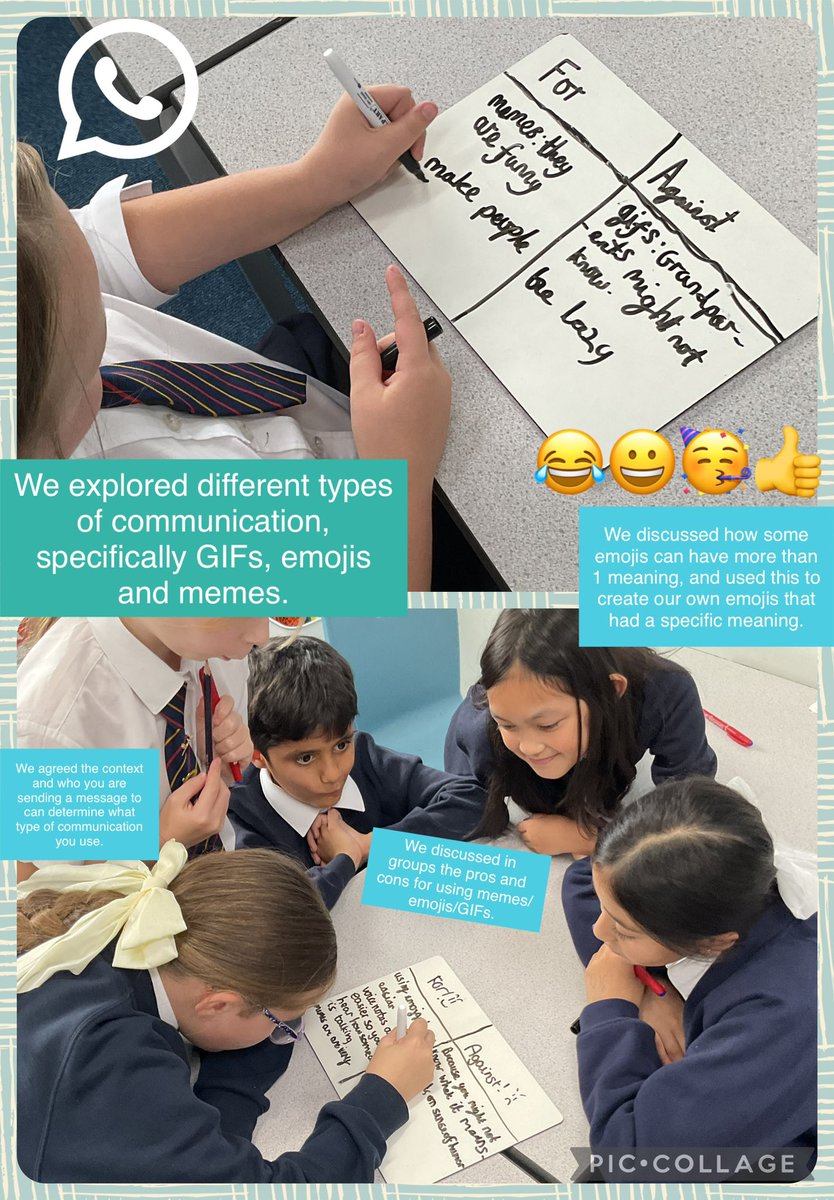
In our unplugged computing lesson we explored various ways we can communicate with others via technology. We then discussed when emojis, memes, and GIFs can be suitable and not suitable. We even had a go at creating our own emojis 😀#MRPAlearning#MRPAComputing@mrpacomputing
Year 4 had a marvellous time creating loops on Gargeband in Computing this week and layering different instruments to change the texture of the composition 🎶 Everyone was thrilled with their loops and can’t wait to add their lyrics! #MRPALearning#MRPAComputing
In computing today discussed online communities and then pitched ideas for our own apps that help foster positive online communities. Our oracy skills really helped us when presenting and listening.#MRPALearning#MRPAComputing@mrpacomputing@MRPA_Computing
In our unplugged computing lesson we explored various ways we can communicate with others via technology. We then discussed when emojis, memes, and GIFs can be suitable and not suitable. We even had a go at creating our own emojis 😀#MRPAlearning#MRPAComputing@mrpacomputing
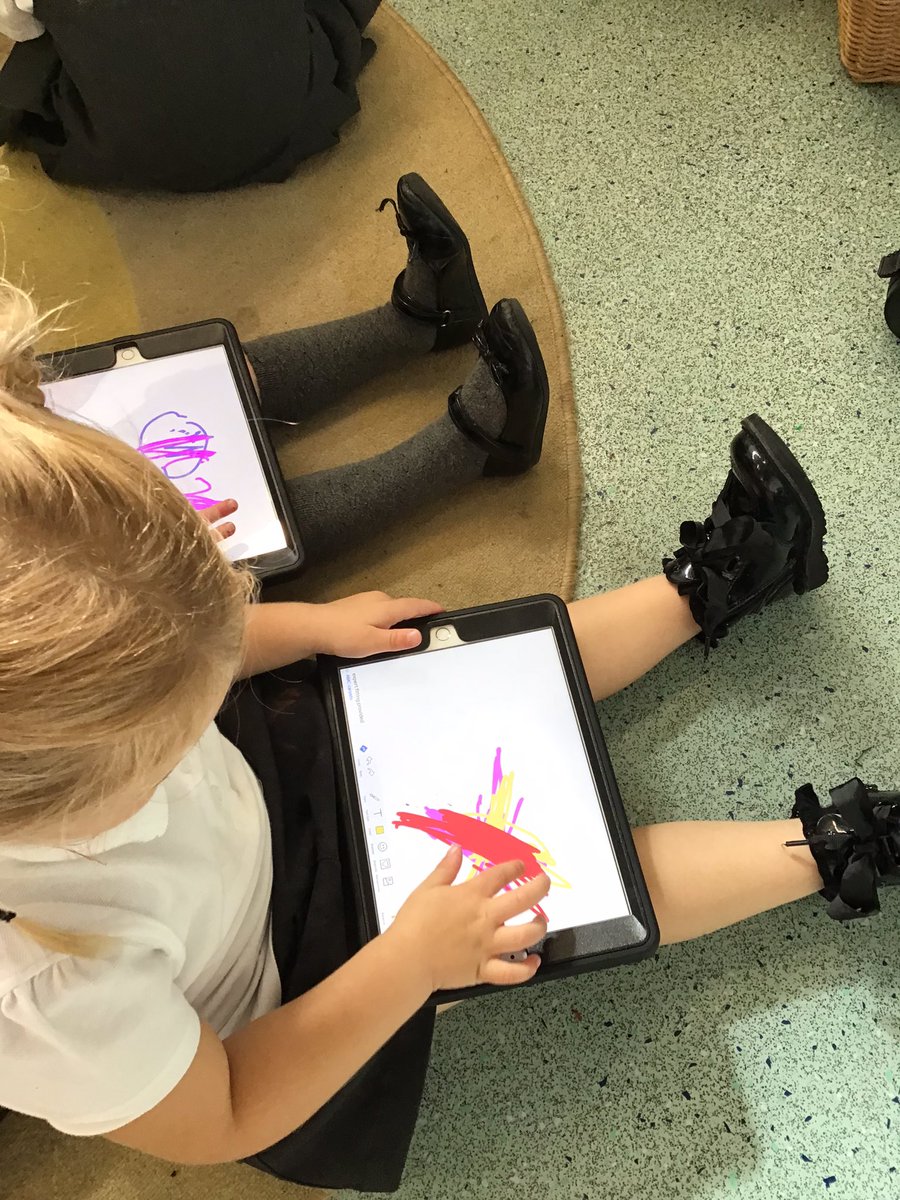
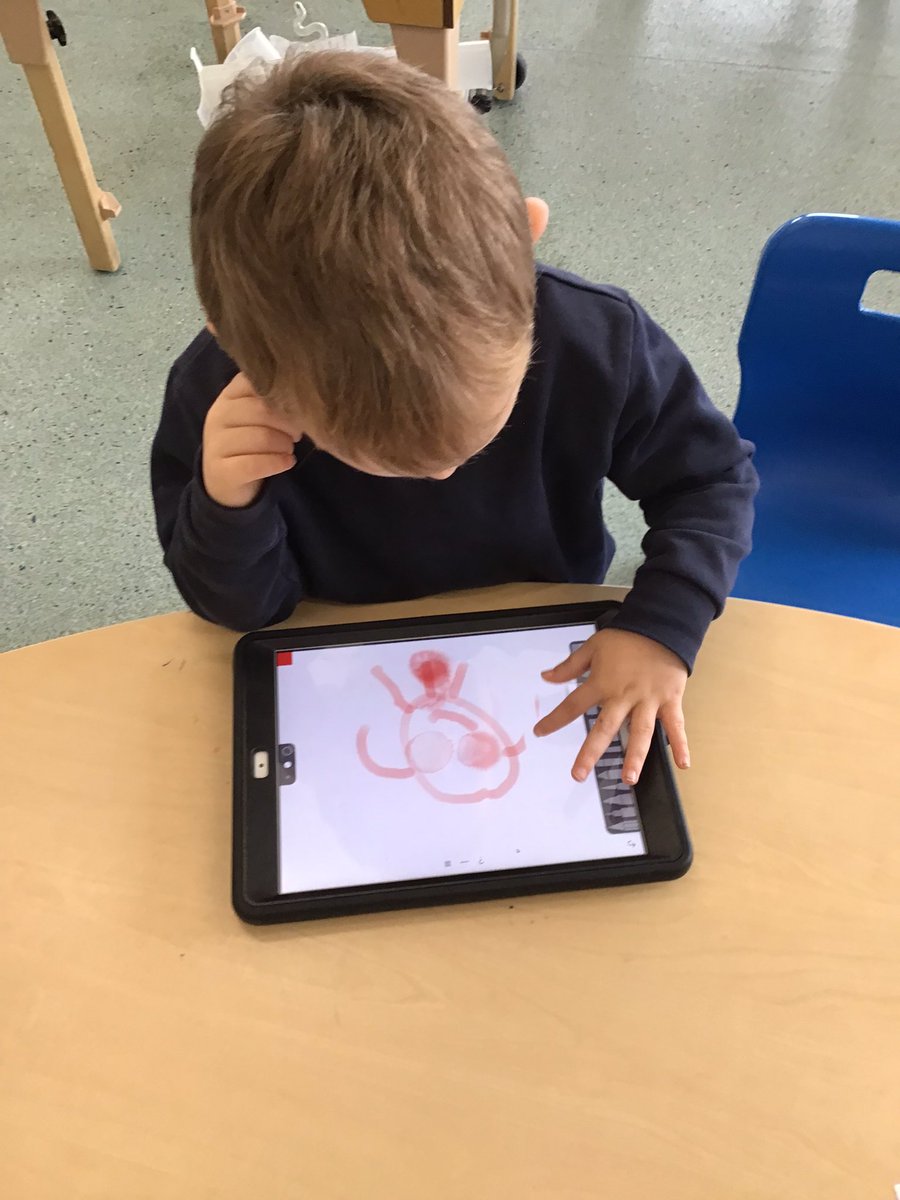
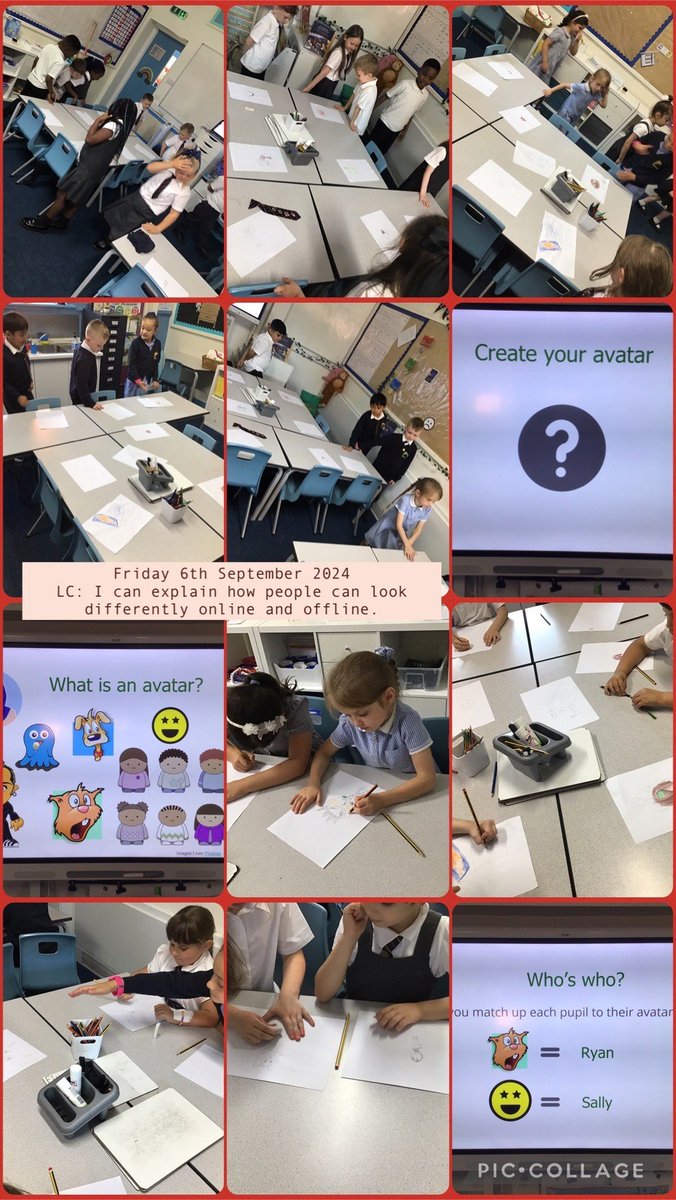
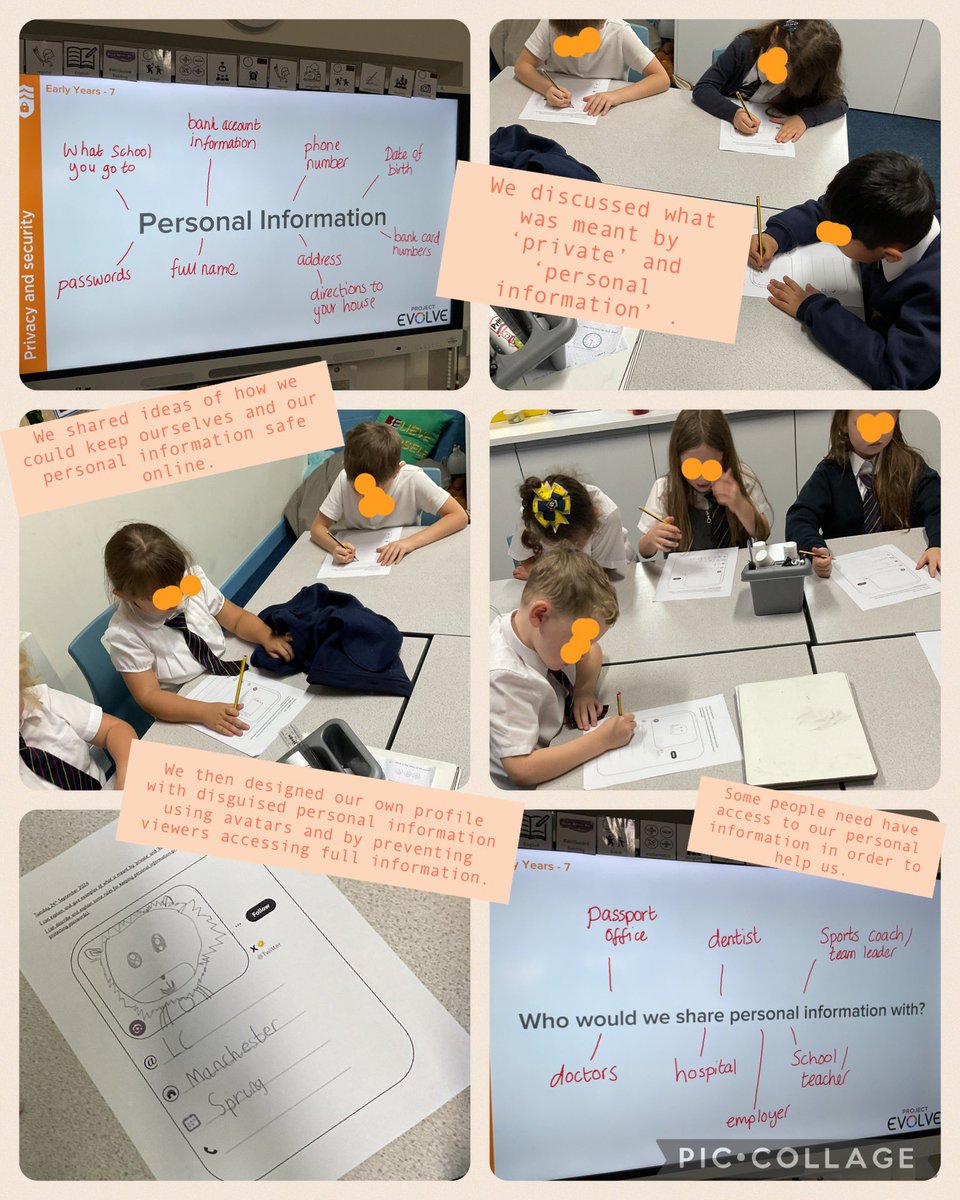
In Computing this week we have been looking at how we might change our appearance online and why... We created our own avatars and discussed how they can be used to disguise personal information.
#MRPAComputing#MRPALearning#DigitalLiteracy#KS1
In Computing this afternoon, we have focussed on personal information and how we can keep ourselves safe online by considering how we share our information.
#MRPALesrning#MRPAHome#MRPAComputing#computing#ks1
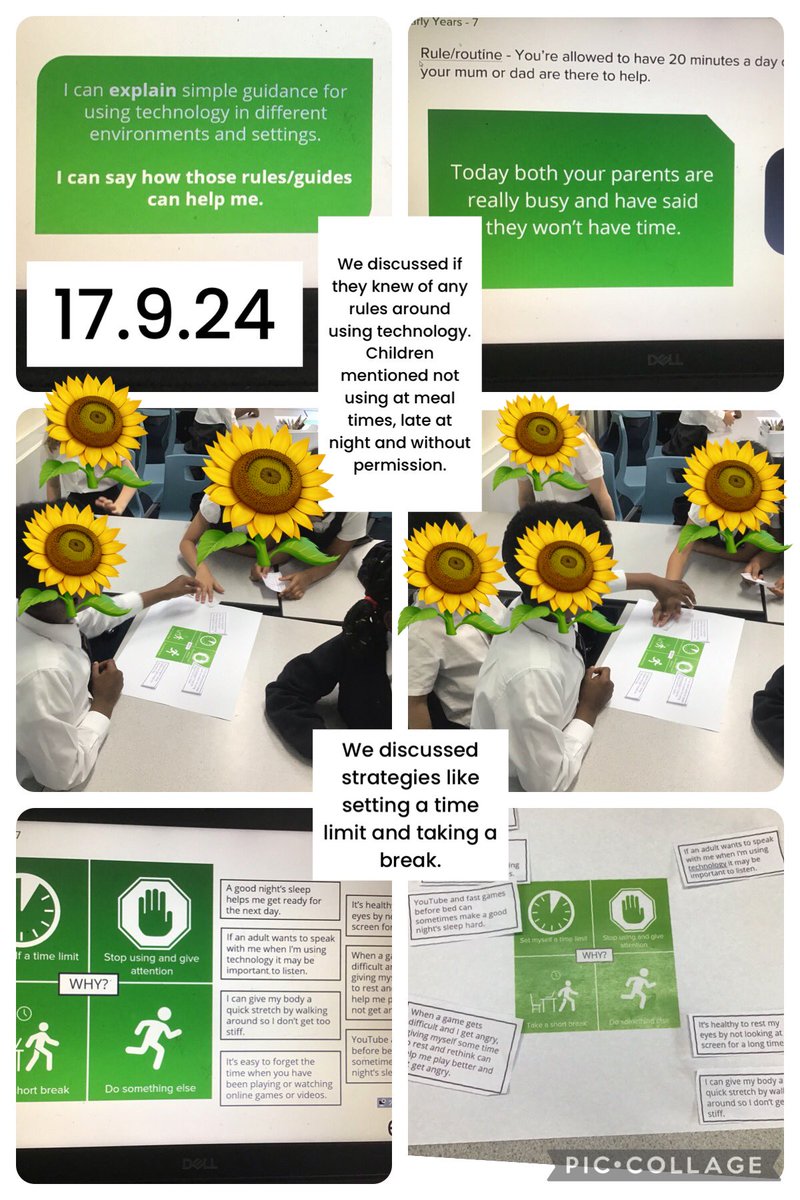
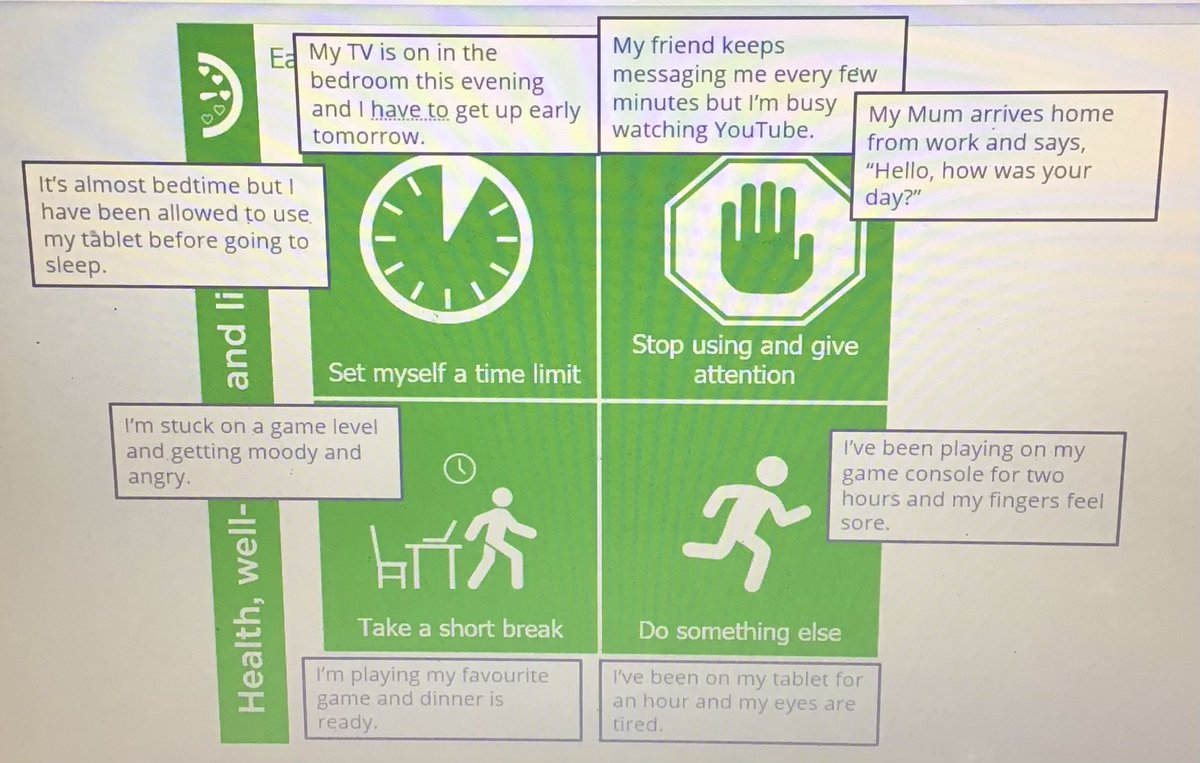
In Computing this week we looked at how we can stay healthy using electronic equipment. We had a great discussion on how we can set ourselves rules to make sure we’re looking after ourselves 😁 @MRPA_Computing@MRPA_Home
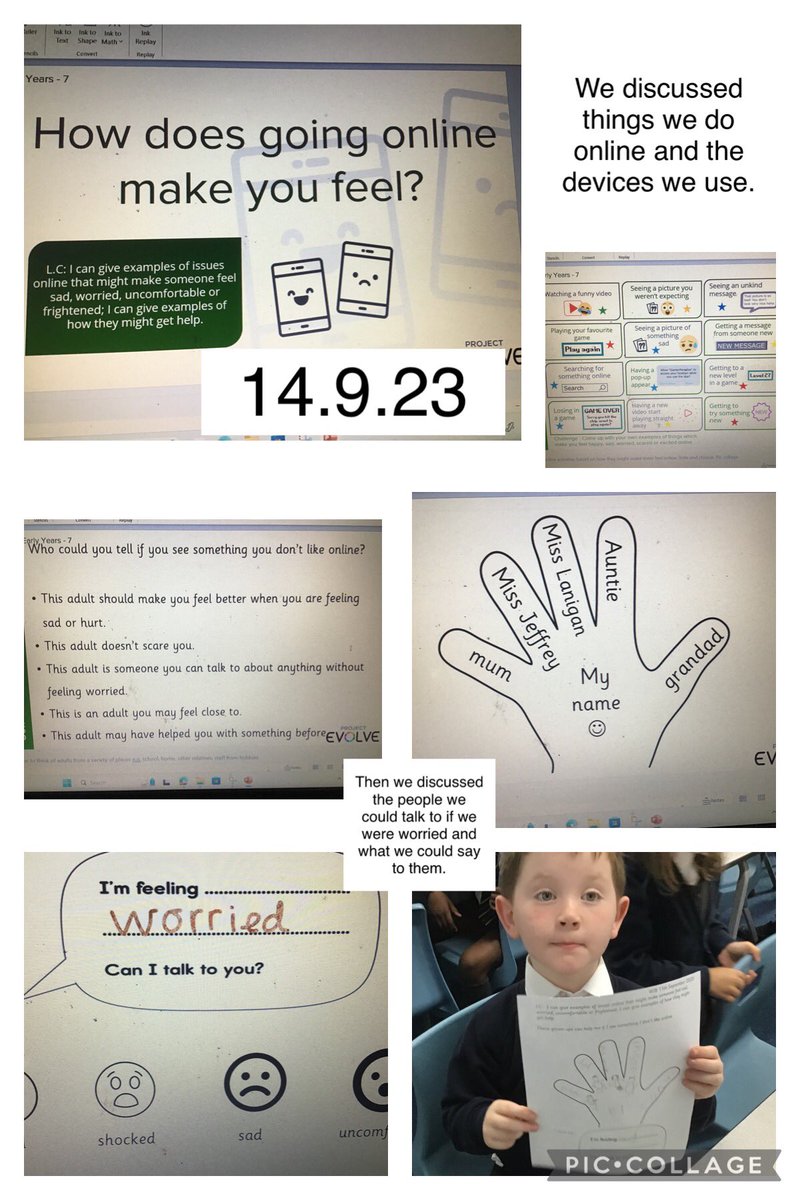
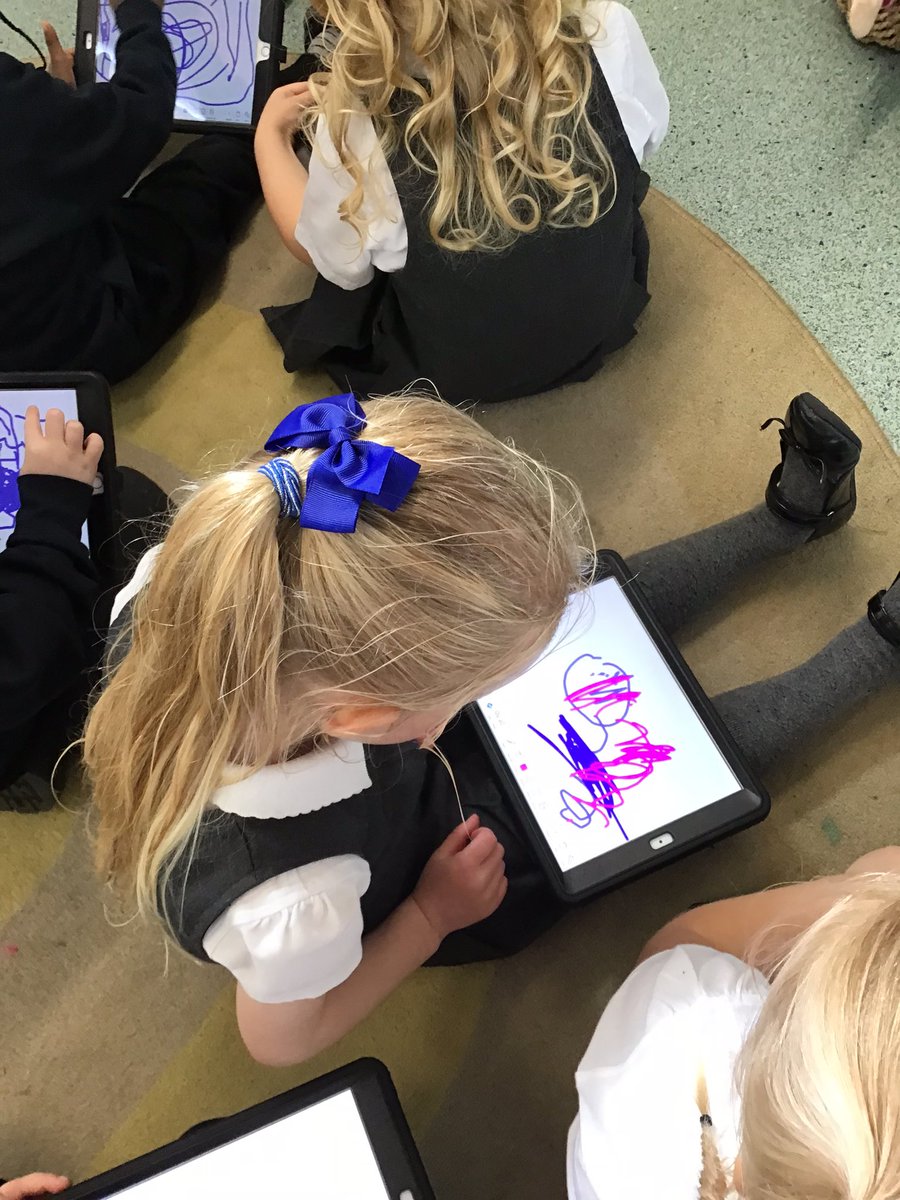
We’ve been learning how to use the iPads sensibly and safely. We talked about what to do if you see something scary or horrible on the tablet or computer or phone. #MRPALearning#MRPAComputing@mrpa_computing