Change the content on your page based on the light level in the room using the Ambient Light API. You can play around with the sensor.illuminance value in the pen to switch at different levels.
Give it a try: https://t.co/44o3r1U7ce
See the code: https://t.co/AJwxqpWGF3
The last 2 weeks have been the worst of my life. 1yr old was in hospital all last week with RSV - my husband & I both got sick as well. having a child in hospital sick is horrible we made it worse by neglecting our heath to focus on her (understandably) Now we are still very sick
Is it documented somewhere how the different browsers map font weights? I’ve been doing some googling and not come up with anything useful
Eg if there is no 500 weight does it load 400, 600 etc?
@myfonj@askoufish I also took this into consideration in the testing cross browser/cross operating system and it seems more like the font weight decision tree is the issue than other rendering possibilities given how it renders so I was hoping to get confirmation on how each browser renders it.
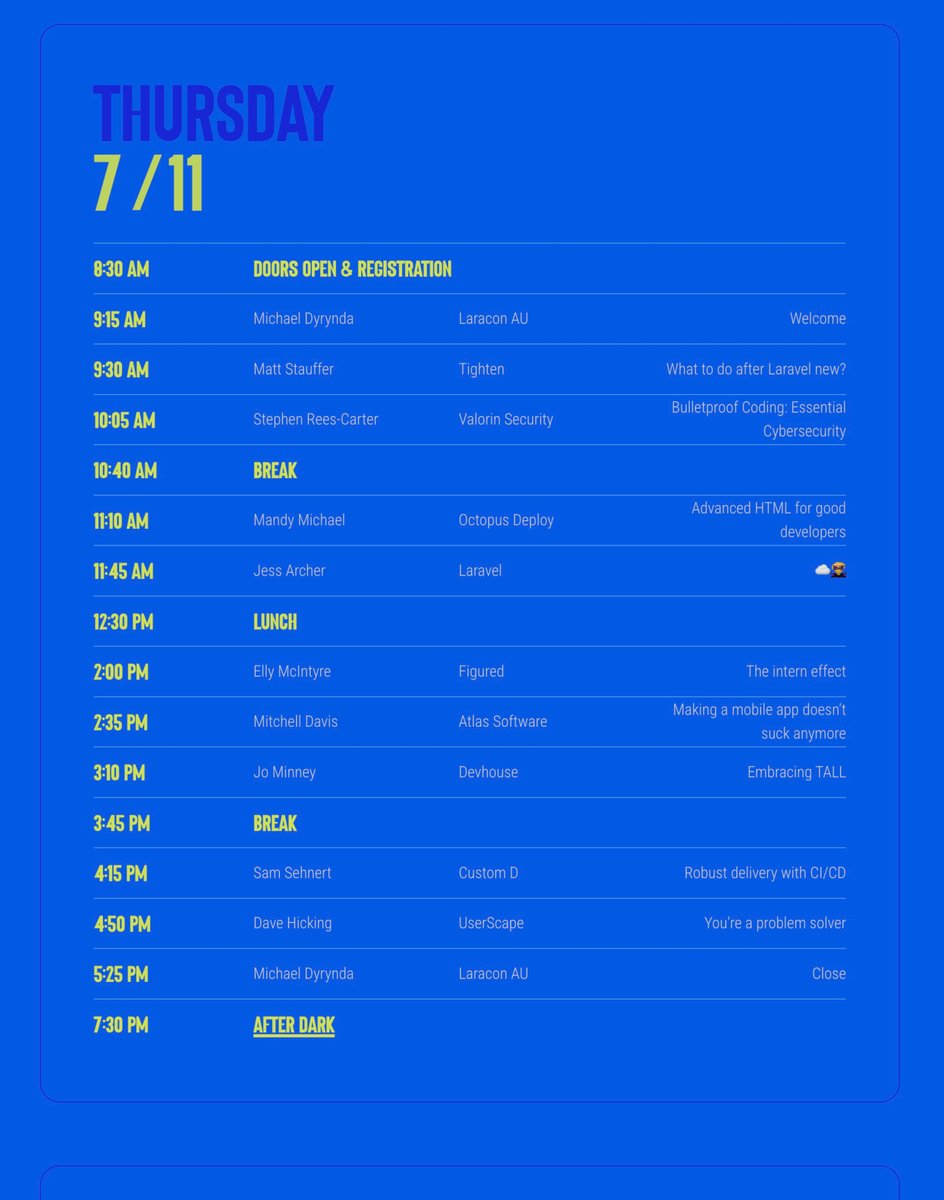
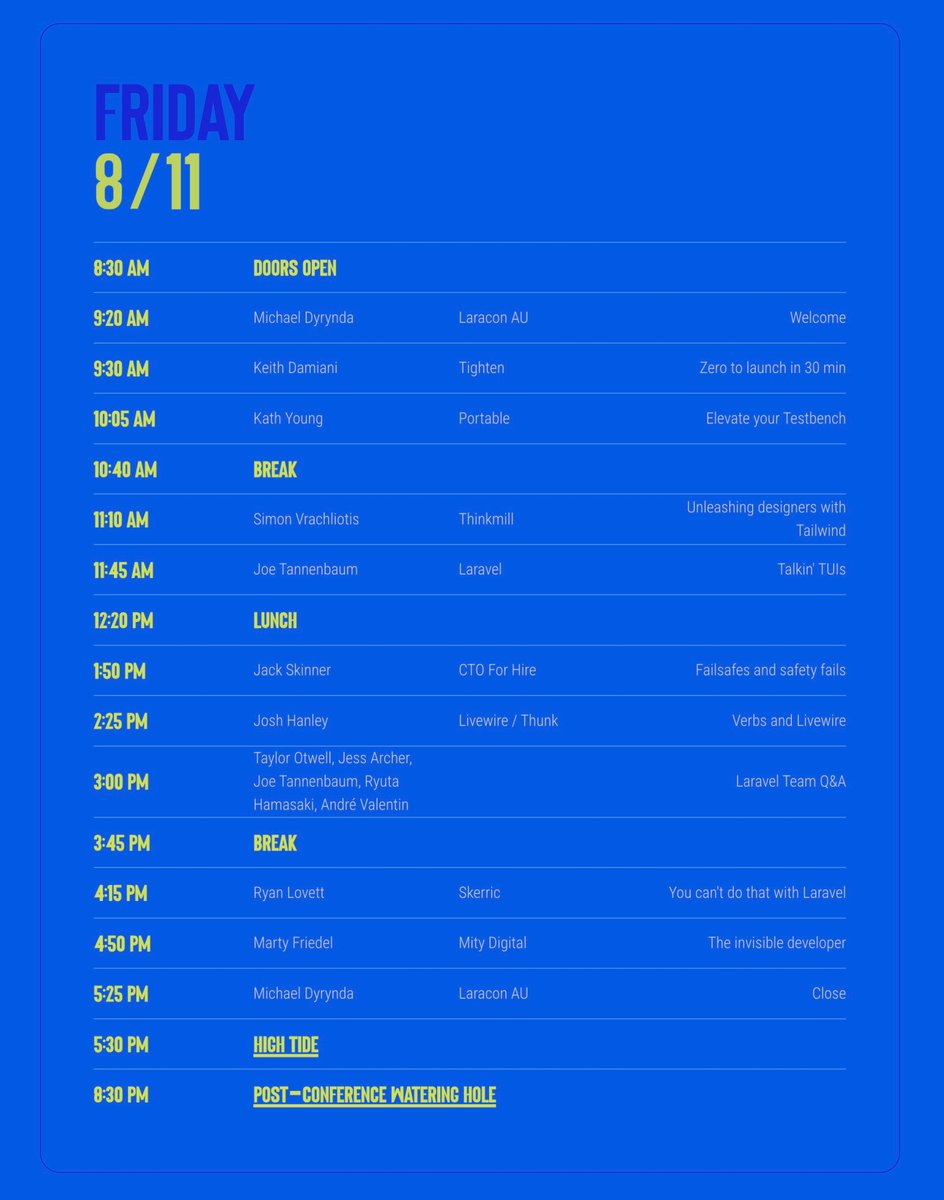
Looking forward to #LaraconAU so pumped I finally get to attend! Sadly Jello won’t be there but he’s always there in spirit! 😄
I’ll be explaining how you can use HTML to set a good foundation for improving your website/application’s performance 💖😊
Hope to see you there!
👋🏻 Say g'day to @Mandy_Kerr
After years of scheduling conflicts, we're excited to have Mandy join us and share her expertise in performant HTML and accessibility at #LaraconAU!
Join over 300 fellow artisans 👉🏻 https://t.co/3pa4X2ofpw
In Firefox, when it underlines the font in use in dev tools if you have a -apple-system or BlinkMacSystemFont or ui-sans-serif it will underline the generic one at the end eg sans-serif (this happens even if you change sans-serif monospace but it will still be sansserif) - why?
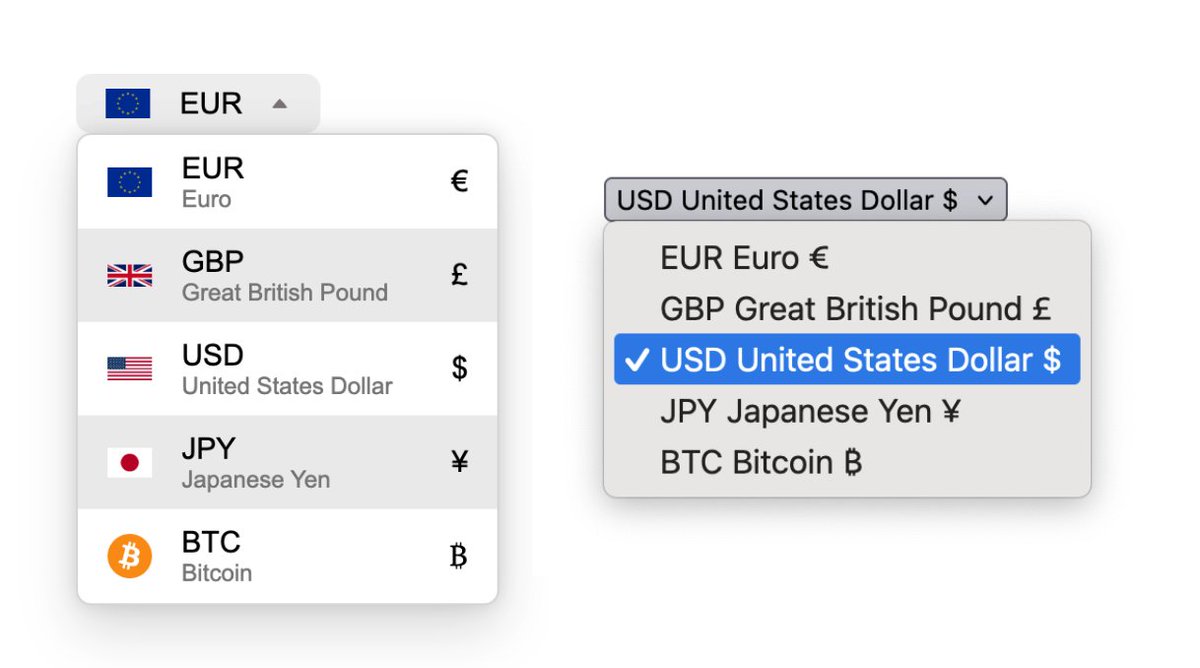
Another beautiful customized select with a usable fallback 🧑🍳😘
This API is awesome 😊
Makes my heart full to see this finally moving along in the WHATWG and browser prototypes ❤️
common question I'm getting:
how to disable scrolling the page behind a <dialog>?
answer: with :has!
```#css
html:has(dialog[open]) {
overflow: hidden;
}
```