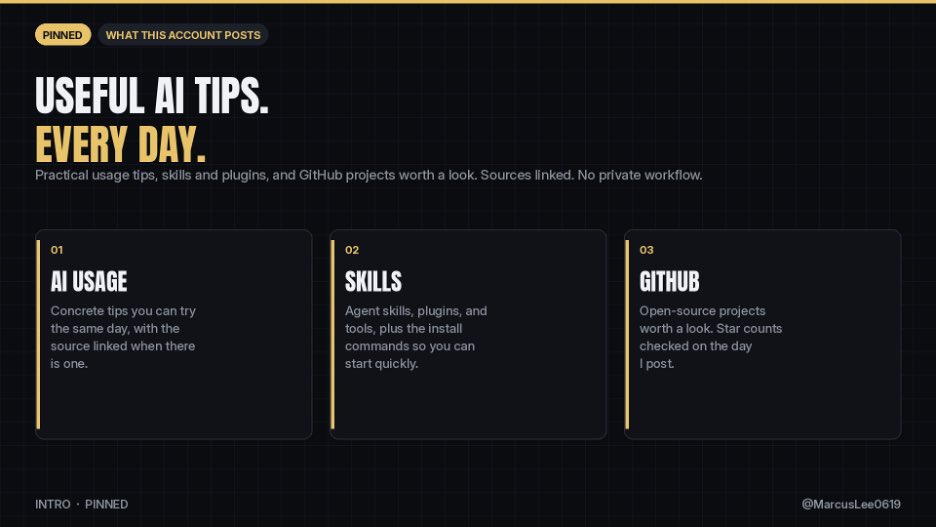
This account posts practical AI tips you can use the same day.
What you'll see here:
1. AI usage tips, with the source linked when there is one
2. Skills, plugins, and agent tools, including how to install them
3. GitHub projects that are actually worth a look, with star counts checked on the day I post
What you won't see:
- Recycled hot takes
- Engagement bait
- A walkthrough of my private workflow
I write in English. I post every day. If a number or a command is in the post, I checked it.
If you build with AI, or you just want one useful thing to try, follow along.
rewriting an app in rust usually ends one of two ways: you finish, or you quietly go back to the old code.
rust-anything takes a third path. it records what your app actually does, then your agent rewrites it in rust one piece at a time, and every piece is checked against that recording before it moves on. it doesn't translate code, it proves the rewrite.
7,487 stars, MIT. the proof it works: prettier, ported to rust in v2.0 — 19x faster, 15,861 of 17,224 recorded runs fully in rust, every run byte-identical.
install: paste this into claude code, codex, cursor, gemini CLI or opencode, and let your agent install it:
Install rust-anything: run `cargo install rust-anything`, then `rust-anything setup`.
one honest note: a recorded behaviour is only as good as your coverage. untested paths stay unproven, so record the weird flows too.
https://t.co/5IwXH6WVPv
your agent's diagrams all look the same because they are.
cathryn lavery built diagram-design: 45 editorial diagram types for claude code, codex, github copilot, cursor and more. 69,847 stars, MIT license, and it was trending on github today.
no mermaid slop, no shadows. it outputs self-contained HTML + SVG, so the diagram looks the same wherever you paste it. there is a gallery to steal the style from before you install.
install:
npx skills add cathrynlavery/diagram-design
honest note: it is a design skill, not a data tool. it will make a wrong chart look beautiful too, so check the numbers before you show anyone.
https://t.co/IJrfJzH1EL
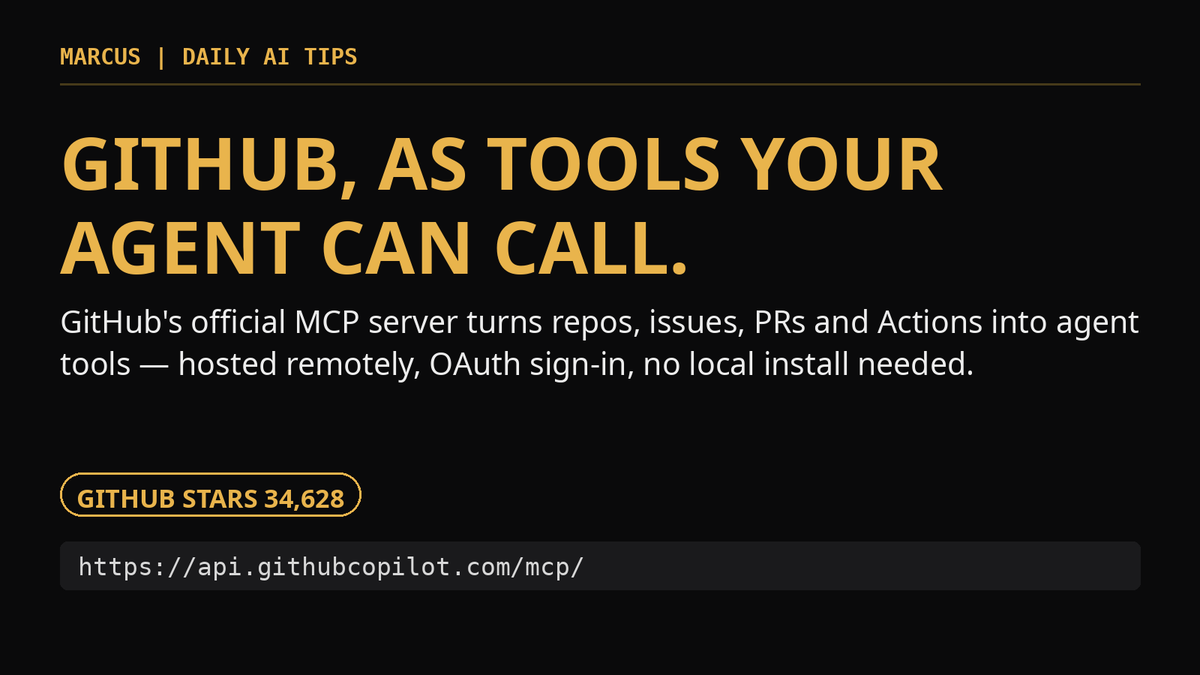
stop copy-pasting github into your agent. 34,628 stars, MIT license.
the github mcp server is github's official model context protocol server: repositories, issues, pull requests, actions and more, exposed as tools your agent can call directly.
the easy path is the remote server — hosted by github, nothing to install locally. point your MCP host at:
https://t.co/eebym3tg4f
and sign in with OAuth. prefer local? there's a docker/binary version that runs on your own token.
you don't have to hand it everything: toolsets let you limit it to just the areas you want (say, issues and PRs), and read-only mode keeps an agent from changing anything while it looks around.
one honest note: whatever token or OAuth grant you give it is the blast radius. scope it down — toolsets and read-only mode exist for exactly that reason.
https://t.co/RlEsUM7YWV
tencent open-sourced a self-hosted way to run coding agents like a team process instead of a one-off chat. it's called LoopForge. MIT license, 1,118 stars, on github trending today.
the pitch: a "fix this bug" run depends on that run. the agent might skip the plan, skip the tests, or review its own code. LoopForge lets you save a way of working as an SOP: agent steps, script steps and human approval gates, run in order, in docker sandboxes.
it doesn't replace your agent. ten coding agent CLIs do the actual work, including codex, claude code, opencode, cursor cli and kimi code. planning, implementation, review and testing can each get their own executor, model and rules.
quick start from the readme:
git clone https://t.co/LWQQbeXbRX
cd LoopForge
./start.sh
open the address it prints. the first account you create becomes the admin.
you can try it with zero api keys. the demo project has an SOP that's just a script plus a human gate: run it, it writes a report, then waits for you to approve.
one warning from the readme: it listens on 0.0.0.0:8090 by default. on a cloud box, restrict access to your own IP until the admin account exists.
https://t.co/Uj7zDe4gXd
the funniest repo on github trending also has the most honest benchmark table i've seen in a while.
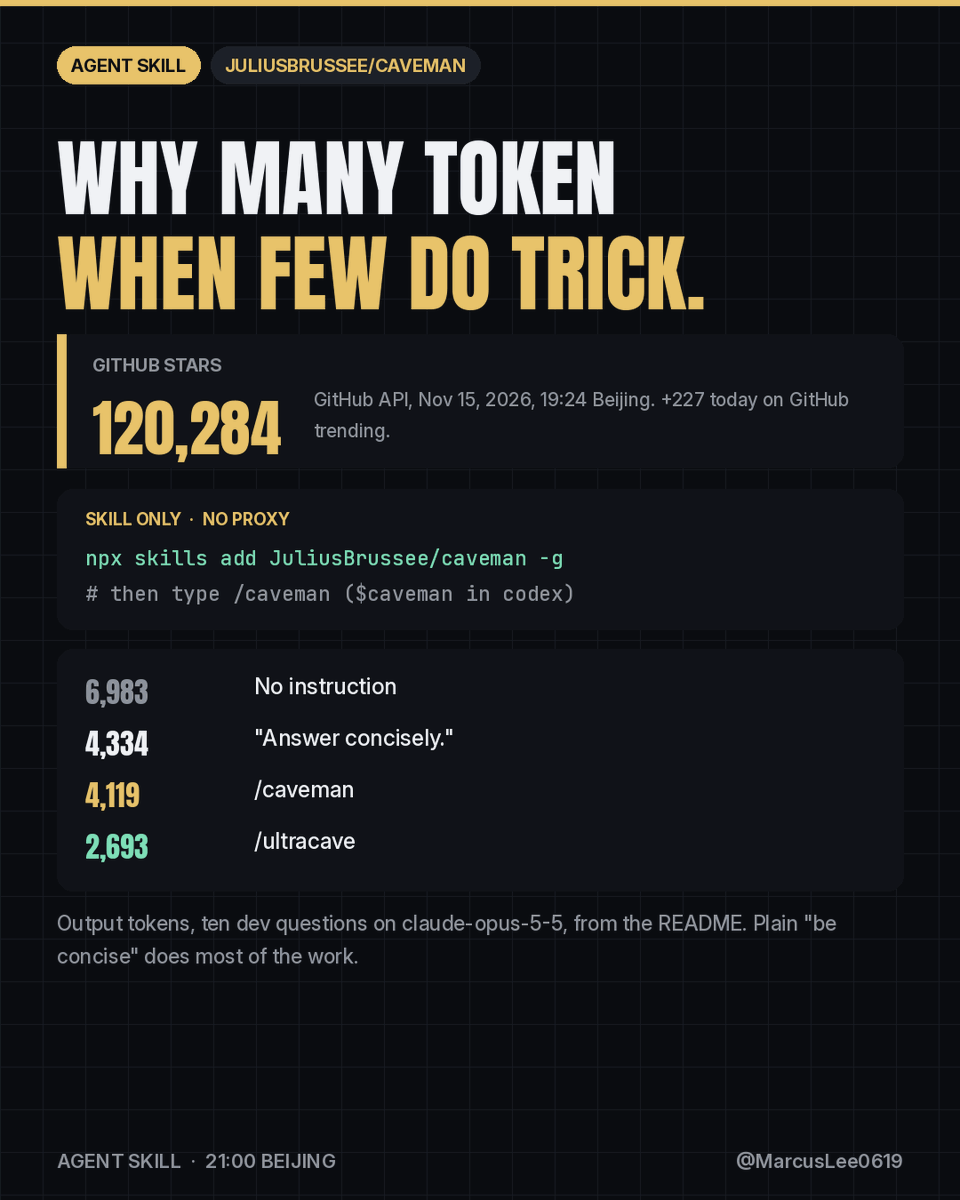
caveman (JuliusBrussee/caveman) makes your coding agent talk like a caveman to save tokens. 120,284 stars, and it started as a joke in april.
the skill alone, no proxy, one line:
npx skills add JuliusBrussee/caveman -g
then type /caveman ($caveman in codex). say "stop caveman" to go back.
the readme example: a normal agent explains a react re-render in 63 tokens. caveman says "New object ref each render, so React re-renders. Wrap the prop in useMemo." 20 tokens.
now the honest part. ten dev questions on claude-opus-5-5, output tokens:
no instruction: 6,983
"Answer concisely.": 4,334
/caveman: 4,119
/ultracave: 2,693
so plain "be concise" gets you most of the way. the readme says it straight: /caveman cuts about 3% more at the median, /ultracave about 35% more. the rules cost around 1,160 input tokens, and if you pay per request (github copilot), shorter answers save you nothing.
the rules i like: code, commands, paths and error messages stay character for character. security warnings and irreversible actions get full sentences.
heads up if you install the full cli instead (npx @caveman-ai/cli@latest): it sends usage stats by default. caveman telemetry off or DO_NOT_TRACK=1 turns that off.
https://t.co/pUkrm3aO27
most browser agents click around and pray. browser-use writes code instead. 121,625 stars, MIT license.
give it a task and the model drives a real chrome through a persistent python REPL — raw chrome devtools protocol underneath, so it navigates the web the way a person does: find a slot, pick a date, handle the form, finish the booking.
three ways in: hosted cloud, a CLI you can register as a skill in claude code or codex, or the python library (now at 1.0, built on pydantic AI). runs on any LLM, locally or on their cloud.
install (python 3.11+):
pip install 'browser-use==1.0.8rc1'
then: browser-use login
one honest note: the README itself tells you to pin the exact version — ==, never >=. it moves fast and releases can break things, so upgrade on purpose, after reading the release notes.
https://t.co/bOHX1KICzw
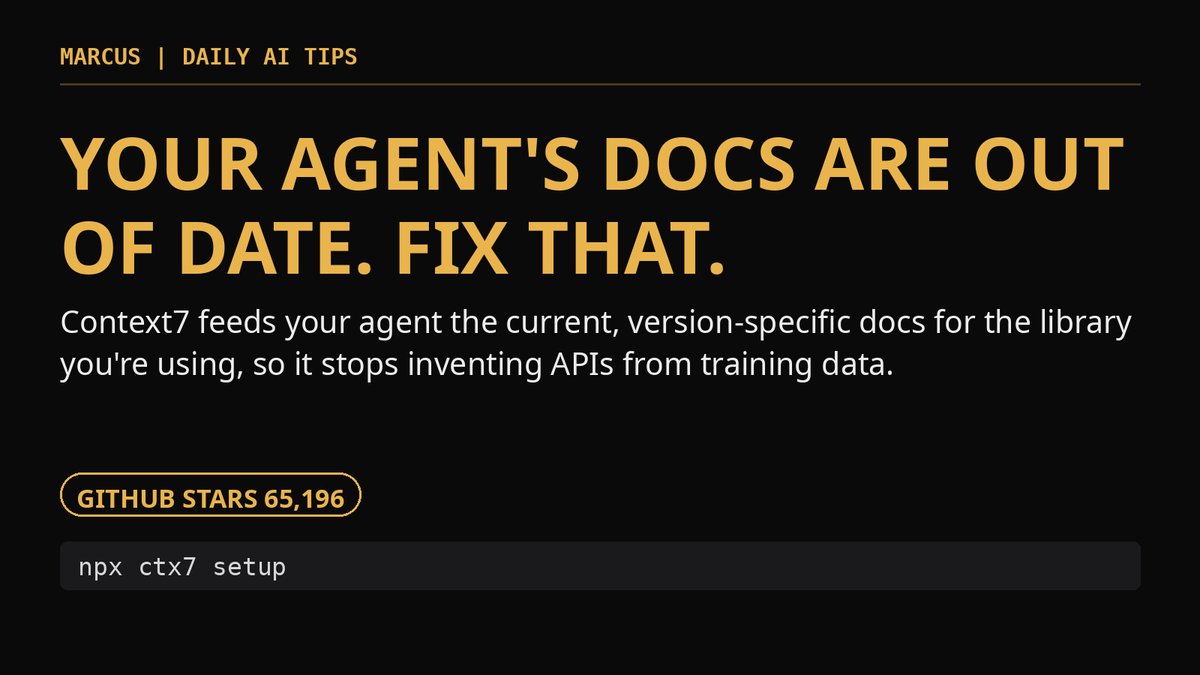
your agent isn't dumb. its docs are just old. 65,196 stars, MIT license.
context7 feeds your coding agent up-to-date, version-specific documentation for the library you're actually using — pulled at prompt time, so it stops inventing APIs that changed two versions ago.
setup is one command:
npx ctx7 setup
it authenticates, generates an API key, and installs itself as a skill or MCP server for your agent (cursor, claude code, opencode and more; node 22.13+). then you just add "use context7" to a prompt — or name the exact library, like /vercel/next.js, and the exact version, and it skips the guessing.
one honest note: it works without an API key, but the free key from the context7 dashboard gets you higher rate limits — worth the two minutes if you hit it daily.
https://t.co/r0BuafWp8p