@SelectorD OK there's several ways to go about this, but hard to say the best way without seeing how everything is setup currently. Please give us a call or email to schedule a time we can take a closer look with you. Our number & email is on our contact page here: https://t.co/asvCJgITmM
@SelectorD This sounds like you have your TOH event set to "✋Interrupt" mode. You can click that option in the event list and change it to "Default" (i.e. no option selected), which will cause the event to not play until the current track is done.
@donahco I think you have to follow us to DM. I'll email you, but note you can always email us on our contact page at https://t.co/asvCJgIlxe ...I'd also suggest not posting your personal email publicly, and delete your post.
It’s macOS Upgrade Day, and MegaSeg 6.3.1 is ready for Sequoia! It’s always smart to use Time Machine to backup your Mac before installing a macOS upgrade, and check that other software you rely on is compatible as well. Let us know how it goes roaming Sequoia!🌲 #macOSSequoia
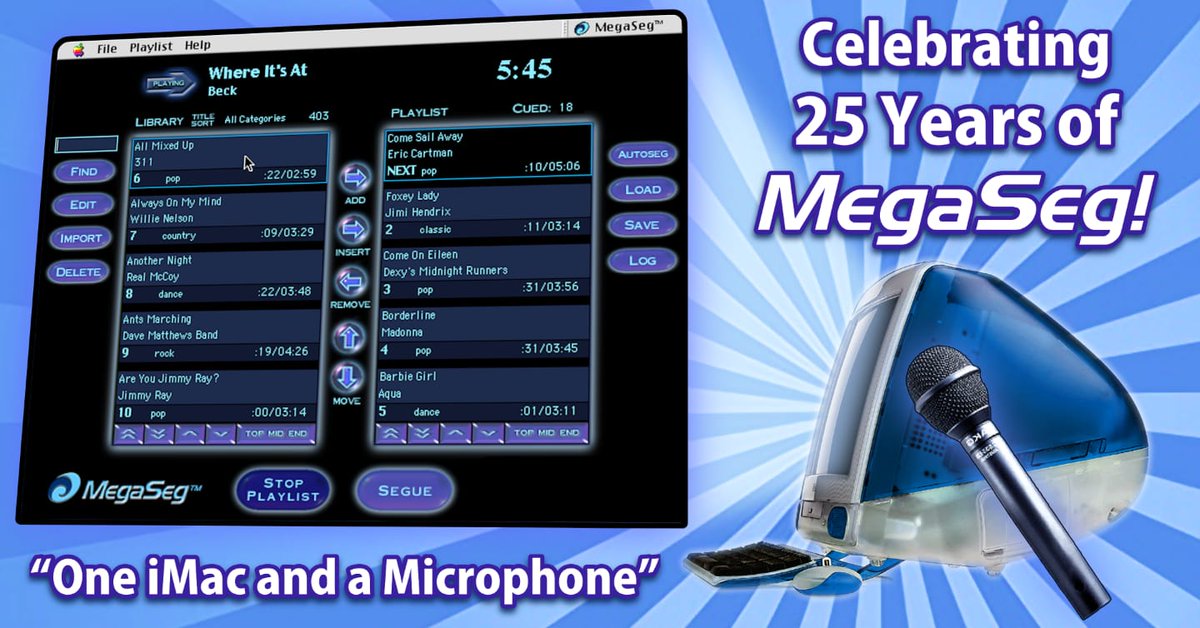
🎂25 Years of MegaSeg!🎂
Today we celebrate with an amazing community. From our 1st beat on the original iMac to the cutting-edge software we are today, we're grateful for the journey. Cheers to many more years of innovation, creativity & making music magic happen!
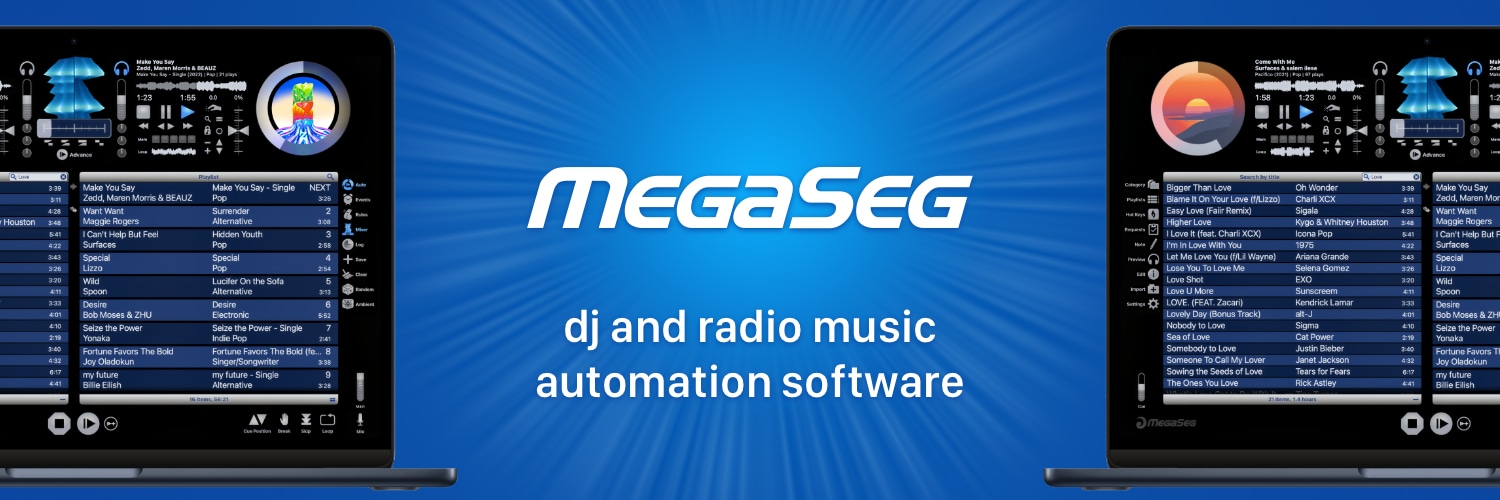
📢 Great news!! 🚀 MegaSeg Pro DJ & Radio Automation just got even better with the latest 6.3 update! ✨120+ improvements including MIDI maps, shortcuts, optimized importing, search, sorting, playback, and more! Check for updates today! #DJSoftware#Radio
https://t.co/8hvYB8xrVE
With macOS Ventura released last week, we’re happy to report MegaSeg is officially compatible, with no issues reported from brave early adopters. So don’t be 😱 to upgrade this Halloween! 🎃 As always, best to backup with Time Machine first. 👻
MegaSeg 6.2.2 has arrived with 60 great improvements! New MIDI maps, URL event comments, capture more stream metadata, optimized importing of large folders, precise time-to-play, move multitrack shortcuts, faster previews, optimized scheduling, and stability fixes. Get it today!
MegaSeg 6.2.1 is out with 40 improvements including instant-update category colors, faster fades for DRM playback, auto-enabled At Startup events, a NowPlaying.txt for encoders, un-downloaded tracks in playlists are flagged, and fixed the playlist refresh button. Update today!
@Force0fHabit Thanks for the heads up! We'll get that fixed in the next update. Quick workaround: Turn off "Confirmation Dialogs" in Settings > Advanced, but beware it won't prompt for things like deleting tracks from the library.
🛠 It’s update season! 🎉 MegaSeg 6.2 is now available with support for macOS Monterey and over 70 improvements, including a refreshed look for all dialog windows, and improved Accessibility. Check for Updates today and enjoy MegaSeg 6.2!
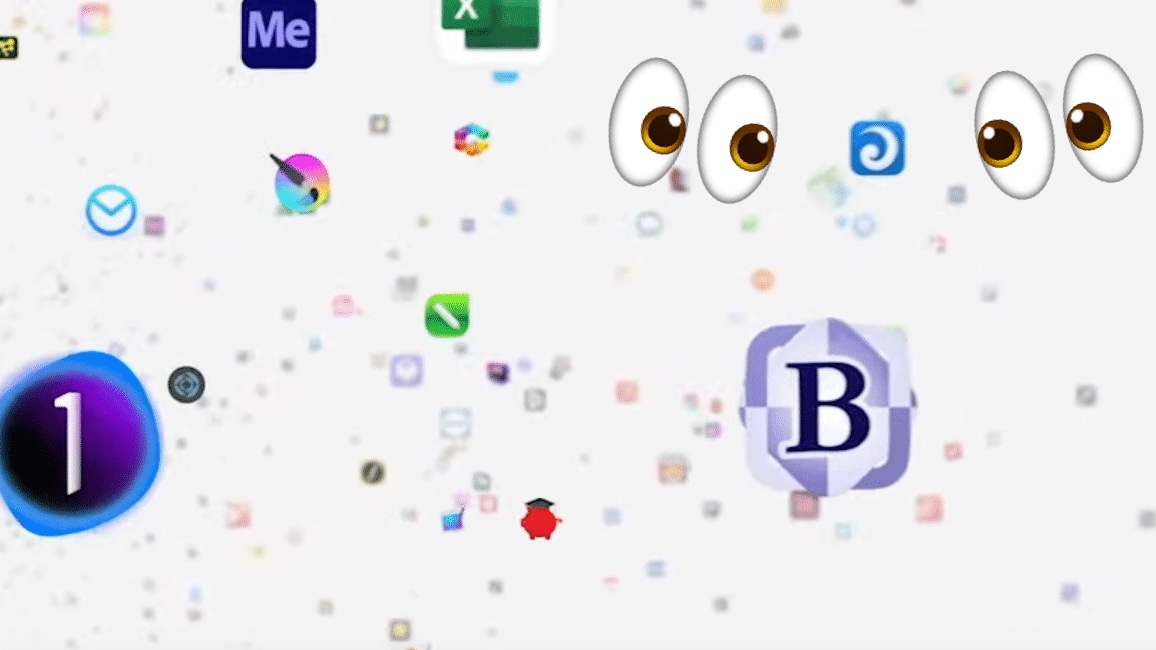
If you didn't blink during Apple's Unleashed event today, you might have spotted a certain familiar app icon whiz by when Apple showcased the over 10,000 apps that support Apple Silicon! Pause. Enlarge. Enhance!
@albertkinng The current MegaSeg version 6.1.4 is fully compatible with Catalina, not just Big Sur. In fact it even supports macOS versions going back to 10.6 Snow Leopard!
@SliceRadio Happy to help! Please contact us via email for more detailed info and assistance, but in brief, there are some open source projects on GitHub you could use as a template or starting point.
Santa's elves have been hard at work in the shop hammering and chiseling on MegaSeg 6.1.4! Fully optimized for M1 Macs! Meet the new Big Sur style icon! And much more! 🎁 🎄
Check your stockings for the update and have a safe and Happy Holiday Season!