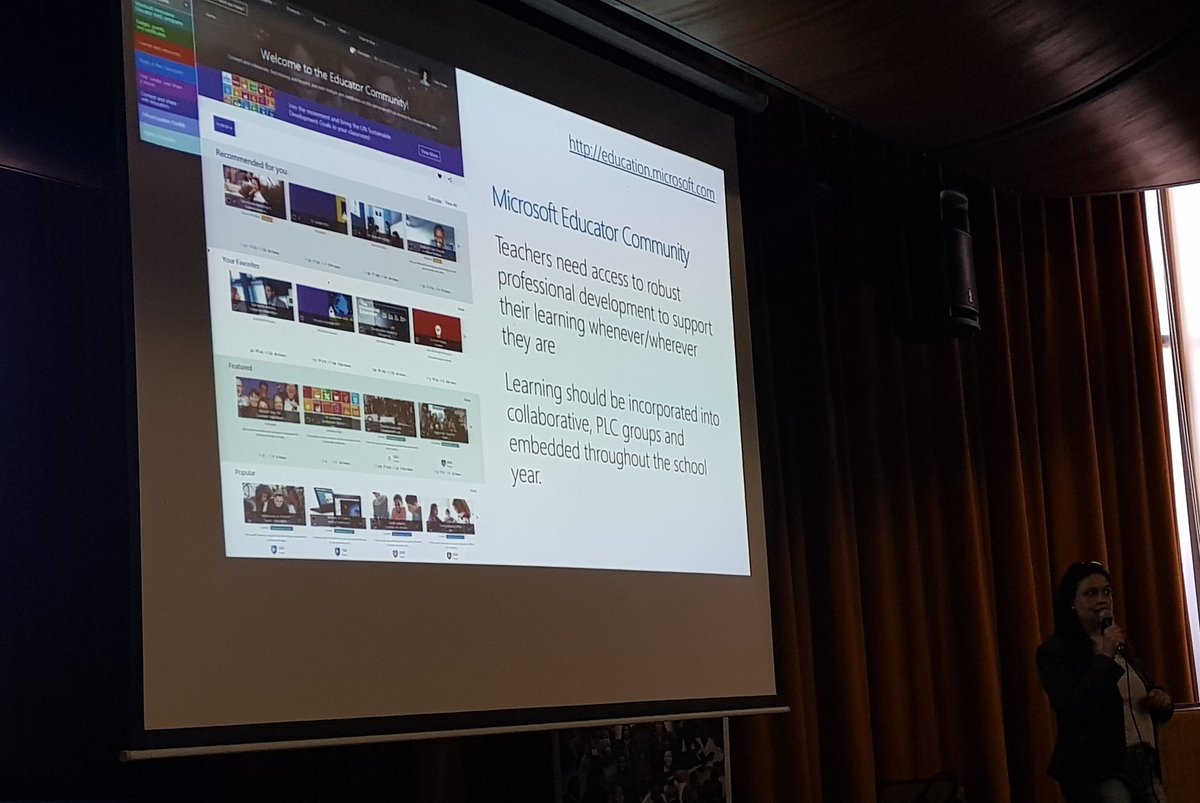
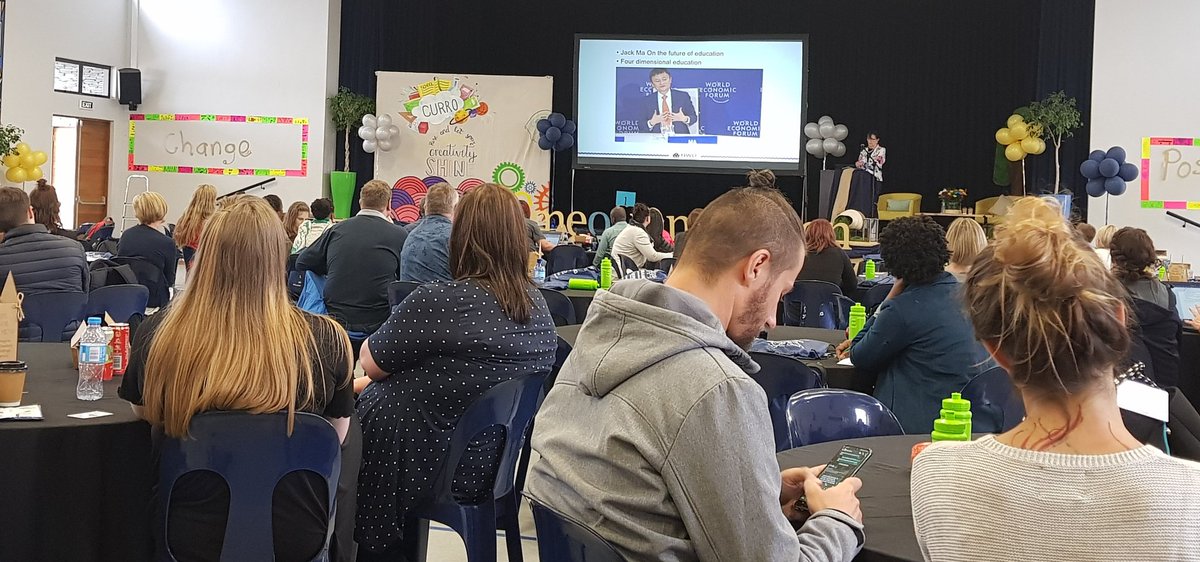
Excited to be learning more about Future Ready Skills, creating apps & hybrid teaching & learning at the @MicrosoftEduSA EDU Day. Would have been nice to see #MIEExpert s in-the-flesh... but super to get fresh ideas and to see new @MicrosoftEDU tools.
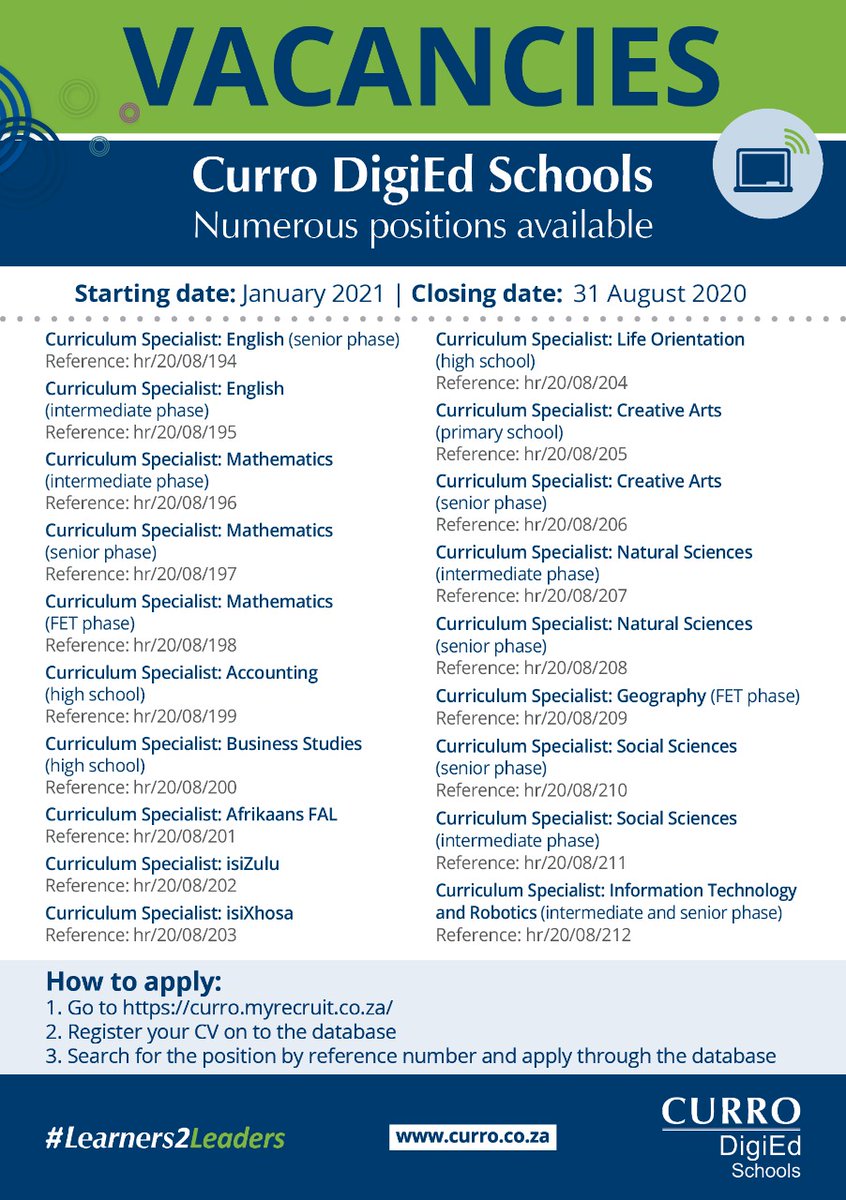
@CURRO_SCHOOLS is hiring educators with outstanding digital skills and a passion for curriculum design & materials development. The curriculum specialists will support and mentor teachers teaching at Curro DigiEd schools and Curro Online. #ZAedu
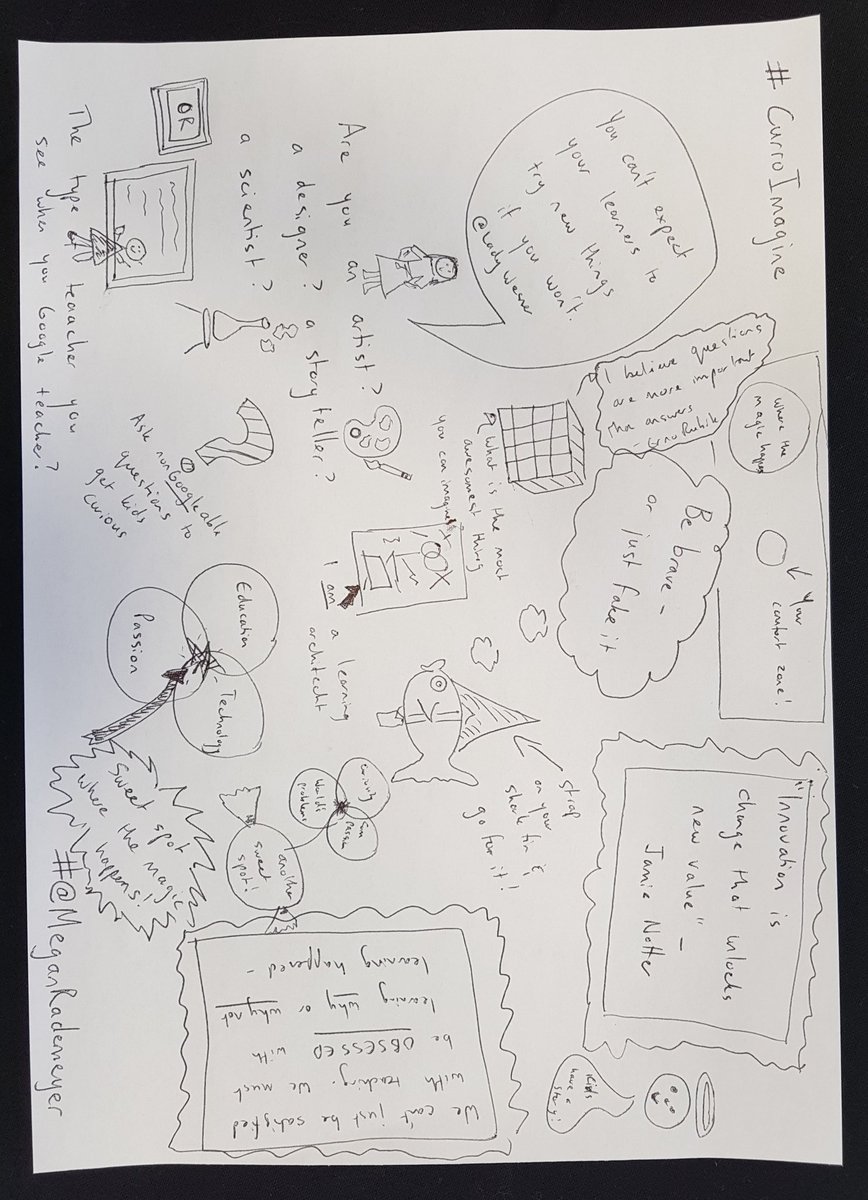
@LadyWesner has inspired me to change my Twitter profile to say "proud learning architect". She tells us "you can't expect your learners to try new things if you won't"... so... let's strap on our shark fins and go for it! #CurroImagine#CurroTechnology
Key learnings so far from #CurroImagine... it is easier to remember data that is "visual, moving & strange"; "concentration is contagious" @shapshak; use the @MicrosoftTeams Help tool to stay up to date with cool new features; AND I work with really passionate teachers!
@LatestKruger Pack of 12 wild dog. Stationary on the side of the road. 10 kilometres from Lower Sabie towards Crocodile Bridge. 5/5 Tinged by the Rademeyer family.
@vanvuurenanita and @randallpienaar know coding is coming to the curriculum and they want to make sure teachers are ready to hit the ground running. They've developed their own resources and shared them with #SNSA2019#DigitalLearning delegates.
@HartElsabe is getting teachers going on #Minecraft Education Edition at #SNSA2019. If you're keen to try some creative game-based learning, download the free trial and access content, lesson plans and worlds ready-made for #DigitalLearning. https://t.co/x170ZQHxme
So enjoyed @KarenWalstra workshop on response systems. Try out #Socrative if you want open ended responses & some feedback based on answers; #Quizzes for easy set up; #Kahoot for quick fun & #Plickkers if you have a phone, but learners don't have devices.
Out last assessment tool is #plickers. Plickers lets you poll your class for free, without the need for student devices. Just give each student a card (a “paper clicker”), and use the app to scan for right answers. #snsa2019
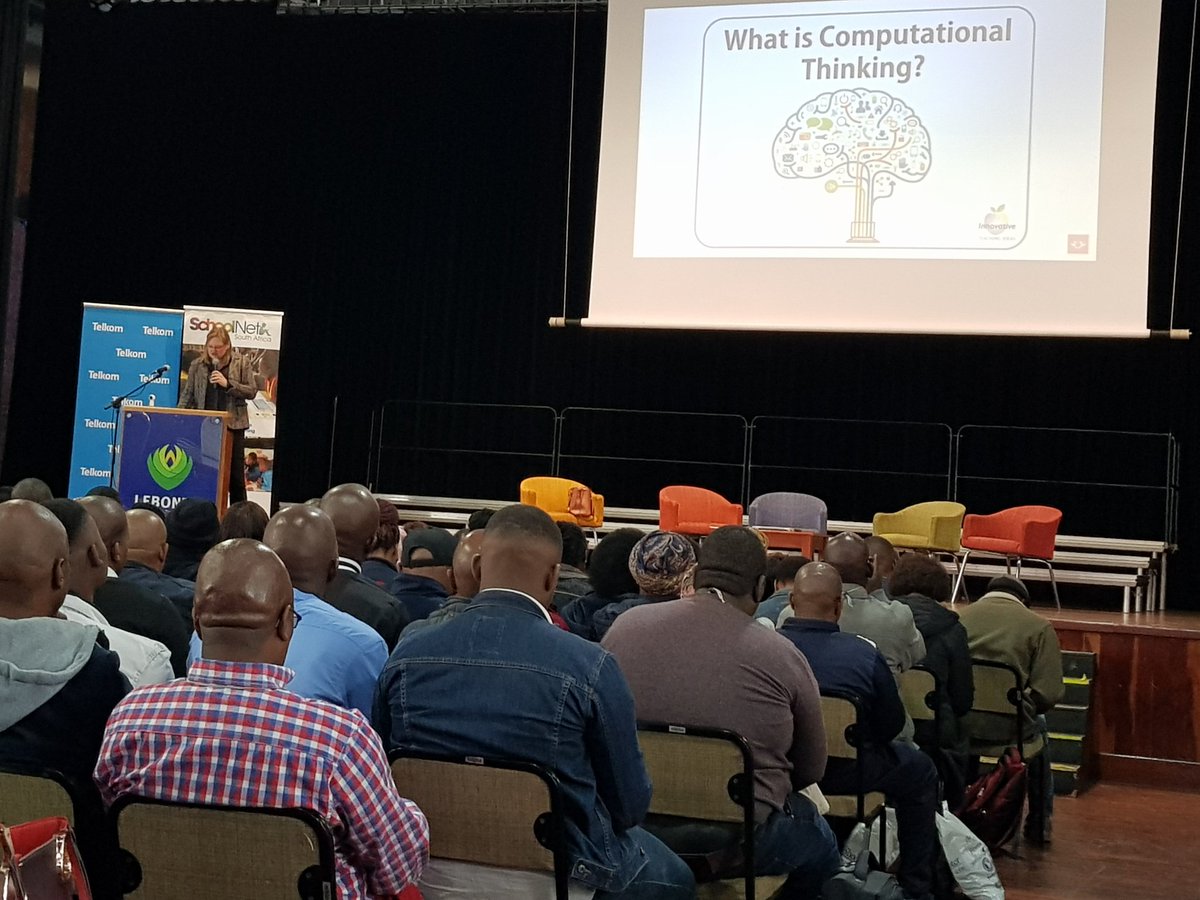
The 4IR is here! @jacqui_batch asks #SNSA2019 what they are doing to promote computational thinking. It's not just about coding & robotics - it is something that can and should be being done across subjects. Find patterns, think of solutions, design algorithms to develop skills.
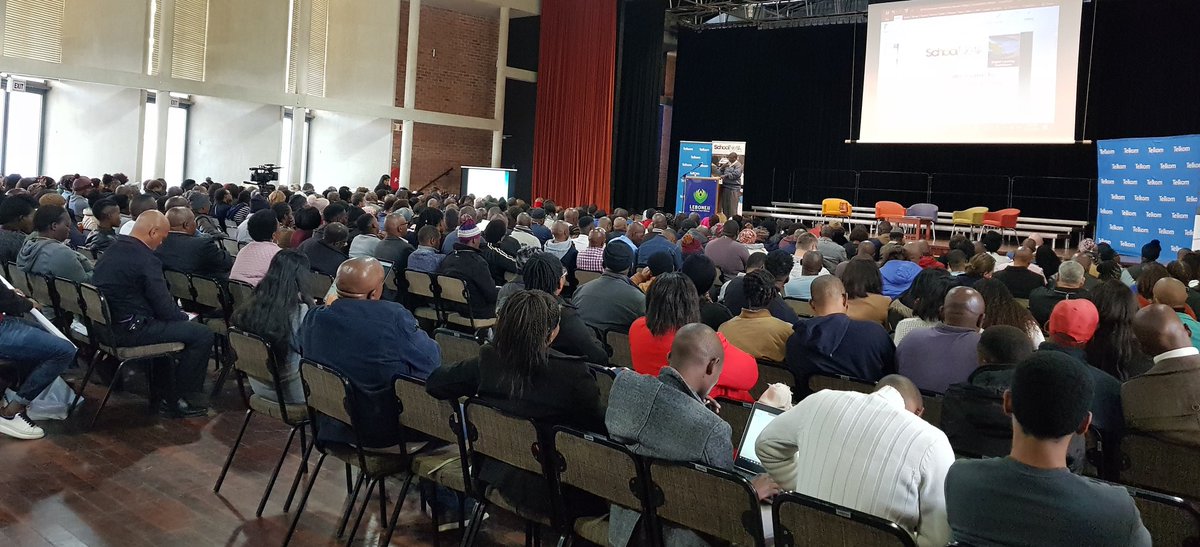
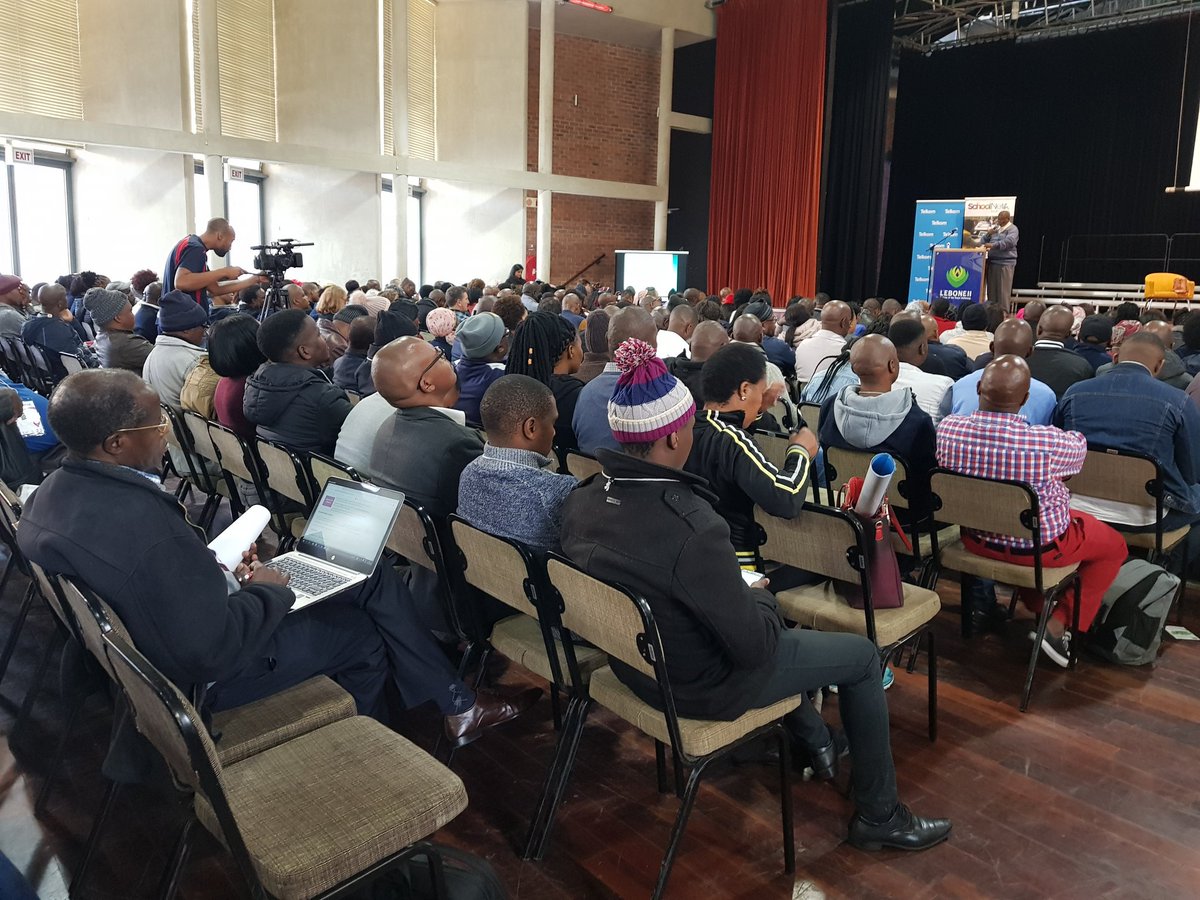
It's a full house at @SchoolNetSA Digital Learning Conference! If you're not at @LeboneCollege, follow #SNSA2019 as teachers learn from teachers across themes including cultivating creativity; gaming, coding & makerspaces; leadership in education; & eAssessment strategies
@MissG_SA tells the @MicrosoftSA Accessibility Summit that Microsoft Accessibility Tools are free, built into the platform, non-stygmatising and mainstream. Look out for them across your favourite Office tools and shoe your learners how to use them.
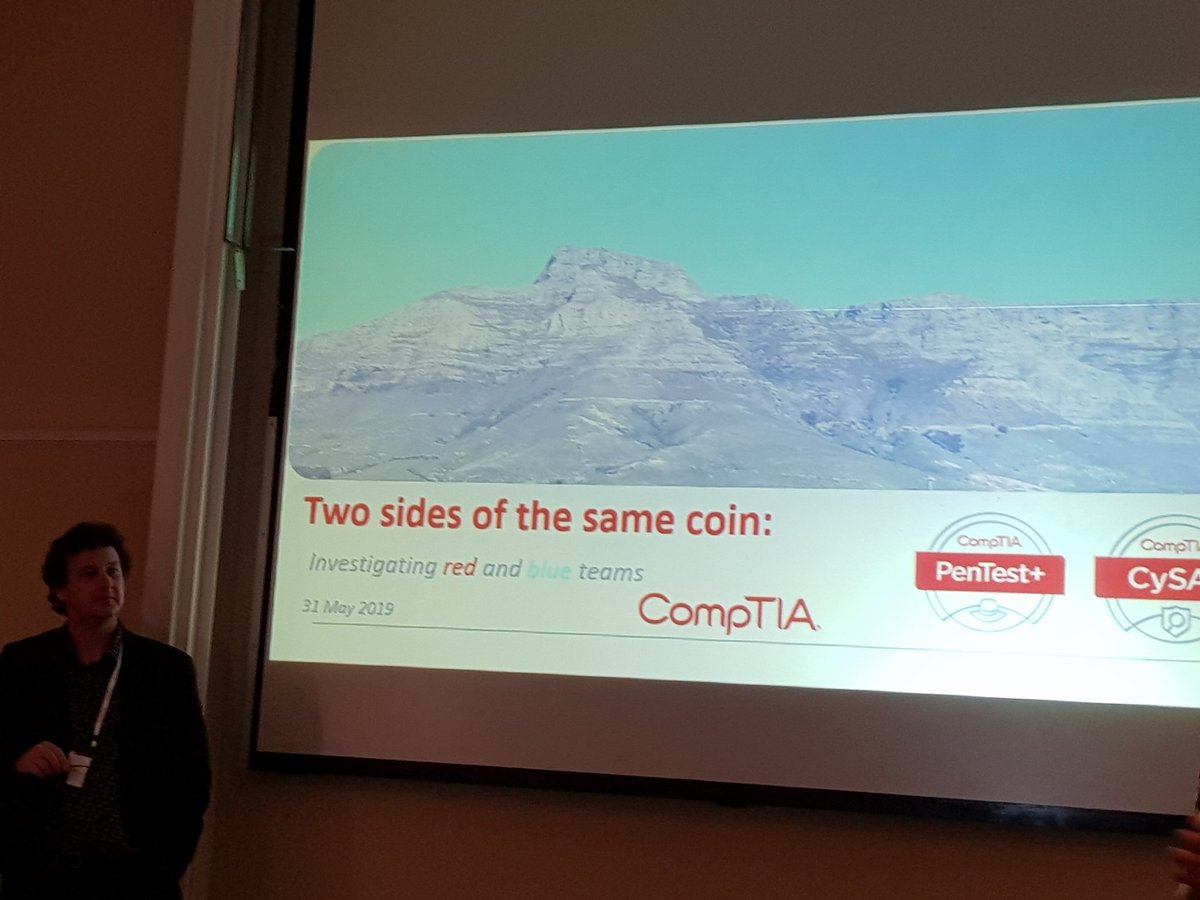
Learnings from today's @CompTIA Cyber Security session with @jamesstanger: the difference between a pentester (penetration tester) & a hacker is jail time; beware of credential harvesting - not all attempts have tell tale bad grammar; we seriously need to use stronger passwords!
Tired of typing? Want to record info quickly? Tracy Heath of @BresciaHouse suggests using the "dictate" tool in most #microsoft tools or the microphone icon on the iPad or WhatsApp keyboard to let your tech take dictation. You may have to edit, but faster than typing it all.
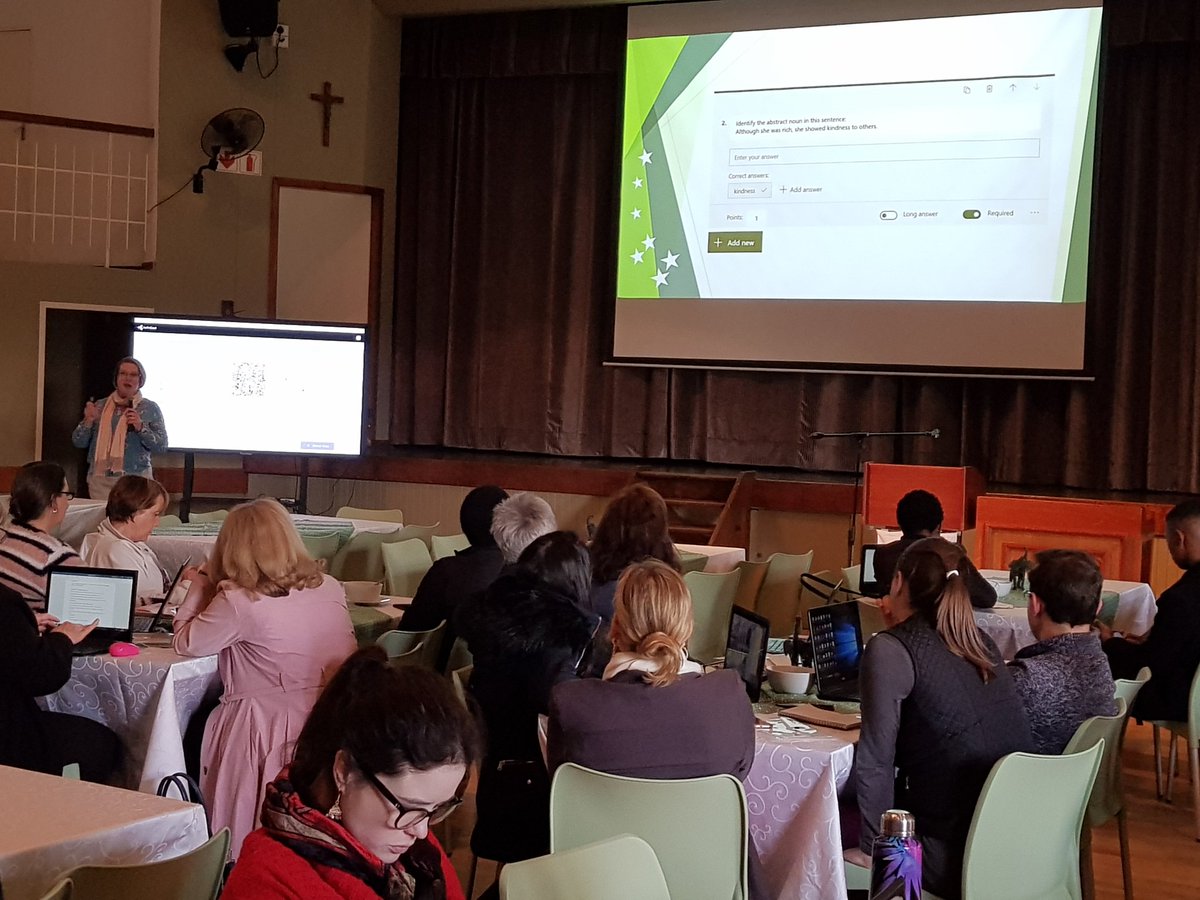
@Wendy_Sauthoff suggests using @MicrosoftEDU#Forms to reduce your marking mountain! Collaborate with colleagues to create self-marking quizzes; shuffle question order; produce great-looking summaries of results; download results into Excel.
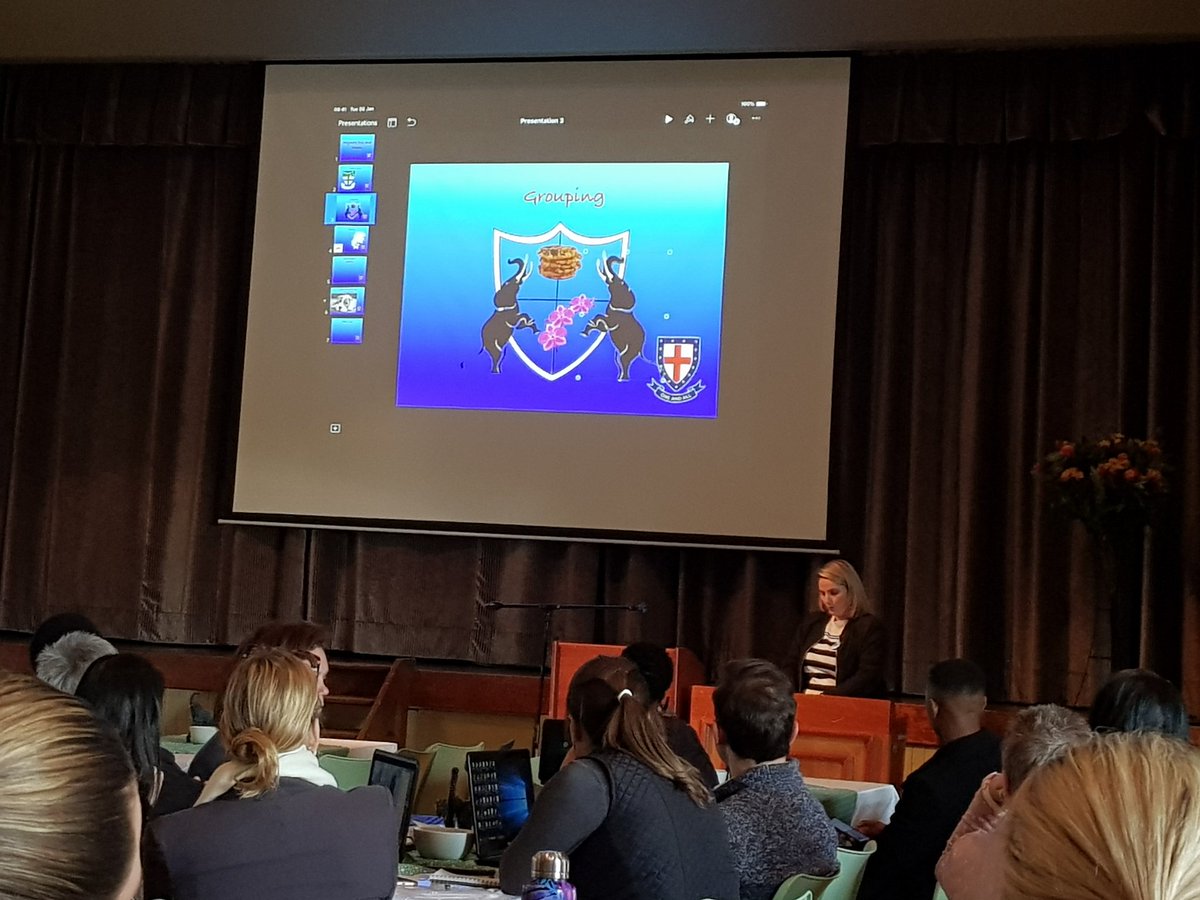
Great tips for #Keynote shared by Kirsty Sidwell of @ststithians. Make master slides for consistency; use grouping to move multiple items at the same time; try instant alpha to get rid of backgrounds & turn image into png; use animations to make a pic follow a path. #TeachMeet