I’m trying to re-texture my avatar in #EmoteLab
it’s very cute! >< I’ll share the tutorial below!
________________________
How to Make Your Own Textures in EmoteLab
Method 1: Using Custom Textures
- First, check which texture number the character is using and find the UV texture.
- Go to the Bucket icon → enable Use Custom Textures.
- Open the Custom Texture Folder.
Example textures I used (copyable):
CoffeeBean_11
CoffeeBean_12
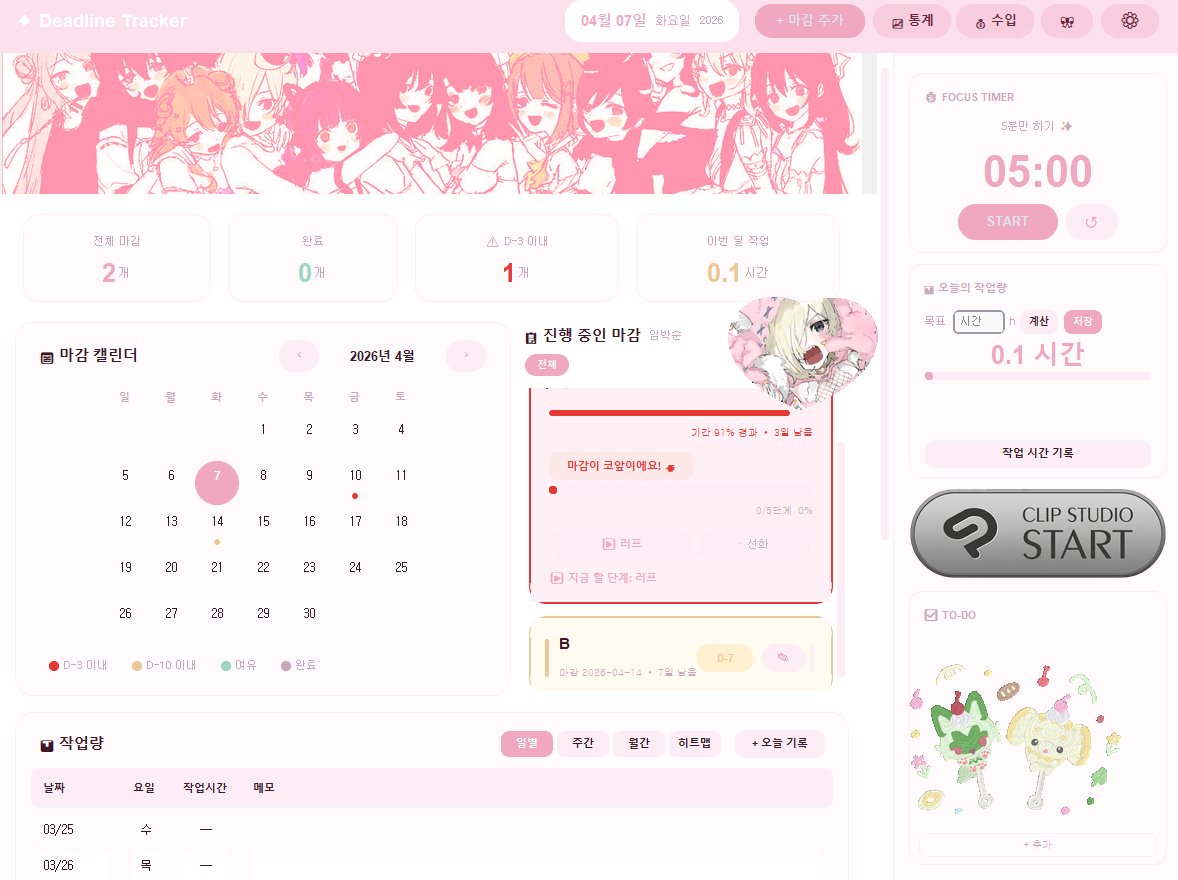
- Repaint the texture in Clip Studio Paint.
You can use the original textures as references.
Recolor or paint on top of them as needed.
- Save the texture as .PNG in this folder:
EmoteLab > Texture Cache > CoffeeBean > Custom Textures
- Go back to EmoteLab and click Reload Textures.
Method 2: Easier Way to Edit Textures Directly
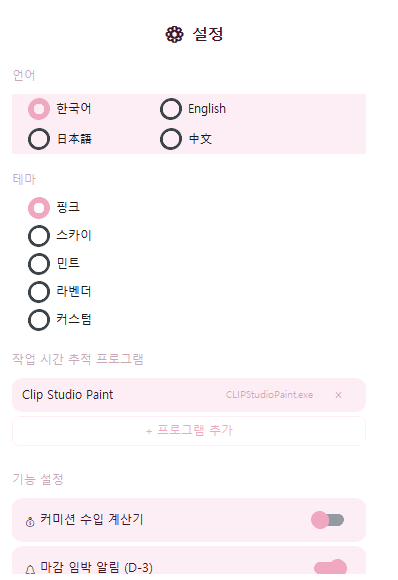
- Go to Settings → Open Character Folder.
- Find the version you are using, then open your character folder.
- Click Regions.
- You will find the textures used by the character there.
You can edit these textures directly as well.
💡Tip: I recommend editing the WeightTransfer folder first, then Click Unload Current Model and Load the model again to refresh the textures.
Finally, You will get your own EmoteLab texture!!
with very good animation, a great pacing and an iconic cast, tamon's b-side it's already eyeing to becoming one of the best animes of the year
if you enjoy romcoms you can't miss out on this masterpiece
Your idol - Jeffsatur ✨️
เป็นอีกครั้งที่พี่เจฟช่วยรักษา hoonmoon เอาไว้ Saja Satur โคตรจะเท่ แถมมี Solo Guitar ไปอีกกก ยอมแล้ววว😭😭😭
#CountdownatICONSIAM#JEFFxICONSIAM#JeffSatur