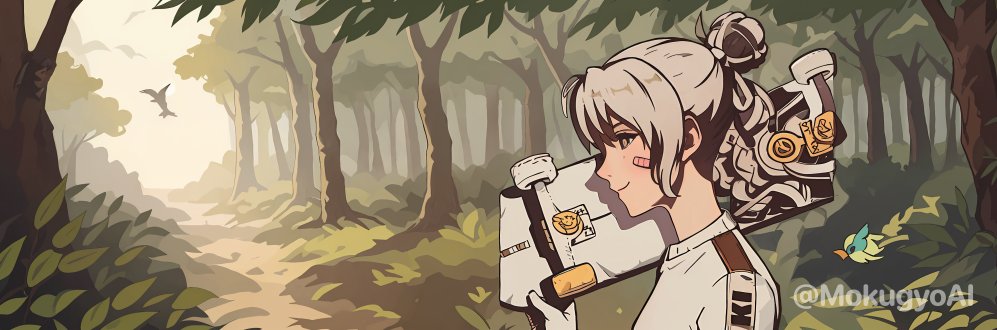
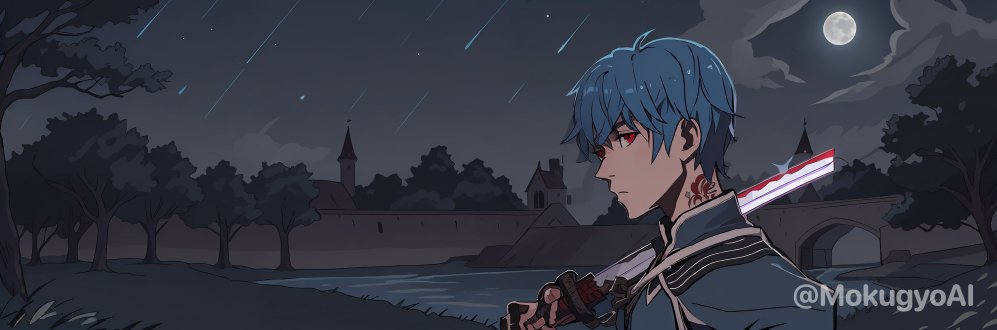
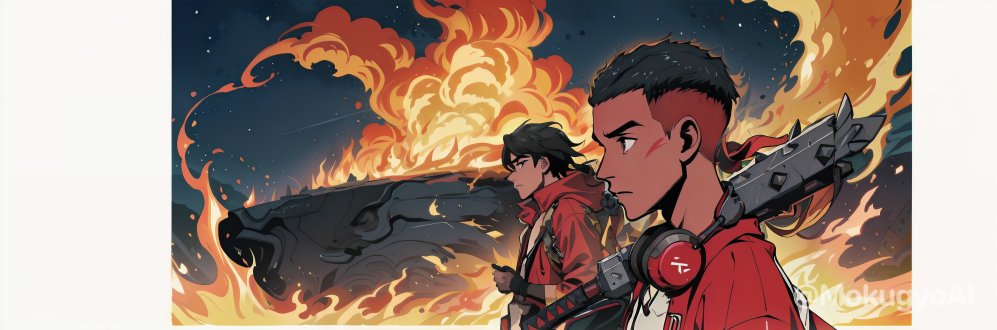
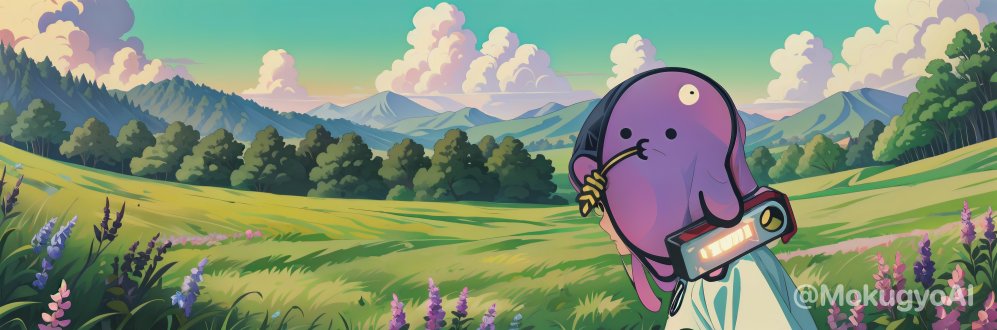
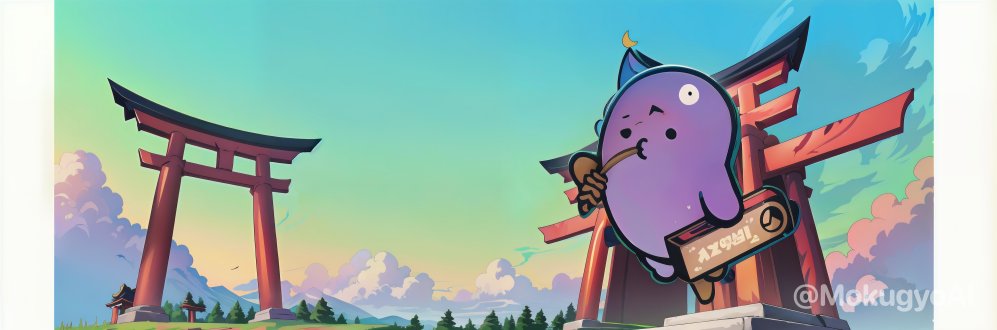
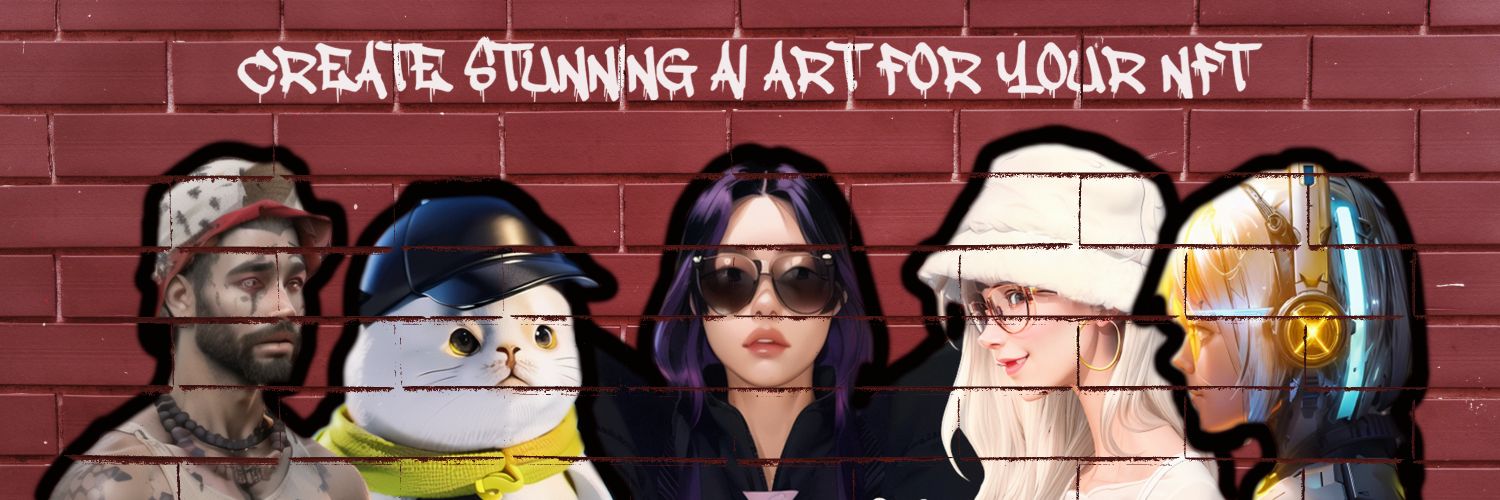
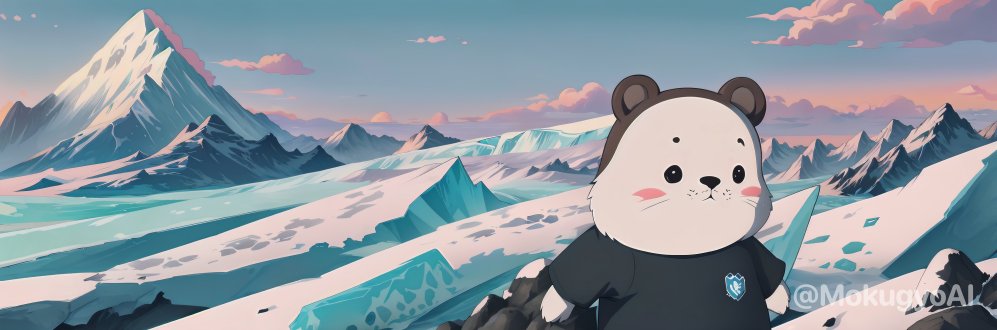
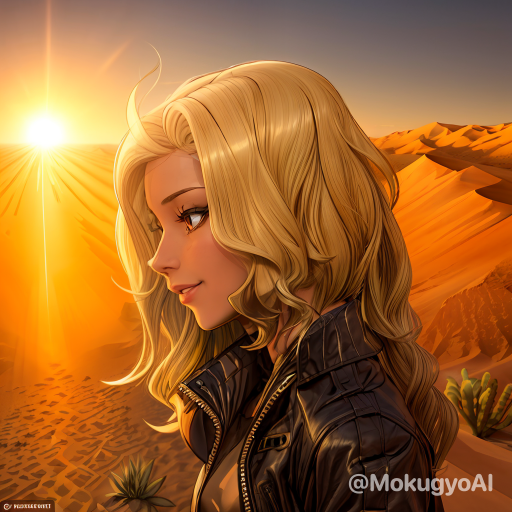
Level up your profile with 3D PFP + BANNER based on your #Azuki#Elemental in minutes with @MokugyoAI 👈
✅ It’s FAST and FUN for the garden @Azuki ⛩
Join our Discord and start creating your banner 👉 https://t.co/RUvY6kn1to
✅ How to use: In the “Azuki-room” channel, type: /banner, then choose collection - id - place.
Share your creations with us and let us know what you think 🤜🤛 #PlaywithAI #FullViewFriday
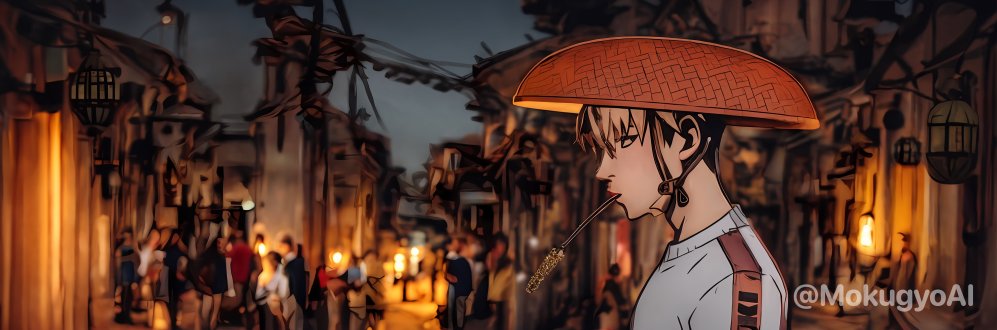
GM @Azuki legends! Let’s create your stunning AI version from your #Azuki ⛩✨
Drop your Azuki and say where you want to go.
MokugyoAI will generate a character and a background for you! 🔥
👉Just type: @MokugyoAI Azuki #number [Place].
Ex from @CarbzXBT: @MokugyoAI Azuki #1152 Forest
Try it now and give us your feedback!
GM @Azuki fam,
don't forget to create dope stuff for #FullviewFriday
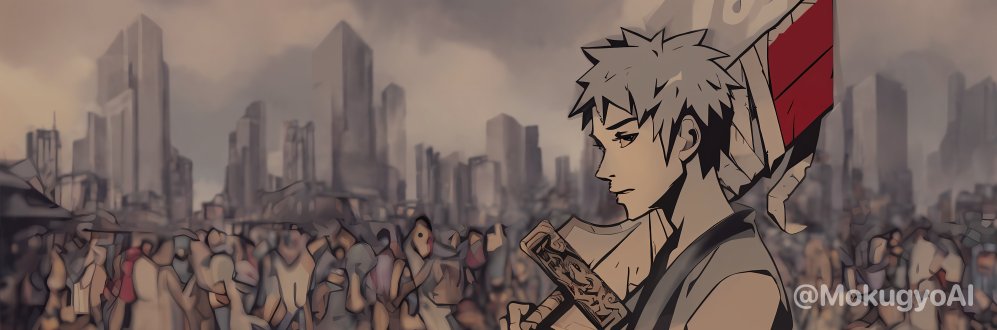
Discover three different vibes: Anime, 3D and Comic styles✨
START NOW WITH THE COMMAND:
➡️@MokugyoAI banner Azuki/Elemental ID Prompt
To select the style, start your prompt with ‘Anime’ ‘3D’ or ‘Comic’ word.
Example:
⛩️Anime style: @MokugyoAI banner Azuki 991 anime forest
⛩️Comic style: @MokugyoAI banner Azuki 991 comic fire
⛩️3D style: @MokugyoAI banner Azuki 991 3D iceberg
Try it out and tell us which style you prefer!🔥
#Profile #Azuki


![MokugyoAI's tweet photo. GM @Azuki legends! Let’s create your stunning AI version from your #Azuki ⛩✨
Drop your Azuki and say where you want to go.
MokugyoAI will generate a character and a background for you! 🔥
👉Just type: @MokugyoAI Azuki #number [Place].
Ex from @CarbzXBT: @MokugyoAI Azuki #1152 Forest
Try it now and give us your feedback!](https://pbs.twimg.com/media/F3Qb9KCWcAAIuYY.jpg)





![MokugyoAI's tweet photo. GM @Azuki legends! Let’s create your stunning AI version from your #Azuki ⛩✨
Drop your Azuki and say where you want to go.
MokugyoAI will generate a character and a background for you! 🔥
👉Just type: @MokugyoAI Azuki #number [Place].
Ex from @CarbzXBT: @MokugyoAI Azuki #1152 Forest
Try it now and give us your feedback!](https://pbs.twimg.com/media/F3Qb_zeWQAIAbgj.jpg)