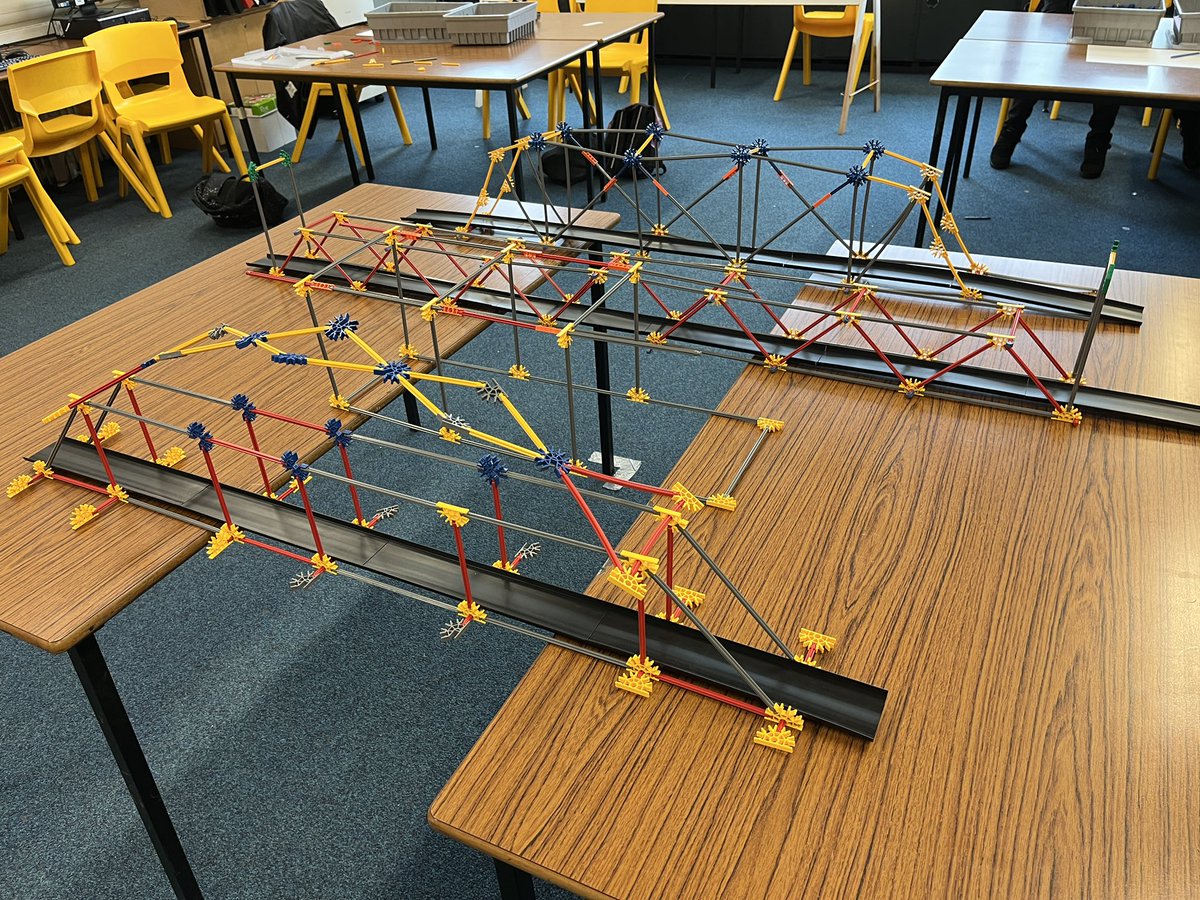
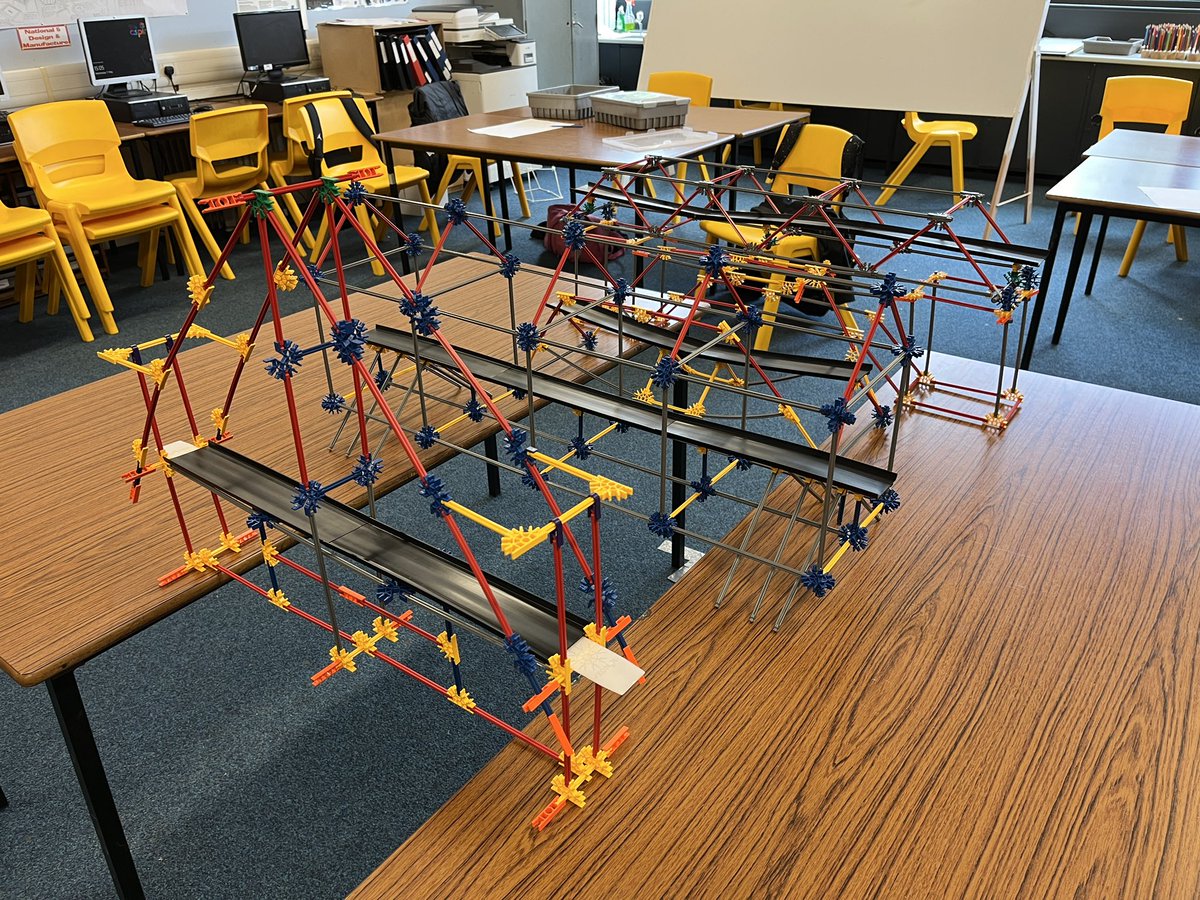
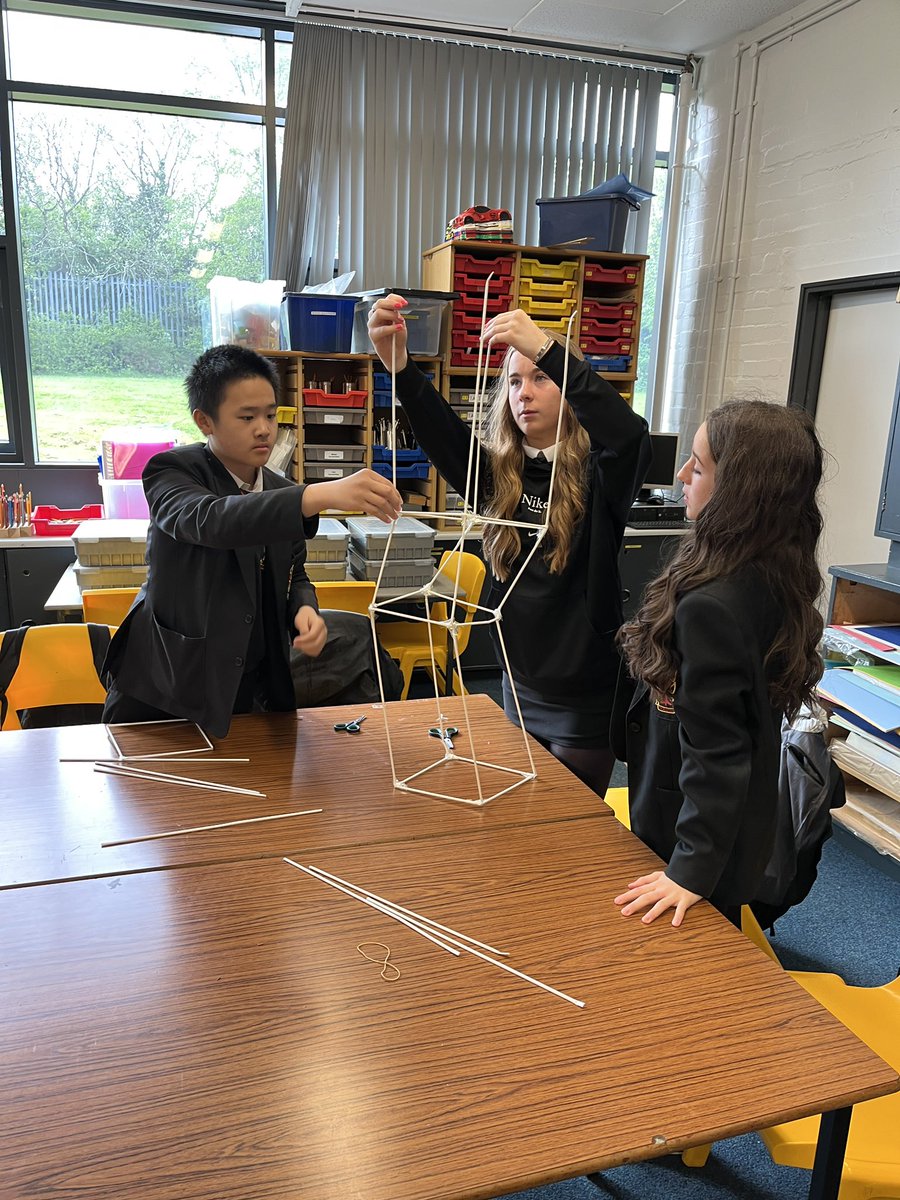
“Braidhurst Bridges” is back. S1 Pupils worked in teams to build towers out of paper straws then designed & built bridges using @KNEX in just 25 mins! Excellent job 👏 @braidhurst@HT_Braidhurst@MrMPaterson@ConboyMr @misslyttlePE
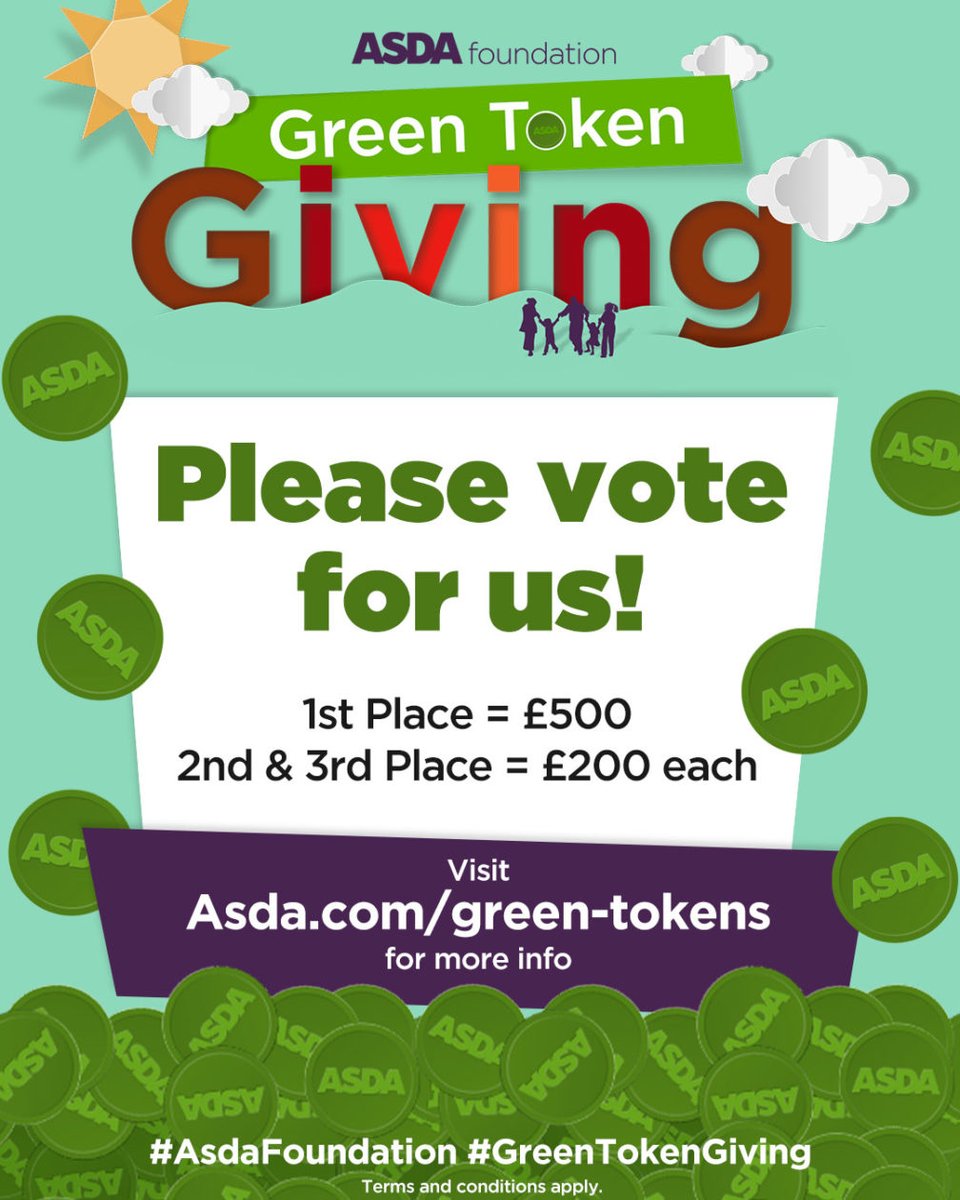
Please VOTE FOR US We have been selected to take part in this year’s ASDA digital green tokens scheme. The winners of each store’s vote receive £500 from the Asda Foundation. Voting runs 1/12/21 until 31/1/22 https://t.co/Mynp06xZJ1 @HT_Braidhurst@Captains_BHS@Braidhurst_DYW
First week back.... DONE! ☑️
It was great seeing you all again and looking so smart in your school uniforms. Also great meeting our new S1 pupils in the faculty!
Since it's follow Friday, please give the Technology faculty a RT and Follow too! 🔃
Have a great weekend!!
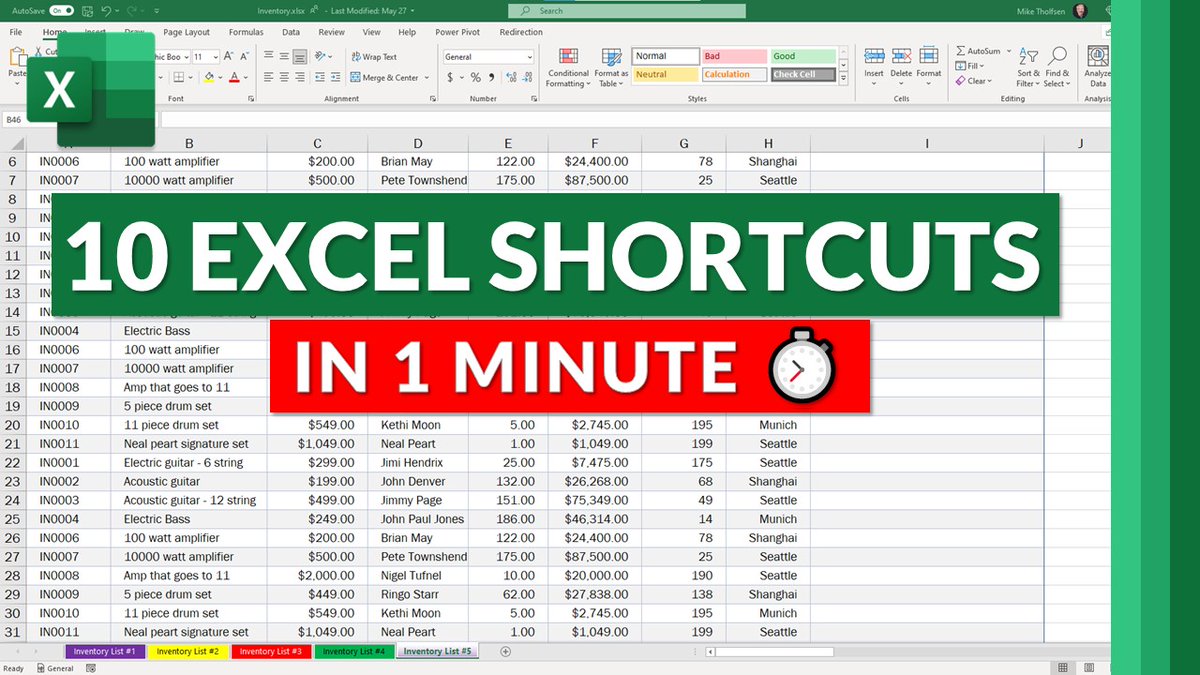
A tutorial video on my Top 10 time-saving Excel shortcuts in under 1 minute ⏱ Pump up your Excel efficiency and productivity 📈
YouTube 📺 https://t.co/2s5tuKtdRm
#edtech#MIEExpert#STEM#elearning@msexcel
Are you in Scotland and considering joining the Microsoft Innovative Educator Expert Programme? Myself and @RosJLee are hosting a session 27.5.21 7pm about the programme and how to apply. Please complete the form if you are interested in attending https://t.co/dzsq9Fj3vS
A tutorial video showing 9 NEW features in Assignments in #MicrosoftTeams 📝 all of which were announced yesterday!
📅 Calendar integration
😊 Reflect
💜 OneNote integration
➕ Lots more
YouTube 📺 https://t.co/Ip7LUvYfCm
#edtech#MIEExpert#MicrosoftEDU
NEW! A tutorial video showing my Top 25 Tips and Tricks for #MicrosoftTeams. New features, productivity enhancers and hidden gems 💎 all in one package 🎁
YouTube 📺 https://t.co/Vi2T9XH6TD
#edtech#MIEExpert#MicrosoftEDU
NEW! A video tutorial 📽 on my Top 25 Tips & Tricks for Microsoft Forms 📝 Start off the new year right with lots of time-saving & useful tips using Forms. Something here for everyone, from beginner to advanced.
YouTube 📺 https://t.co/iLyU6dOLP1
#edtech#edchat#MIEExpert
BIG NEWS! Breakout Rooms in #MicrosoftTeams is coming this week 🎉
Break your meeting into multiple rooms and then later bring everyone back. Here is a detailed video 📽 to show you how!
YouTube 📺 https://t.co/ds07hVf7Ka
#edtech#edchat#MIEExpert#MicrosoftEDU
Have you ever tried to create a narrated @powerpoint video? It’s a great way to make presentations more engaging and accessible for all learners. Learn the step-by-step process in under two minutes: https://t.co/OF70uMGg05 #HybridLearning#MicrosoftEDU