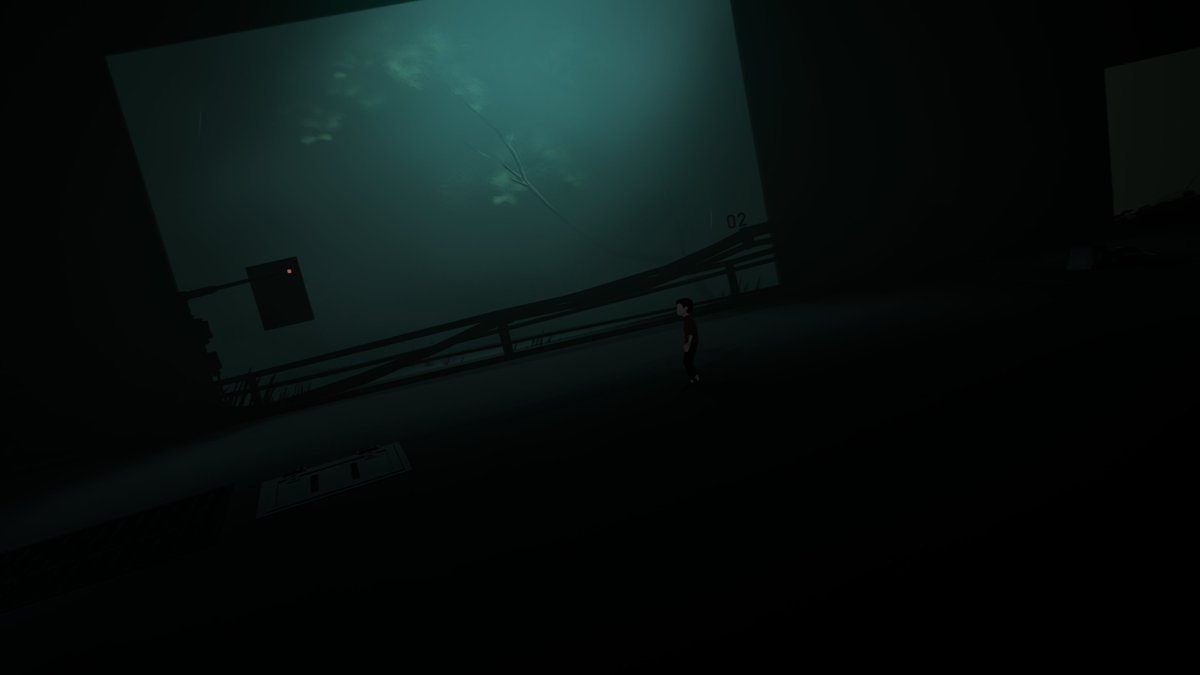
While modding Luma HDR for INSIDE, I found some peculiar features of this technical marvel:
Lighting isn't stored in linear space as in modern renderers, nor in gamma space as it was before, but in Log space.
This means it can hold a huge amount of range within a UNORM texture that can only store normalized 0-1 values (0-255 for 8bit or 0-1023 for 10bit).
I cannot be certain why they went this way but I have a few theories:
- R11G11B10 Float format was considered too low quality or hard to control, while a custom log encode allowed a manually tuned range (plus an extra alpha channel)
- R11G11B10 Float format was not available on all platforms
- Programmers just having fun doing custom stuff for the sake of it (happens all the time honestly)
As far as I know, this is the only game to store "HDR" in "SDR" textures.
Luma download (HDR + Ultrawide):
https://t.co/XRvJijkLST
Comparison screenshots below (mind that X is SDR only)
@Playdead
So, I tried the new Onimusha demo to analyze the HDR!
Being the same engine, it is similar to RE9 and Pragmata; see my old analysis:
https://t.co/IwXvfbArxC
However here the difference between SDR and HDR seems very wide.
The images below show SDR (sRGB on sRGB) and HDR.
In the RE engine, tonemap is ACES 1 with grading on top; however HDR passes through a different pipe that greatly boosts saturation and crushes shadow.
I'm not exactly sure which one is the development reference though.
SDR arguably looks raised, HDR looks crushed.
The default HDR settings are very over saturated, but it's possible to achieve something closer to SDR by pulling down the slider (picking proper defaults is important!).
I'm not sure why that would need to be out of the box: SDR has a washed out vibe, at least in the opening, but HDR is contrasty.
Due to the aggressive curve in HDR, it feels like elements don't blend well together, and stick out of the image, breaking the viewer's perception.
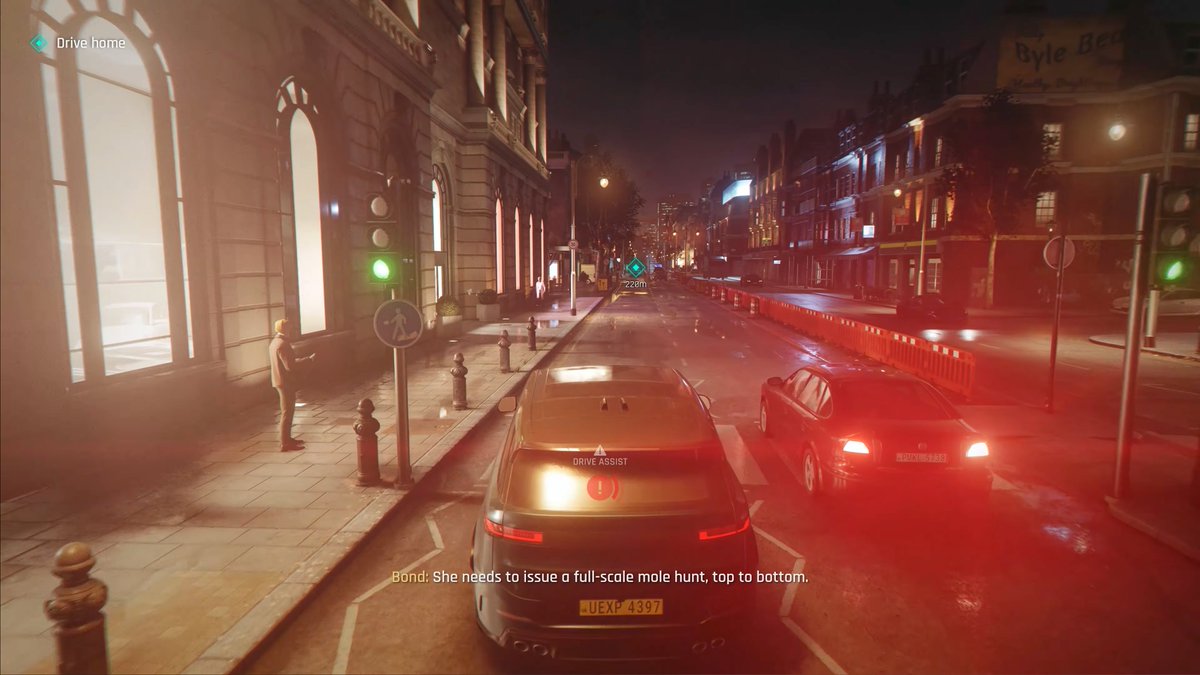
007 First Light has some crazy bloom!
The radius and intensity might even be stronger than the Xbox 360 generation, or the average film, but its "smoothness" makes it nice to look at and strongly contributes to the heavily authored vibe.
The tonemapping look is quite filmic but not to an annoying degree!
HDR technical review upcoming!
It finally happened. Humanity has peaked.
Skyrim now supports HDR through the Community Shaders mod:
https://t.co/jx0GlsC3TQ
Me & @MusaRenoDX worked closely with Davo & Doodlum to bring this to life, in a process that lasted almost 2 years: the results are absolutely stunning!
Skyrim basically didn't do any tonemapping: it simply clipped all highlights. Since the game’s average brightness is very high, a huge amount of the scene could end up clipped at any given time: snow, fire, skies, spells, sky, etc.
With HDR, these finally retain detail, showcasing the art as it was made!
We also tweaked shadow to keep more detail, without losing contrast (the game clipped a lot of near-black colors due to ancient contrast formulas).
Stay tuned as there's more to come (HDR support for post-processing rework mods)!
@HDRgameAnalysis@Dk06C Talked the the modder, it is real HDR. The curve that they use is just kind of clipped looking. That would also explain their grading choices that dim highlights. Could be wholly intentional or just a way of compensating for the curve.
@s1nicki the problem with the game's HDR is that it's SDR in an HDR container. The HDR brightness slider is actually equivalent to RDR2's paper white slider rather than a peak brightness slider. You can only set it a couple notches from the left before it starts to look terrrible.
@Kougeru@FilippoTarpini Most monitors ship with 2.2 by default and don't have an option for sRGB gamma. The sRGB mode on monitors is often just setting BT.709 primaries and not gamma curve.
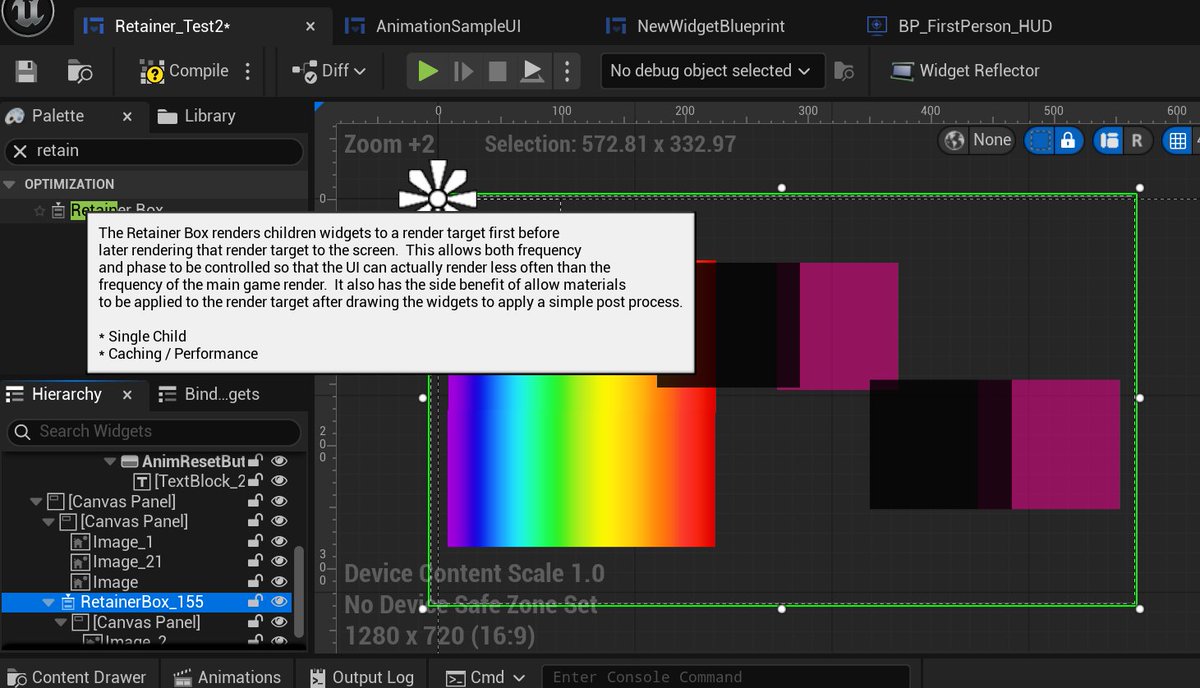
I've been implementing HDR UI (Slate/UMG) in Unreal Engine, and while doing so, I noticed some mysterious code in the Retainer Box Widget.
It's used to cache all the widgets it contains in a texture that then can be later drawn in a single call, a useful optimization when nothing is changing in the UI.
The UI in Unreal works in linear space (all the textures it samples are UNORM_SRGB and all the colors fed from the CPU are in linear).
However, given that it always writes to a gamma space backbuffers (UNORM, non sRGB textures), each pixel shader applies sRGB encoding before output.
This also guarantees alpha blend with the background are done in a perceptual manner as opposed to linear, which can be hard to fine tune for artists.
In other words, Slate is almost always: Linear In, Gamma Out.
However this logic only works as long as the UI itself is not read back as input of another UI pass! In that case, you are screwed, because gamma conversions would apply twice and there's no way to skip them.
And that's exactly what happens with the Retainer Widget. Unfortunately this introduces massive banding given that colors get quantized to ~5bit.
You can see gradients getting screwed in the image.
Perspective Correction (lens distortion) off vs on.
It has a huge impact in ultrawide, but helps a lot with 16:9 too. Screenshots don't do it justice, but browsing the world in FP feels much more natural. This specific matrix doesn't emulate cameras distortion, but is designed for perception.
The implementation is borrowed from the brilliant Fubax.
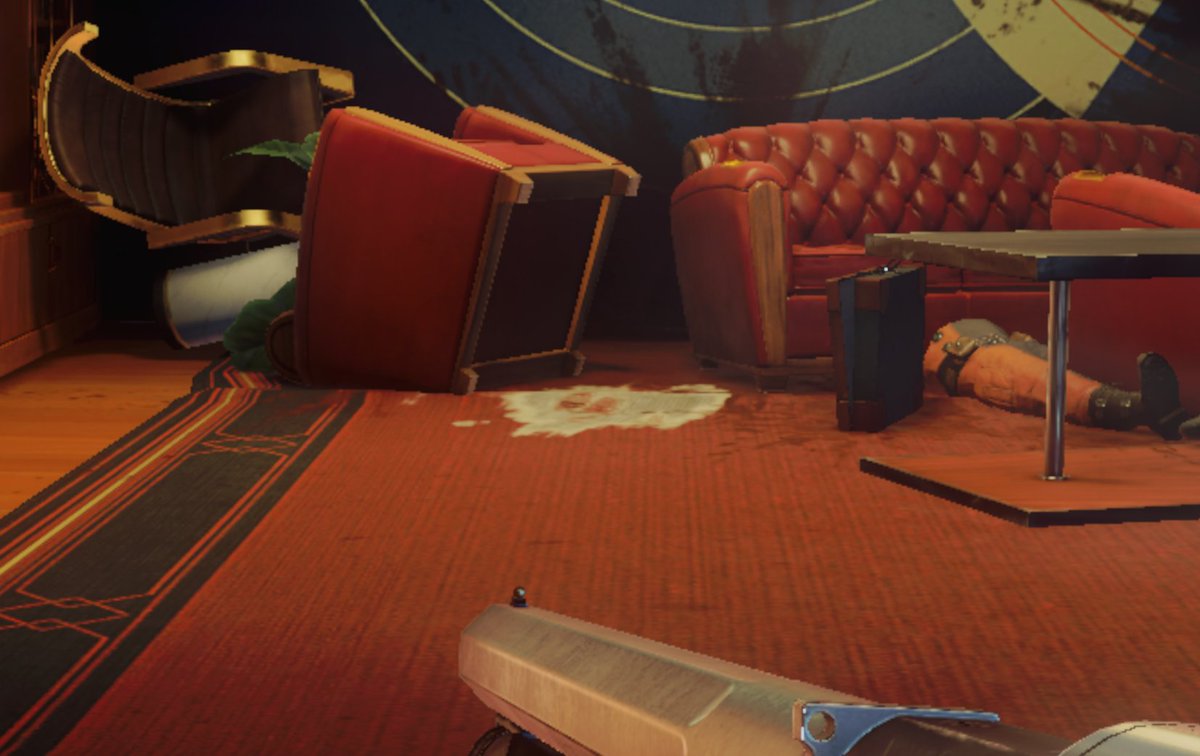
Fixed blocky shadow (top right, on top of the sink)
Fixed blurry decals (white patch on the ground, lacking Anisotropic Filtering (NV Control Panel couldn't fix this))
More before and after cuz I just can't get enough.
Notice how the reflections were cut off on top of the kitchen shelf, and how faint the original AO was.
Still waiting for a sequel btw...? Pls!?
A generic before and after of the mod, showcasing Ambient Occlusion and Screen Space Reflections improvements.
This mod served as a foundation of many of the SDR to HDR upgrade methods we still use in our mods today.
Kingdom Come Deliverance II HDR is also partially based on techniques I developed for Prey Luma (they are both CryEngine with open shaders code).
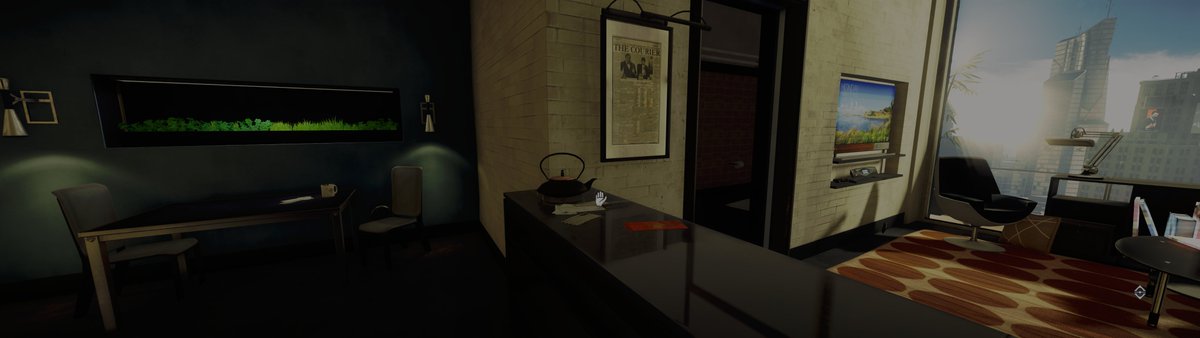
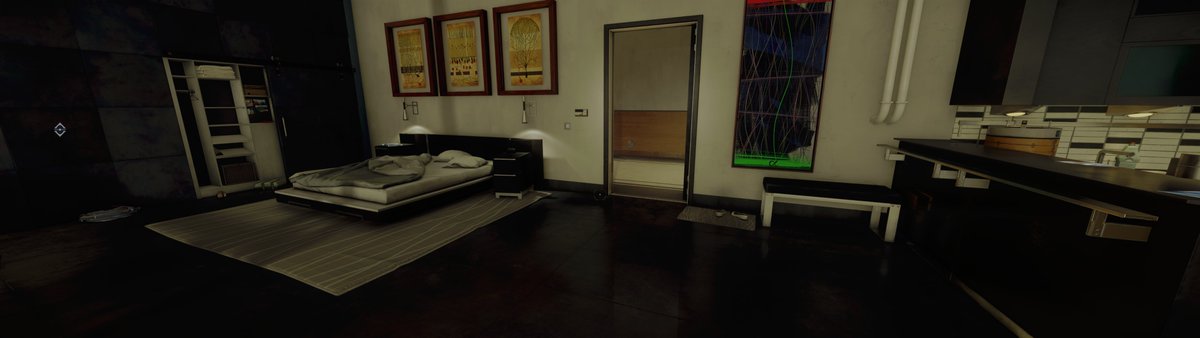
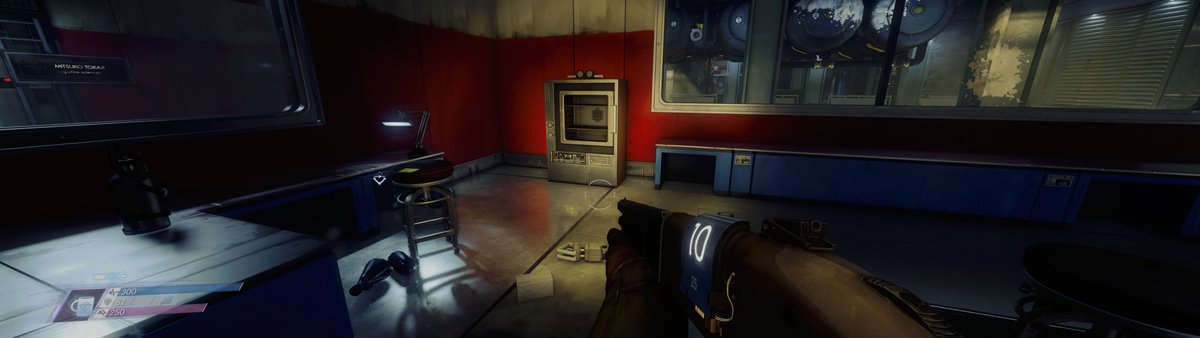
Unfortunately I'm an UltraWide player so you will have to bear with my wide screenshots (I hope you are jealous of my beautiful 32:9 display :P).
Do remember that these are HDR screens but X will show them as SDR.
DL: https://t.co/yOO0yR3T47
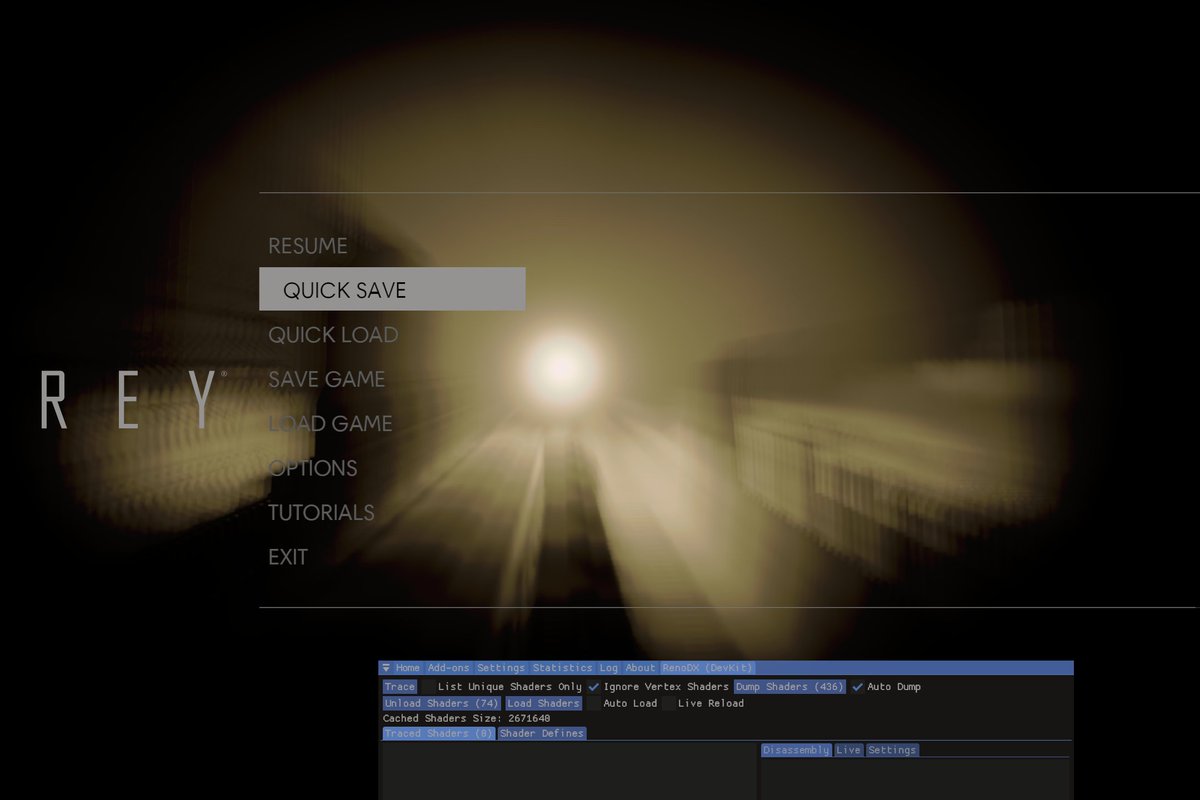
If you weren't aware, a few years ago I mage a gigantic mod for Prey that kickstarted the Luma Framework project!
Mod adds HDR, DLSS/FSR, GTAO, improves SSR and shadow, perspective correction, 8k & Ultrawide support and a billion other things 🙂.
Digital Foundry worthy video from JDSP here:
https://t.co/s9R8Bj2wXB
@NickYaiba@FilippoTarpini can't speak for the other mods as I'm not working on them, but Dying Light and Arkham Knight will be porting the HDR from RenoDX
The biggest problem with HDR is the lack of "paper white" level standardization and metadata.
SDR is simple: if it looks too bright or too dark, you adjust the display settings.
HDR can't do that: the image is pre-formed for your display peak brightness (HGiG), so games need to expose a brightness slider.
Instead of forcing games to add a calibration menu, OSes (including consoles) should expose a system-level paper/diffuse white parameter that games can use to do tonemapping, and that users could change on the fly.
This information should then be bundled in any captures of this content.
Right now in HDR captures, paper & peak brightness info gets lost, meaning there's no way to reproduce the content reliably elsewhere, so when you look at a YouTube HDR video, it might be too dark or bright for you, and you can't do anything about it.
After ~10 years of HDR there still seems to be little progress to standardize this (Dolby Vision doesn't fully solve these problems).
Microsoft, Sony, Samsung, Nvidia, YouTube etc need to make a strong effort to handle it before this turns into an ever bigger mess.