TimeStation Version 2.3 for Android is now available in the Play Store.
- Support for new Android devices
- Improved: GPS Location tagging
- Fixed: In some instances when the App is brought back from background, there's a delay in data synchronization.
https://t.co/q6c8BUqCuh
You can now download TimeStation 2.0 Beta for Android either via @GooglePlay or directly from the TimeStation site using this link:
https://t.co/A4fETH9pPU
TimeStation 2.0 Beta for Android is here!
We've been hard at work addressing many of the issues our users were experiencing, and the result is a brand new App, re-built from the ground up and optimized for the latest Android devices.
Get it here: https://t.co/A4fETH9XFs
@LedfordPatti Clocking-in from a desktop would not show a GPS entry.
For questions regarding specific time entries, please eMail [email protected], we'll be happy to look into it.
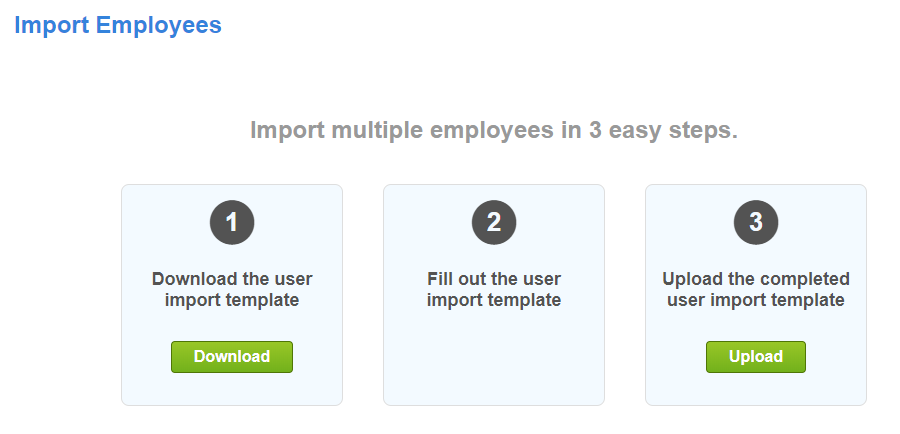
You can now delete multiple employees directly from the "Employees" page.
Just select the employees from the employee list, then go to "Action" and choose "Delete Employees"
@Roxy_H_ Sorry about that, as we had an issue which caused TimeStation to be slow or unavailable today between 2:08PM and 2:53PM EST. This issue has been resolved.
You can now add notes for multiple employees at once. Just select the employees from your employee list then go to "Action" and choose "Add Shift Note"
@DionBaptiste1 The time displayed while the App is idle maybe off by up to 60 seconds. However when a user checks-in or out, the actual time is used and the display is updated to reflect that.
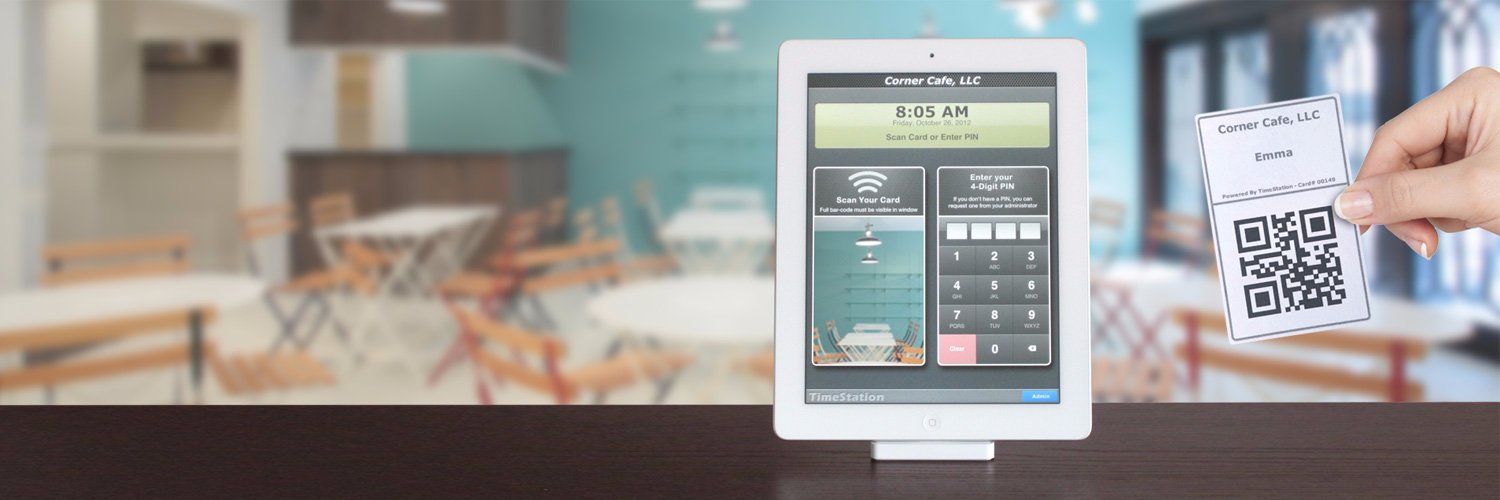
If you use TimeStation with an iPad, you can now have your employees take a #COVID19 screening questionnaire when they check-in.
See this support article for details:
https://t.co/HnbFE3WBm4
Introducing the TimeStation developer API V1.1, now with the ability to manage employees, departments and shifts as well as access to all your TimeStation reports.
https://t.co/IqNnadaw6A
@amtv1971 Yes. You can either delete the activity manually from the "Employee Details" screen, or you can eMail us at [email protected] and we'll clear all the account activity for you.
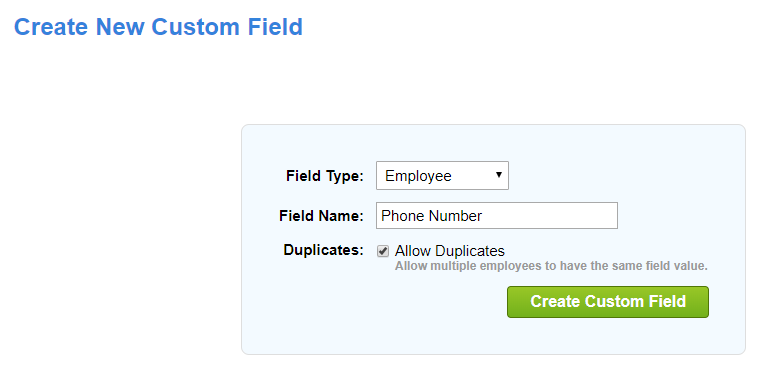
You can now create employee custom fields. Any custom fields created become available in all reports that include the Employee ID field, as well as in employee search.
@jwmark We had issues with some of the reports earlier today. But it should be OK now. If you are still experiencing any issues, please let us know which report you're having issues with.